
The Show products with no price function controls whether item lines with a price of 0.00 are displayed in Invoicing.
When the function is enabled:
- You can view all item lines, including those with a price of 0.00
- This provides a better overview of service agreements, product setup, and the invoicing basis
- Products with a price of 0.00 may be exported to the billing system and can appear on the invoice, for example as informational lines or free services
INFO:
Supervisors can only view customers, if these customers are within the supervisor's assigned customer areas. For more information regarding this, go to Company Structure.
This is how you use the filter
 Set up the view. For more information about this, go to Sort view in Invoicing.
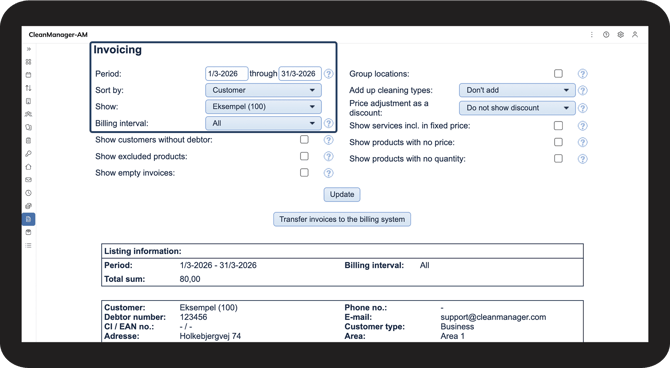
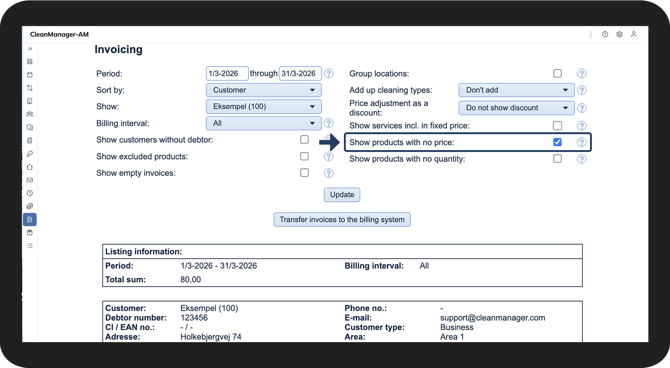
 Find the Show products with no price setting in the filters. Tick the checkbox to enable the function.
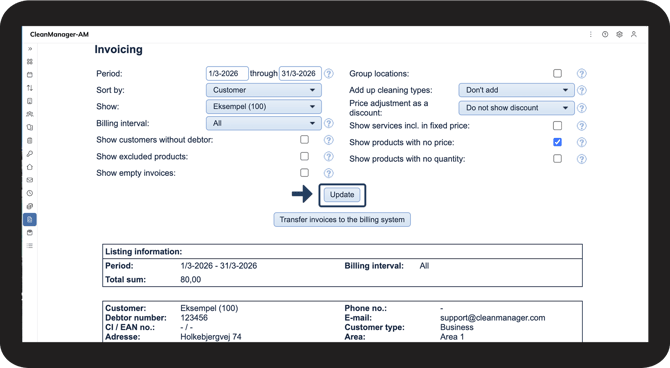
 Click Update to display Invoicing based on the selected criteria.
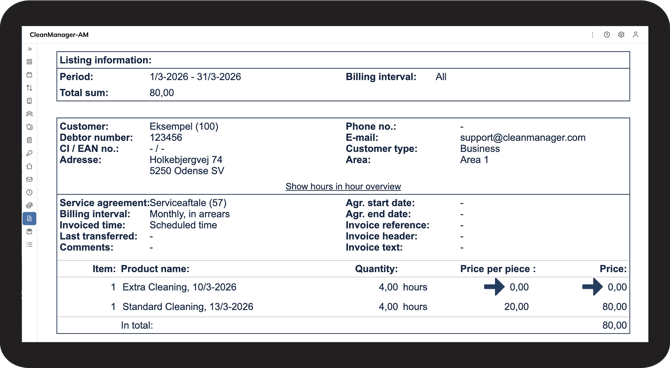
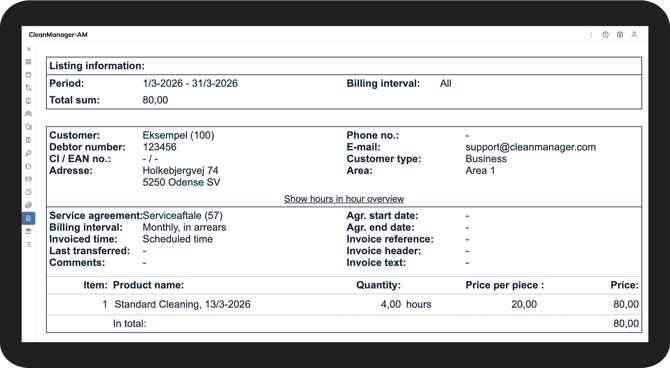
 When the function is active item lines with a price of 0.00 are displayed in Invoicing together with all other item lines.
Review the item lines with a price of 0.00 and check whether they:
- are configured correctly or should have a price assigned
If a product should not have a price of 0.00, check:
- whether the product is marked as Included in fixed price on the service agreement
- the cleaning type setup
 When the function is disabled item lines with a price of 0.00 are hidden. This may be relevant if you only want to view products with a billable price.
INFO:
Products marked as Included in fixed price are controlled by the Show services incl. in fixed price setting.
If Show services incl. in fixed price is enabled, these products are still displayed with a price of 0.00, even when Show products with no price is disabled.
For more information regarding this, go to: Show services incl. in fixed price.
Continue to the user guide: Show products with no quantity in Invoicing.
Here you can read more about how to display products with no quantity in Invoicing.