
The Price adjustment as a discount function controls how percentage-based price adjustments are displayed on the invoice.
Price adjustments can either:
- be included directly in the final price, so the customer only sees the final amount
- be displayed as a separate discount line, so the customer can see how much discount has been applied
Price adjustments are configured on the service agreement.
INFO:
Supervisors can only view customers if these customers are within the supervisor's assigned customer areas. For more information regarding this, go to Company Structure.
This is how you use the filter
 Set up the view. For more information about this, go to Sort view in Invoicing.
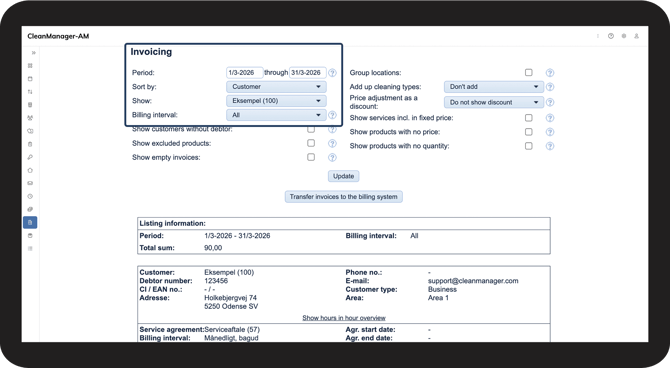
 Click on the dropdown menu next to Price adjustment as a discount to select your criteria.
You can choose between the following criteria:
- Do not show discount
- Percentage adjustments
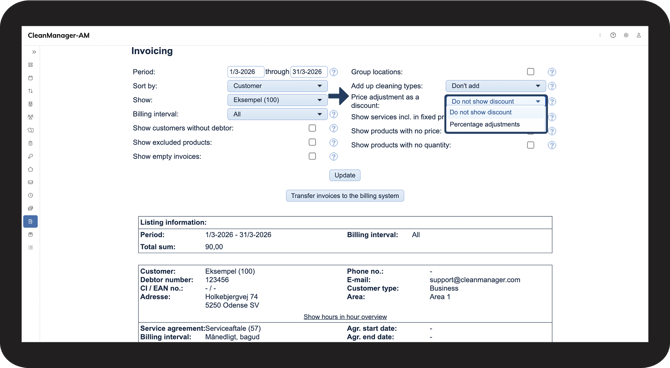
 Click Update to display Invoicing based on the selected criteria.
NOTE:
This setting only applies to percentage-based adjustments.
Price adjustments made directly in currency (for example GBP, EUR, etc.) are not affected by this setting and will not be displayed as percentage discounts.
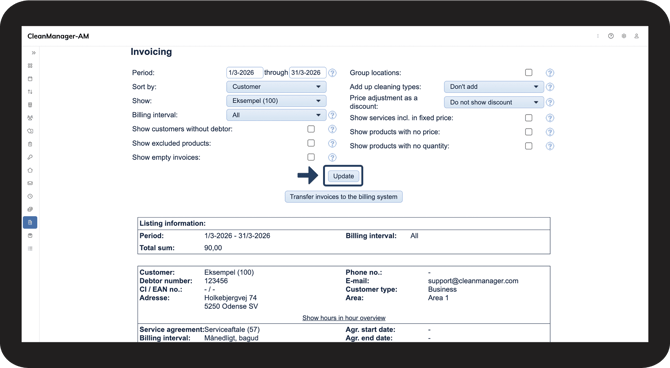
Do not show discount
The adjustment is applied directly to the item price.
- The customer only sees the final price
- No separate discount line is shown on the invoice
- Useful when discounts should remain internal or when the customer should only see one final amount
|
EXAMPLE: Base price: 100 The invoice only shows: Price: 90 The invoice does not show a separate line called Discount 10%, and the discount remains hidden from the customer. |
Choose Do not show discount when:
- You want to avoid focus on discounts
- Discounts are used internally for price adjustments
- The customer should only see one final amount
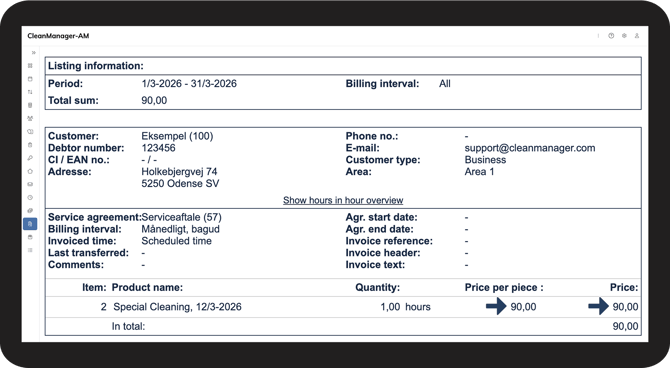
Percentage adjustments
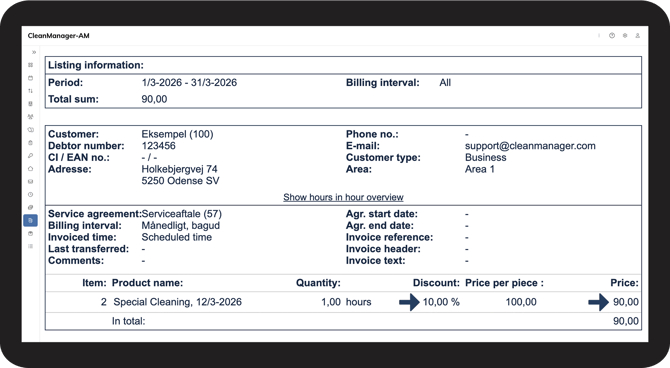
Adjustments on item prices or hourly rates are shown as a separate discount line on the invoice.
- The customer can clearly see that a discount has been applied
- Useful for transparency or when discounts are part of the agreement
|
EXAMPLE: Base price: 100 The invoice appears like this: Price per piece: 100 Price: 90 The customer can now see the original price, the discount, and the final amount. |
Choose Percentage adjustments when:
- The discount is part of a contract
- You want to show the customer that they are receiving a discount
- Transparency on the invoice is important
Continue to the user guide: Show products included in fixed prices in Invoicing.
Here you can read more about how products included in fixed prices are displayed in Invoicing.