
In this article, we will show you how to activate a CleanManager subscription.
To start your CleanManager subscription, you first need to create a free trial.
How do I create a free trial for CleanManager?
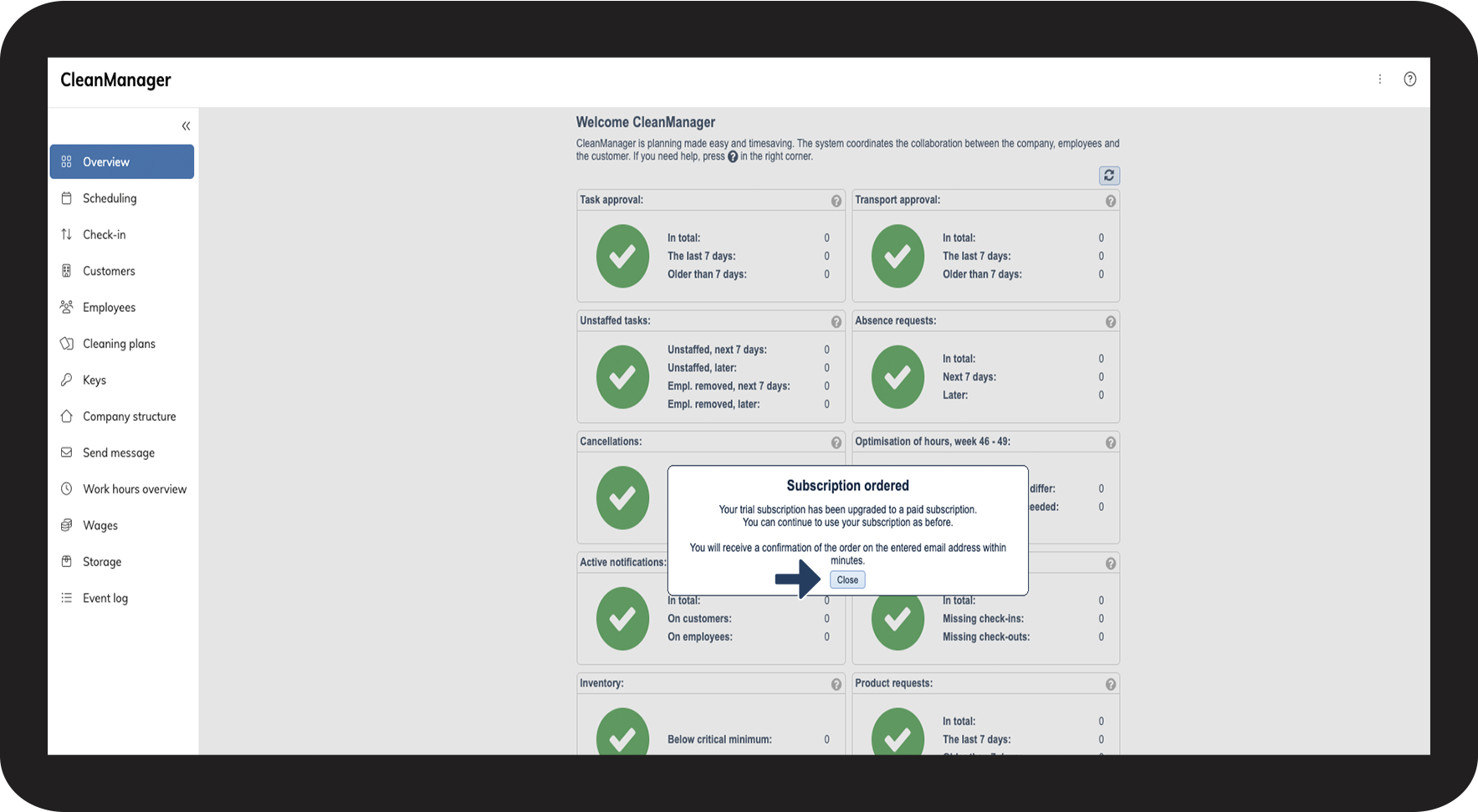
Once your CleanManager subscription is activated, we will reach out to schedule onboarding meetings to help you get started with the system.
INFO:
Want a closer look at CleanManager? You can request a presentation before starting your subscription. Read more about that here.
In this article, you will learn how to activate a CleanManager subscription
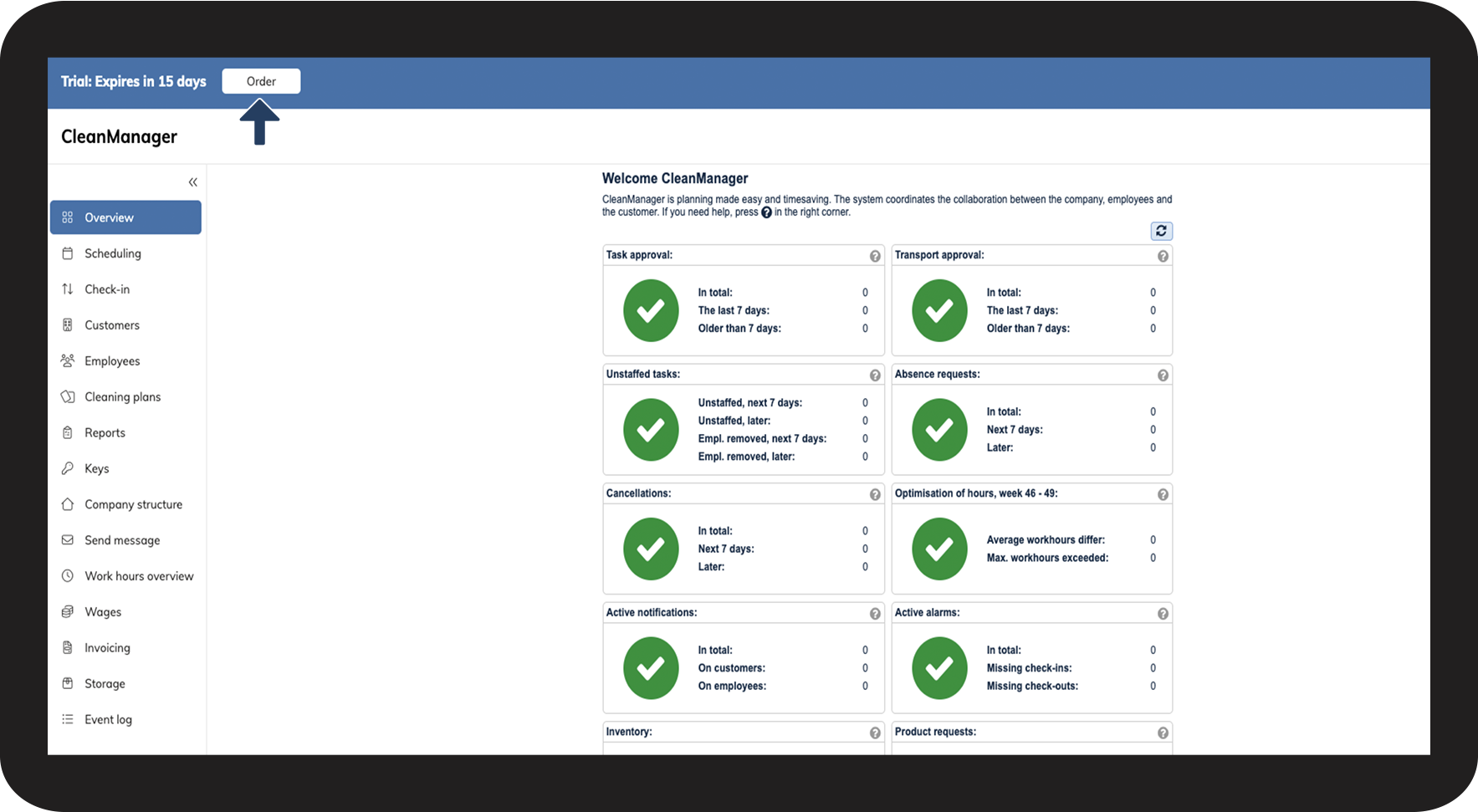
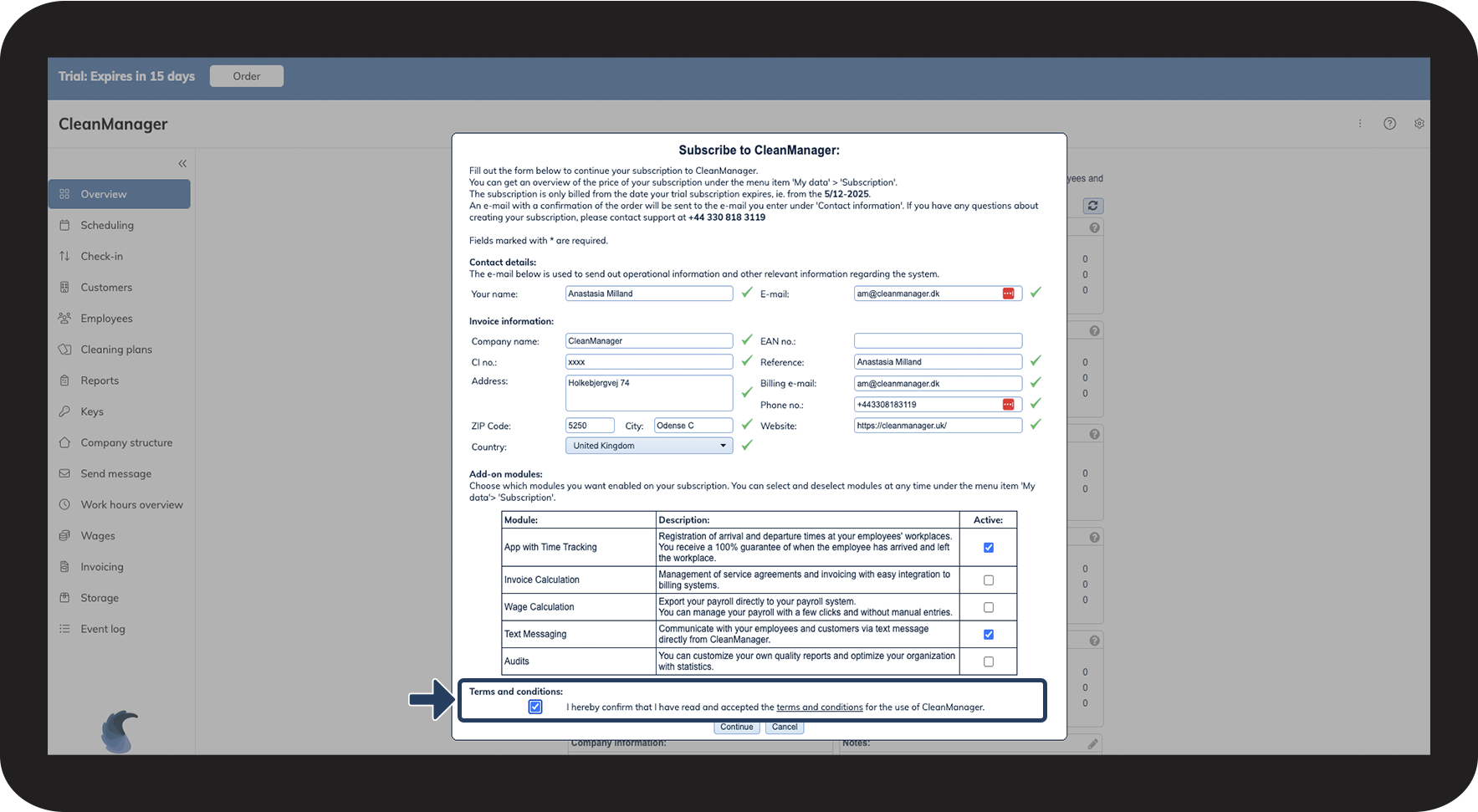
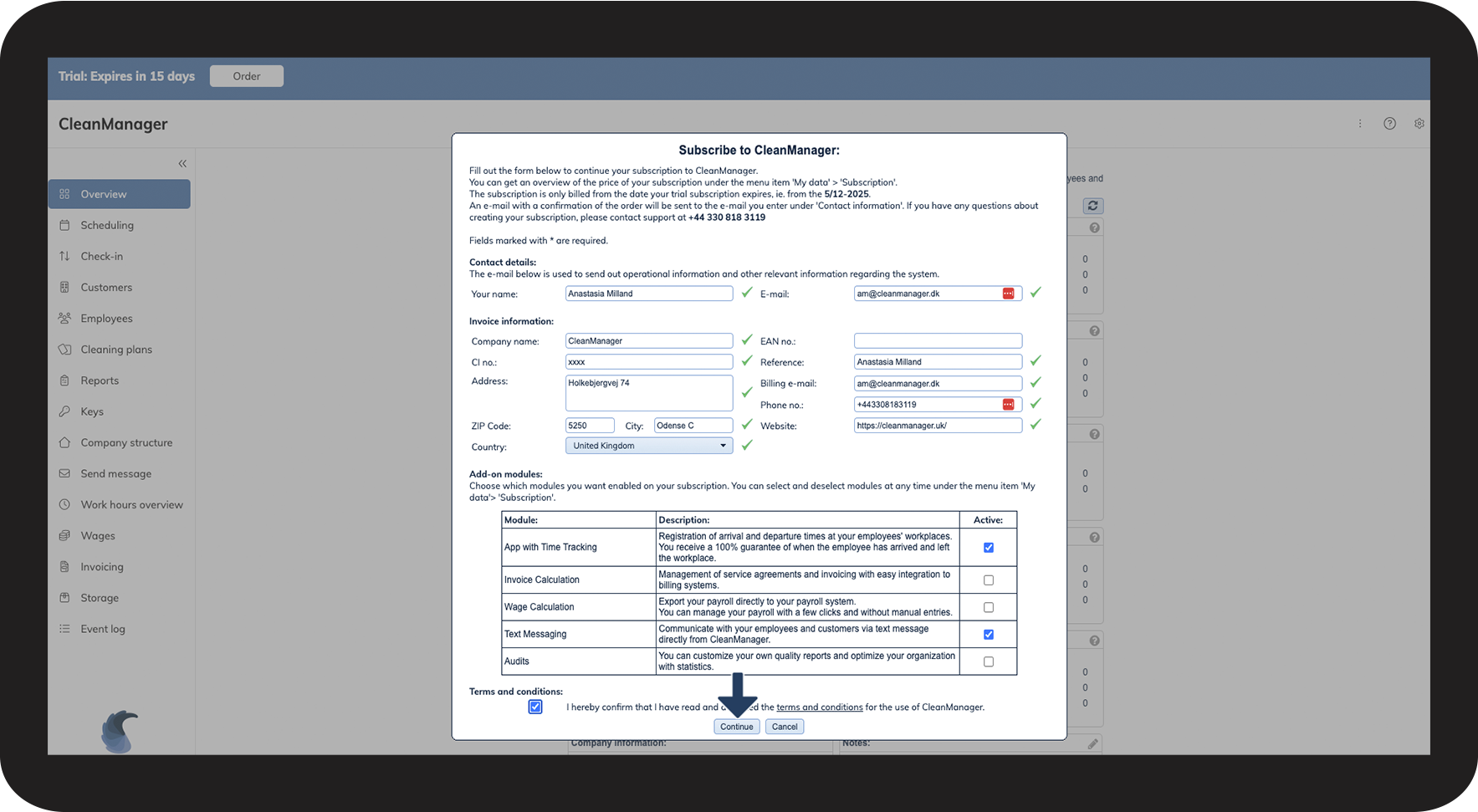
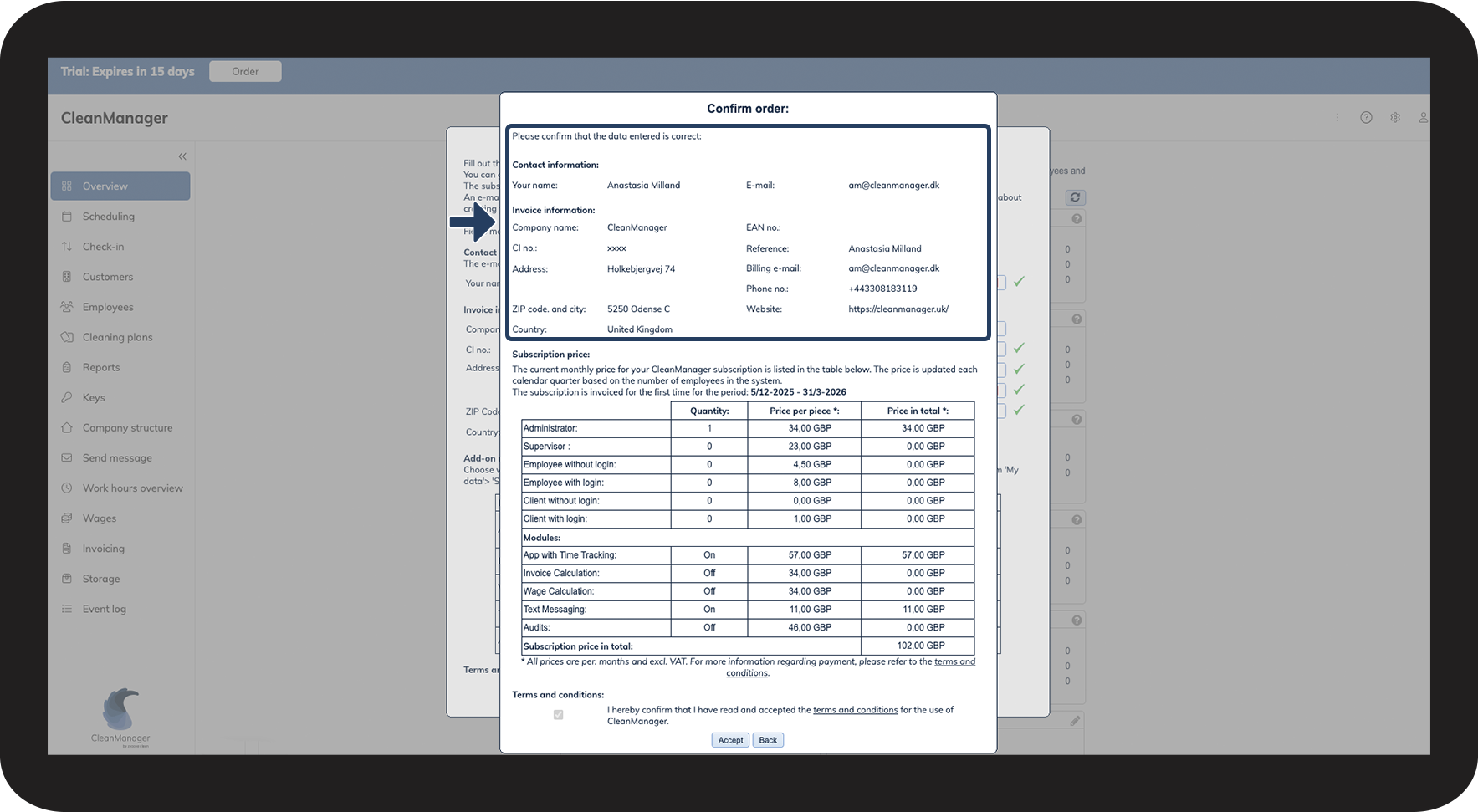
This is how you order a CleanManager subscription


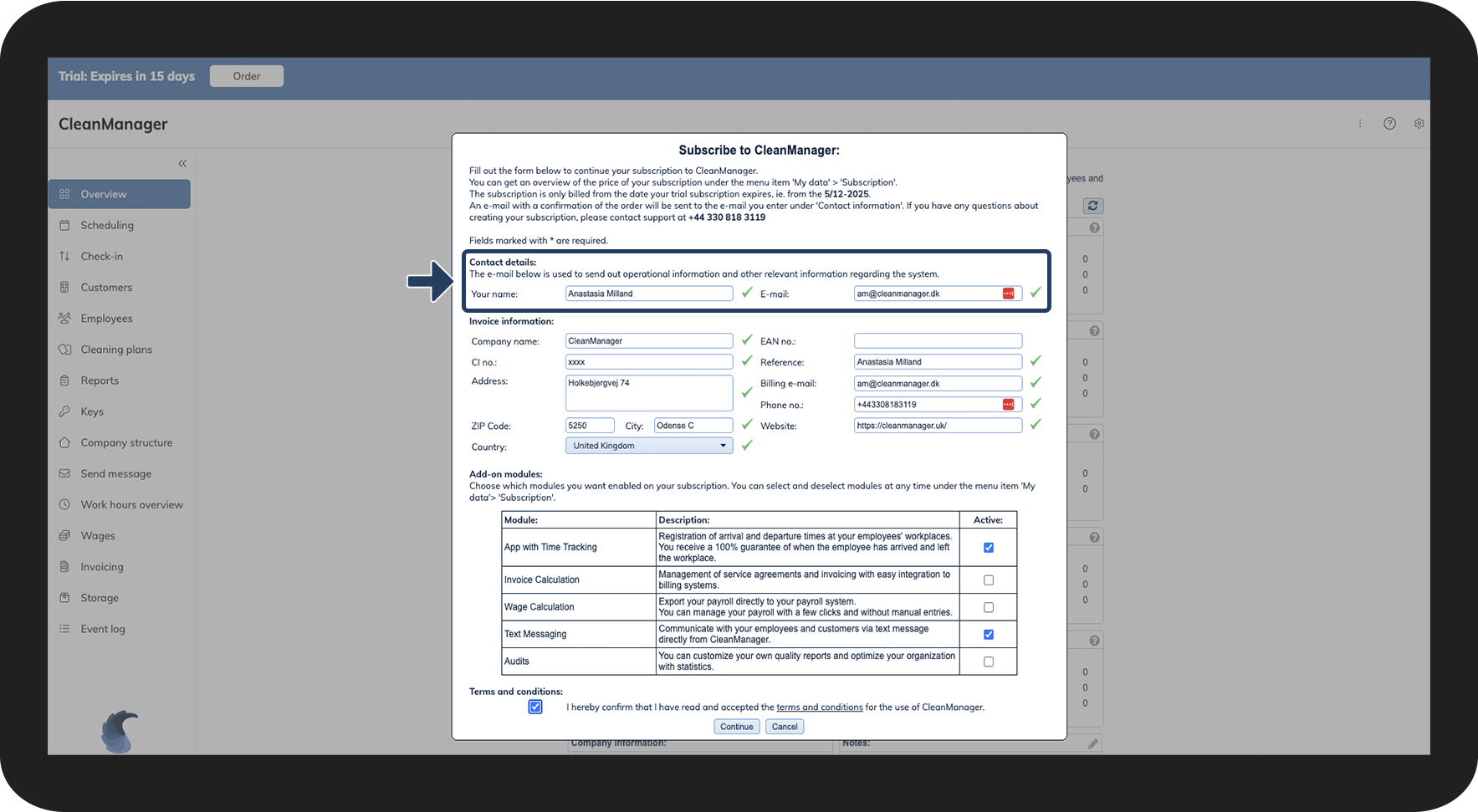

INFO:
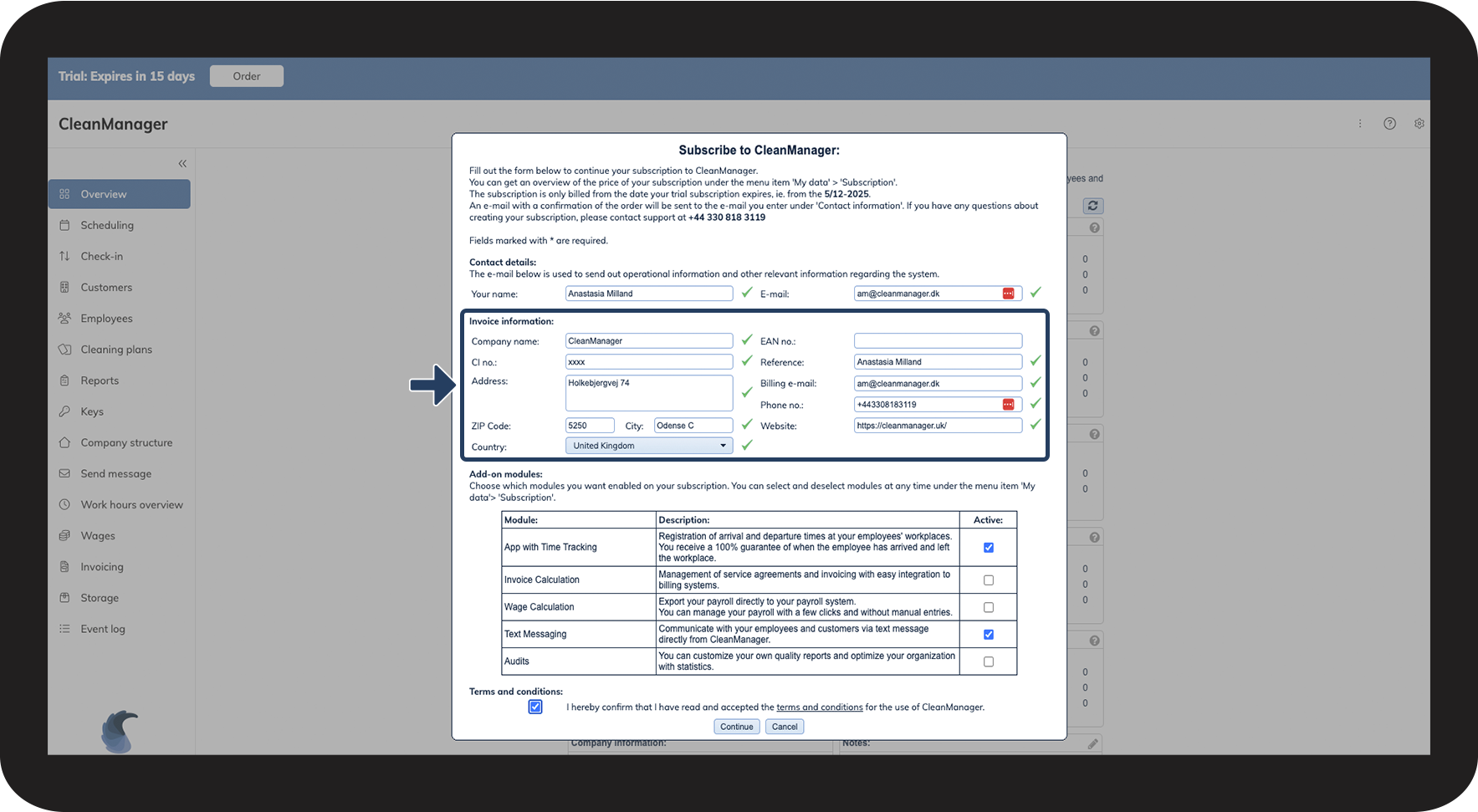
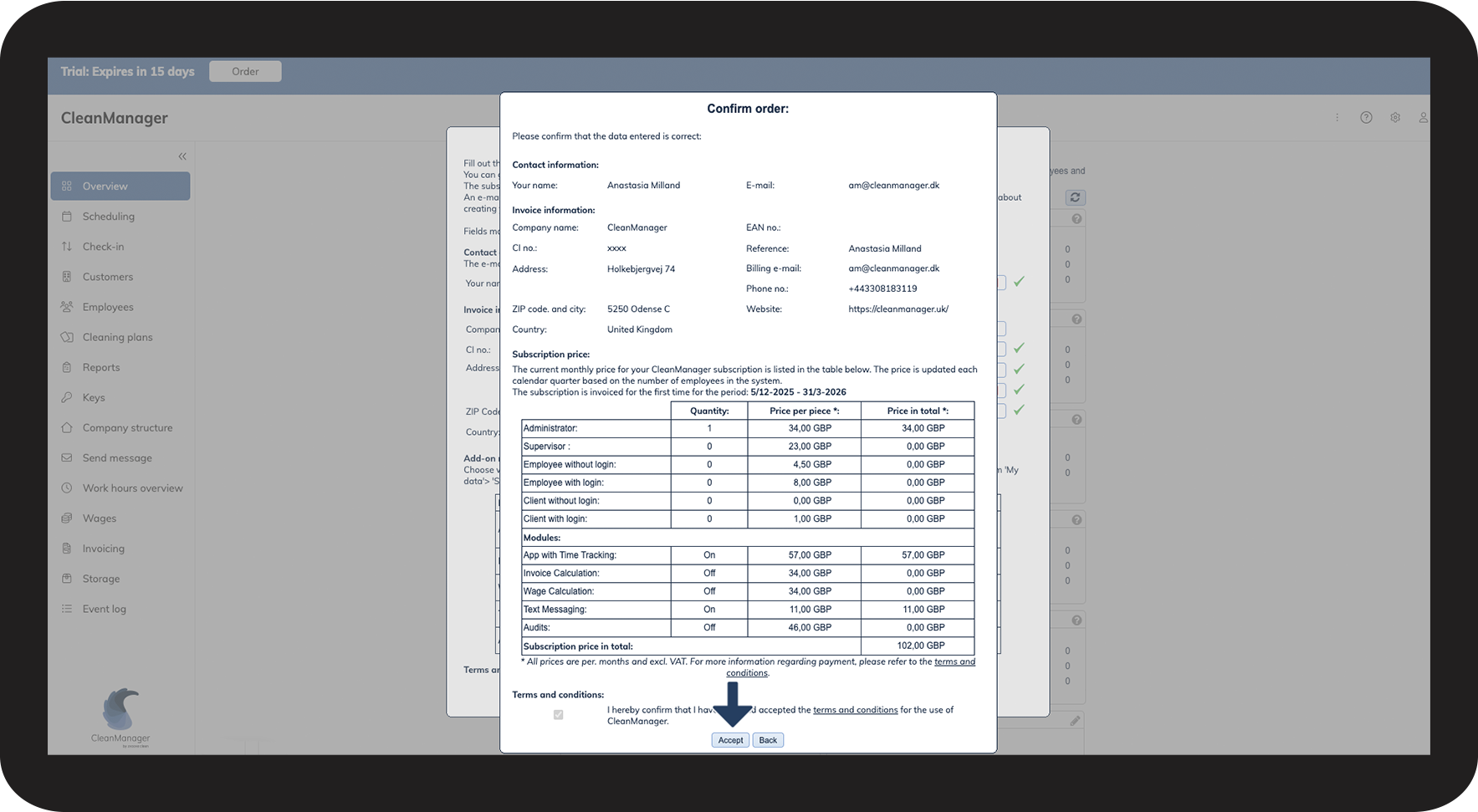
Fill in the Billing e-mail with the e-mail address you want us to send your invoices to. You can update this e-mail address at any time. See how to update your invoice e-mail here: How do I edit my company's invoice information?
The CI no. (Company number) refers to your company registration number.

NOTE:
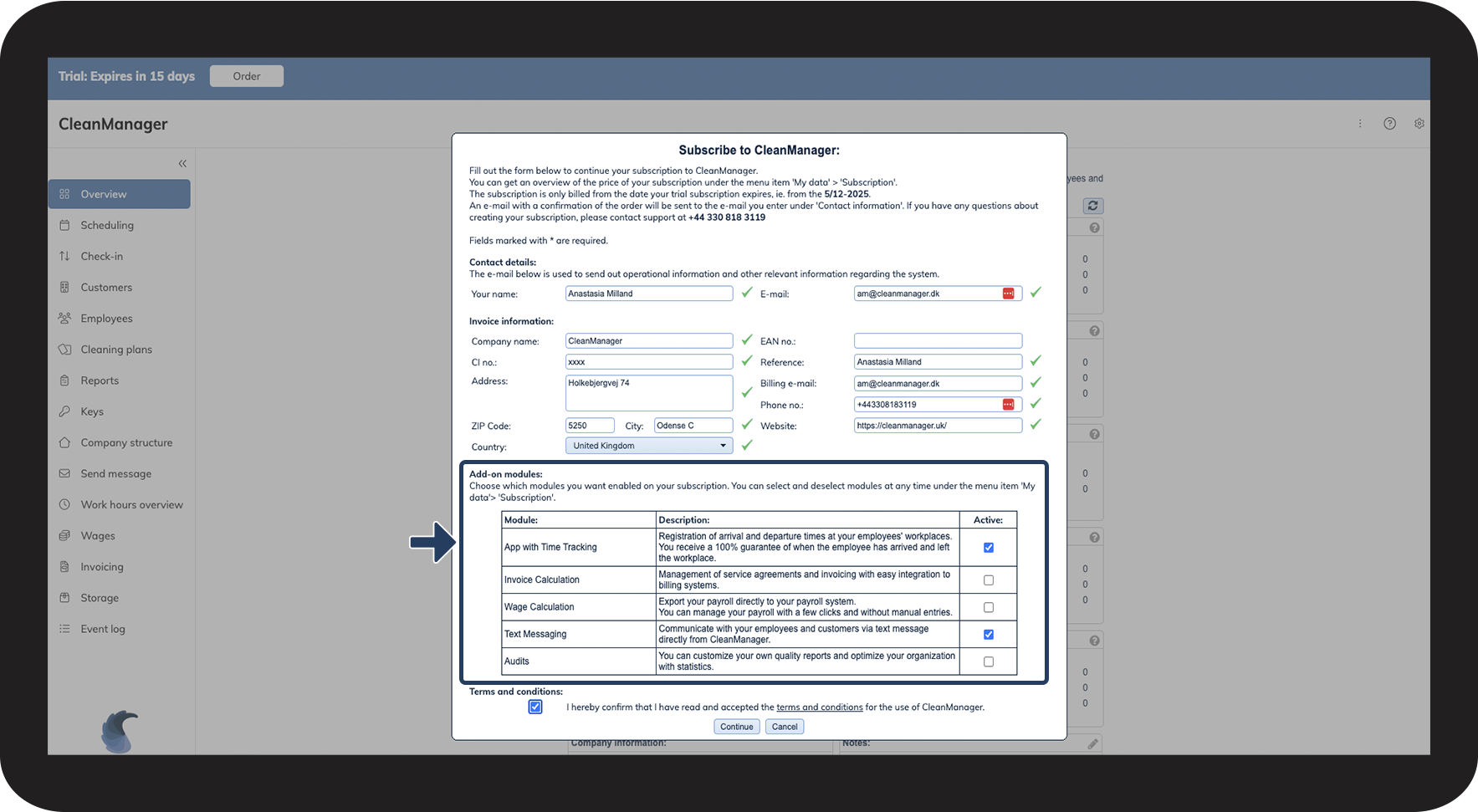
Add-on modules can also be activated at a later time. To learn more about this, see the following user guide: Add-on modules




NOTE:
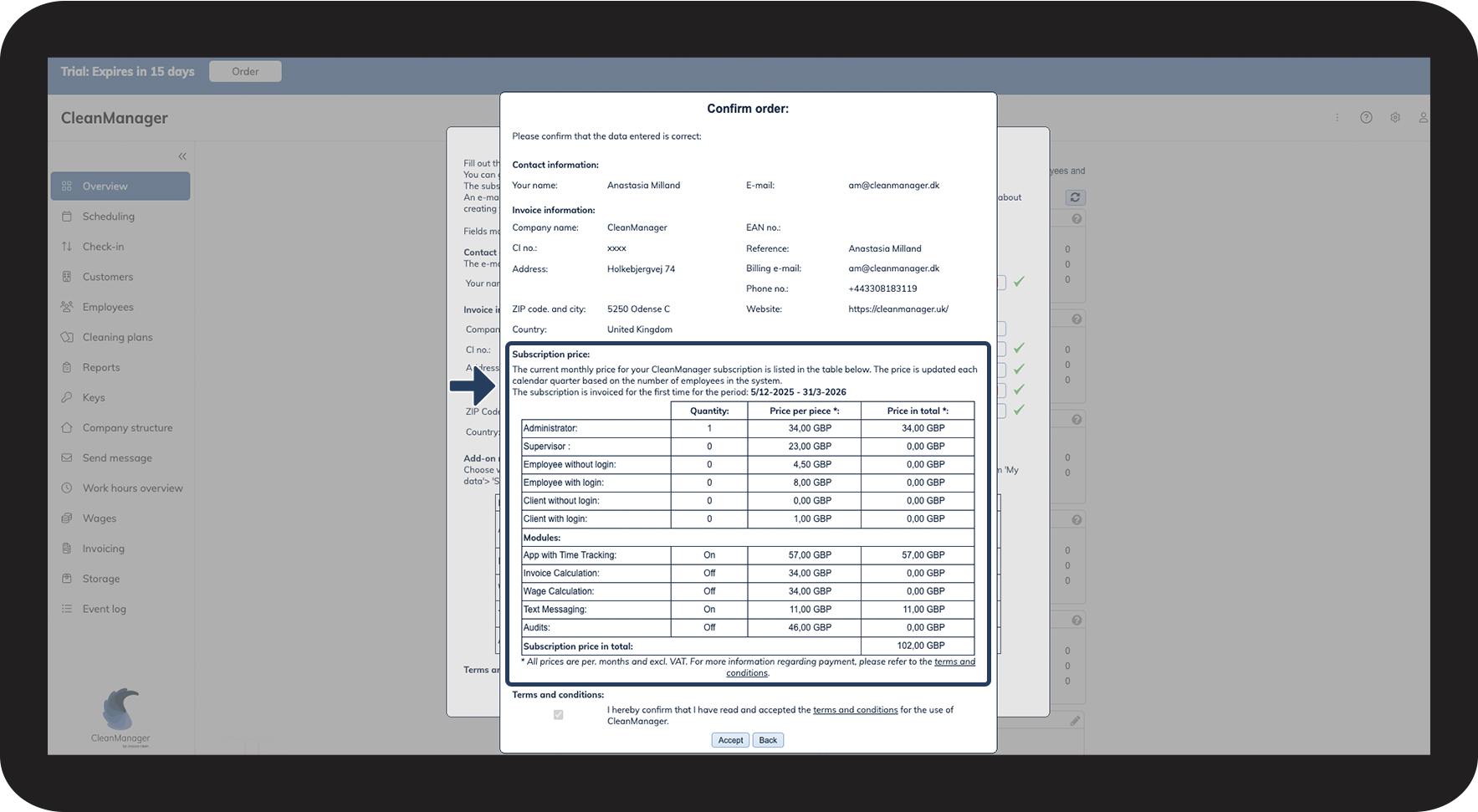
Your subscription price is always visible in CleanManager. To learn more about this, see the following user guide: This is how you get an overview of your subscription costs


Continue to our user guides
You can always read more about CleanManager in our user guides — here, you will find guides covering different areas of the system to help you get started.