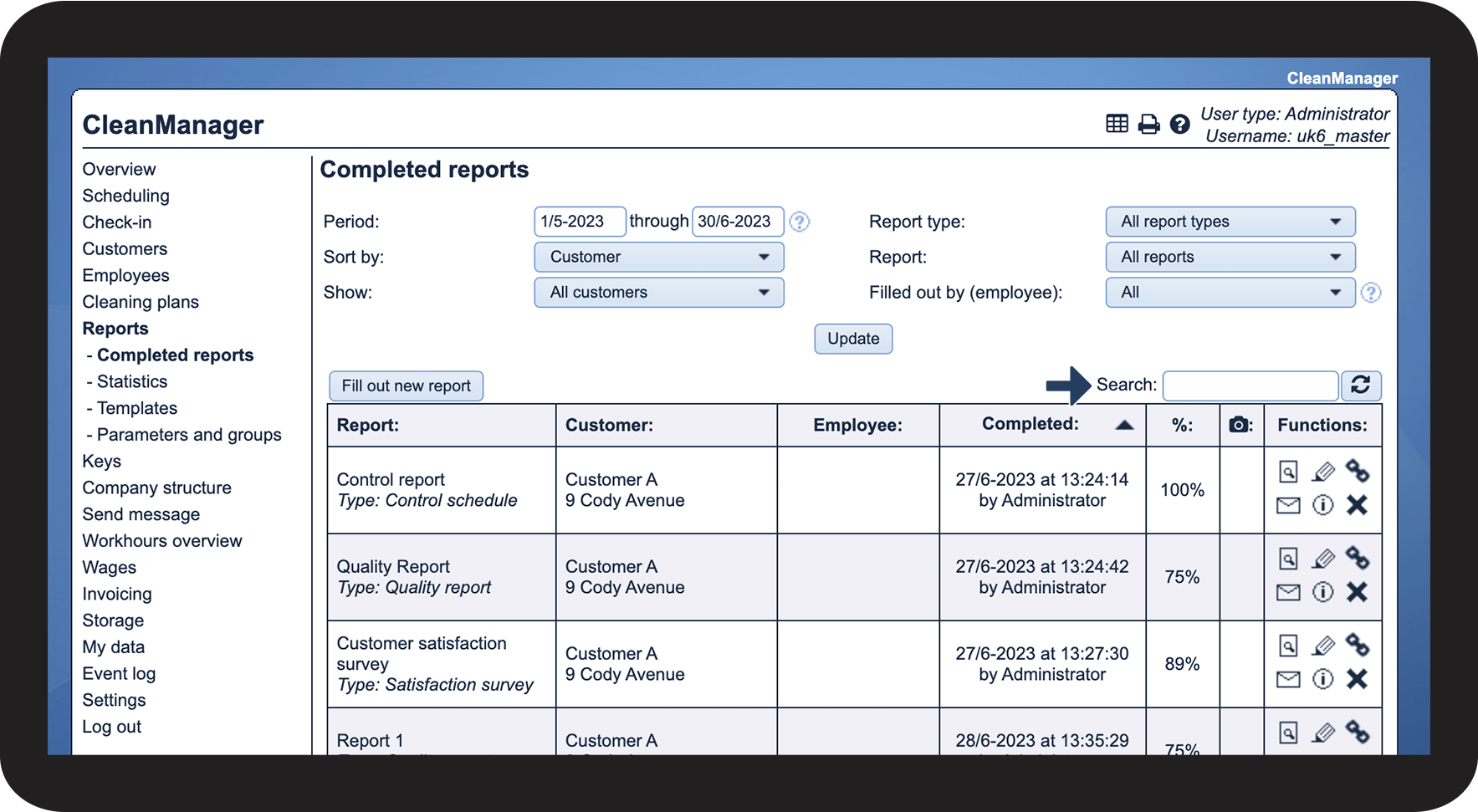
Where are the completed reports displayed for the Administrator / Supervisor?
As Administrator, you have access to all completed reports for all customers.
Supervisors can see completed reports for the customers who are within the areas the supervisors are associated with under Company structure. For more information regarding this, go to Company Structure.
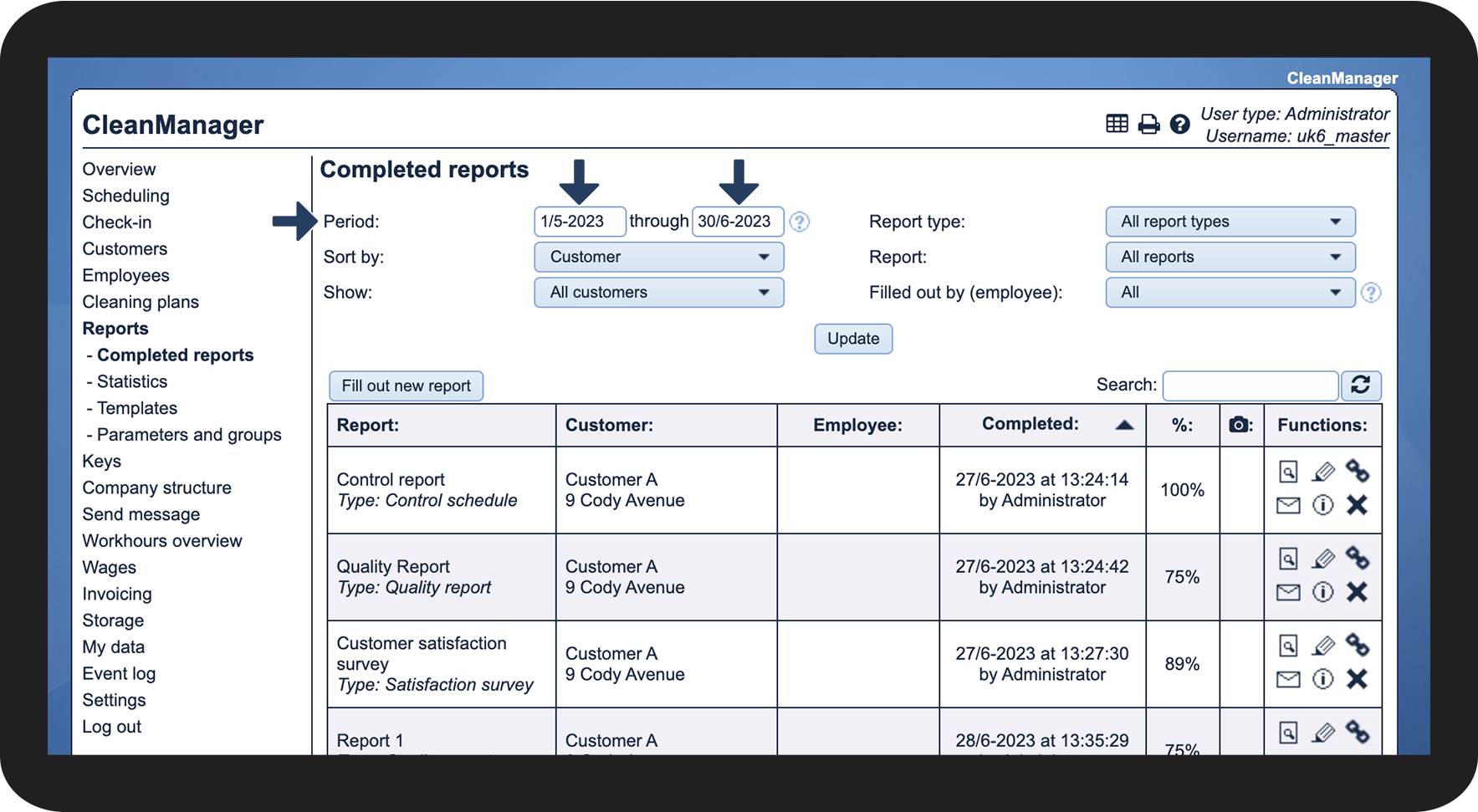
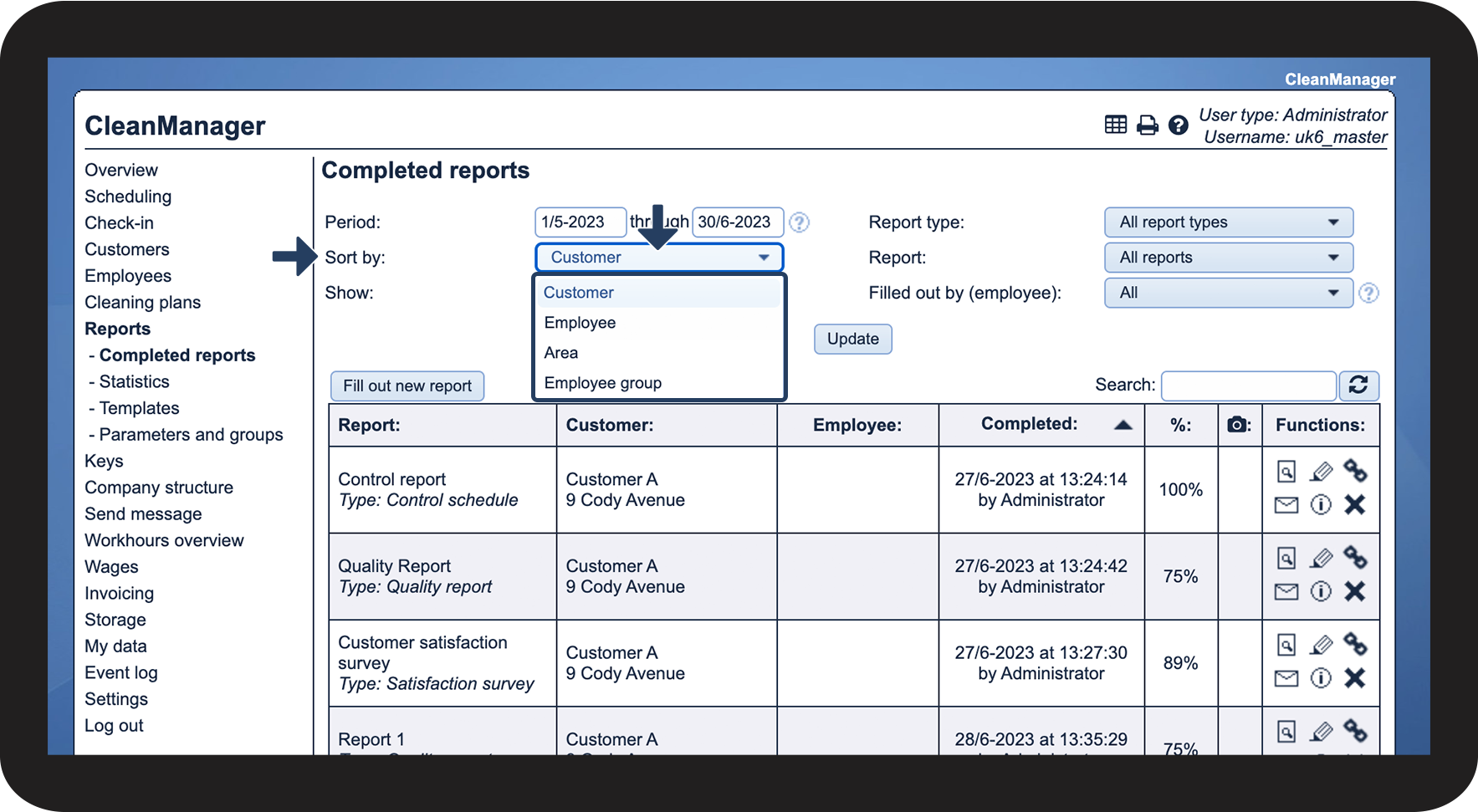
If you are looking for a specific report, you can filter the search. This article will guide you through the different options for filtering your search results.
In this article, you will learn:
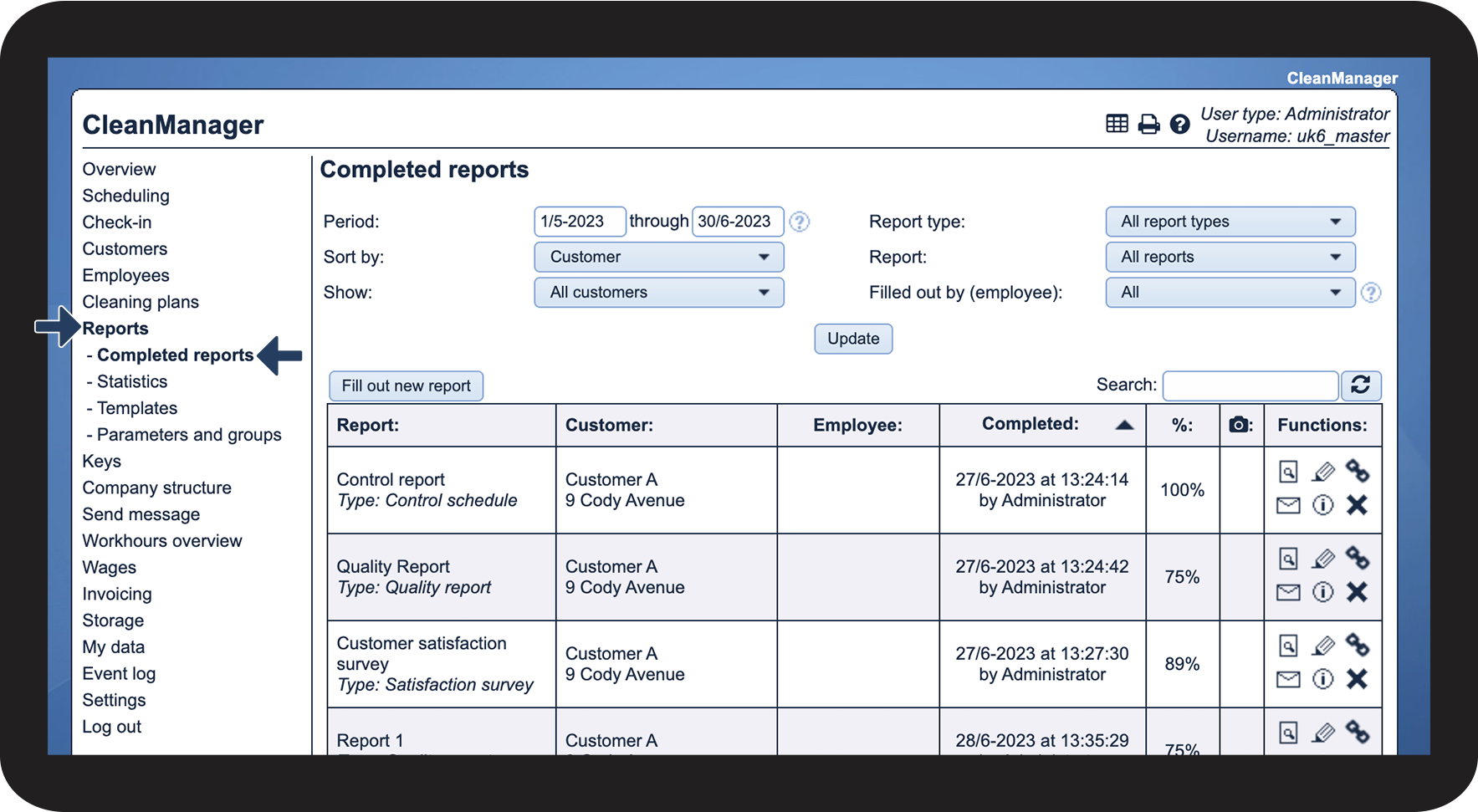
- How to find completed reports
- How to filter your search
- The functions you have access to
- How to search for a specific report
- How to find the completed reports in the app
How to find completed reports

How to filter your search


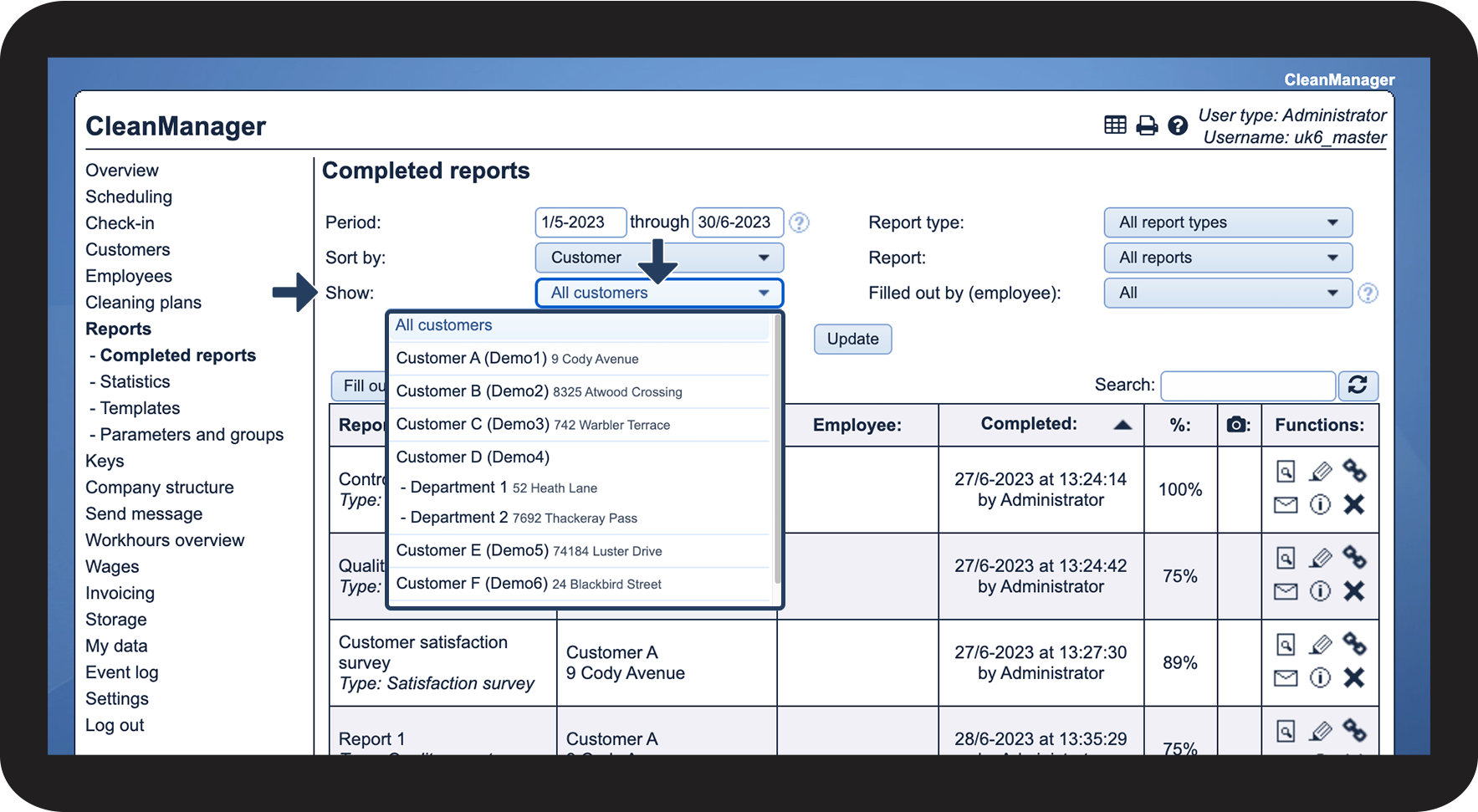

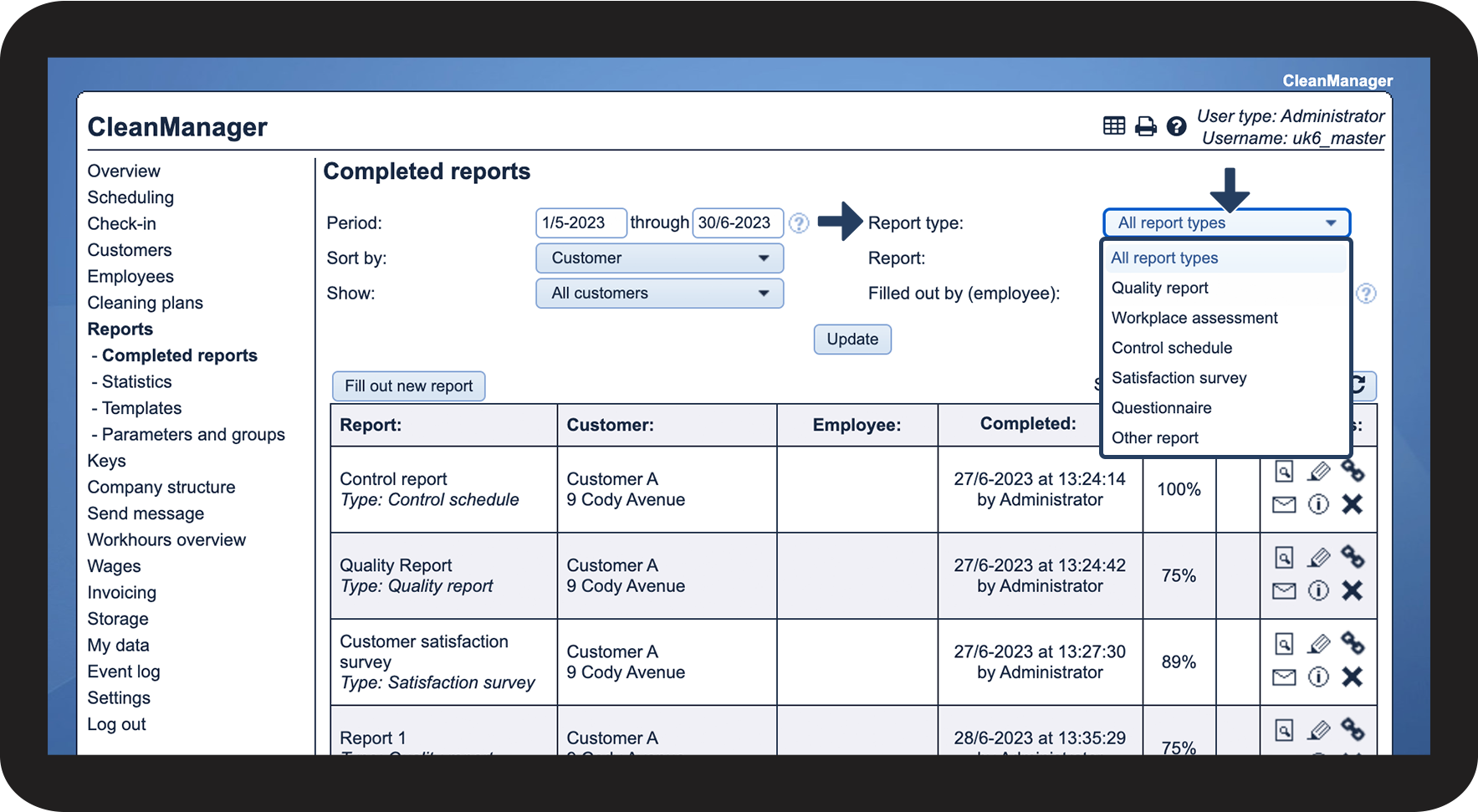

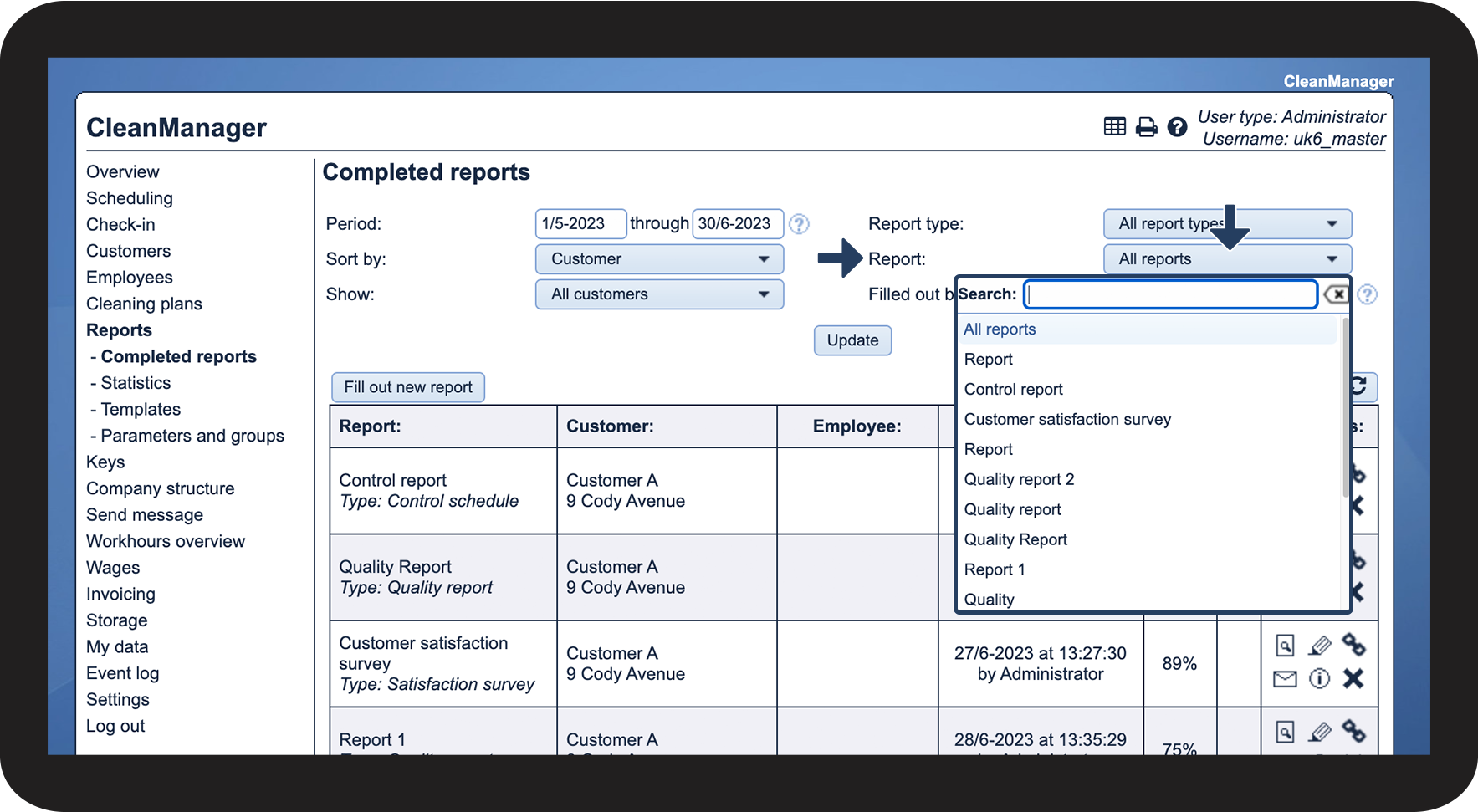

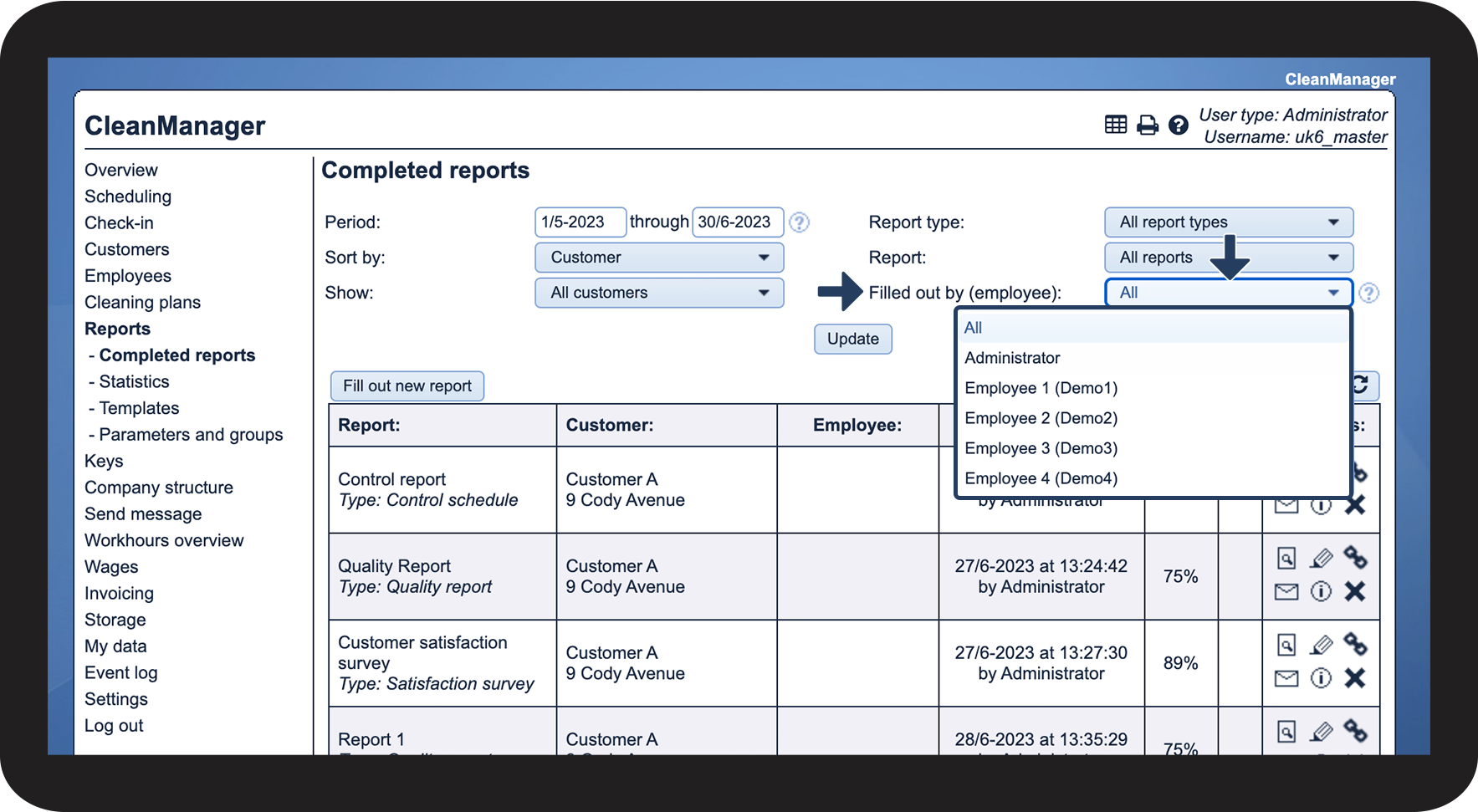

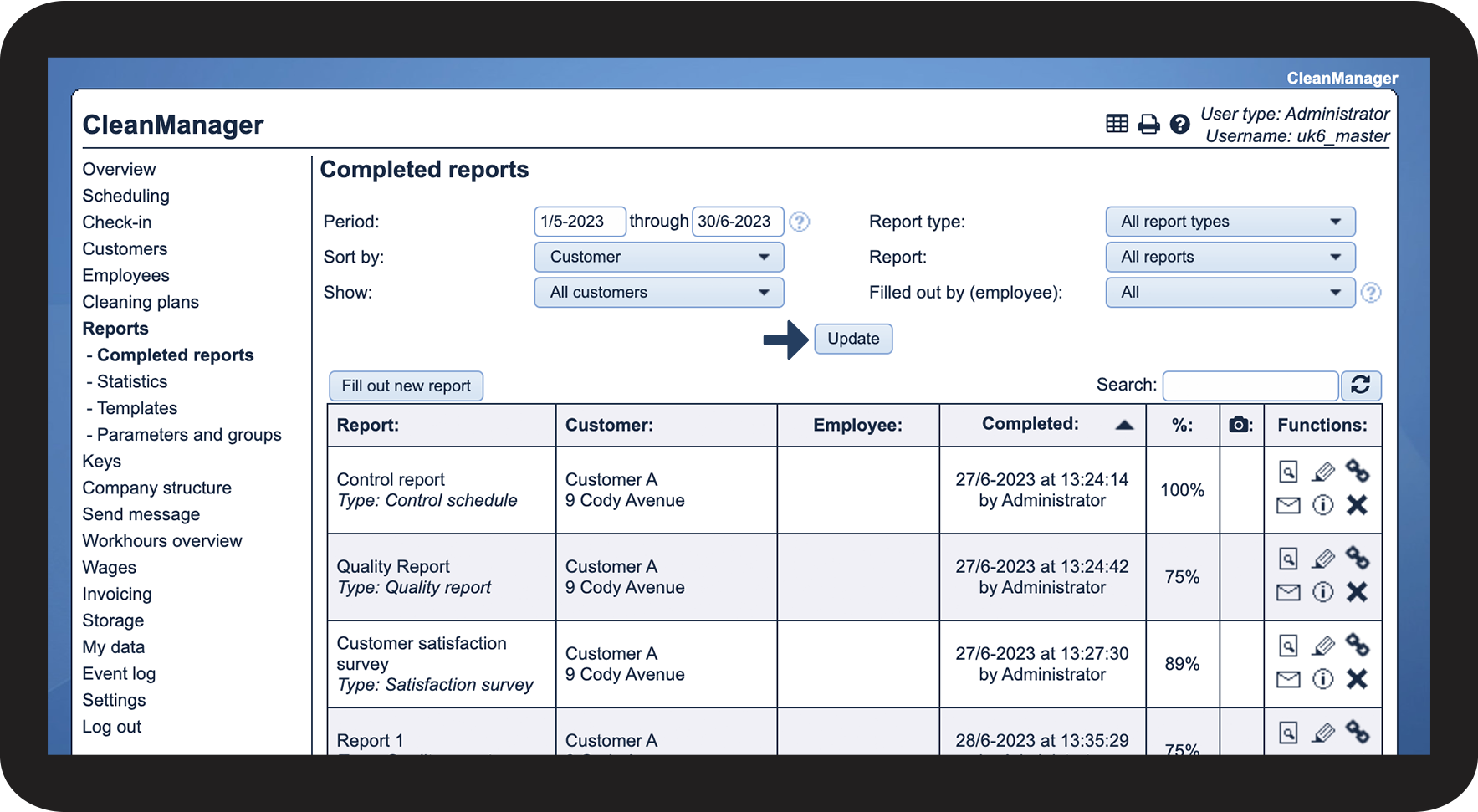
These functions are available for completed reports