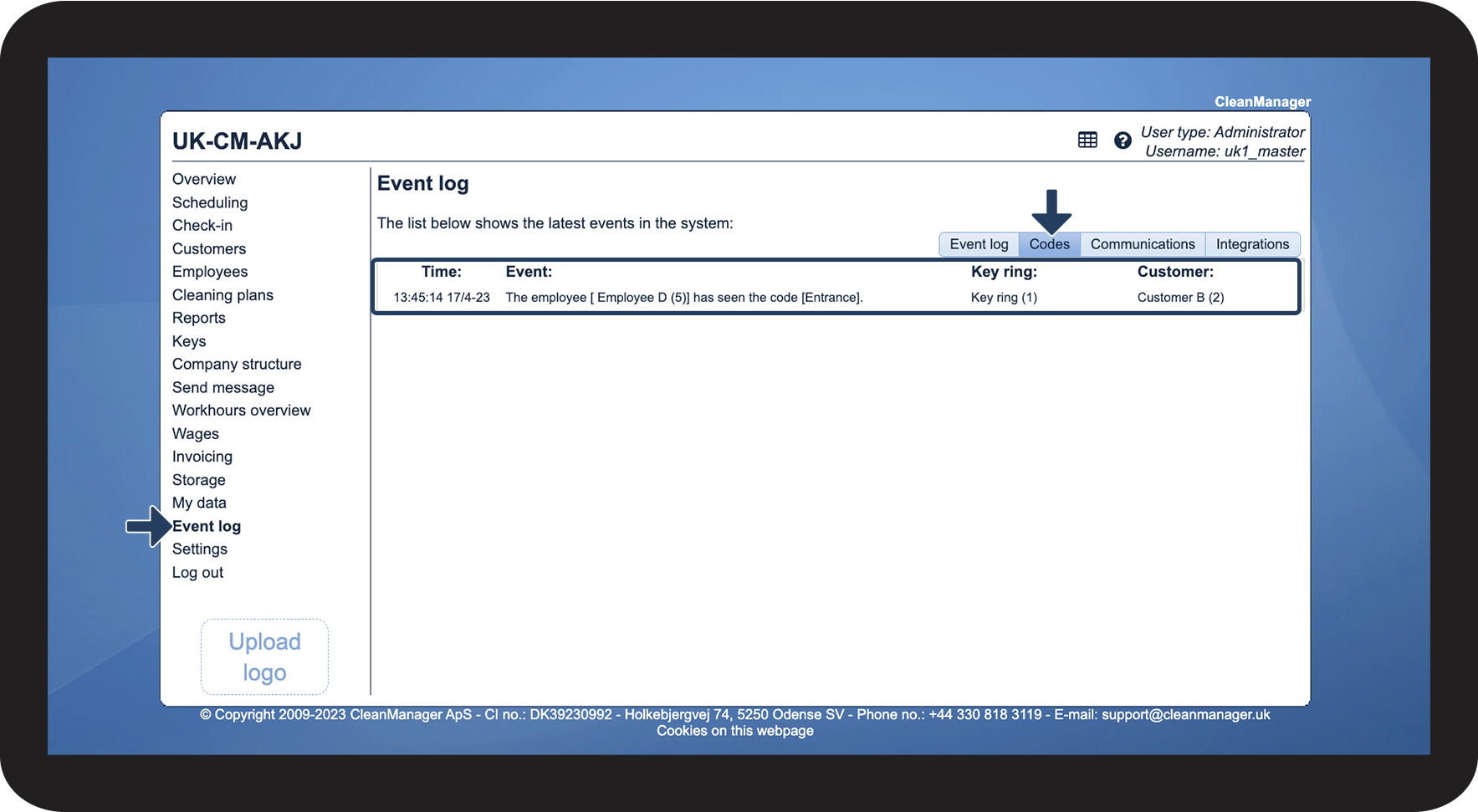
Where do I see who has accessed the codes?
If you have access to an Administrator / Supervisor account, you have the option to see all events that have been carried out on the CleanManager account.
It is also possible for the Administrator / Supervisor to be able to see when one's employees access the codes associated with the customers' key rings, which have been handed out to the individual employee.
In this article, you will learn how to see who has accessed the codes associated with the customers' key rings:
This is where you see in the event log which codes have been accessed