How can I use the work hours overview as a customer contact?
The customer contact can be granted access to the work hours overview. Here, they will be able to see all tasks that have been planned for their locations for a given period of time.
NOTE:
To be able to access this function, the customer contact must have access to the system, and the cleaning company must have granted access to the work hours overview as well. Read more about that in the following article: How can I grant the customer contact access to the work hours overview?
In this article, you will learn how to use the work hours overview as a customer contact:
- Where do I find the work hours overview?
- How do I sort the work hours overview?
- Where can I see the total amount of hours planned for a given time period?
- What does the symbol mean?
- Where can I see the tasks spread out over locations?
- Where can I see the tasks spread out over separate dates for a given time period?
- How do I print the work hours overview, or download it as a PDF file?
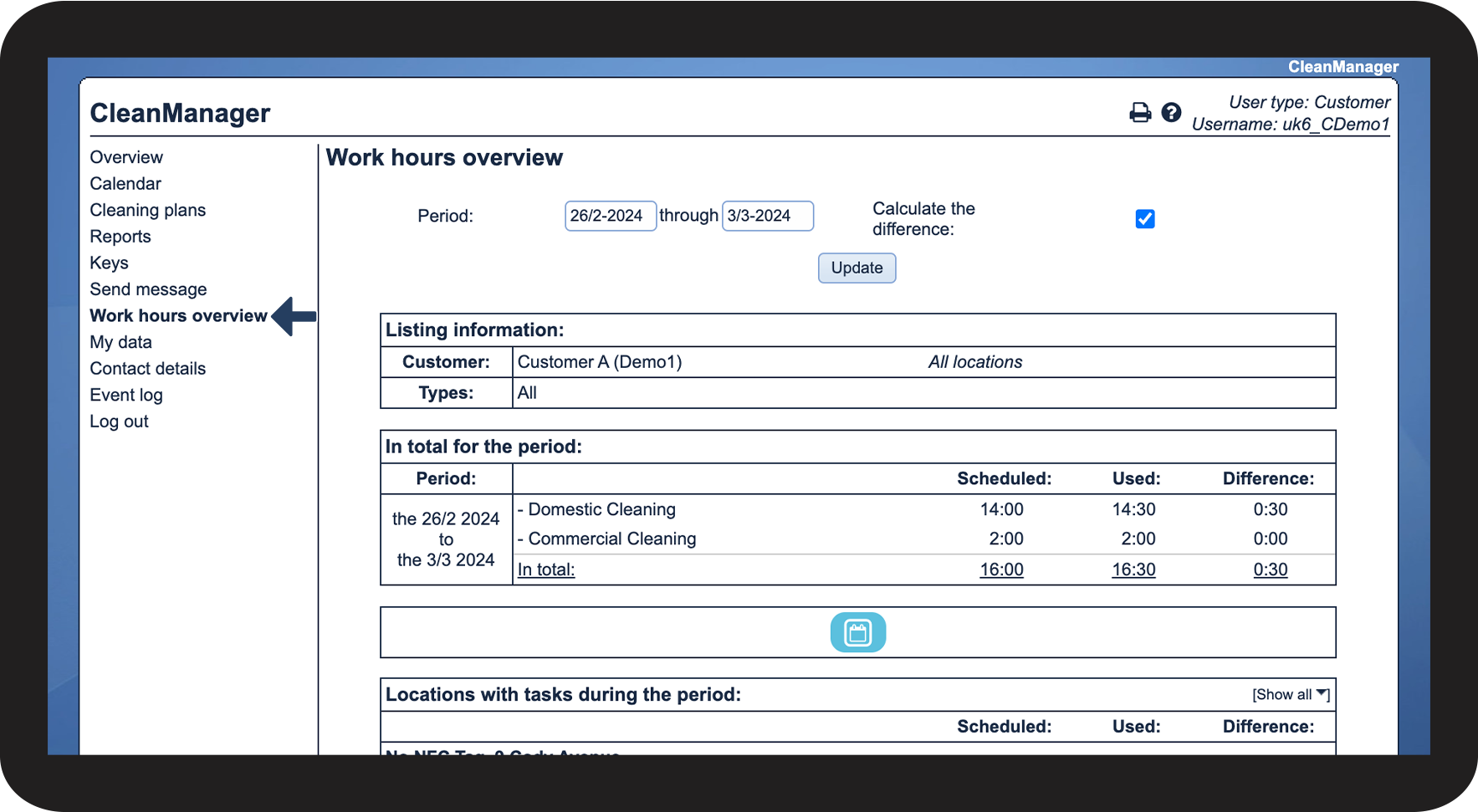
This is where you can find the work hours overview

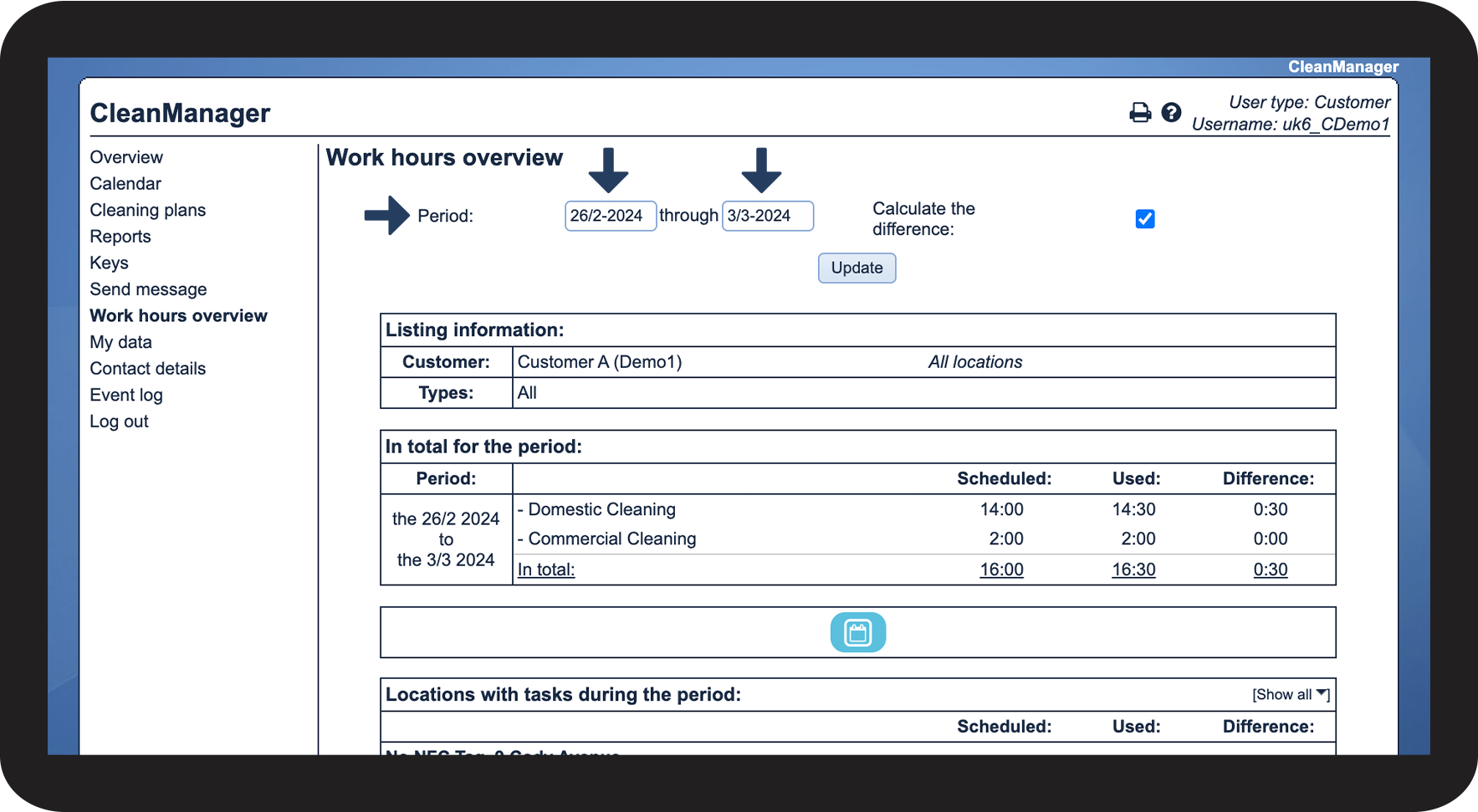
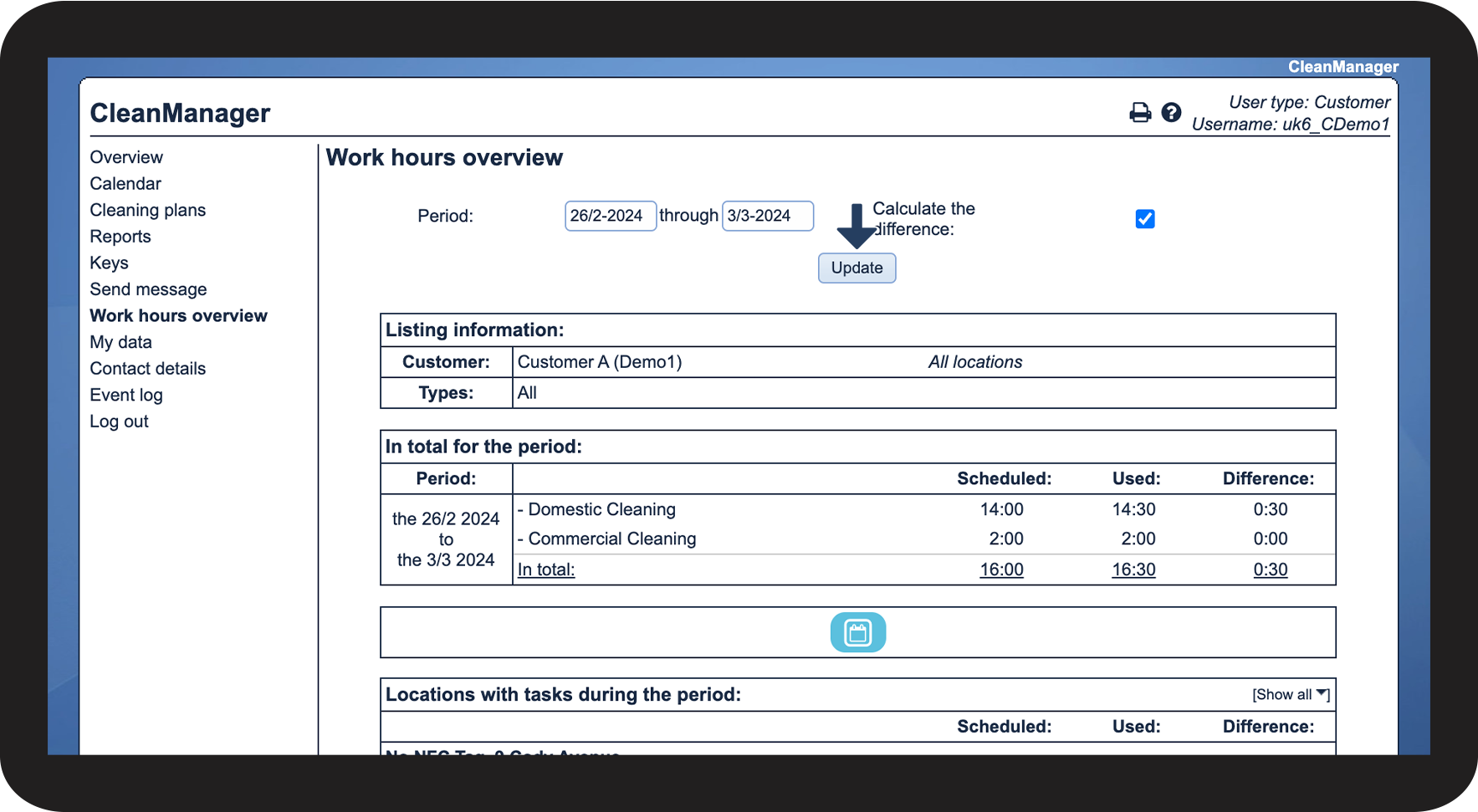
This is how you can set the sorting

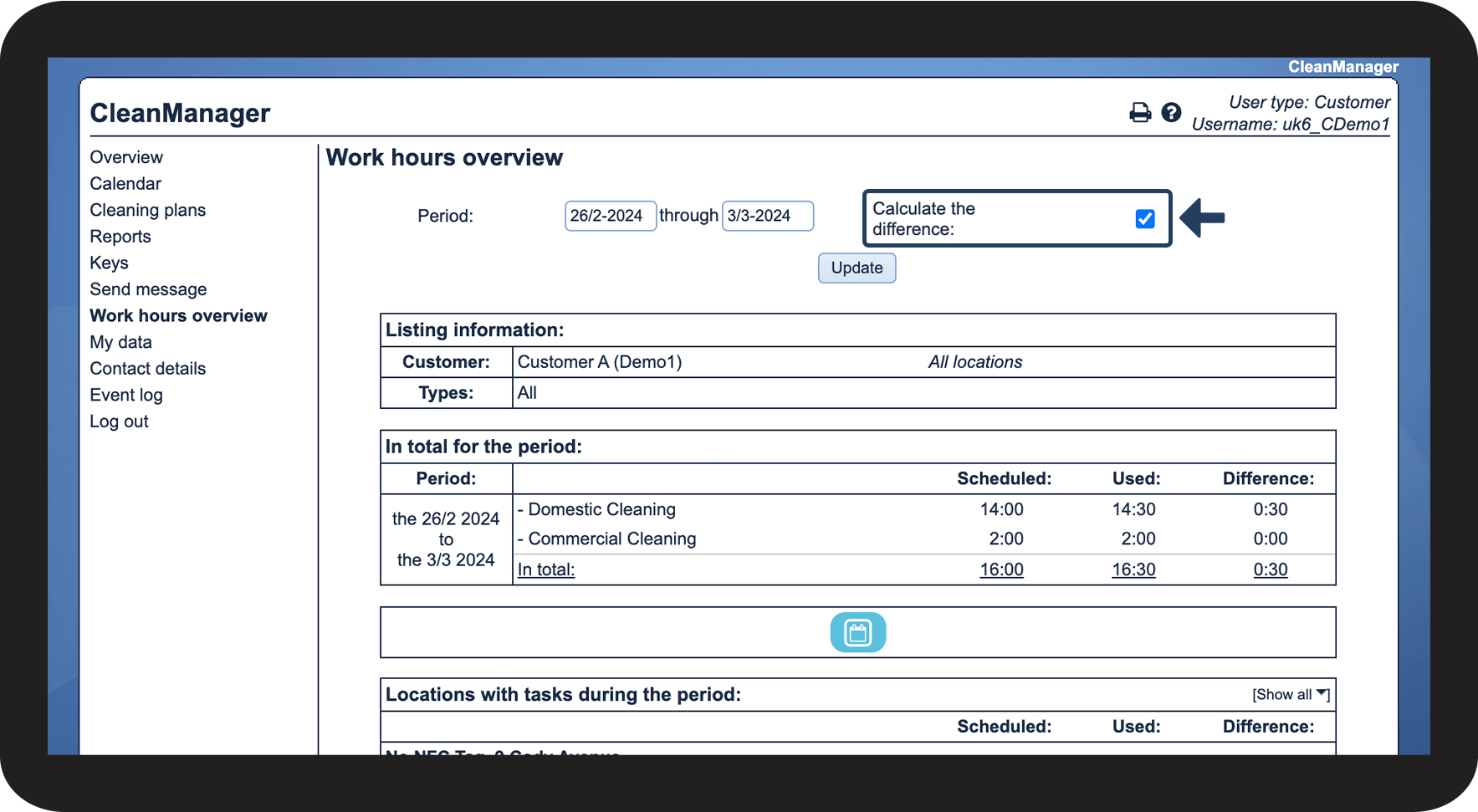

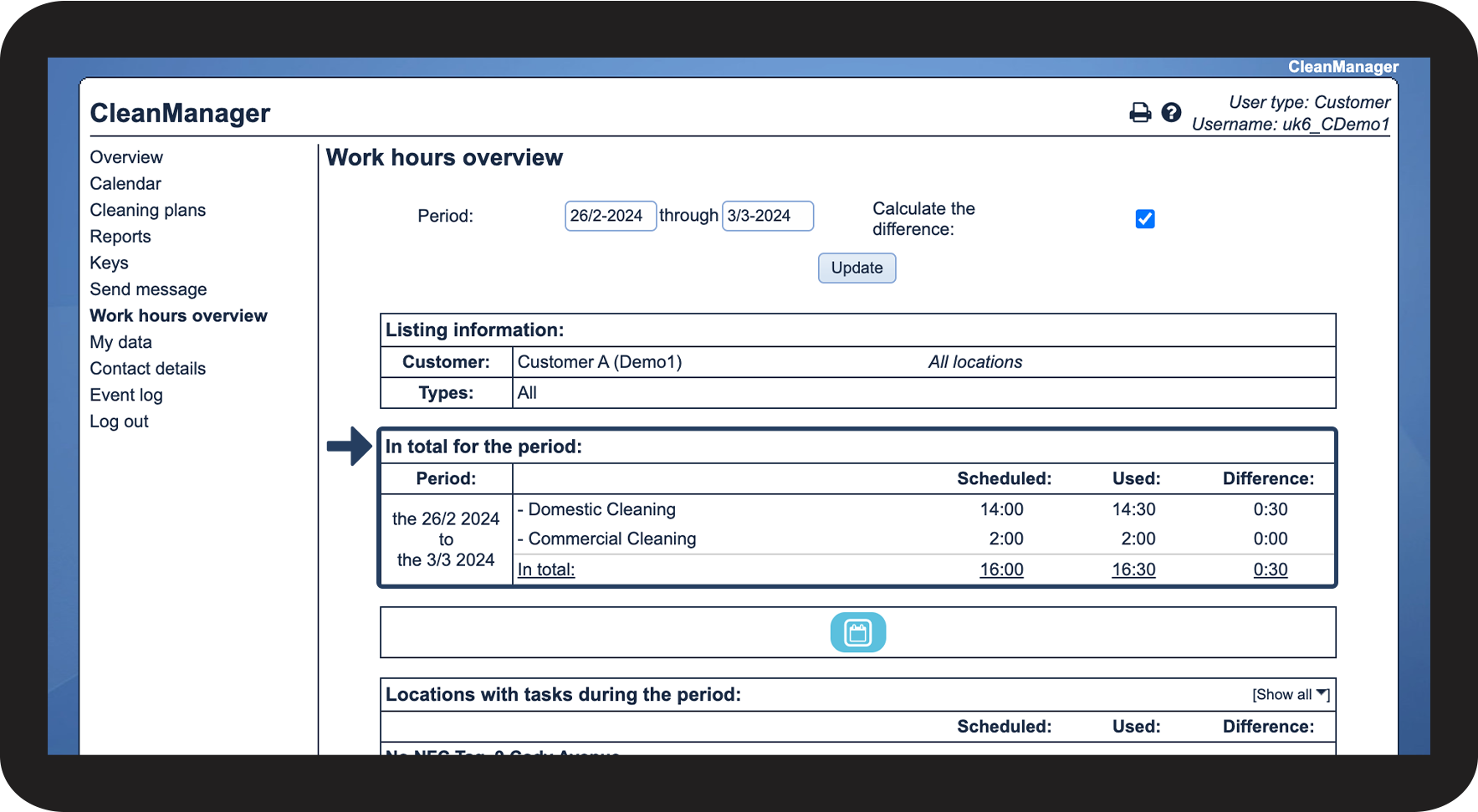
This is where you can see the total amount of hours planned for a given time period
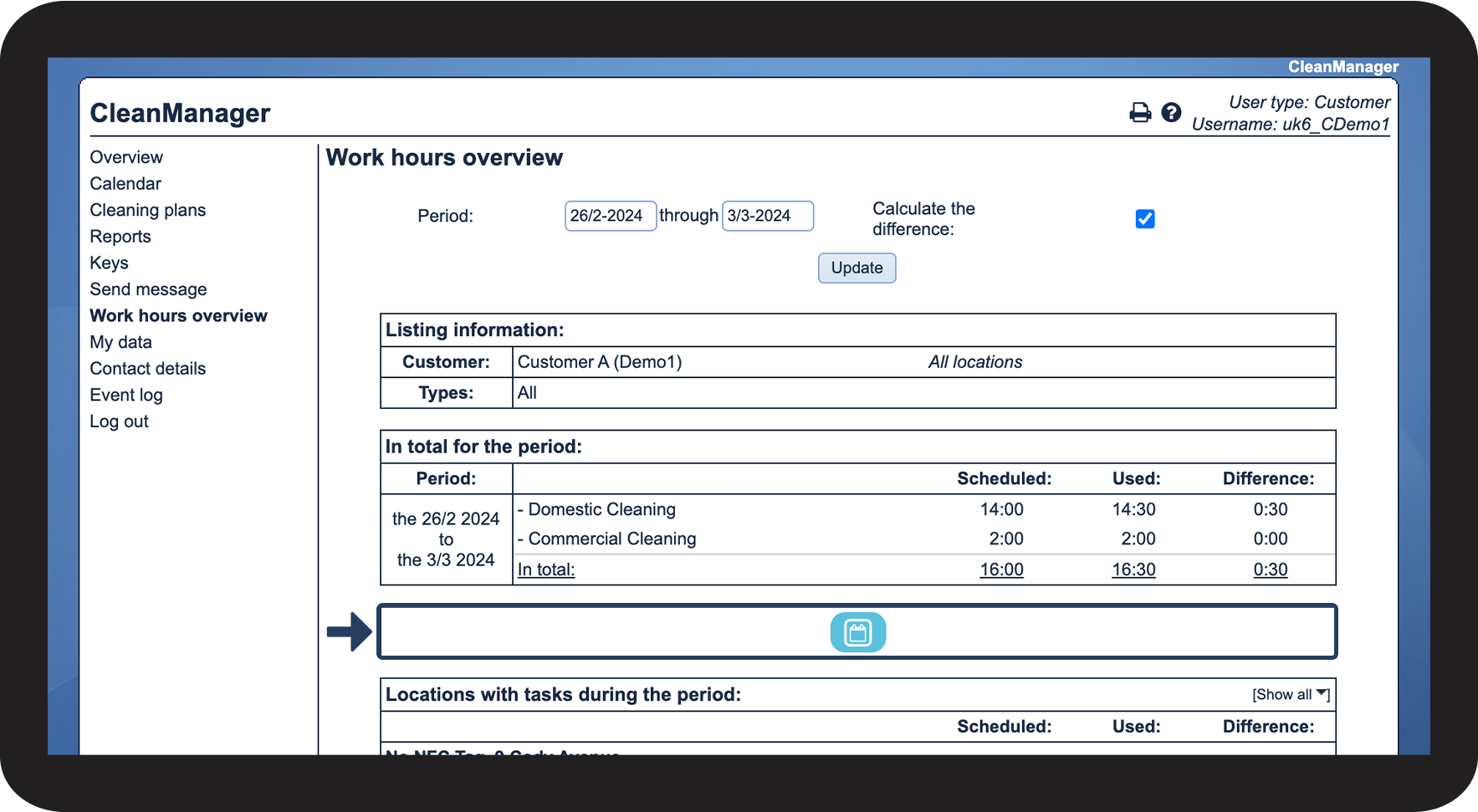
This is what the symbol means

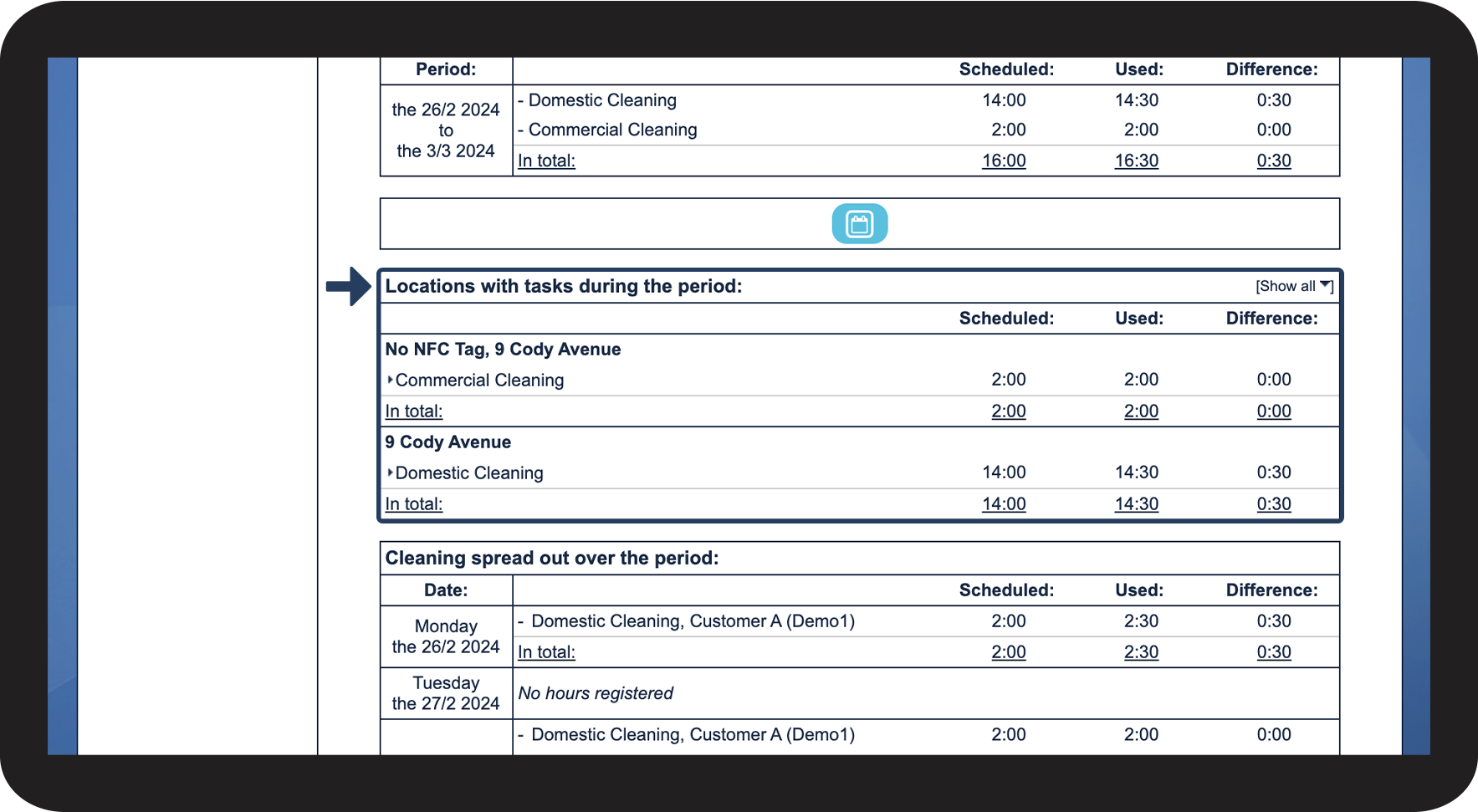
This is where you can see the tasks spread out over your locations
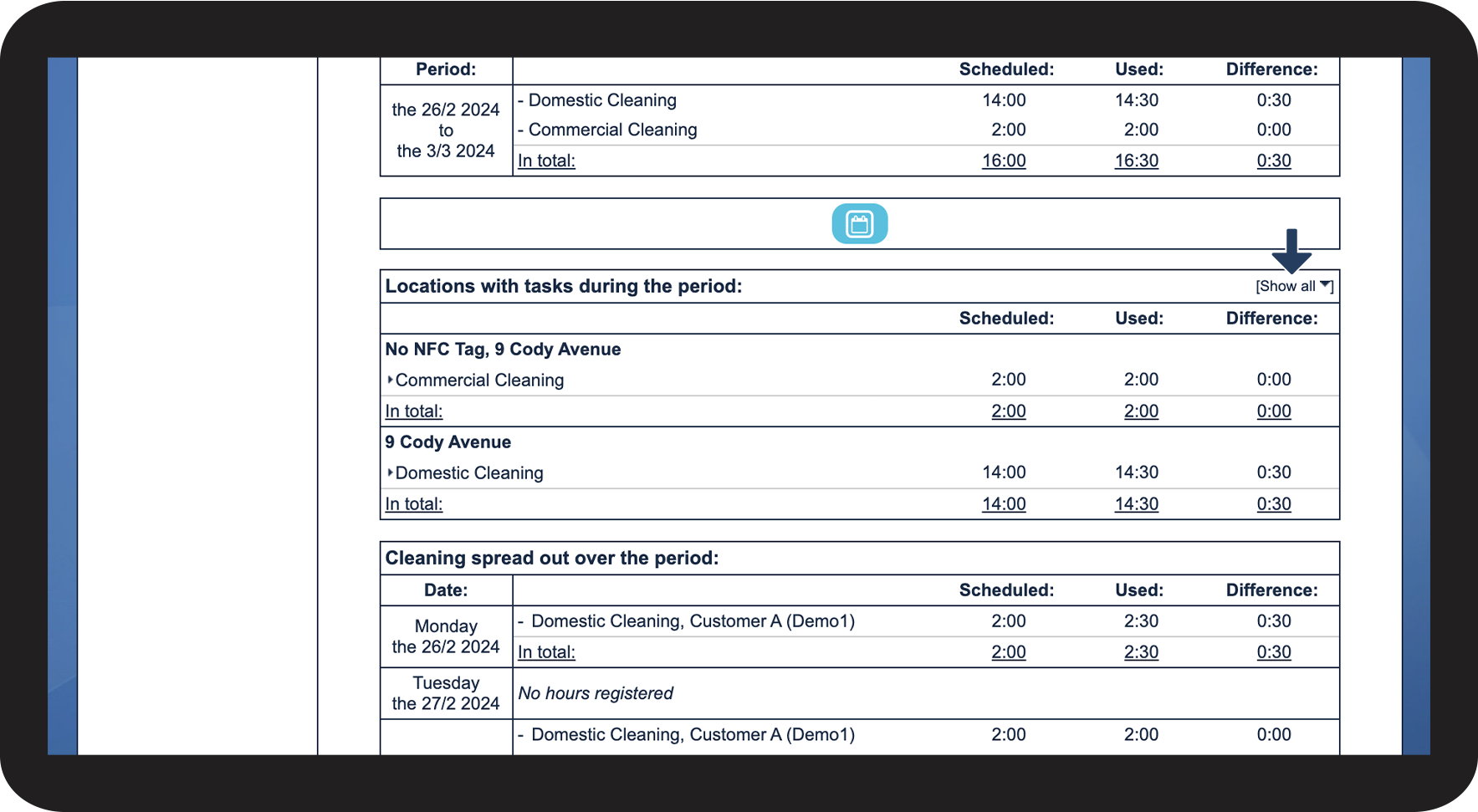
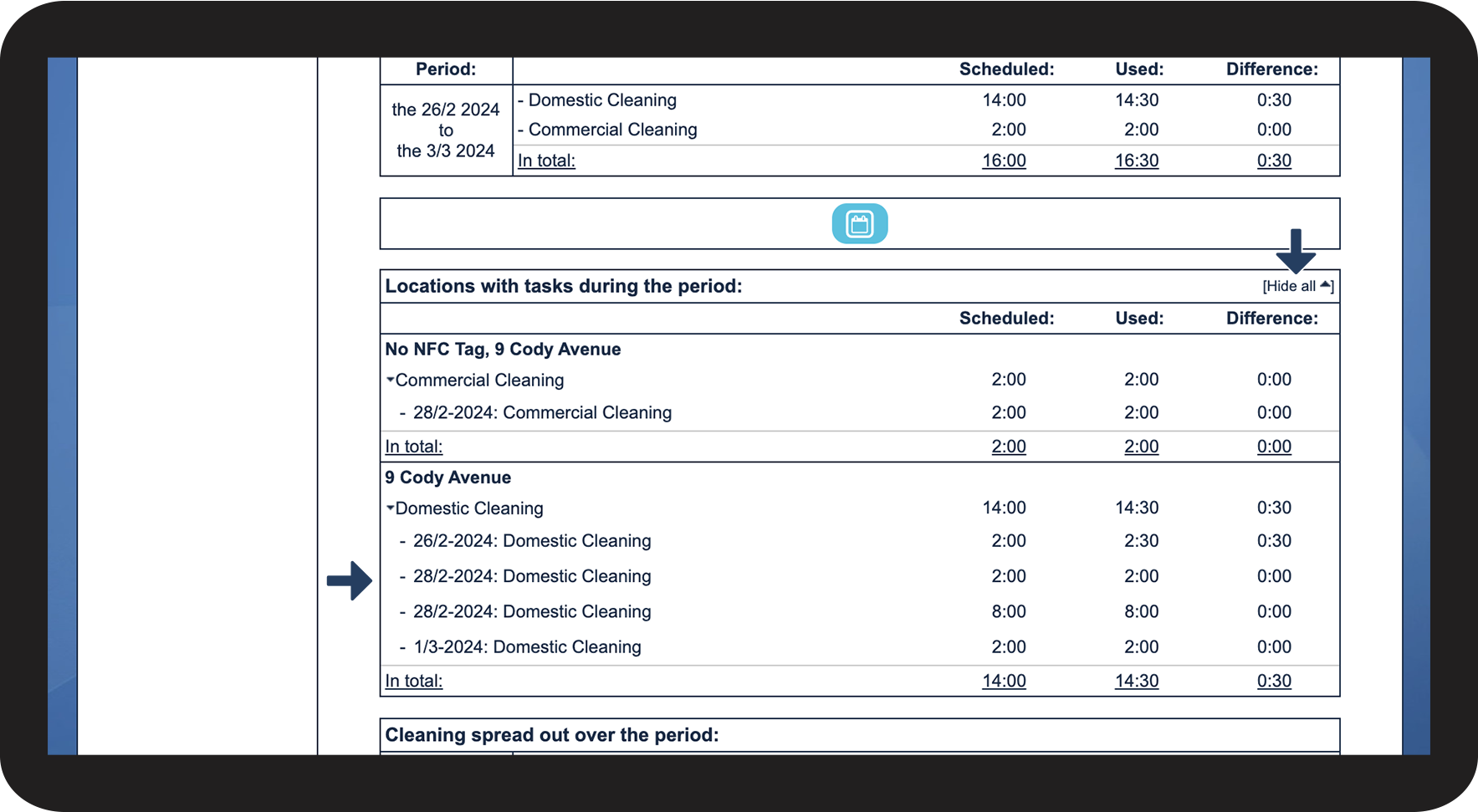
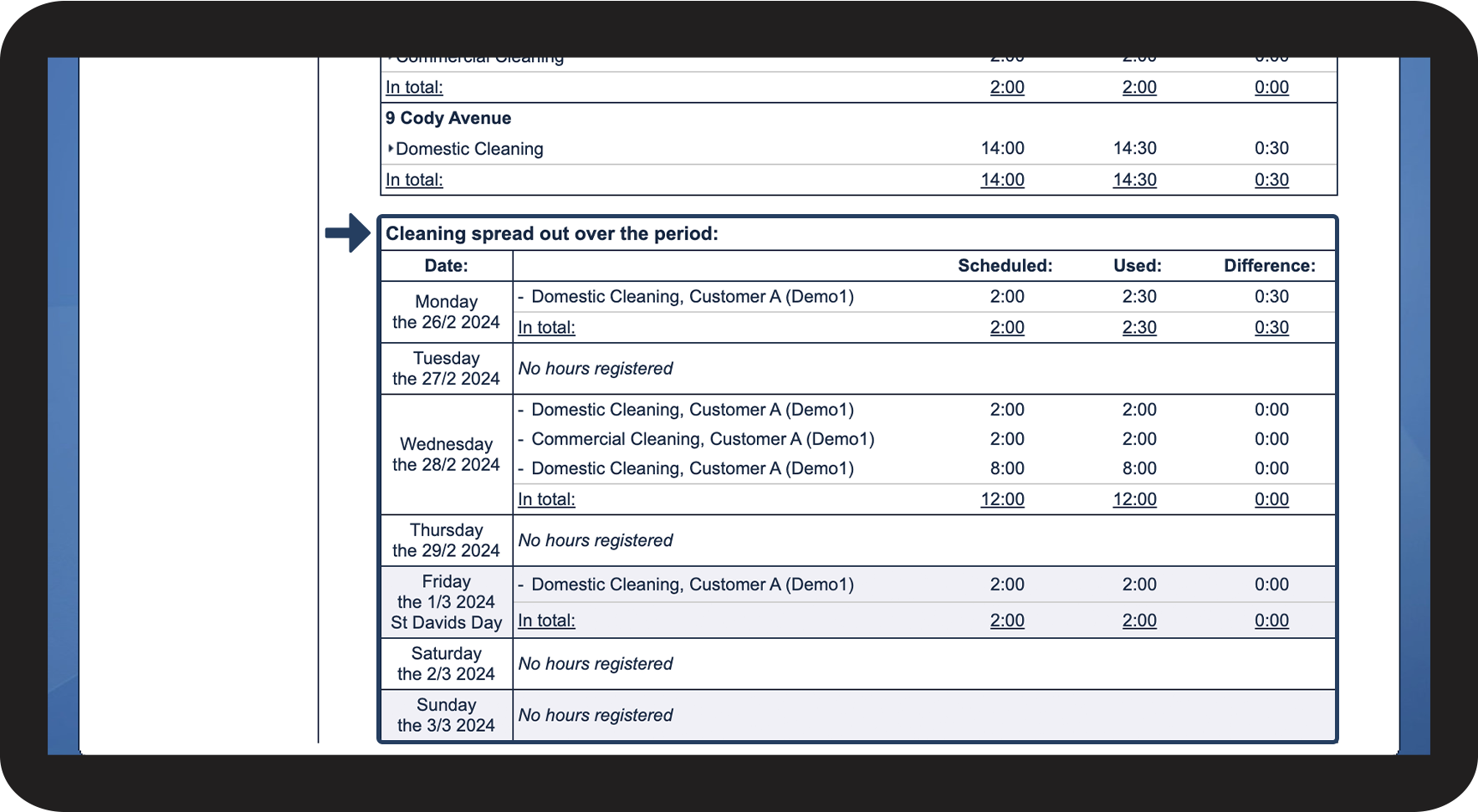
This is where you can see the tasks spread out over dates for the selected time period
INFO:
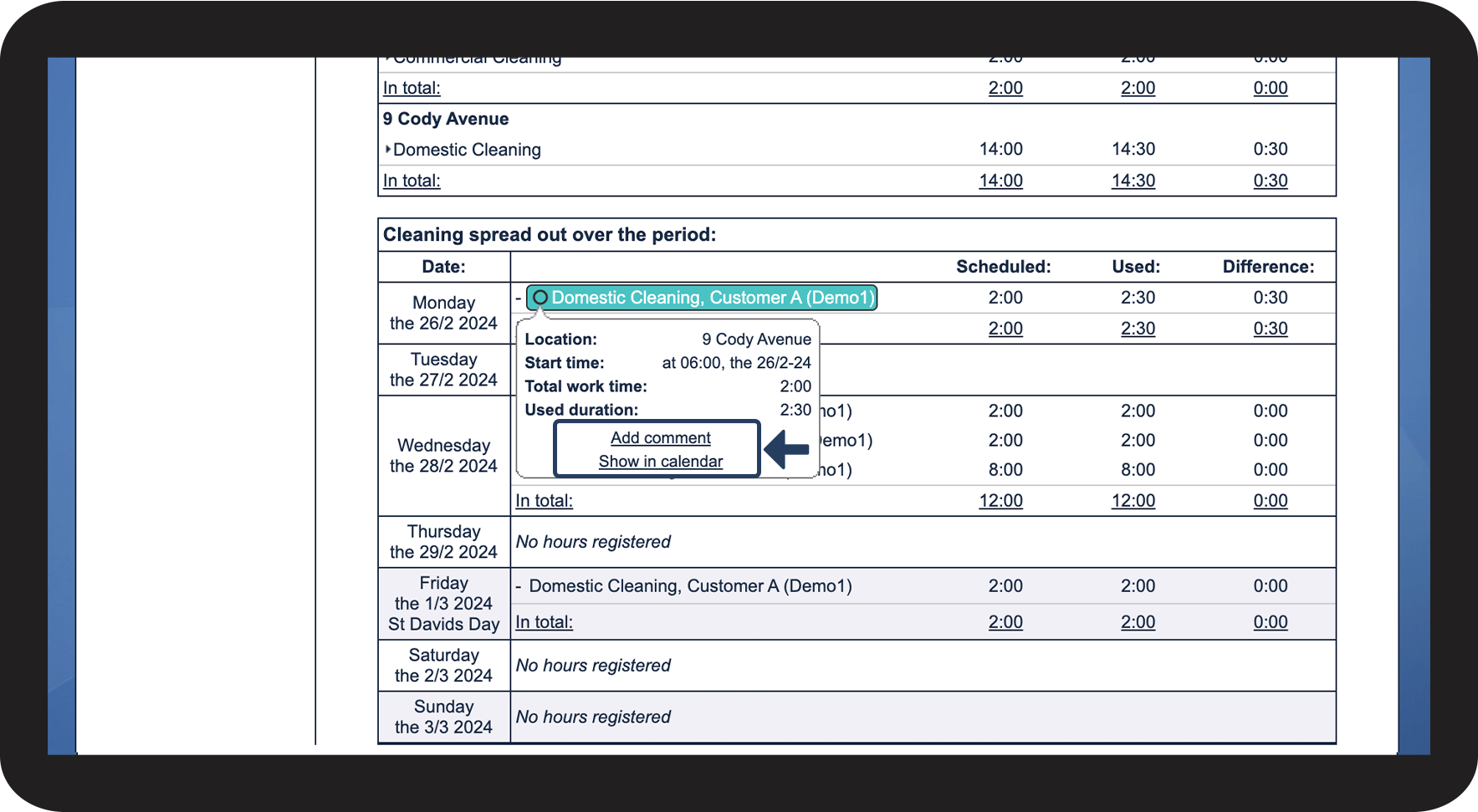
You can also manage tasks by clicking on them in the view for Locations with tasks during the period.
If multiple tasks are highlighted, it means that they are part of the same repetition pattern.
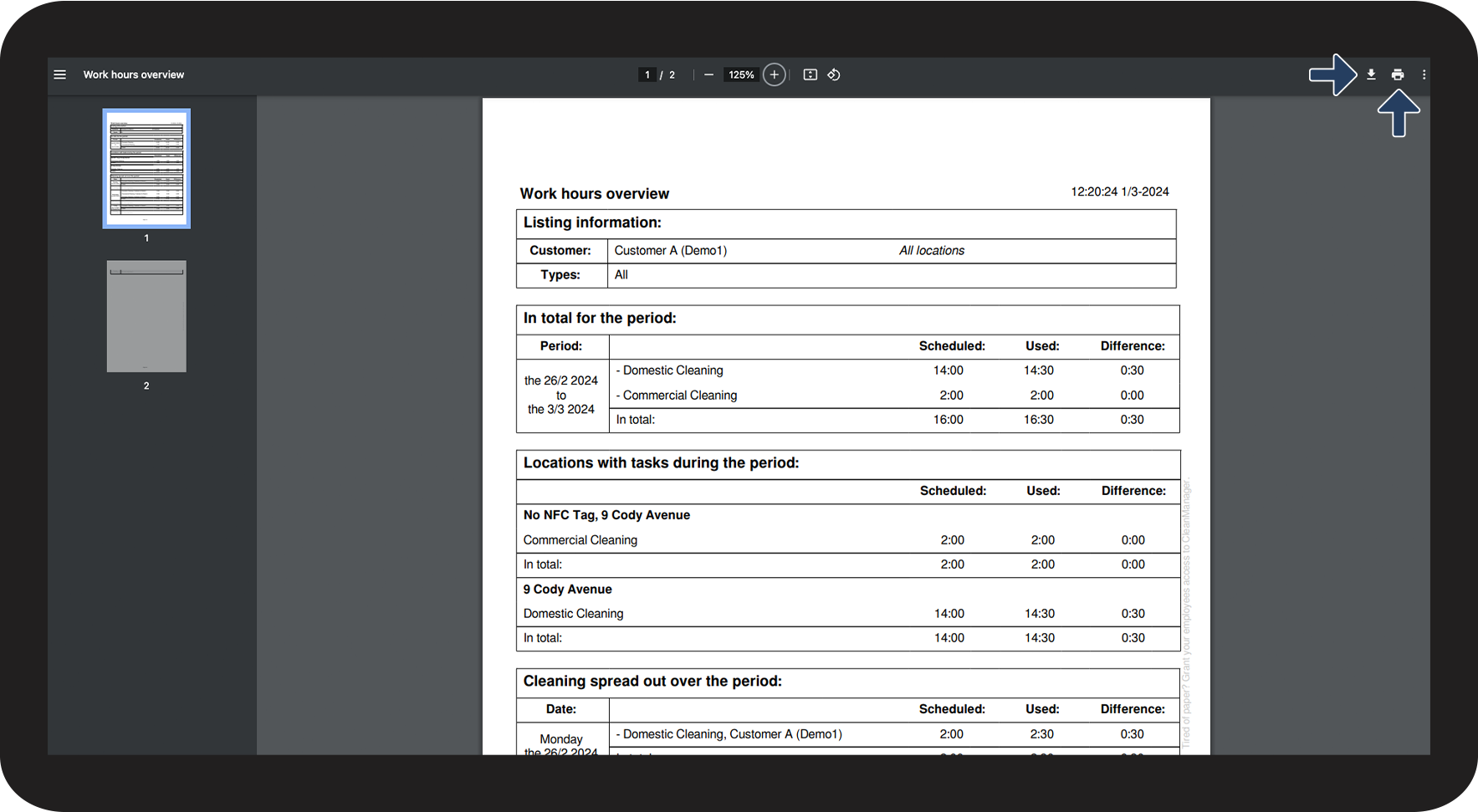
This is how you can print out the work hours overview, or download it as a PDF file

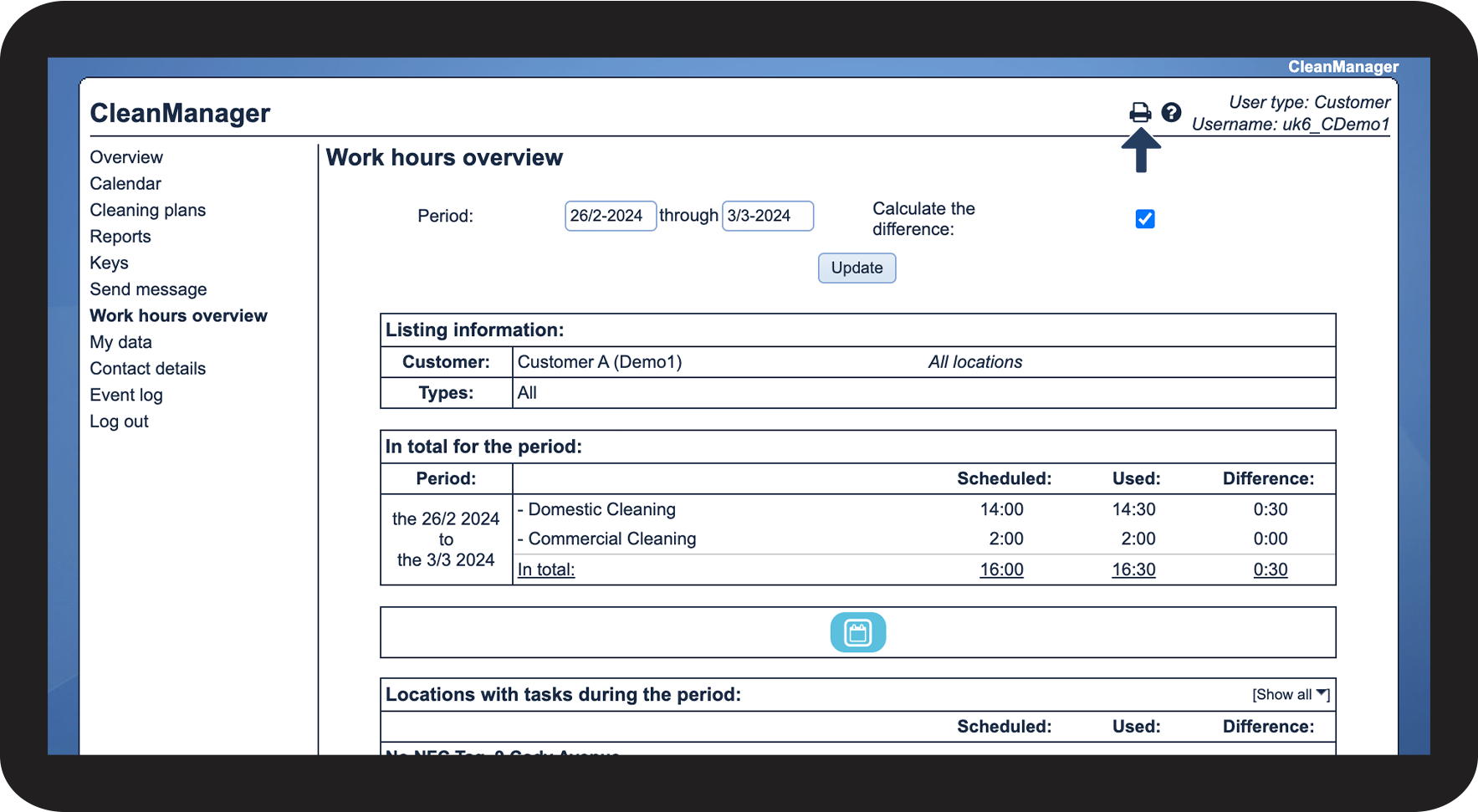
 to download the work hours overview as a PDF on your device
 to print out the file