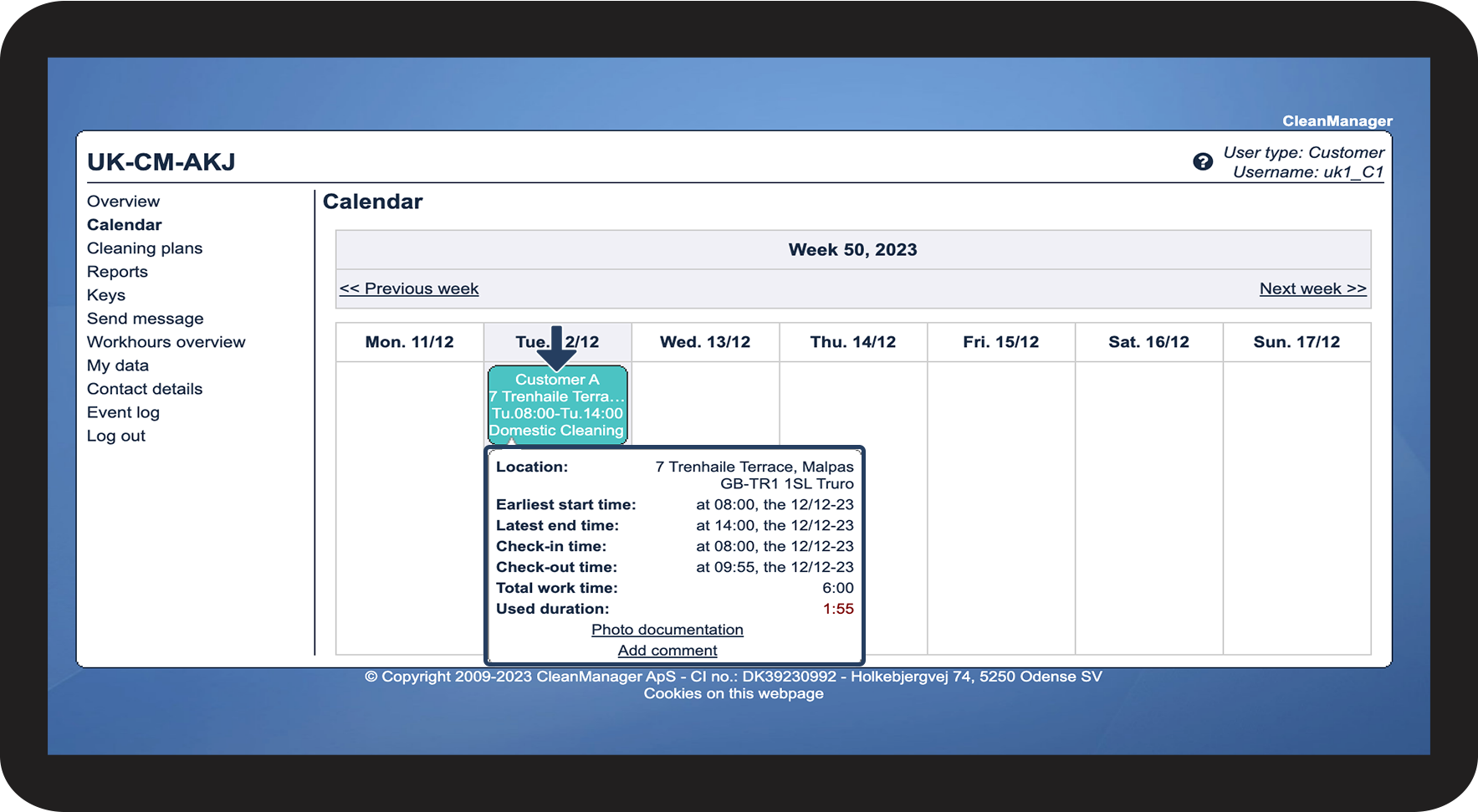
How can a customer contact see check-in and check-out times?
A contact person for a customer can view all the check-ins and check-outs that have been planned for them. It is also possible to sort by period if they are looking for a specific check-in or check-out. A contact person will also be able to view the photos attached to the tasks.
NOTE:
The customer contact person will only be able to see this if they have been granted access to the system.
In this article, you will learn how to enable customers to see check-ins and check-outs:
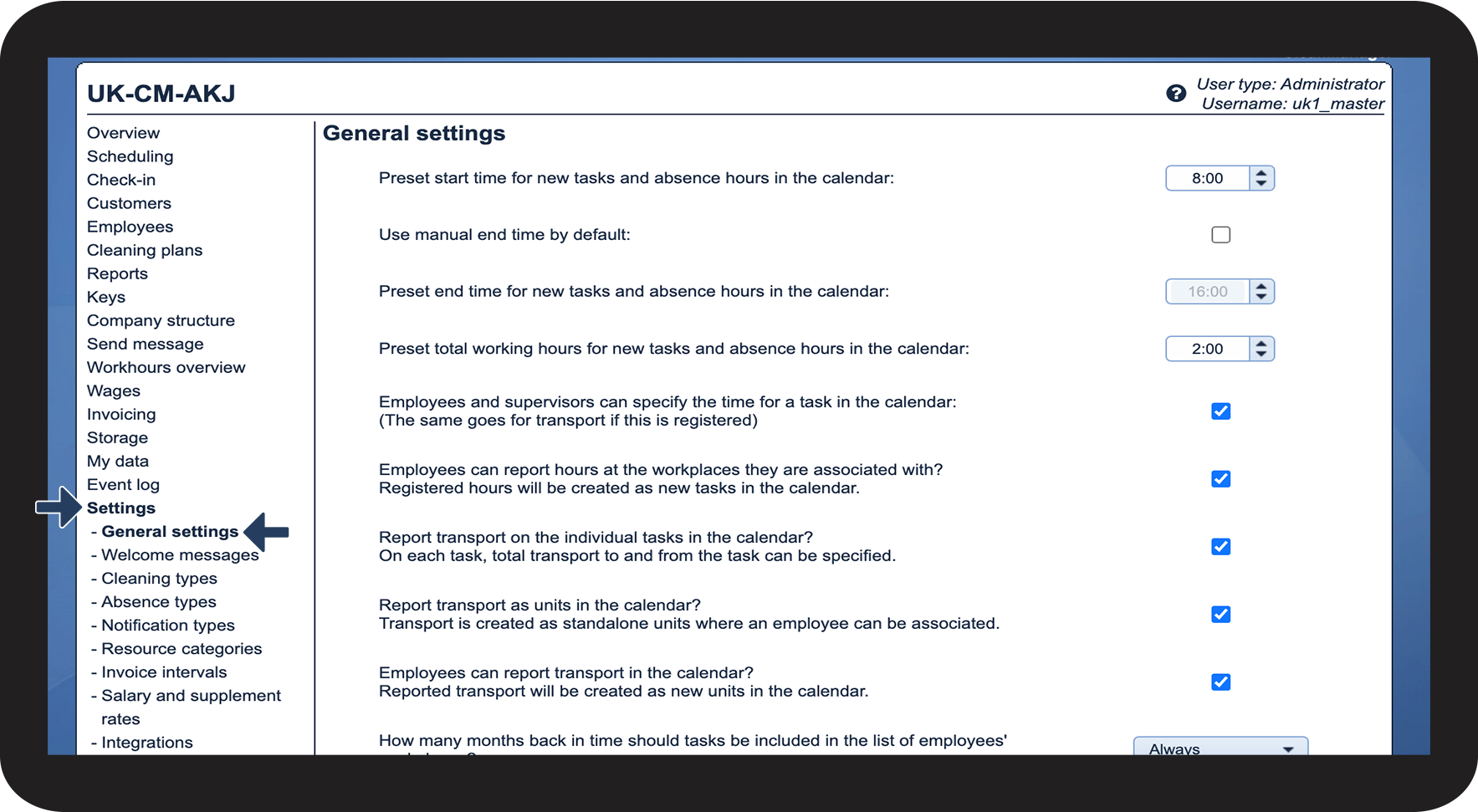
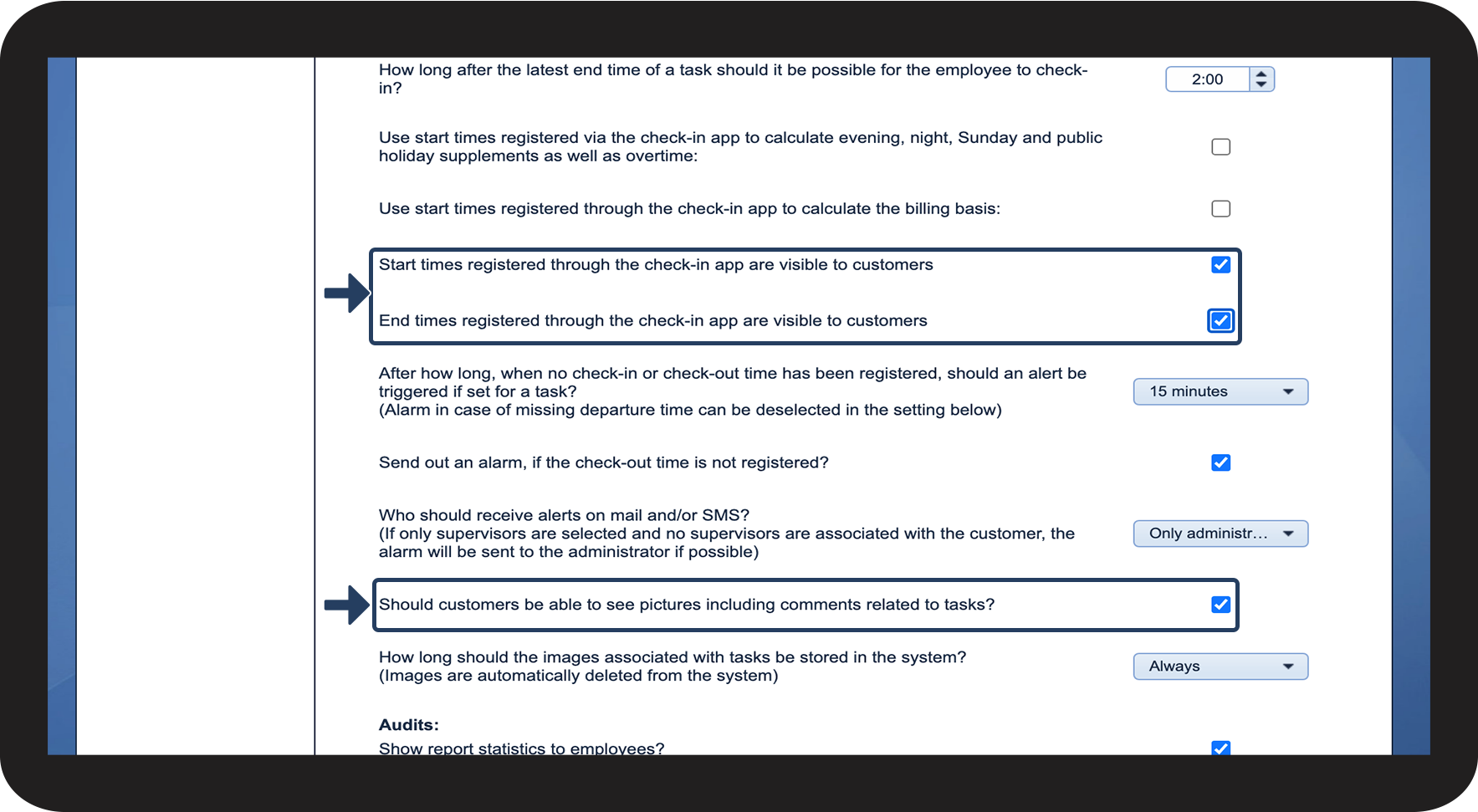
- What settings need to be enabled by the administrator?
- What needs to be set up on the customer?
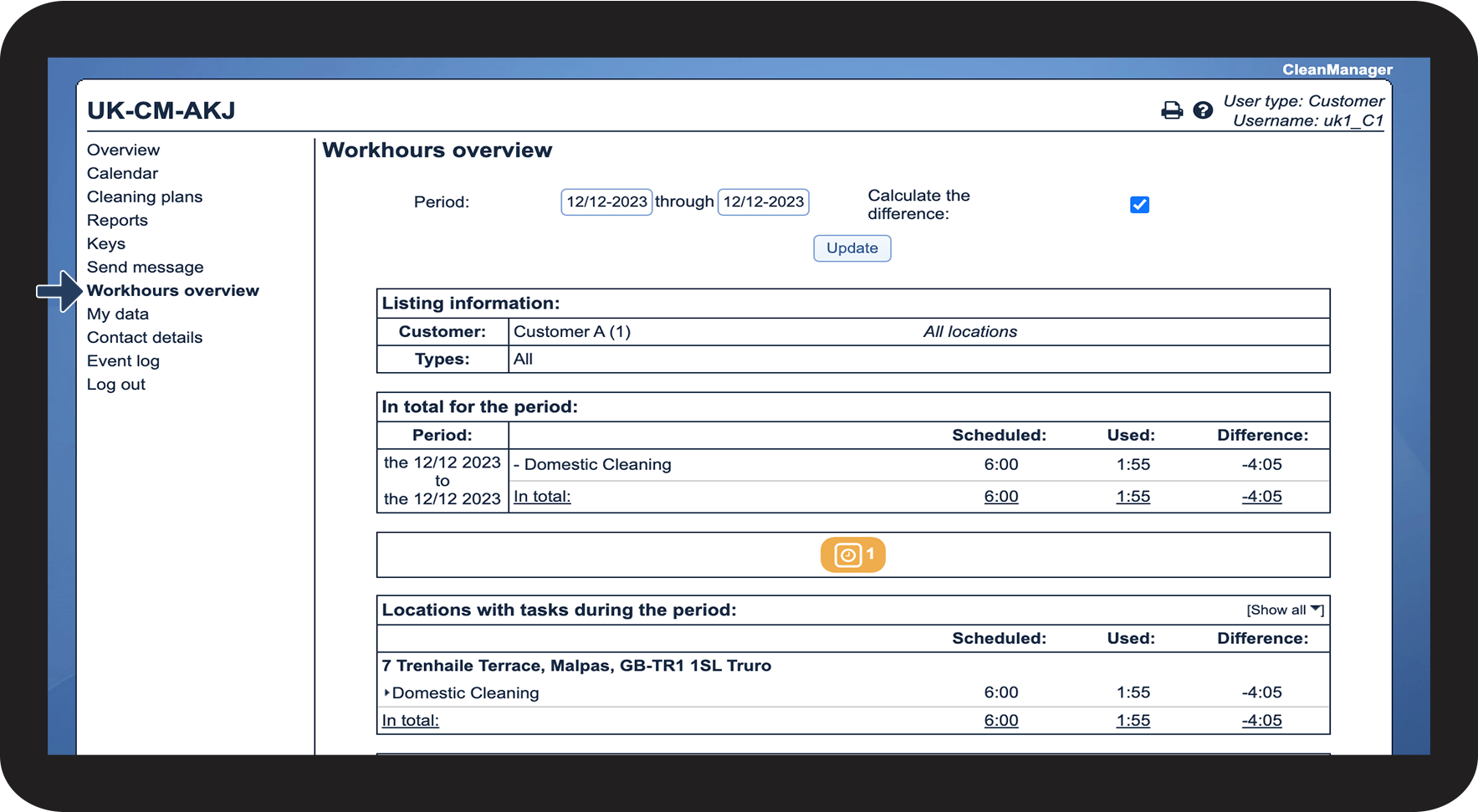
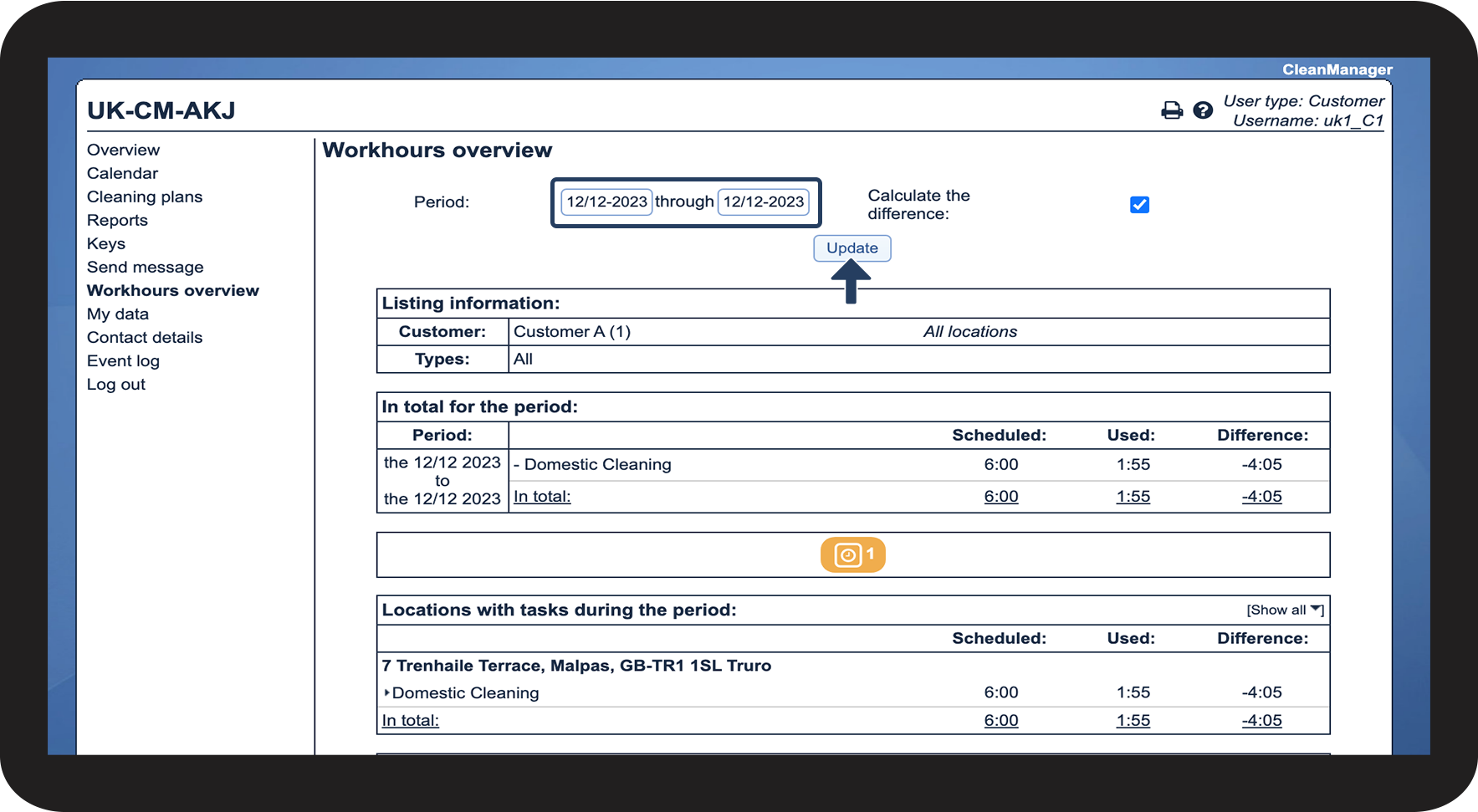
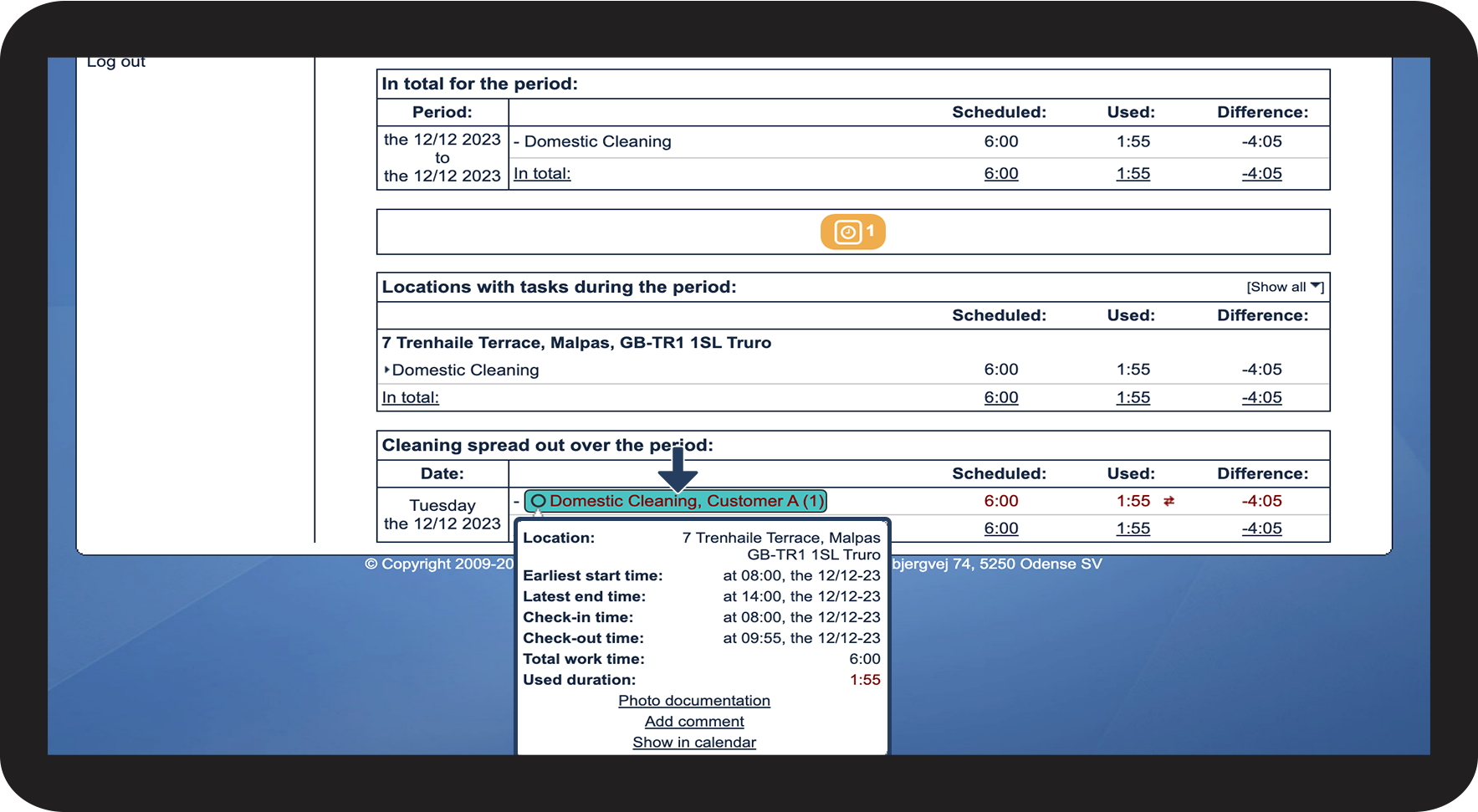
- Where can I see check-ins, check-outs, and image documentation in Workhours overview?
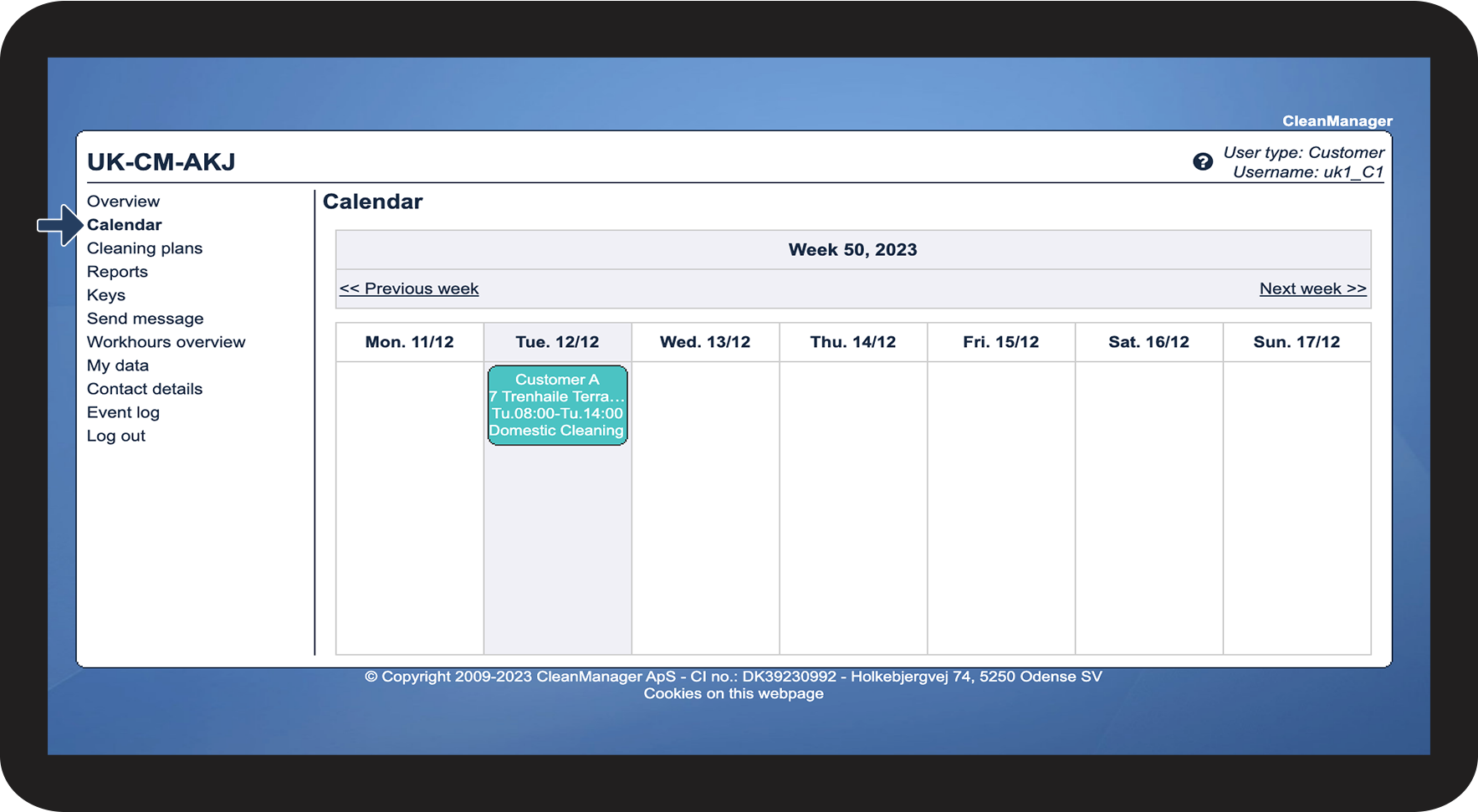
- Where can I see check-ins, check-outs, and photo documentation in the calendar?
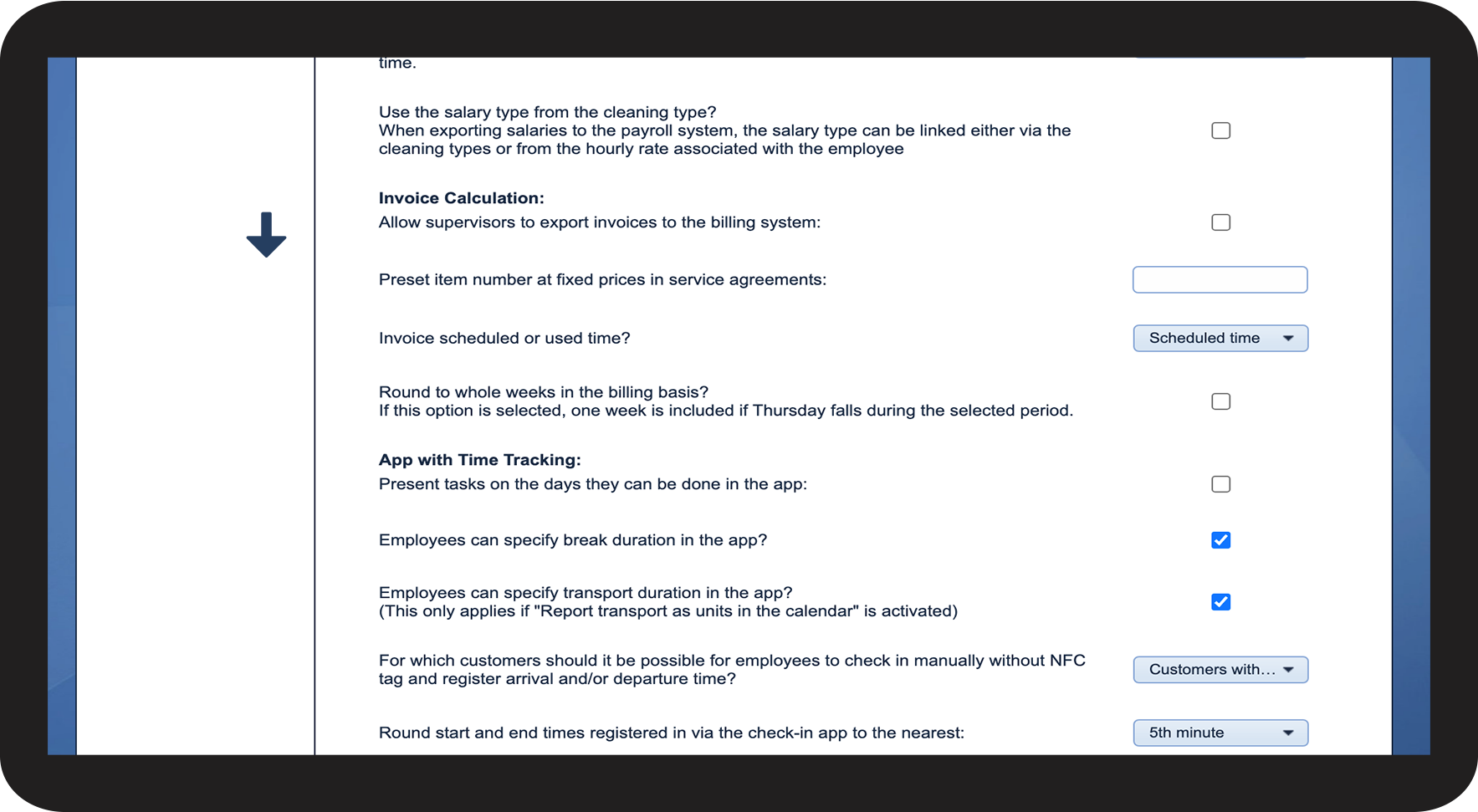
These settings must be enabled



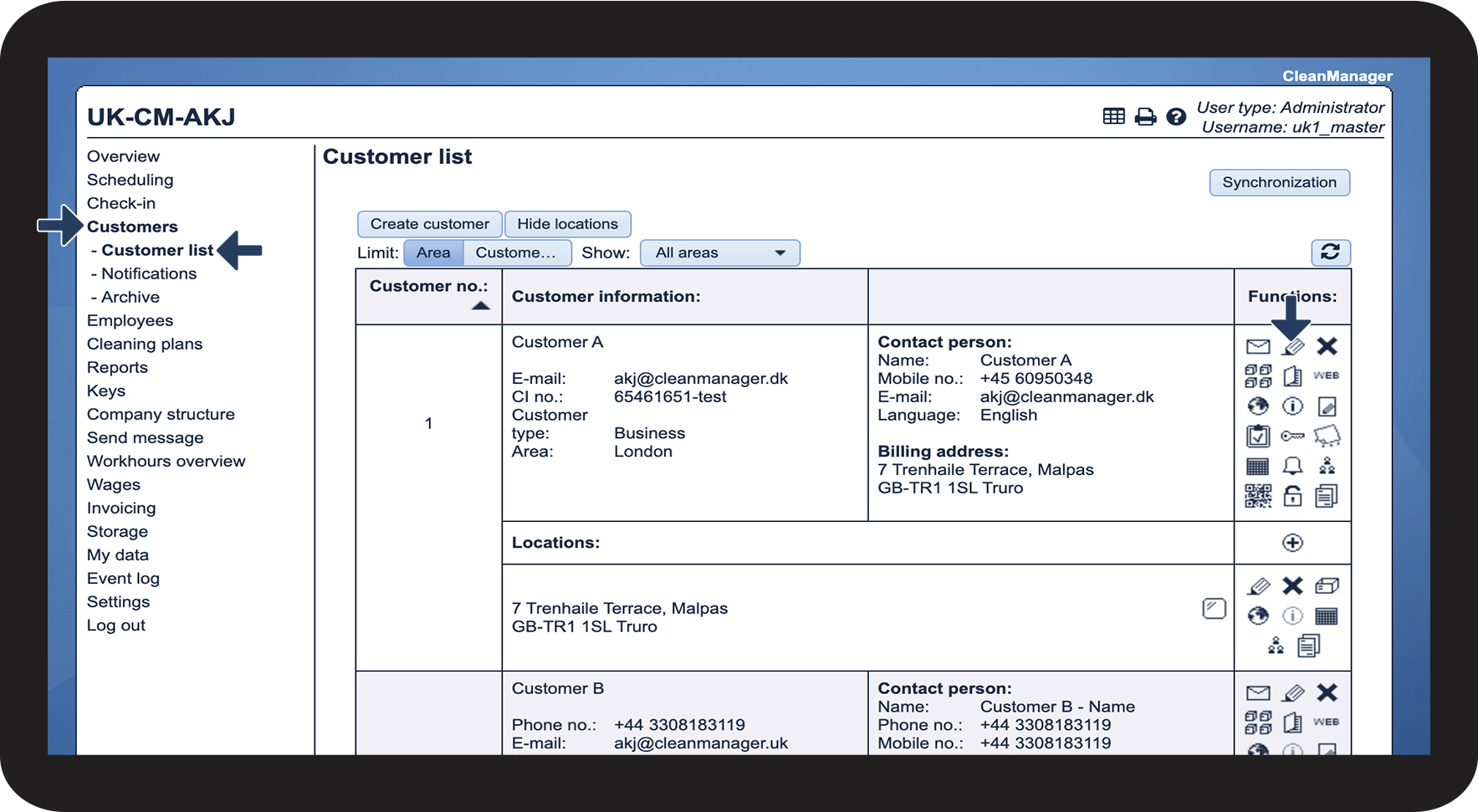
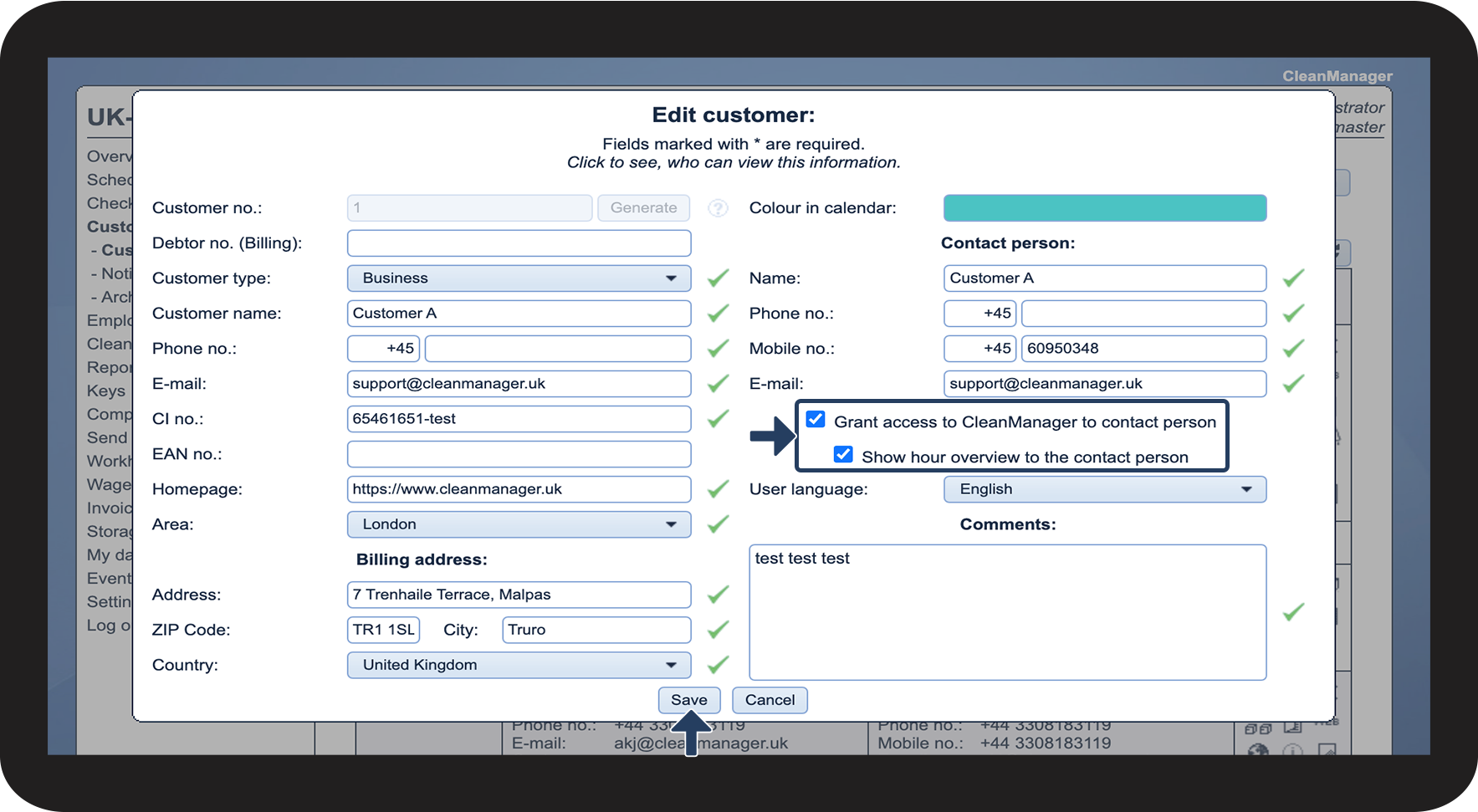
This must be set up on the customer

Here you will be able to see check-ins and check-outs as well as photo documentation in the workhours overview as a customer
INFO:
It will be possible to download the images attached to the assignments.
Here you will be able to see check-ins and check-outs as well as photo documentation in the calendar as a customer
INFO:
It will be possible to download the images attached to the assignments.