
How do I use start times registered through the app to calculate the billing basis?
The setting enables you to use the start times of a task (started in the app) to be used as the date of execution for the billing basis.
It is possible to set up the earliest and latest start time in the calendar.
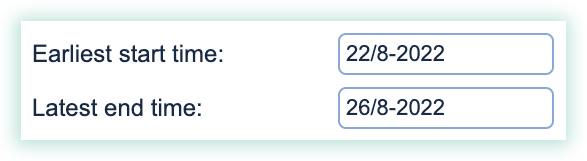
When a task is being executed and used for billing, the system will as a standard be using the Earliest start time as a basis to calculate the billing date.
In this example, the Date of the earliest start time will also be the date on the bill.
Activating the setting will result in the billing system using the date of the task execution to calculate the billing basis. In this example the billing date would be the 23rd when the task was completed:
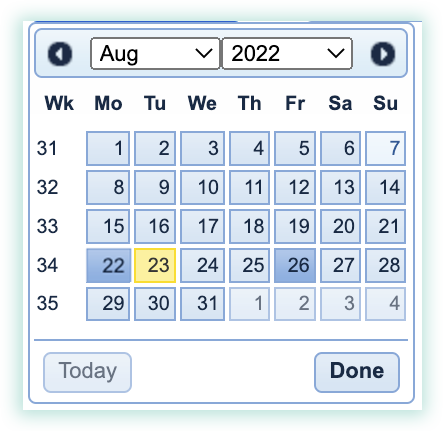
You are hereby able to set up flexible planning in the calendar, while your customers receive exact documentation for the specific date of the execution of the task.
Activate the possibility to use the registered start times to calculate the billing basis

To set up this setting, go to: