
Registering and reporting of transport
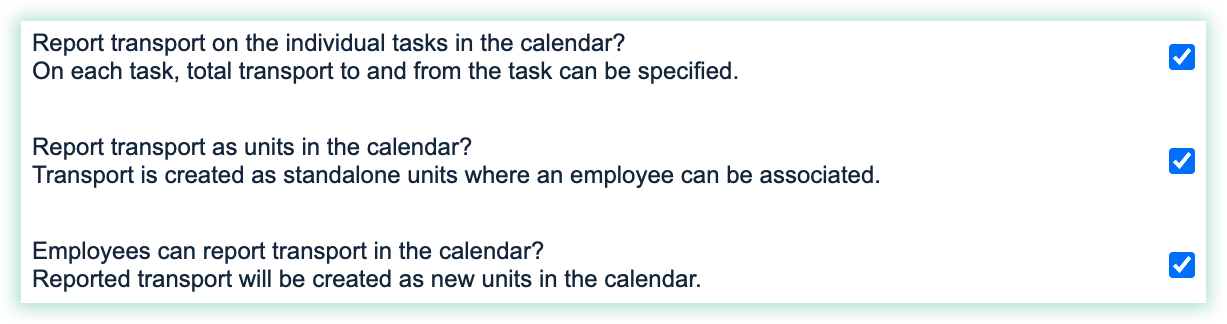
These settings allow you to register transport. Use the settings to:
- Add transport time directly to a task in the planning tool in the web system.
- Set up individual transport tasks in the calendar in the web system.
- Make employees able to report time and distance spent on transport in the calendar in the web system.
Read this article to understand your settings for transport:
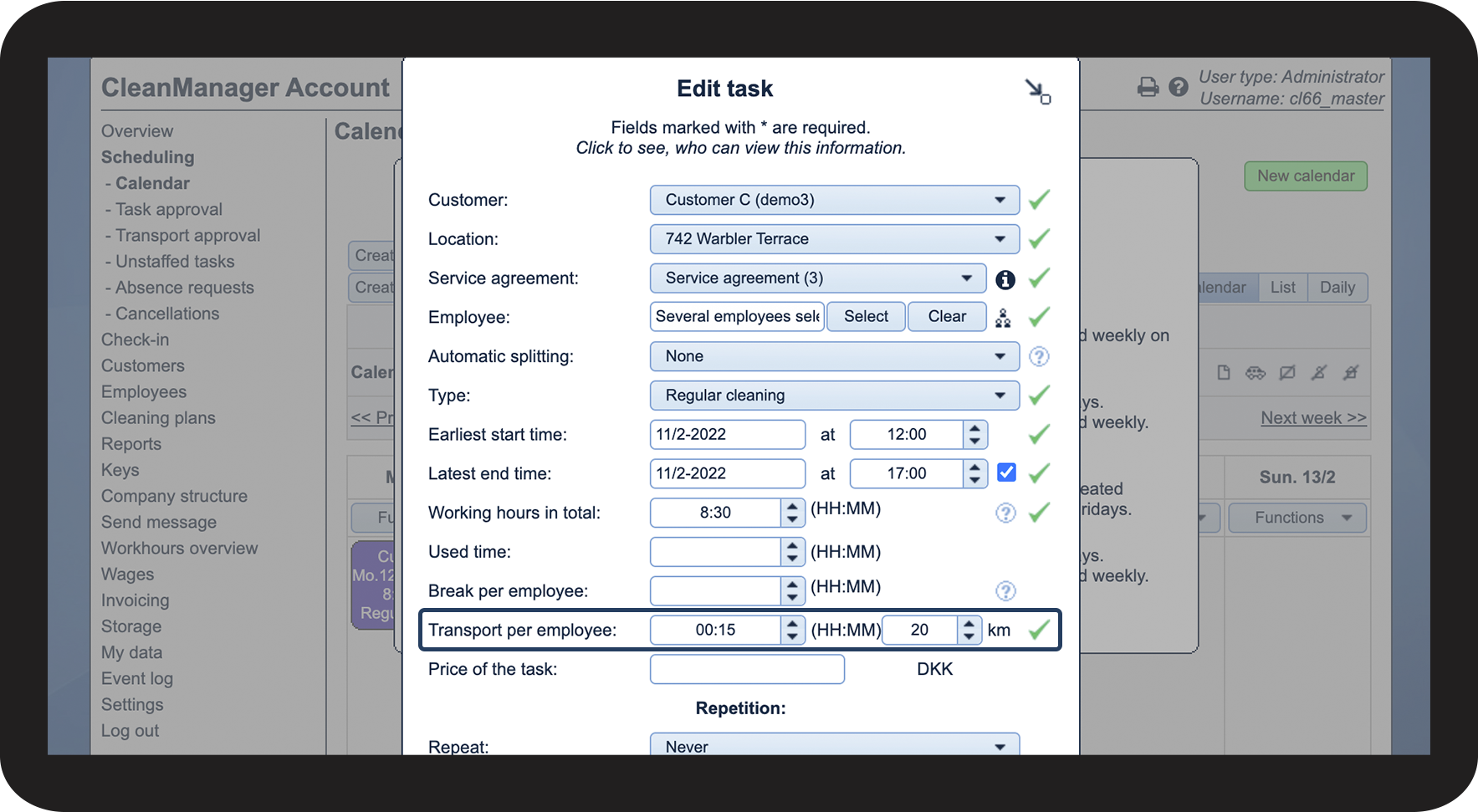
Report transport on the individual tasks in the calendar

By activating this setting, you enable the tasks in the calendar to be able to include the expected transport time for a task.

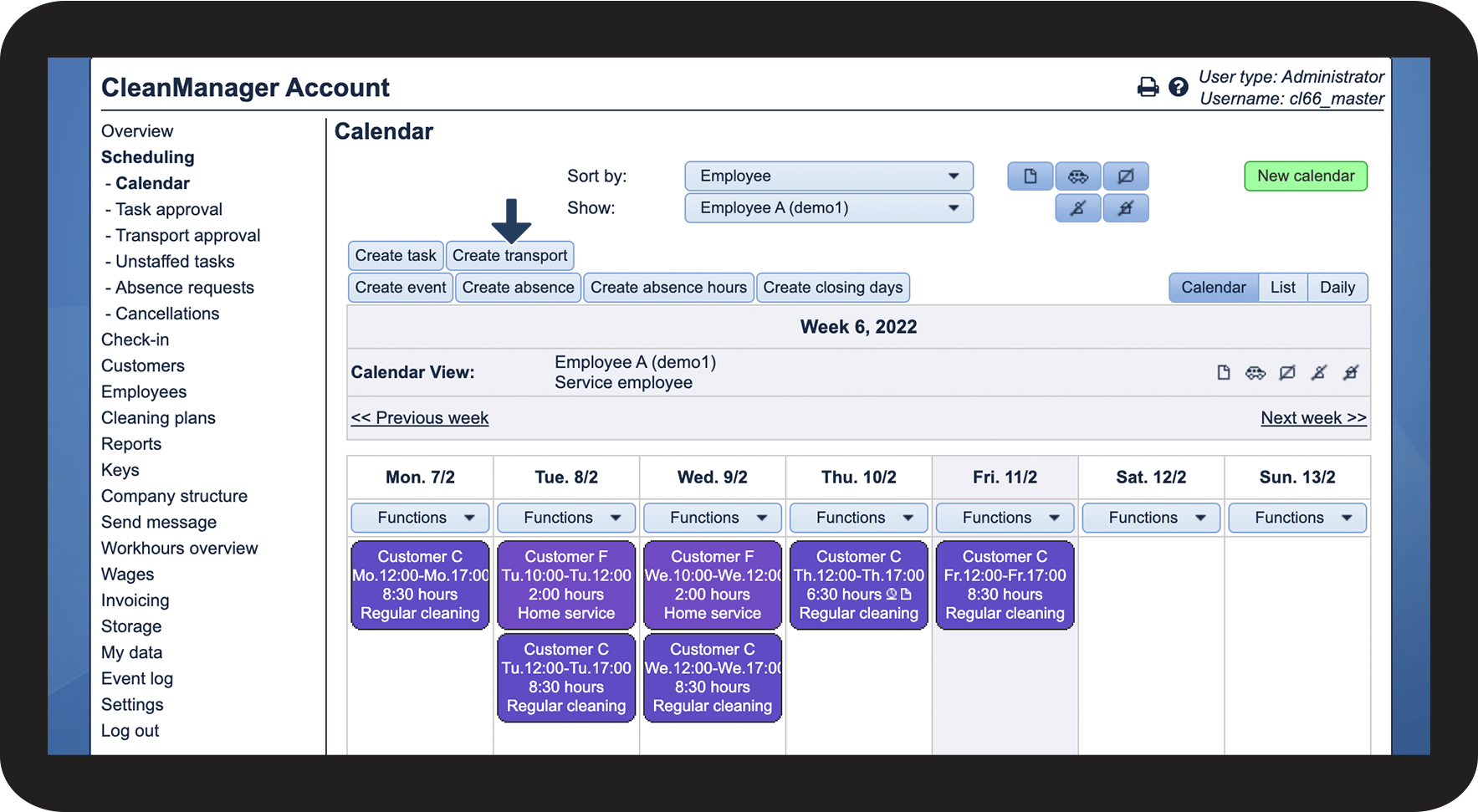
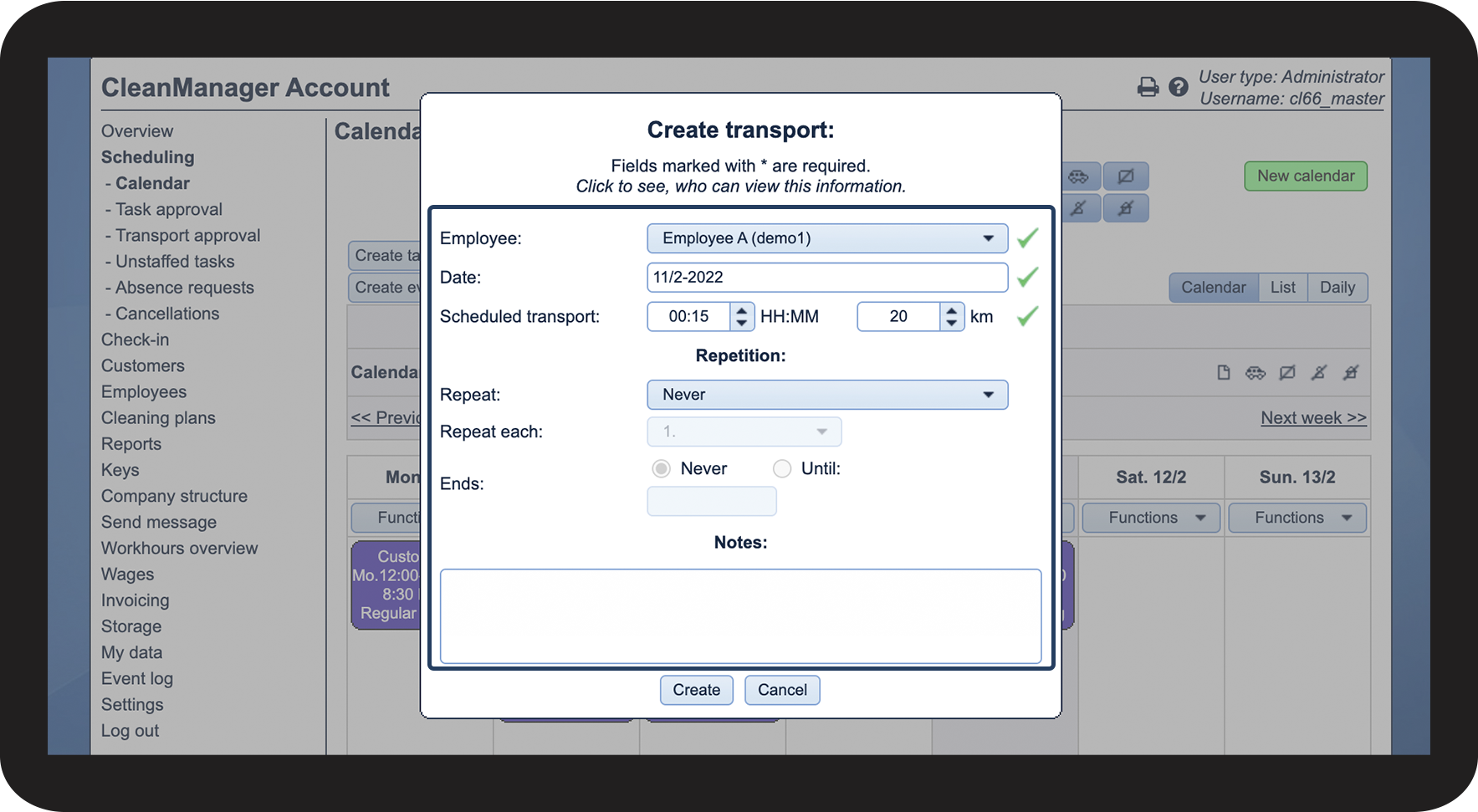
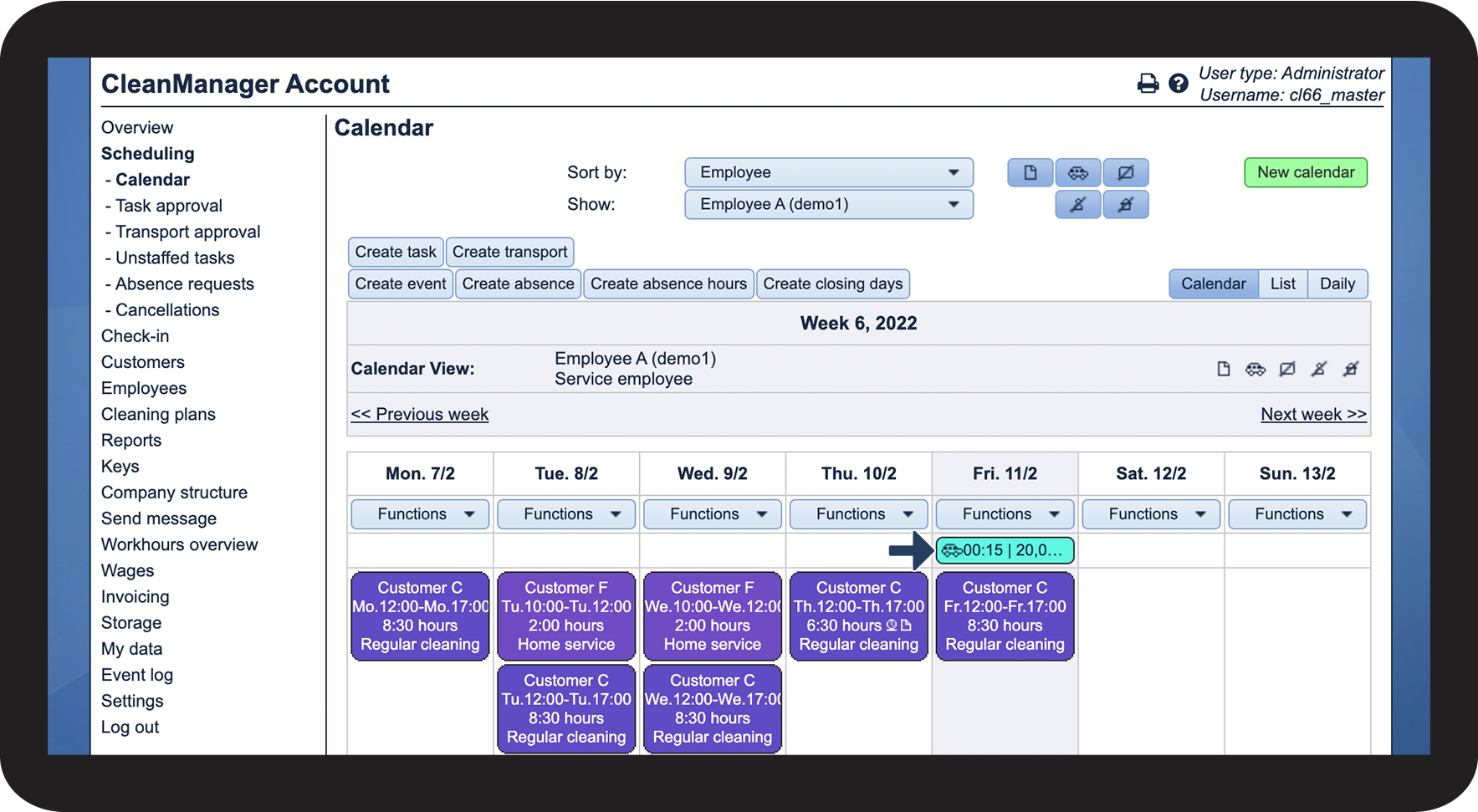
Report transport as units in the calendar

When activating this setting, it is possible to set up transports in the calendar.
Reported transport is only meant for transport information, which is needed for commuting.


INFO:
Do you need to create a transport task, which requires a check-in?
In this case, you can create a cleaning type called transport. Thereafter, your employees can check in on the planned transport task.
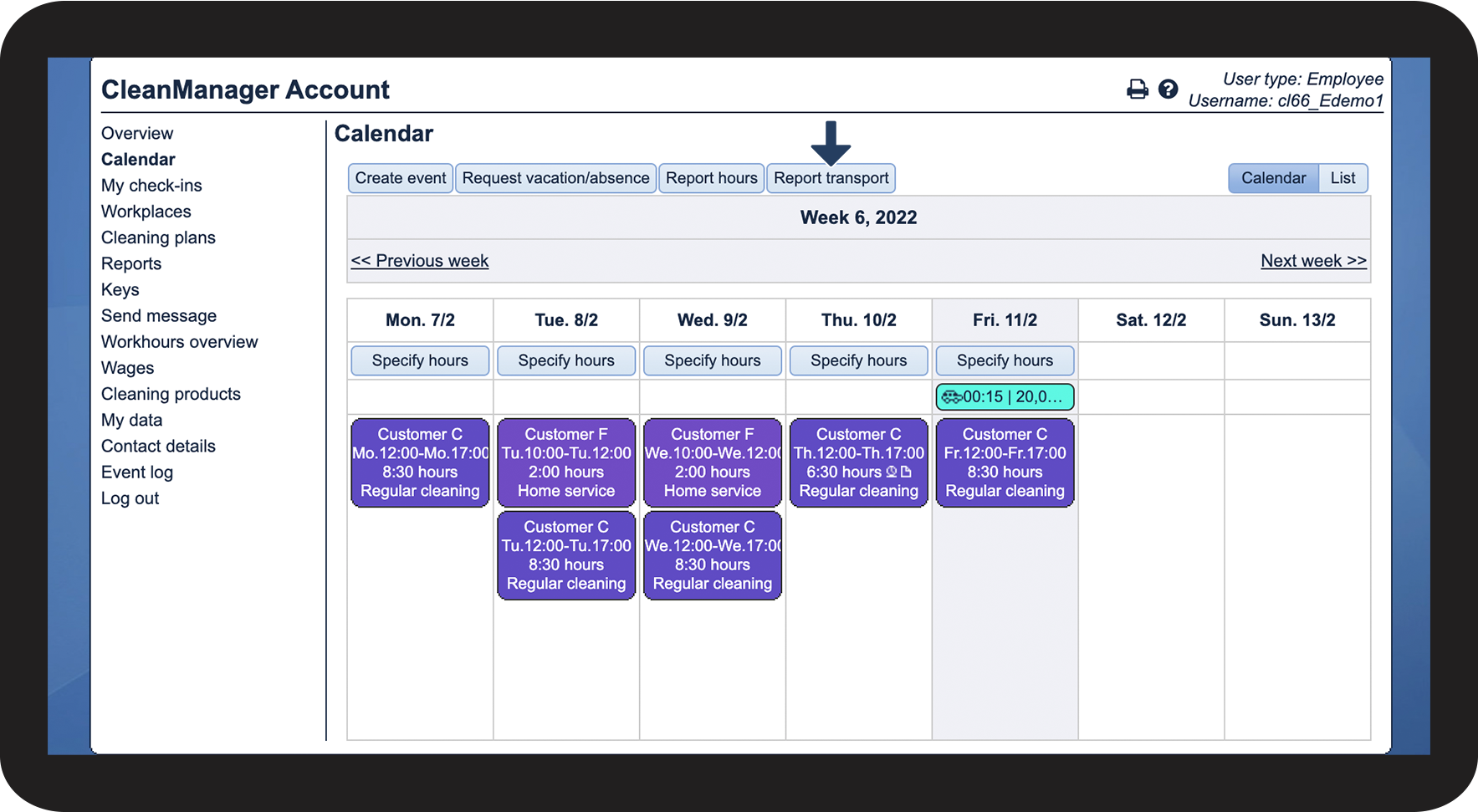
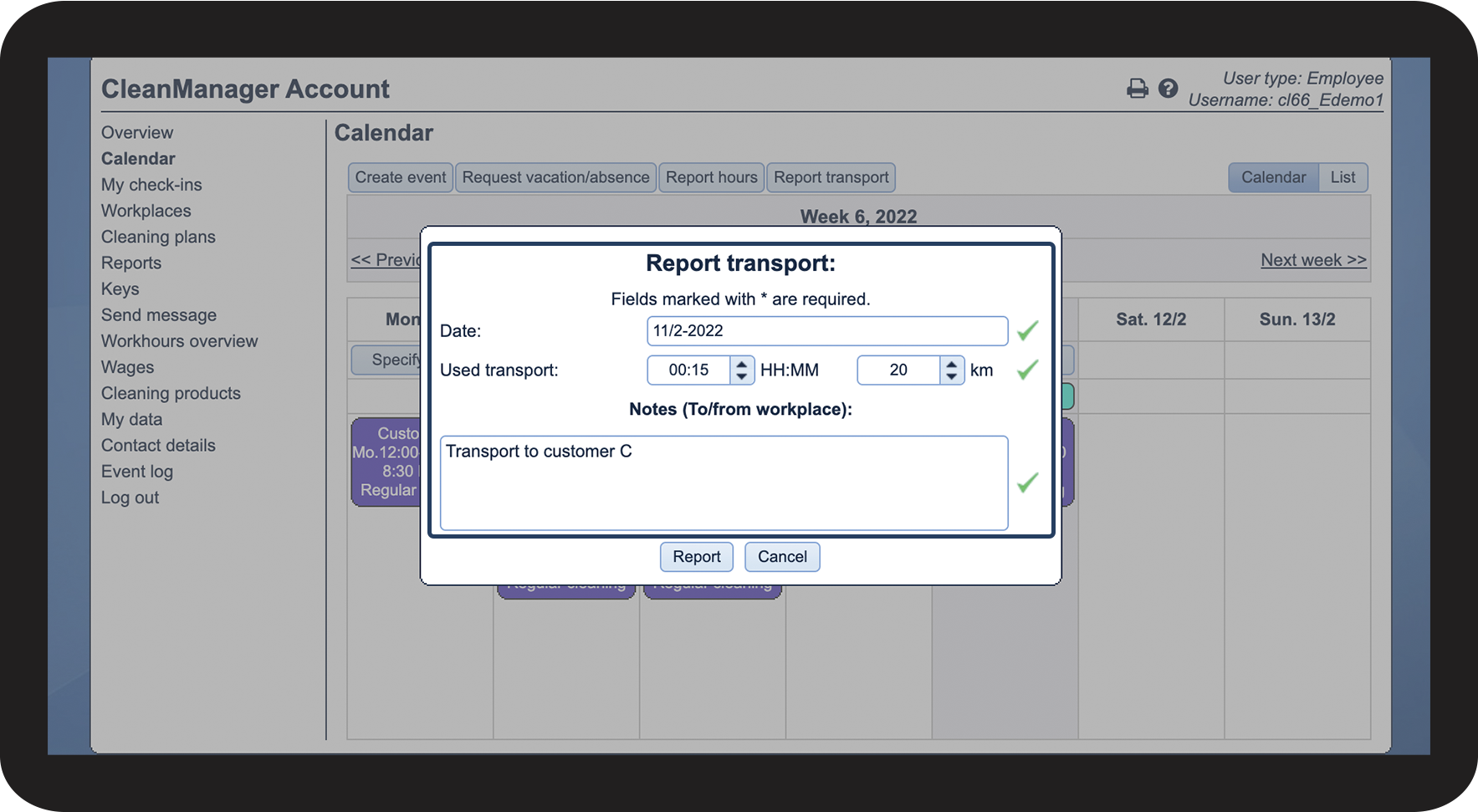
Employees can report transport in the calendar

This setting is activated if Report transport as units in the calendar is activated.
This opens up the opportunity for employees to also create transport and, therefore, be able to report transport information by themselves.
INFO:
It is also possible for employees to report hours through the app.
Read more in this article:Report transportation
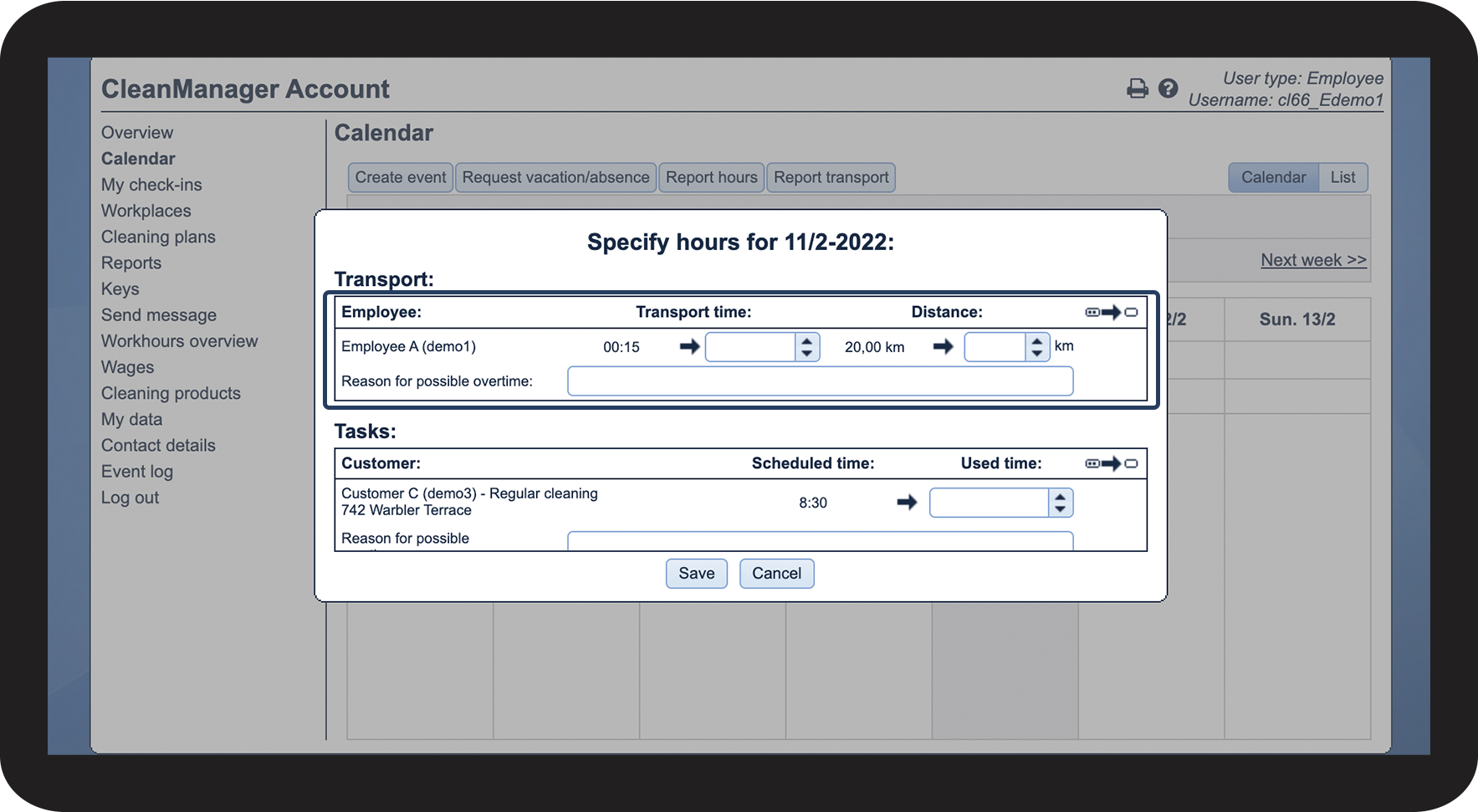
Employees can adjust driving hours in the calendar
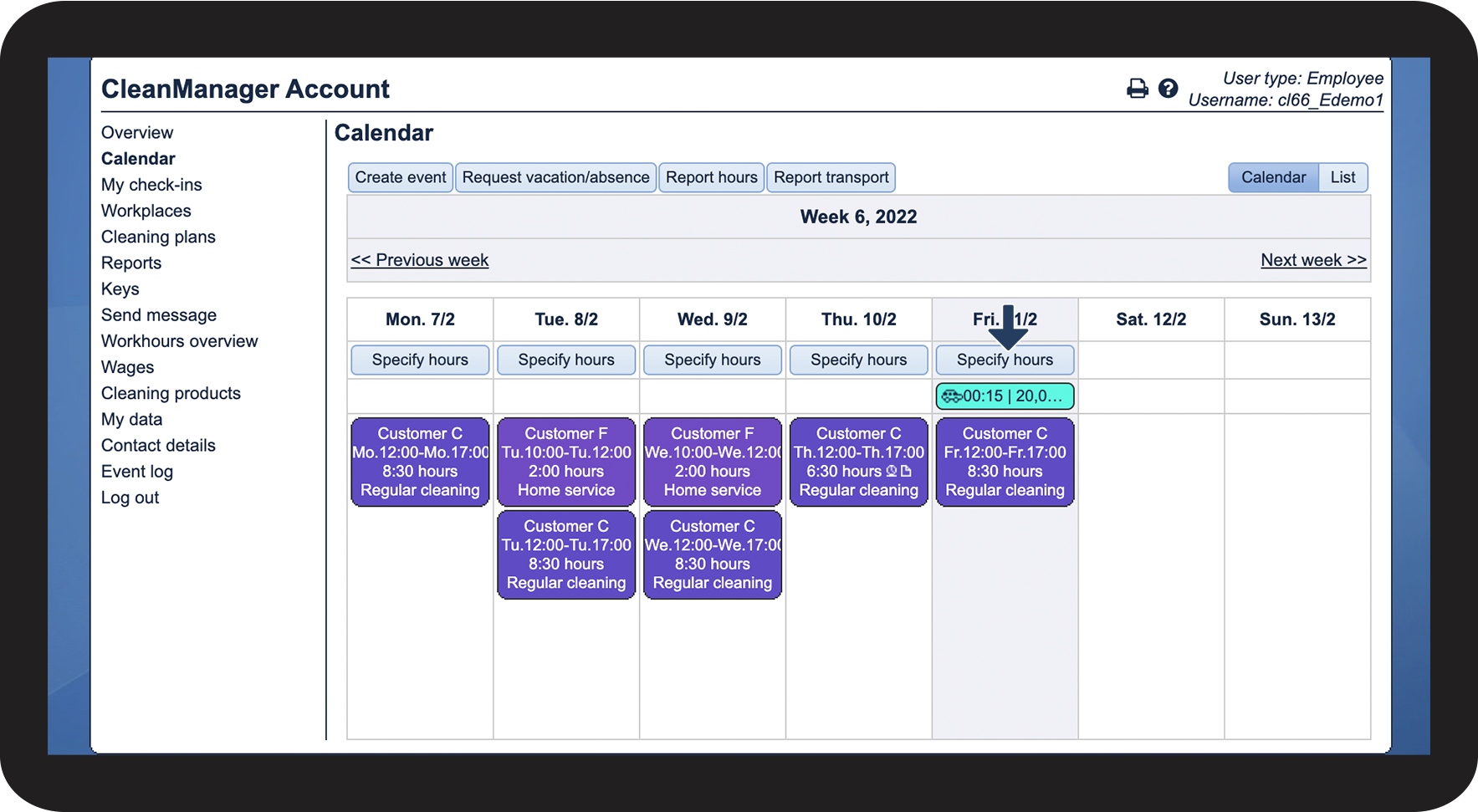
It is also possible to adjust employee's transport tasks if there are any discrepancies, regarding the time or distance, set aside for already existing transport.


Note:
The employee can only adjust transport, which was created by the administrator/inspector. The self-inserted transport by the employee cannot be adjusted by the employees themselves.