
How do I test NFC tags?
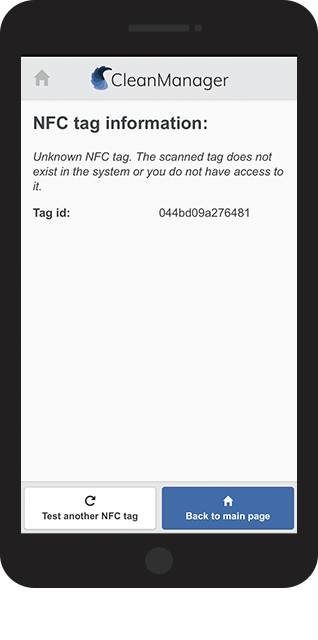
A NFC tag can either be unknown or known.
- An unknown NFC tag is a tag that is not connected to a customer in CleanManager.
- A known NFC tag is a tag that has already been scanned and connected to a customer location in CleanManager.
Note:
If a registered NFC tag is being tested by a supervisor it can still show as unknown, even though it is connected to a customer. This can happen if the supervisor is not connected to the customer and customer area where the NFC tag is connected to.
An administrator can grant access to the customer area in CleanManager here:
Company structure > Customer areas
In this article you can read about how you test a NFC tag
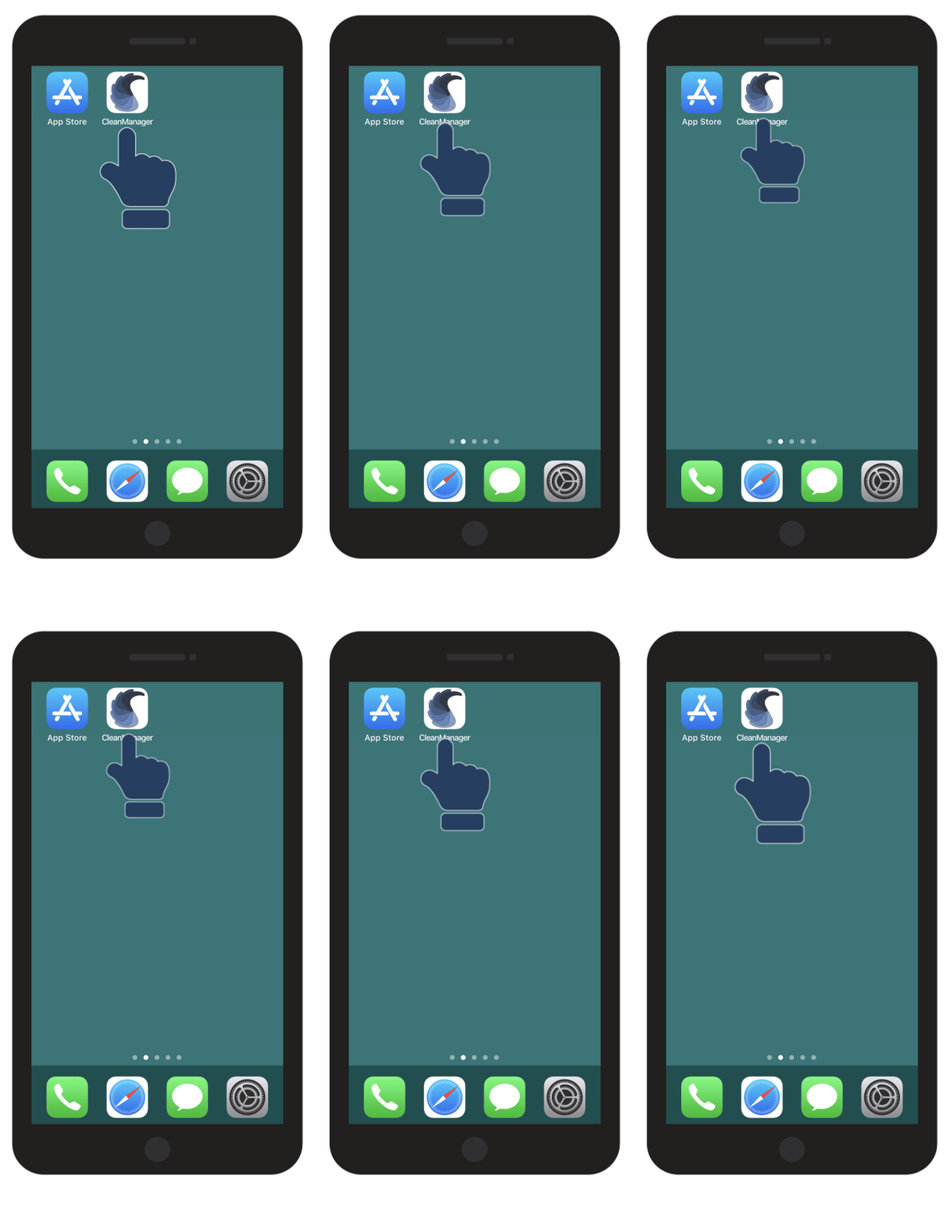
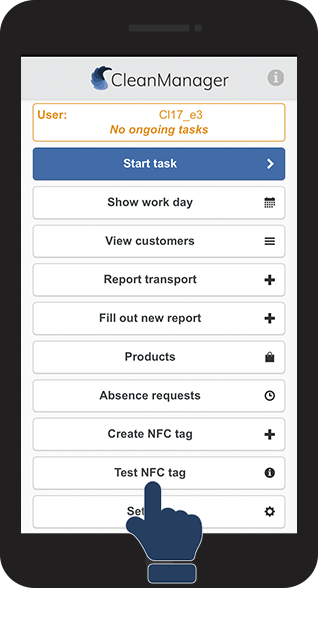
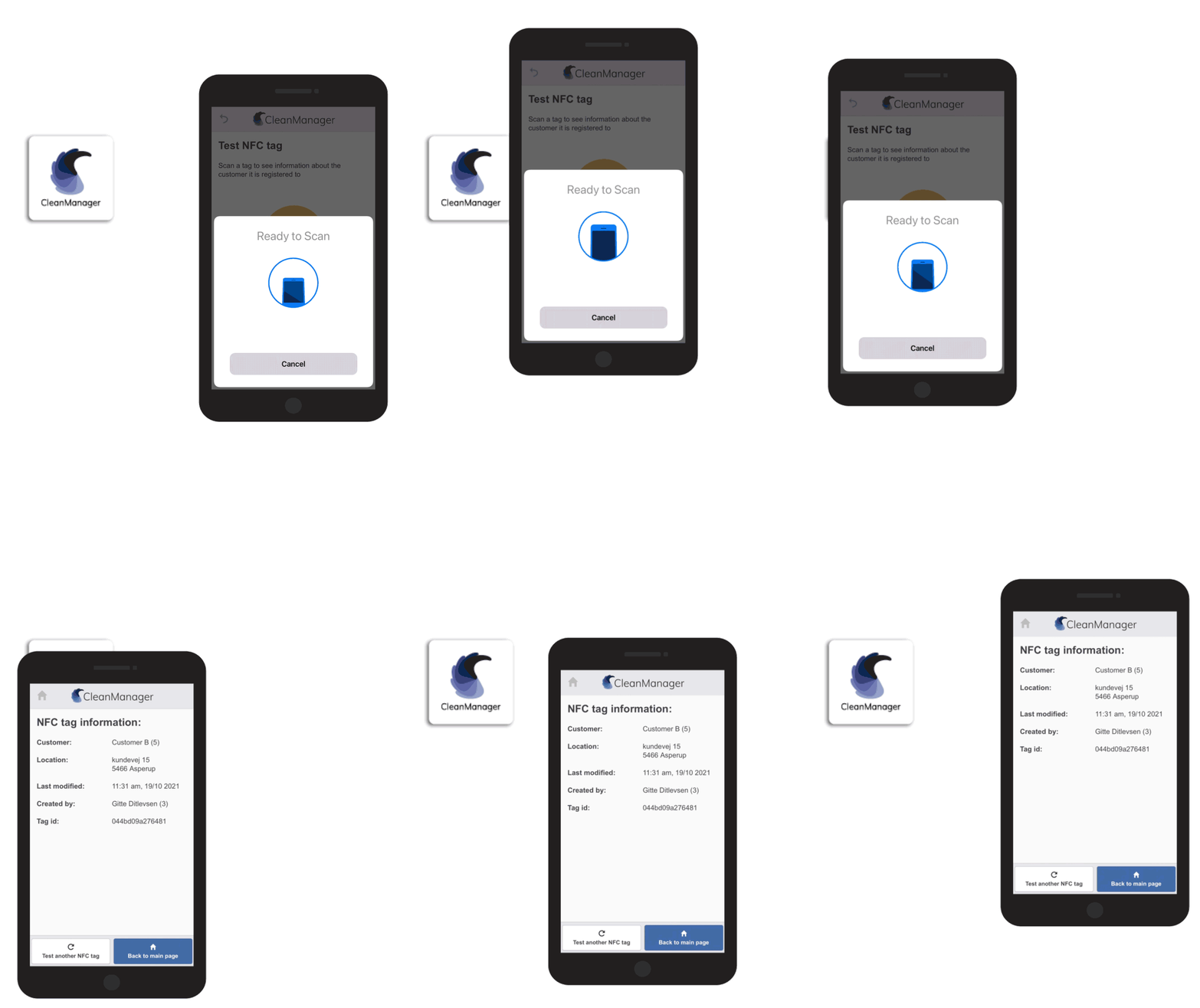
This is how you test NFC tags
The procedure for scanning known and unknown tags are the same.



Note:
Do you have problems with scanning the NFC tag?
Have a look at this article to find out how your phone reads NFC best:
How do I scan NFC tags?
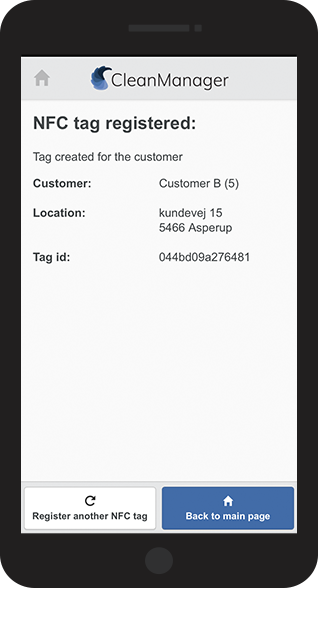
 Your tag has now been tested and the app will show whether the tag is connected to a customer or not:
Note:
Do you want to remove information from a NFC tag, connected to a customer?
Read the article: Deleting NFC tags