
What are templates in CleanCalculator?
In CleanCalculator, you can automatically generate documents for your quote. For example, you can create sales documents for the customers, and work-related documents for your employees.
What are templates in CleanCalculator?
In CleanCalculator, you will automatically gain access to a collection of standard document templates, which will make your administrative work simpler and easier.
Furthermore, the templates ensure a unified and professional appearance.
NOTE:
In your 14-day trial period of CleanCalculator, you will only have access to a limited amount of templates. The remaining templates will become available if you decide to continue on a paid subscription.
Brief overview of templates:
- When you generate a quote in CleanCalculator, your information (e.g. name, address, room list) will automatically be included in your templates. This means that your sales letters and other documents can be generated all at once with one click.
- The documents contain standard texts, but you can request changes to the templates. See the following section for more information on this: How to get your templates adjusted.
- Once generated, you can still manually edit and customise the documents in your word processing software, e.g. Microsoft Word.
INFO:
All documents you generate will be exported in a Word format 
INFO:
Do you have a template of your own that you want added to CleanCalculator?
Please send a request to our support, so we can help you create it: support@cleanmanager.org
How to get your templates adjusted
Do you have special requests for the content in your templates, e.g. logo, colours, slogans, or the likes?
We can help you adjust text or other special content that you would like included in your templates, for example, if you wish to adjust the design to your company branding.
Send a request with your wishes and graphic materials to our support: support@cleanmanager.org
INFO:
We use merge codes in our templates to add names, addresses, prices, and the likes automatically into documents.
If you wish to add additional information to your templates, you can find more information about what kind of data we can include in this document:
Information on customizing and personalizing templates
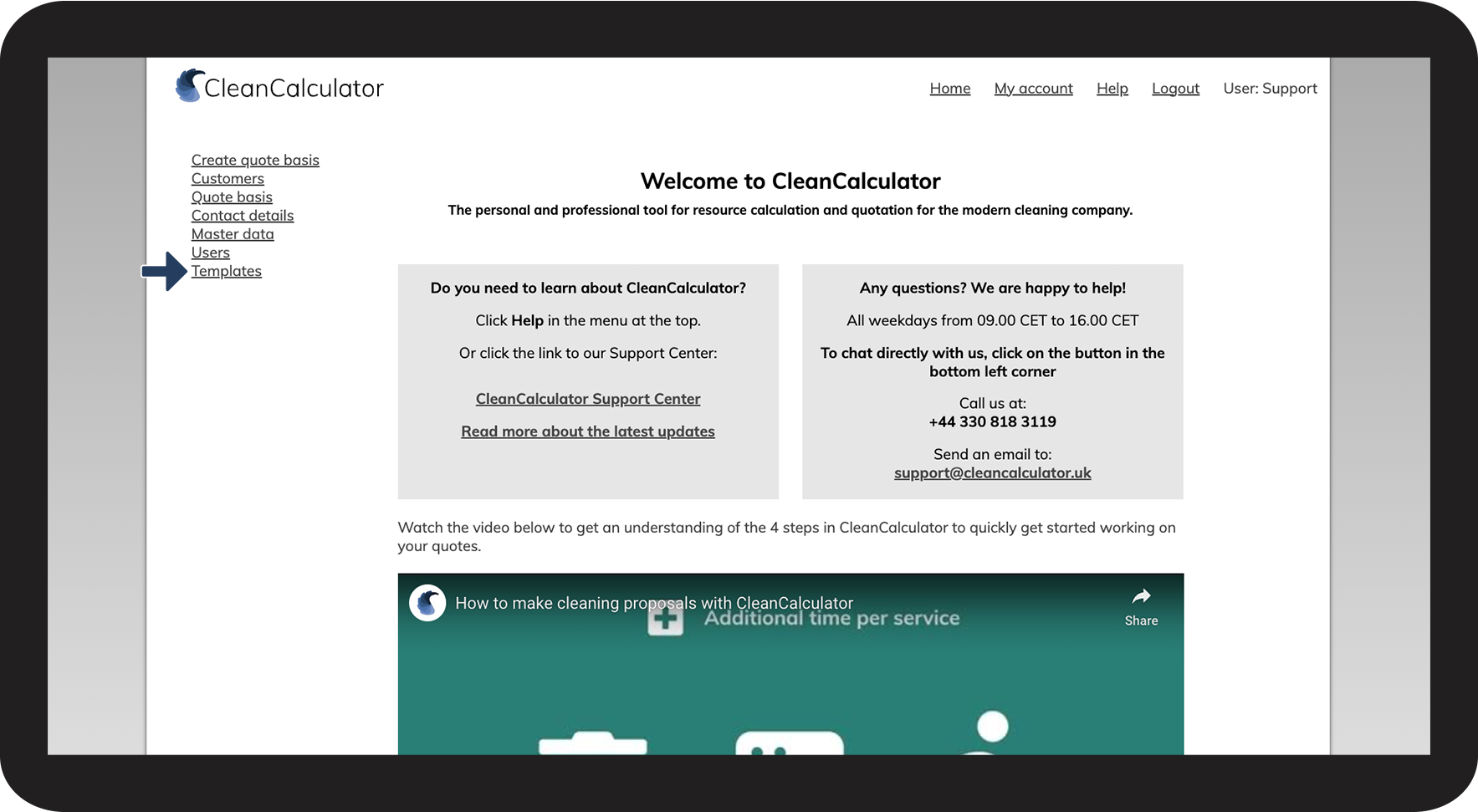
How to view your templates



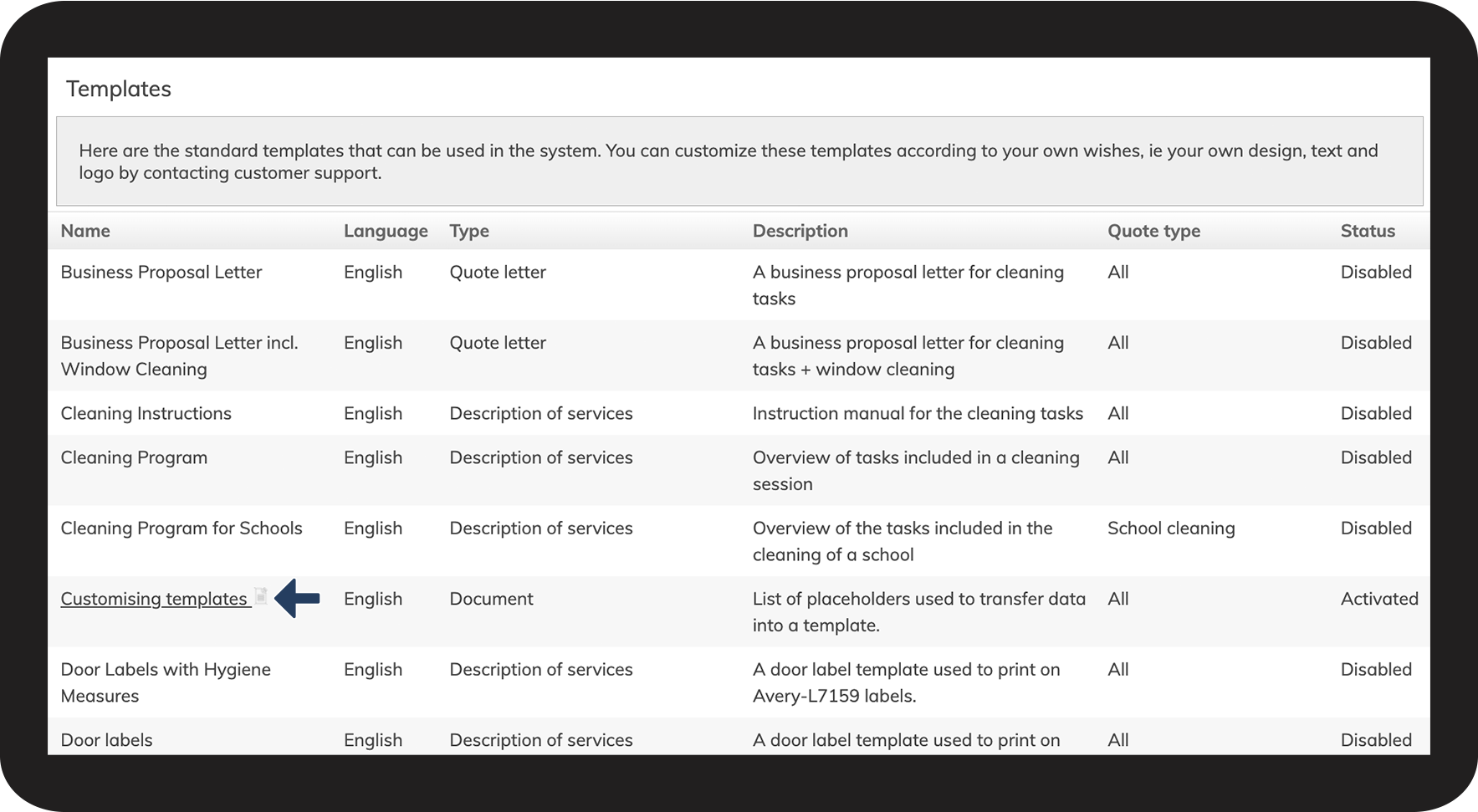
Description of the different columns in the template overview
To learn how to generate documents using the templates, see this article: