Setting up your parameter groups and parameters
How do I add one or more parameter groups to my report template?
You have the option to add one or more parameter groups to your report.
A parameter group is basically a group of questions that you create to contain questions within the same area.
The parameter group is then made up of several parameters, i.e. questions that you want answers to.
In this article, you will learn:
- How to add a parameter group to a report template
- How to delete a parameter group from a report template
- How to add a new parameter to your parameter group
- How to delete a parameter from a report template
- How to create a new type of parameter or parameter group
- How to edit rating options for the individual parameters
How to add a parameter group to a report template
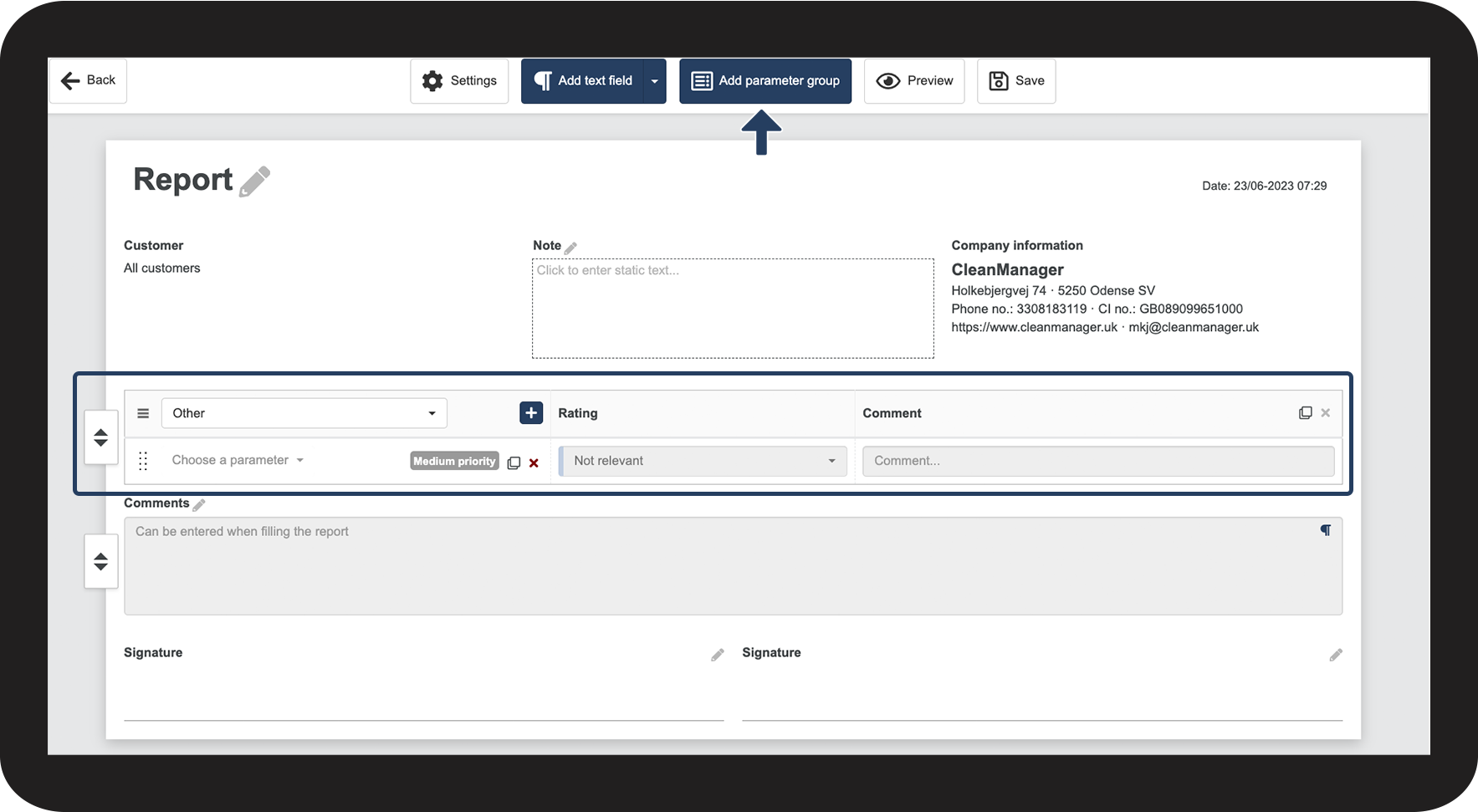
In the top menu, click on Add parameter group

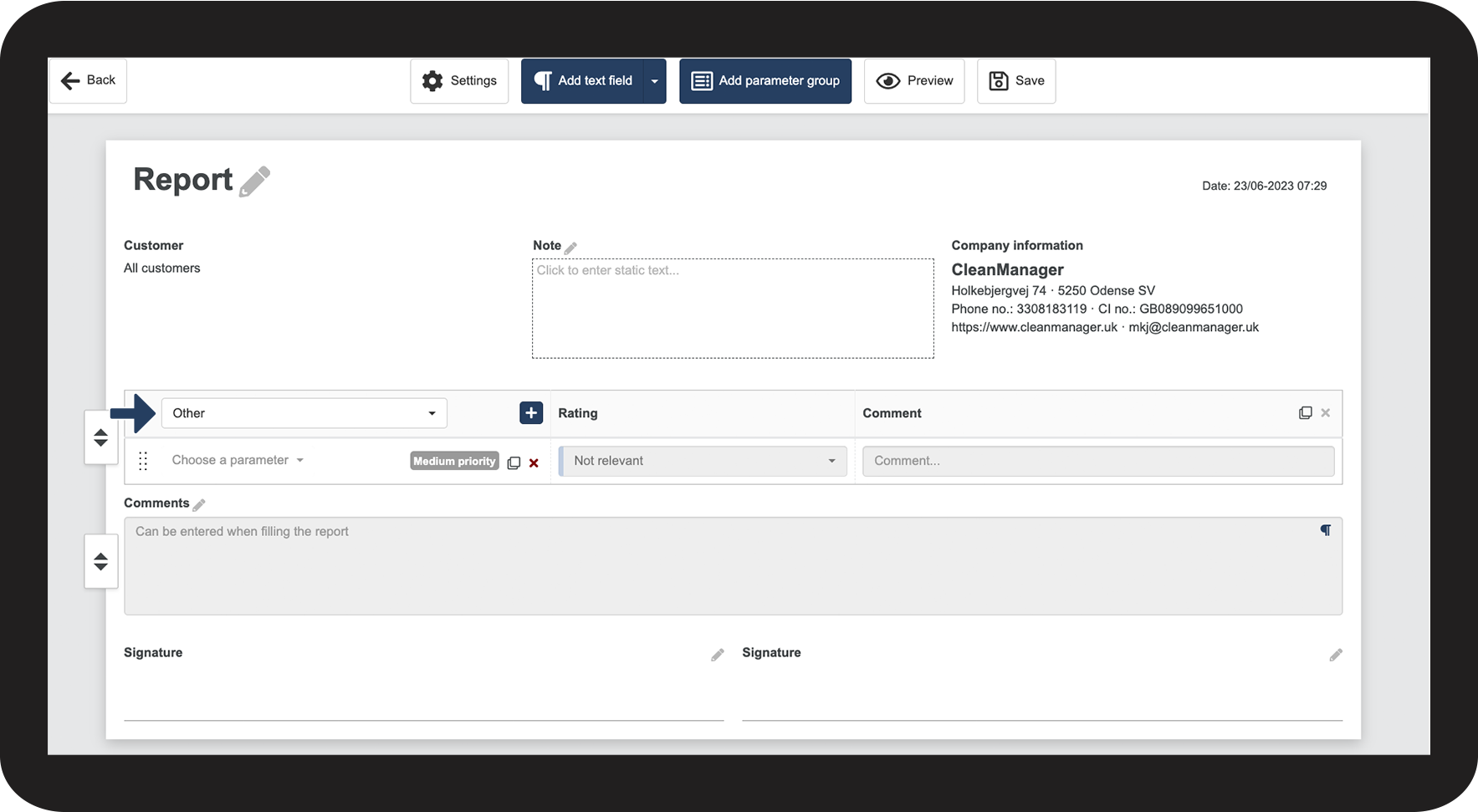
In the dropdown menu, pick one of the possible names for the parameter group
If you want to create a parameter group with another name, you can see this section about adding new parameter groups: How to create a new type of parameter or parameter group

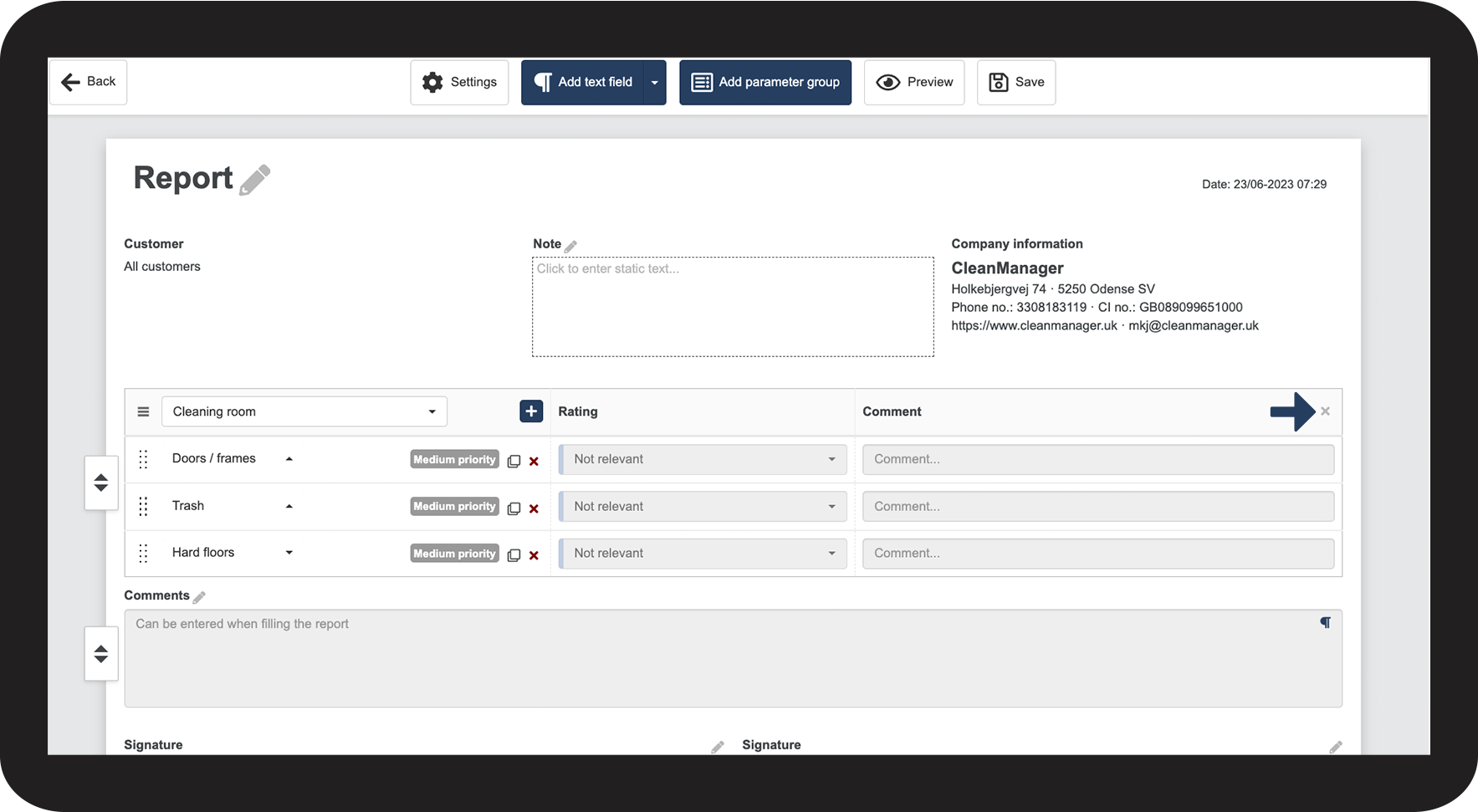
How to delete a parameter group from a report template
Click on
to delete the parameter group from the report template
How to add a new parameter to your parameter group
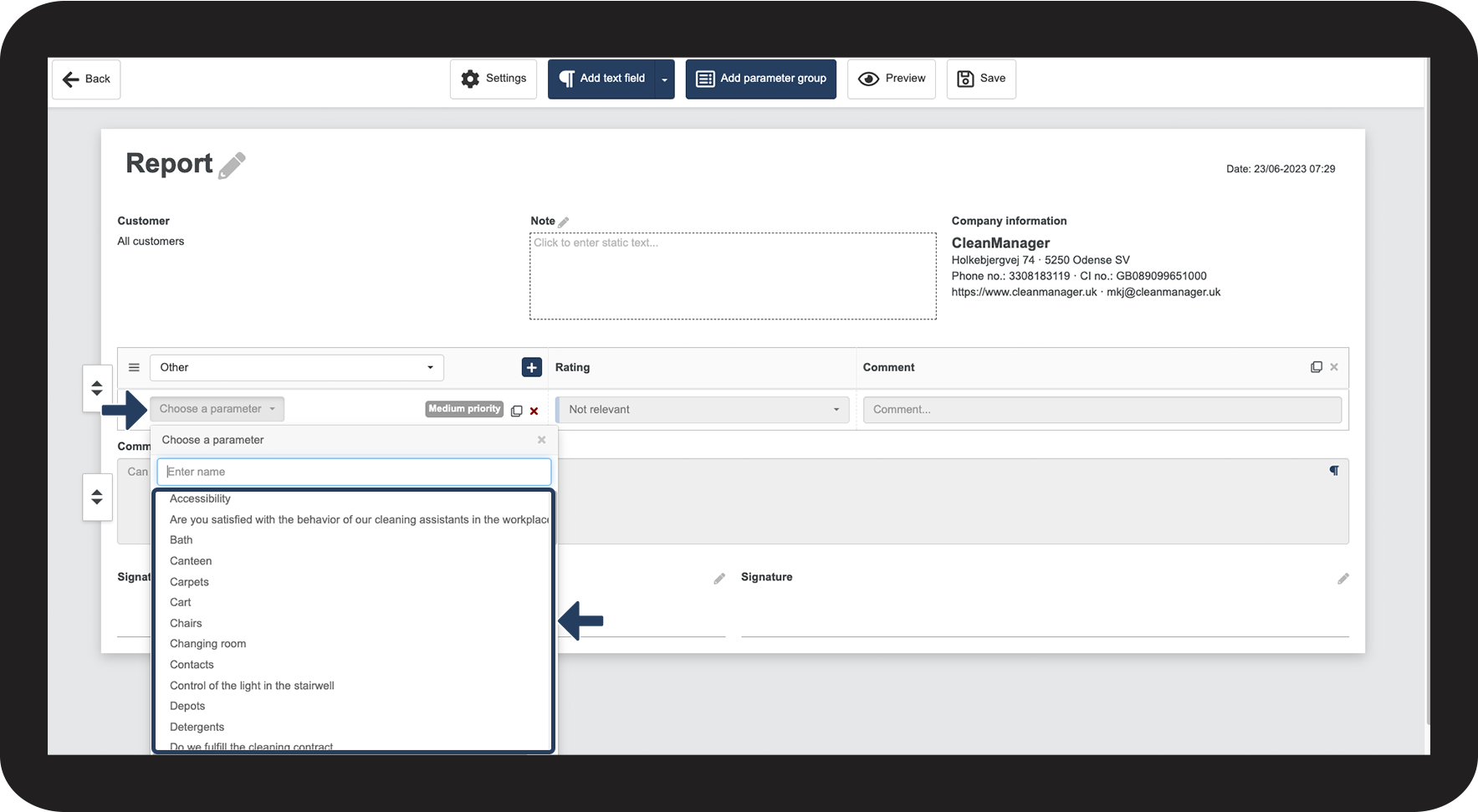
Click on the dropdown menu Choose a parameter within the parameter group
Choose a parameter from the list. You can learn more about creating new parameters in this section: How to create a new type of parameter or parameter group

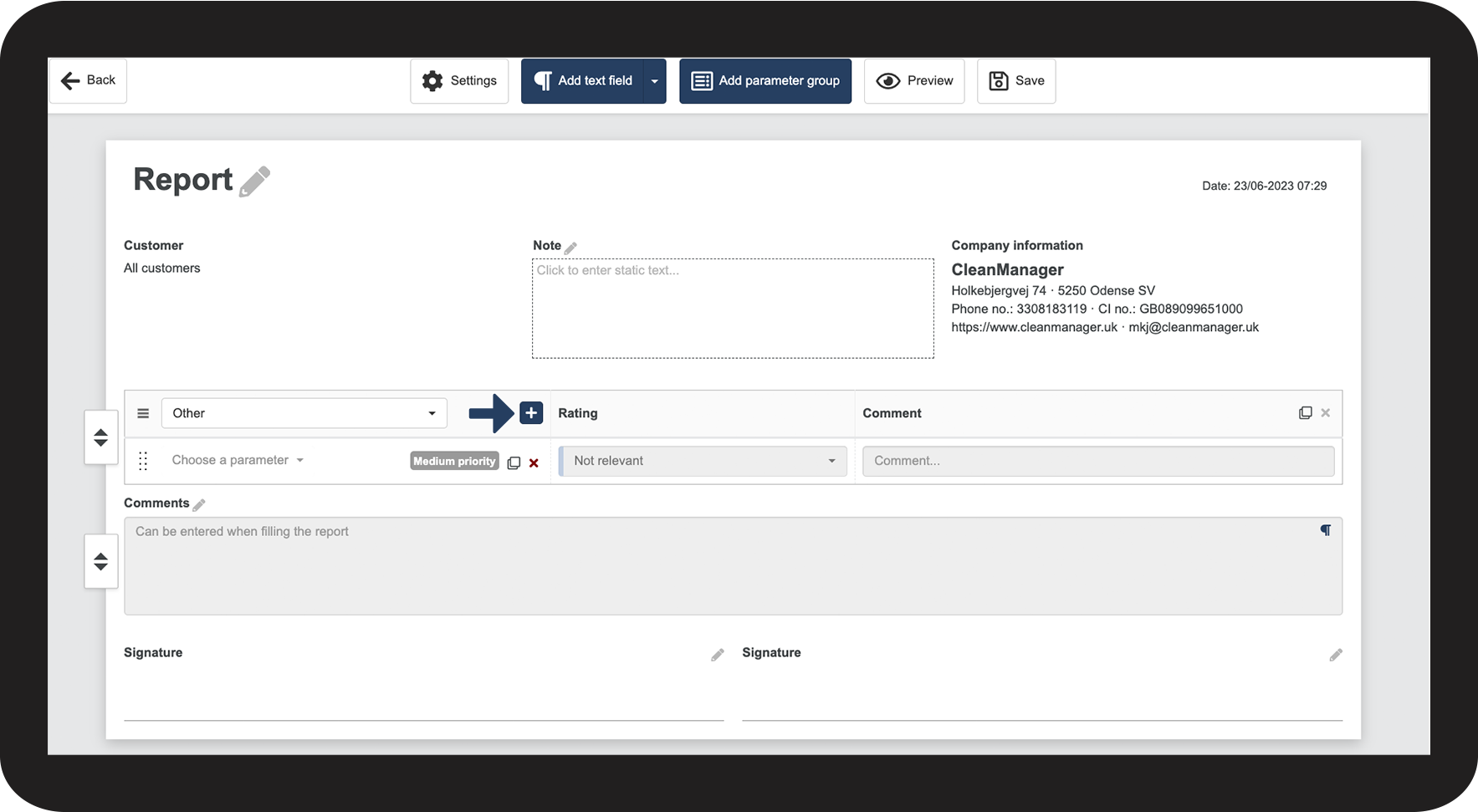
Add more parameters by clicking on the
button within the parameter group

How to delete a parameter from a report template
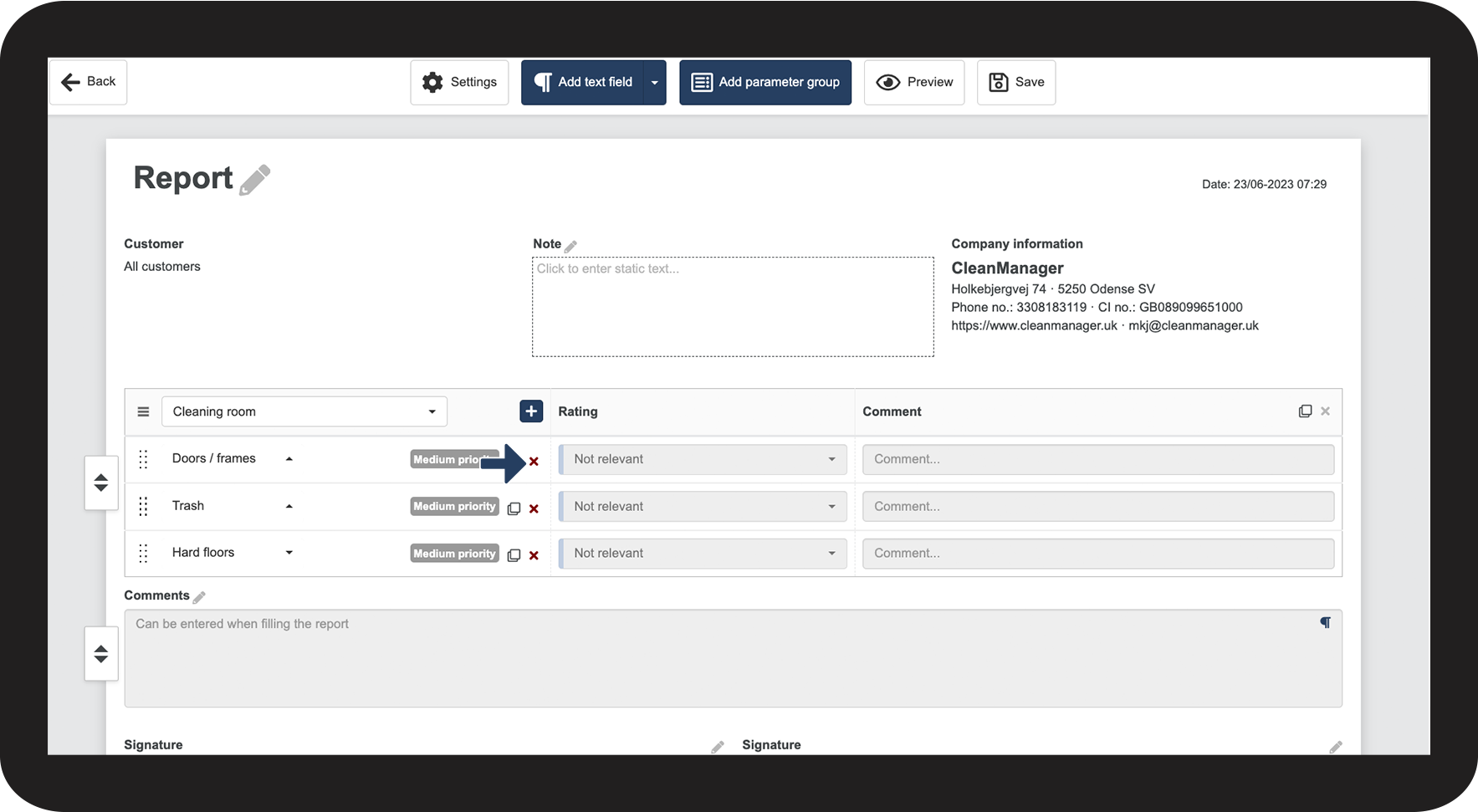
Click on
to delete the parameter

How to create a new type of parameter or parameter group
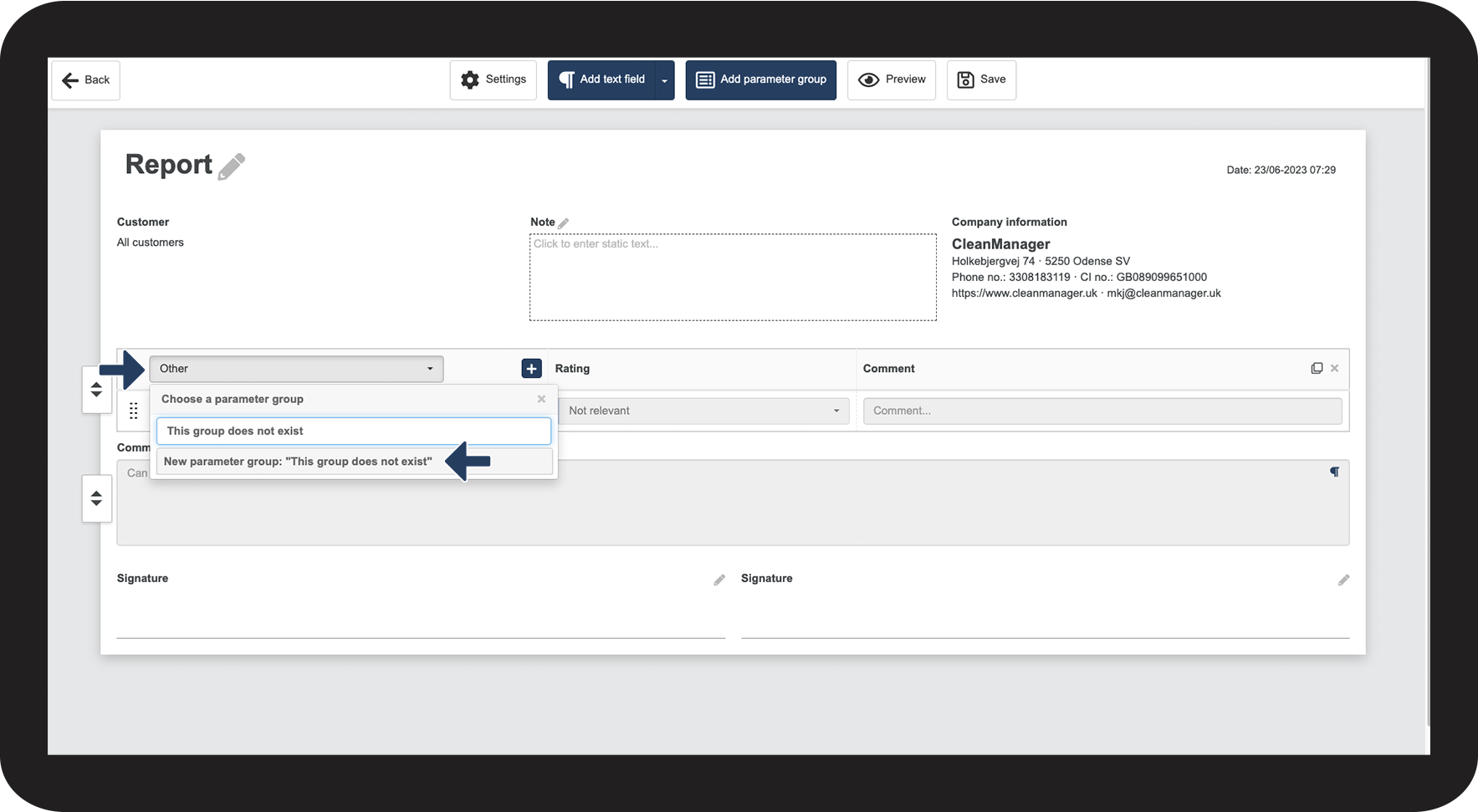
Click on the dropdown menu to choose a parameter or parameter group
In the search field, type in the desired name.
If the name does not exist, you can add it by clicking on New parameter/parameter group.

How to edit rating options for the individual parameters
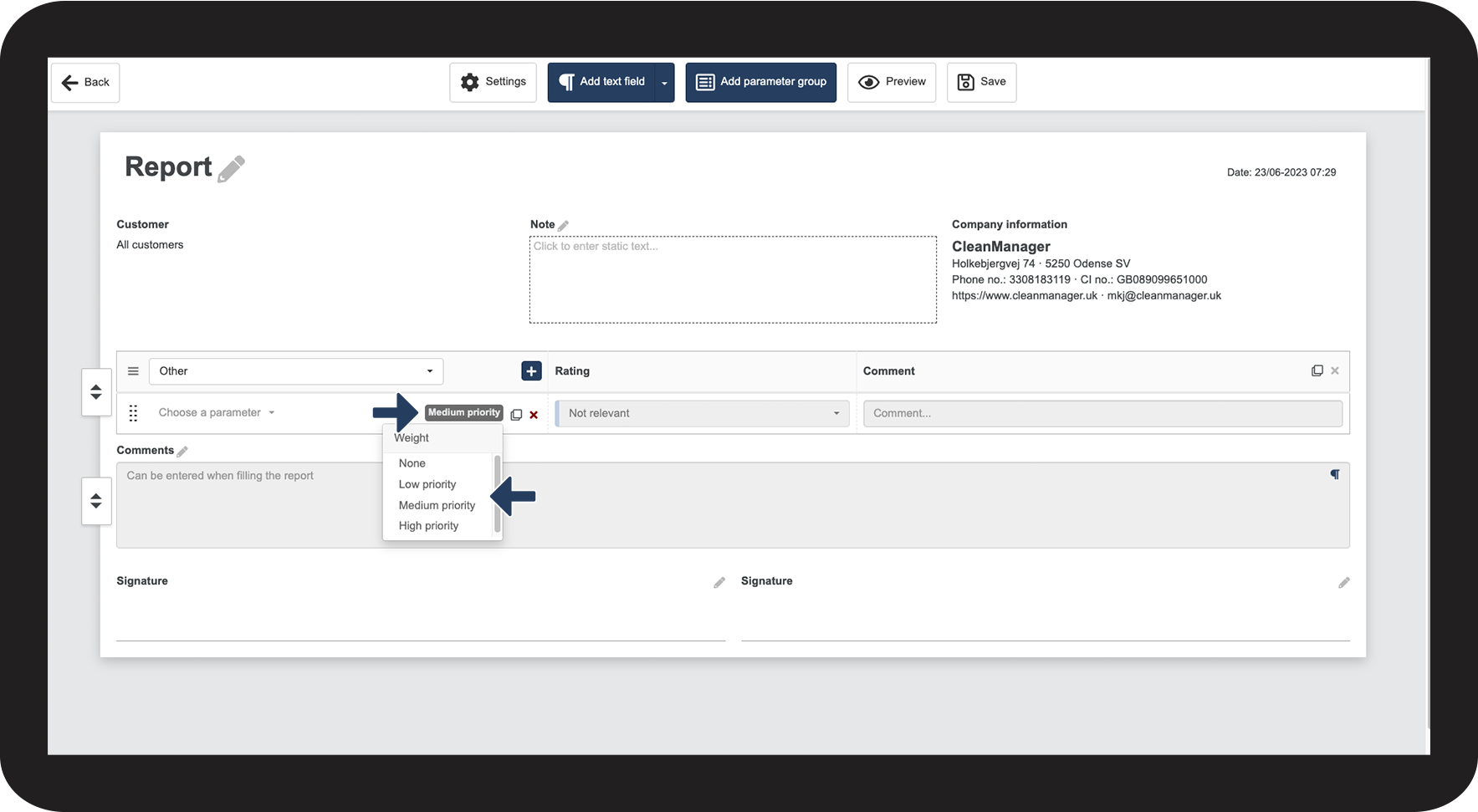
The default setting is Medium priority, and if you click on it, you can select the priority you want
The priority determines how much weight a parameter will be given in the final assessment. You can pick between high, medium, low, and none.
- High priority: 1,5
- Medium priority: 1
- Low priority: 0,5
- None:0

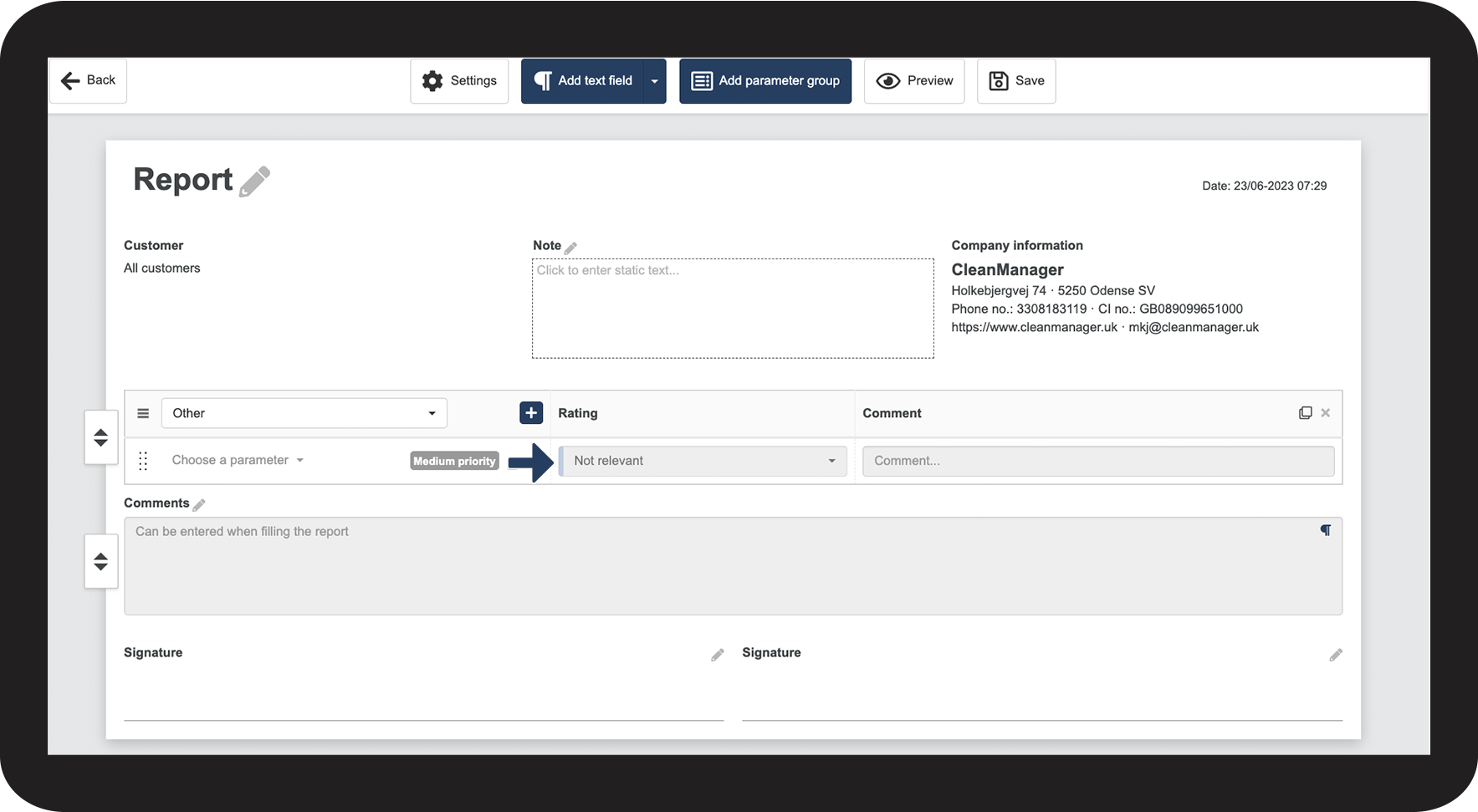
In the Rating column, you can rate each of the parameters

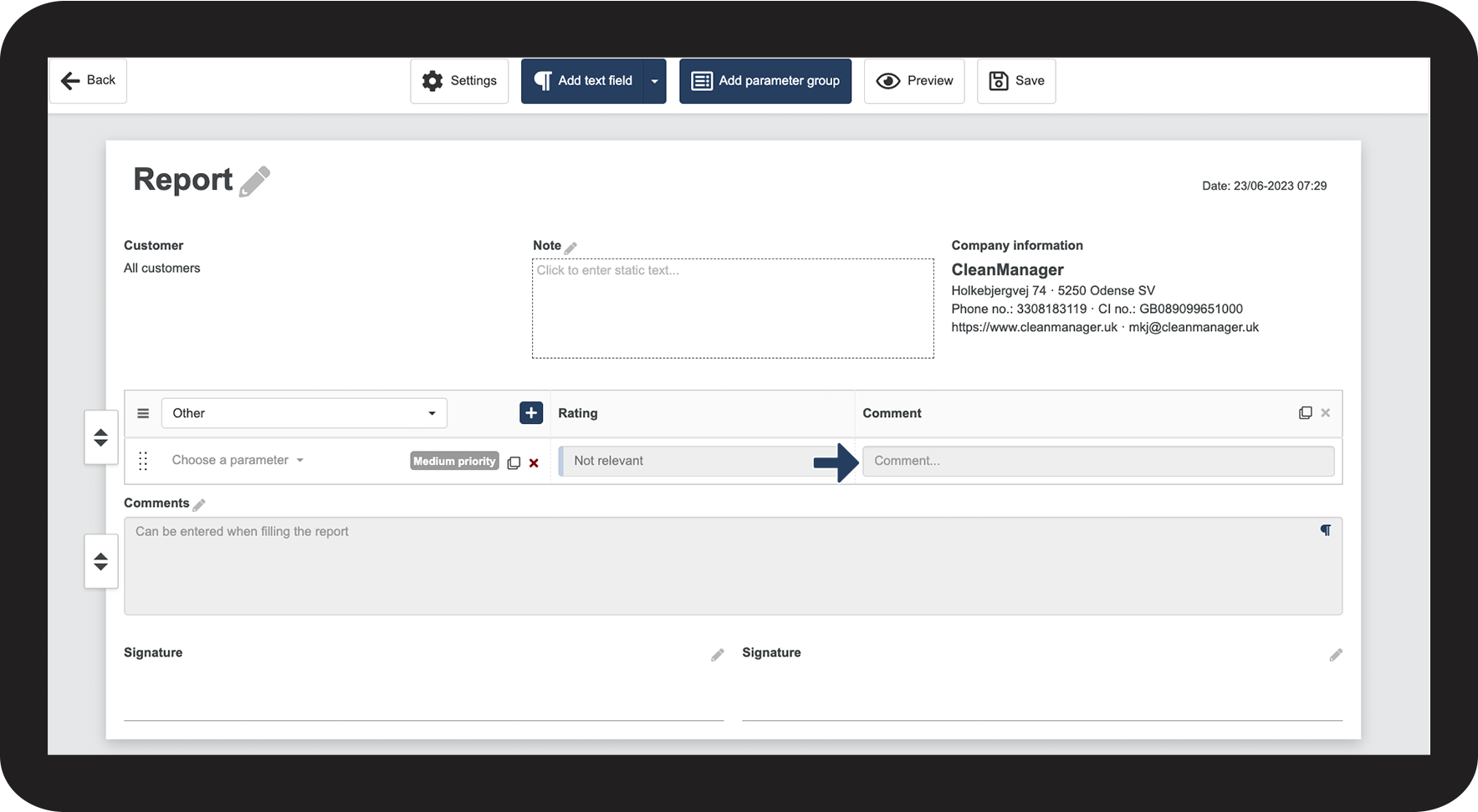
If your report layout is set to display one parameter column, you will see an added column with a comment field.