Setting up export of invoicing to Uniconta
How do I set up my account to transfer invoices to Uniconta?
Note:
To be able to set up the export of invoices to Uniconta you need to have created an integration between CleanManager and Uniconta.
Read more in the article: Integration setup for Uniconta
To be able to transfer invoices to Uniconta, you need to set up Uniconta as the desired economy system used for invoicing.
-
Configuration of export options of invoices to Uniconta
-
Configuration of content on invoices to Uniconta
Configuration of export options of invoices to Uniconta
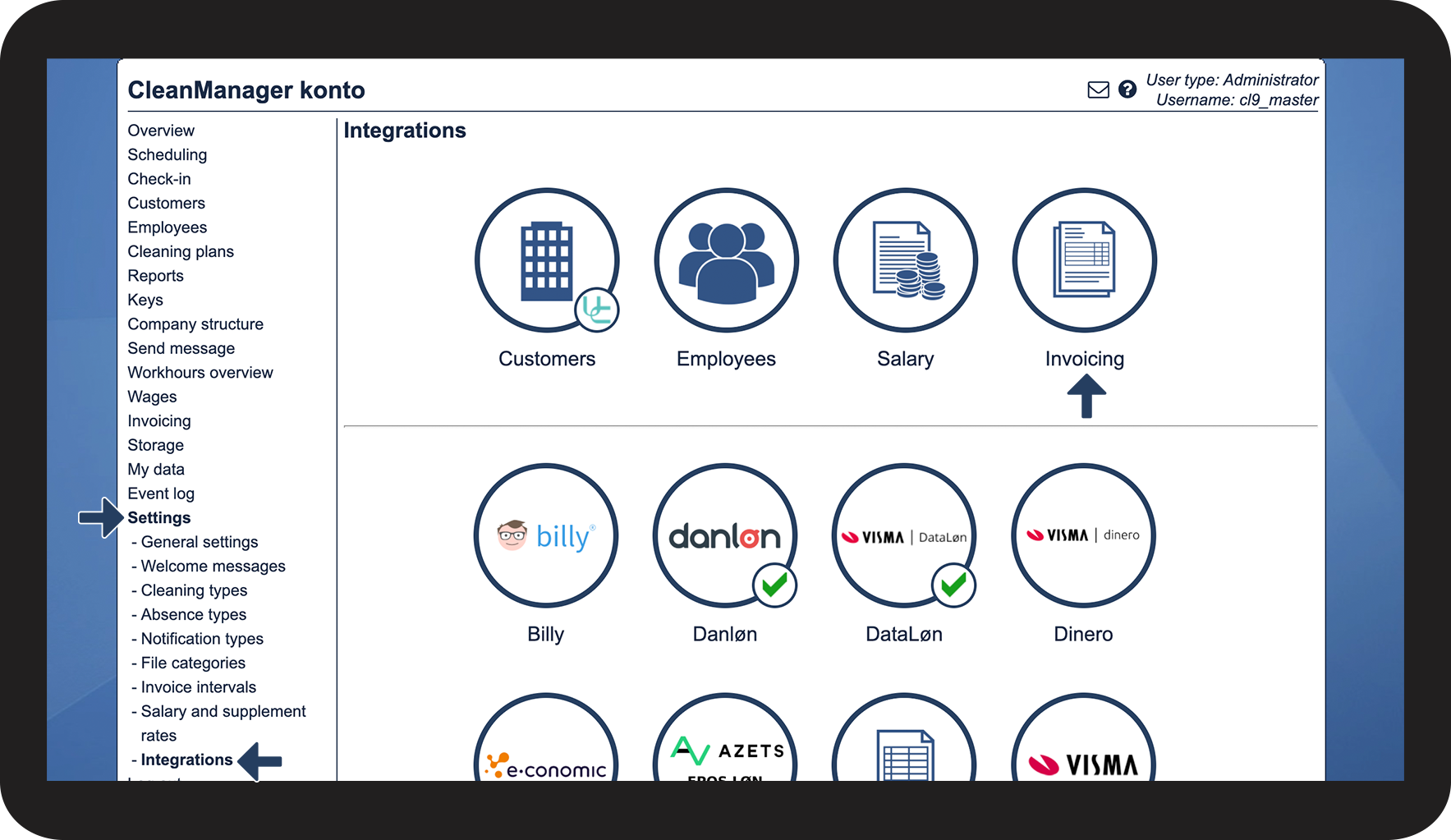
In the menu, go to Settings > Integrations
Afterward, press the button Invoicing

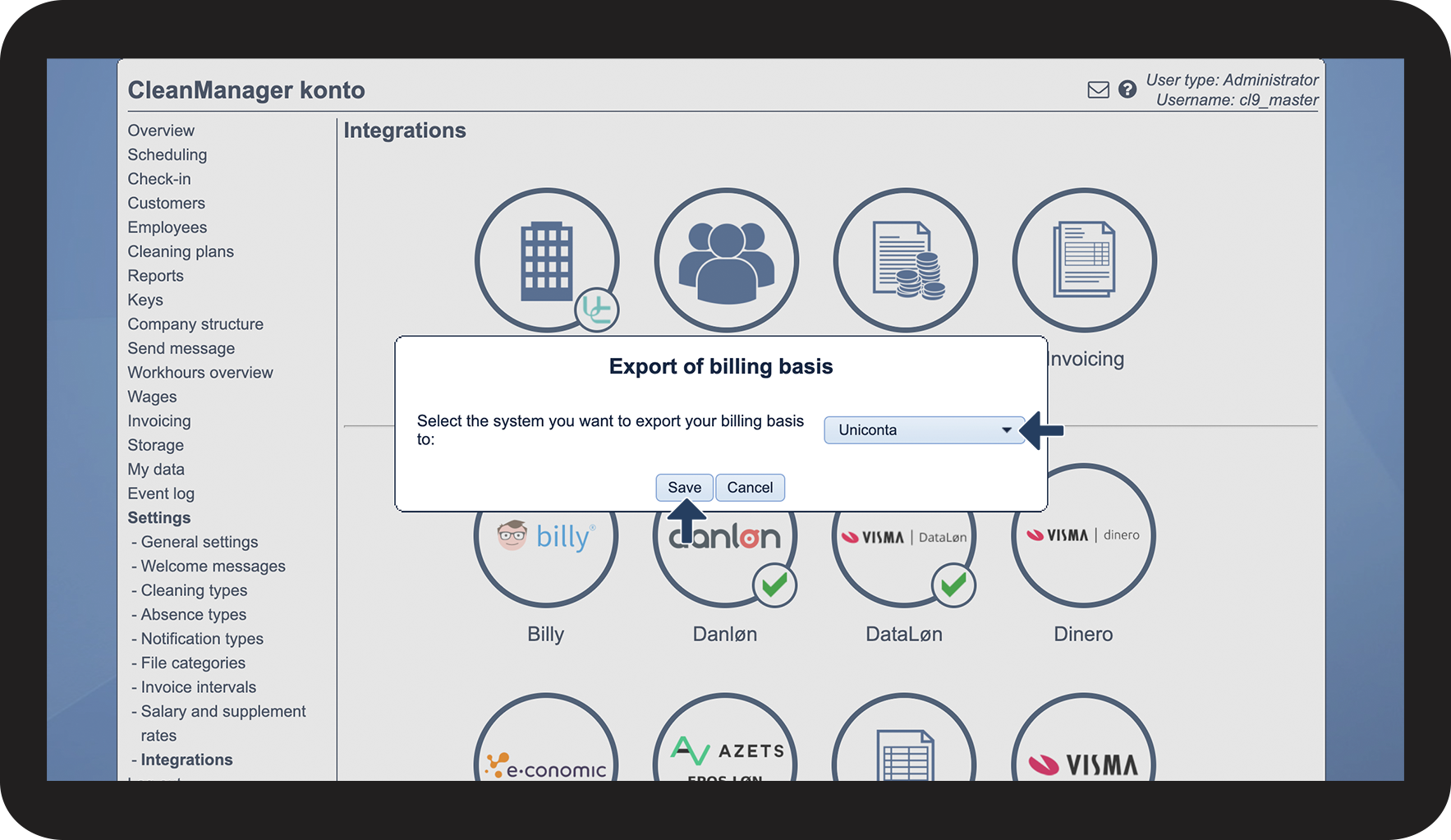
Press the dropdown button and select Uniconta
Press Save to finish

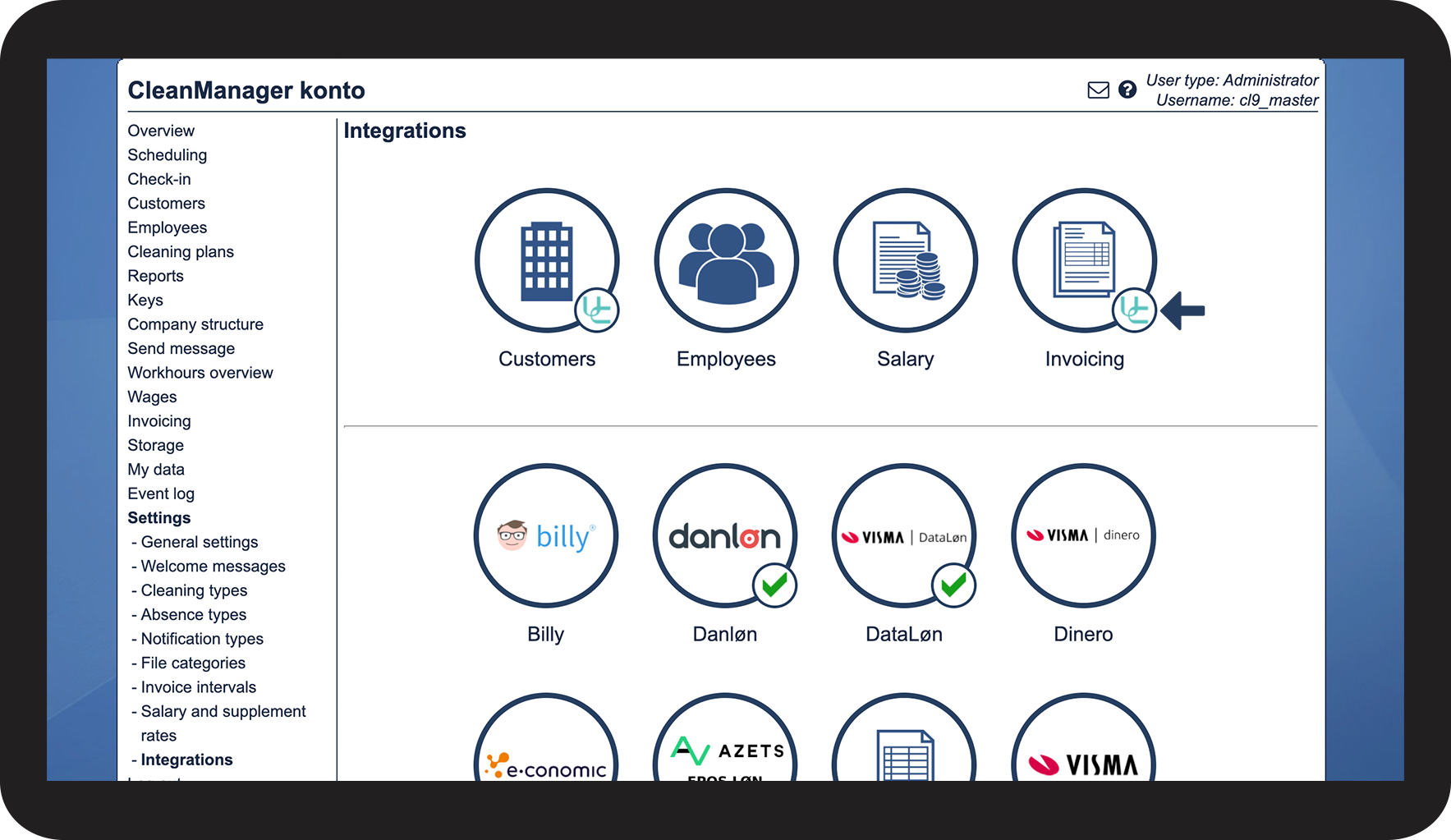
Your account is now configured to export invoices to Uniconta.
See the validating icon

Configuration of content on invoices to Uniconta
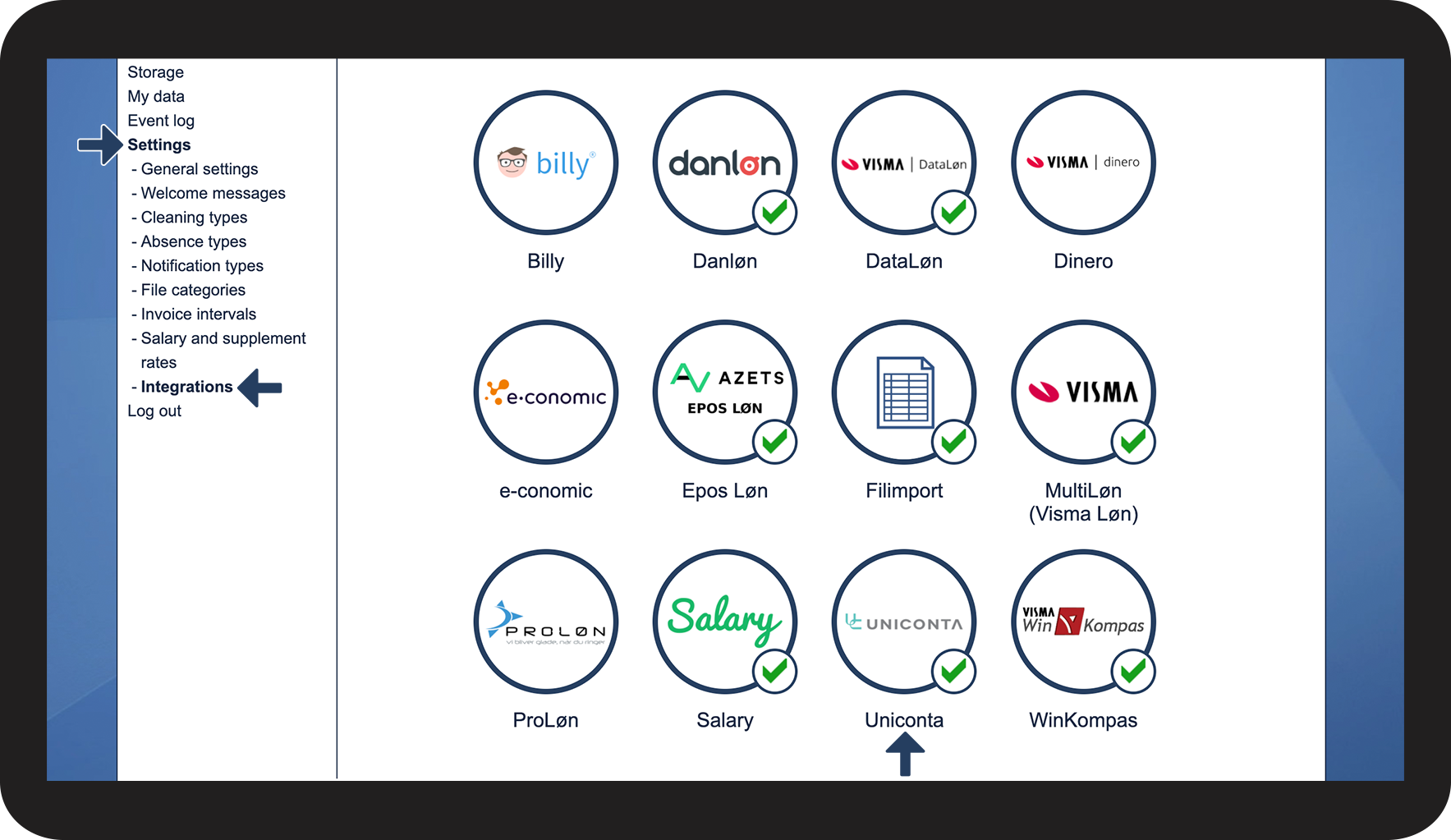
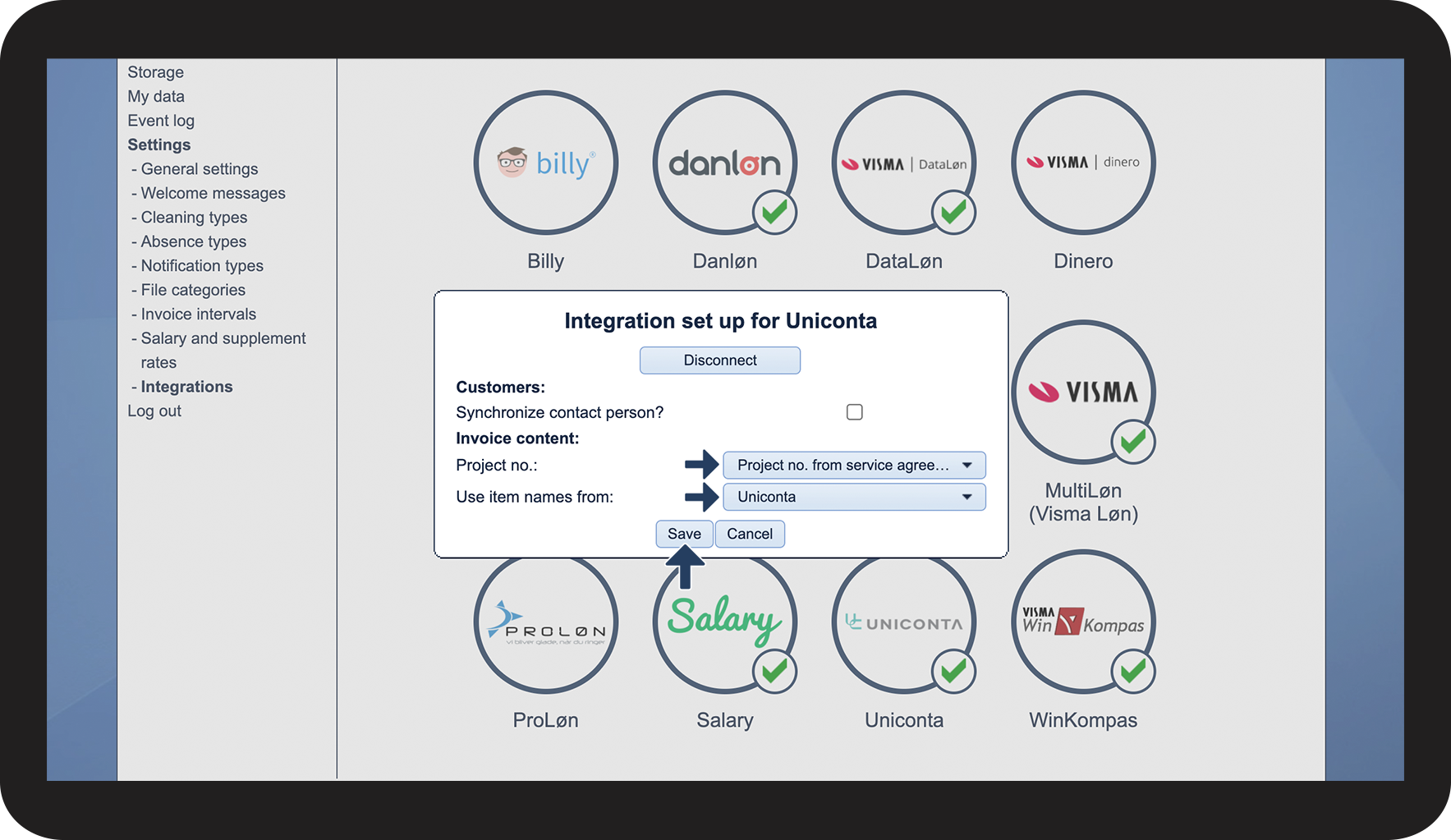
In the menu, go to Settings > Integrations
Afterward, click on Uniconta in the bottom section

Click the different dropdown buttons to either transfer project numbers from service agreements.
Or choose if you wish to use Item names on the services you provide from either CleanManager or from Uniconta when you transfer the invoices.
Press Save to finish