How to set up customer synchronization between CleanManager and Uniconta?
Note:
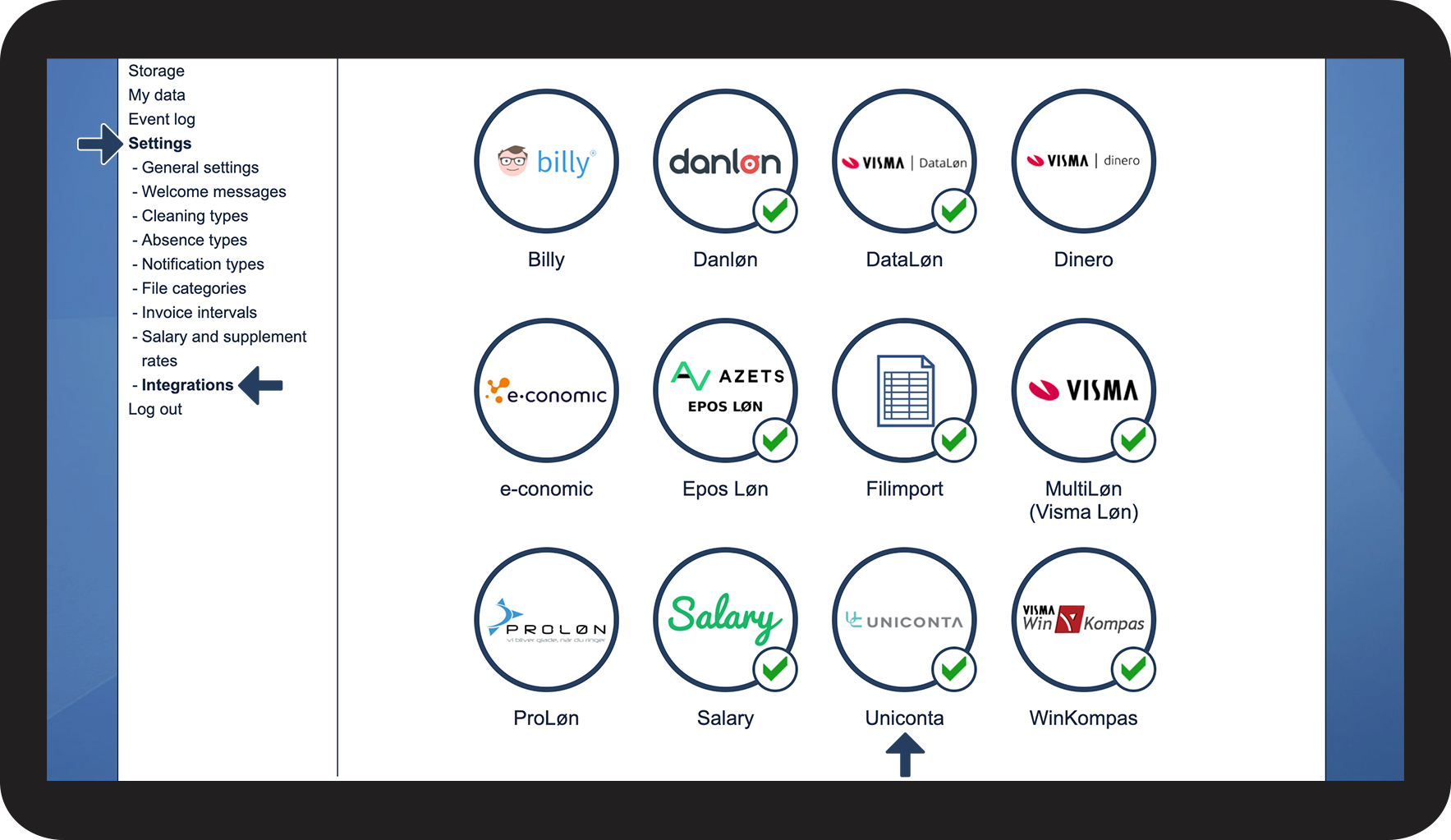
To be able to synchronize customer data you need to have created an integration between CleanManager and Uniconta, see how to in this article: Integration setup for Uniconta
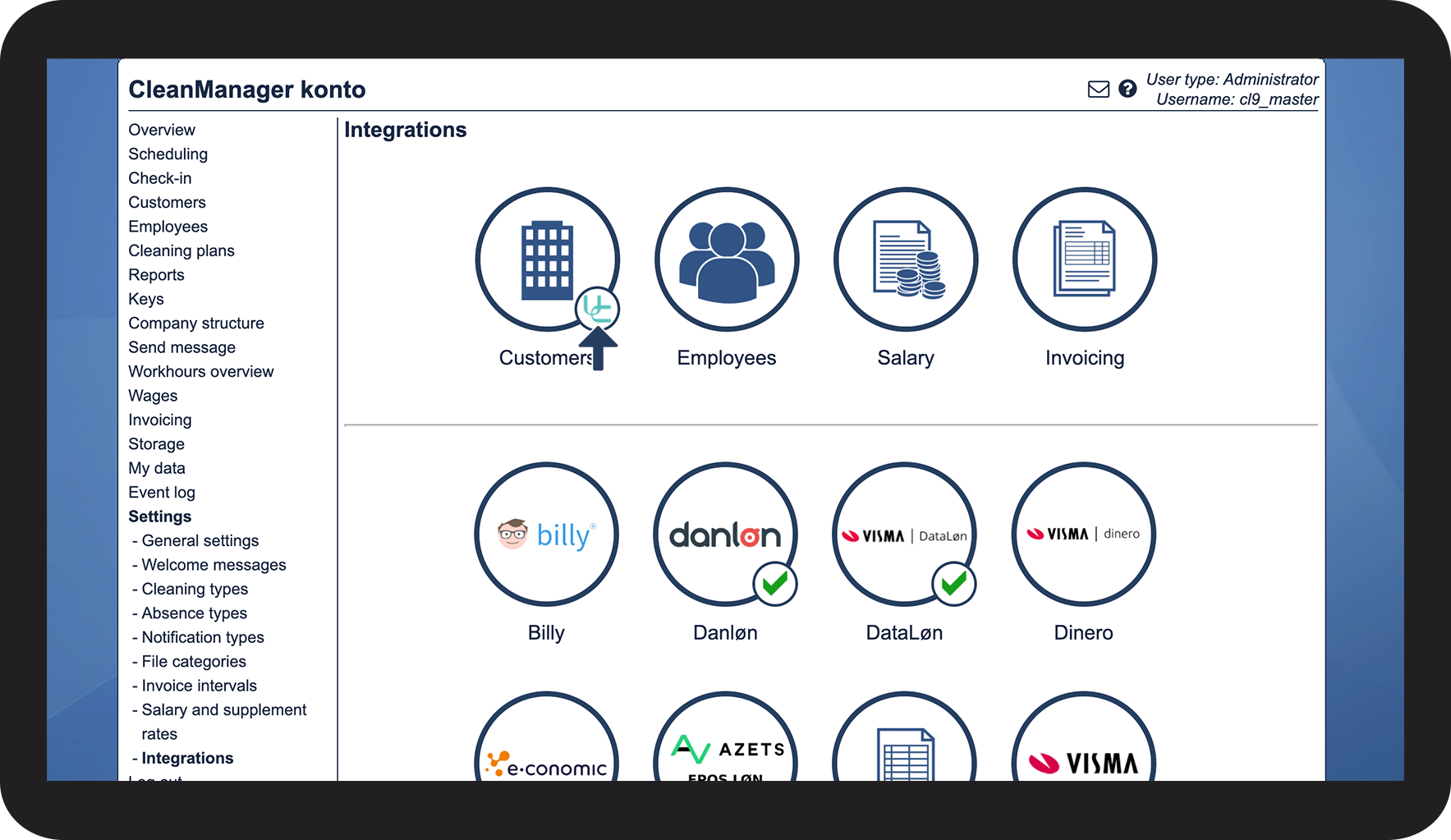
If your integration is already established to Uniconta, you can set up CleanManager to synchronize customers with Uniconta:
-
How to set up customer synchronization to Uniconta
-
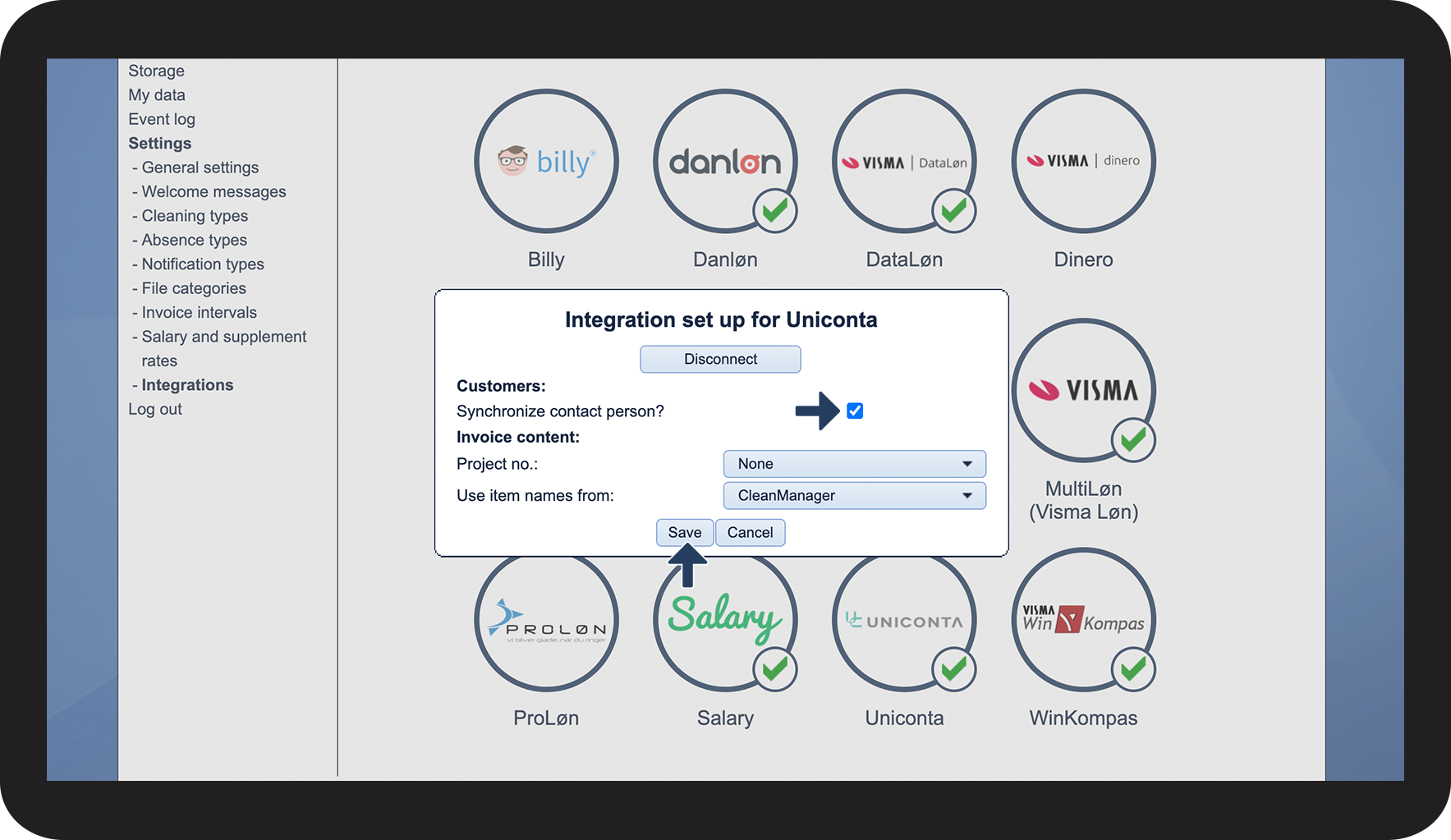
How to set up synchronization of contact person data
How to set up customer synchronization to Uniconta


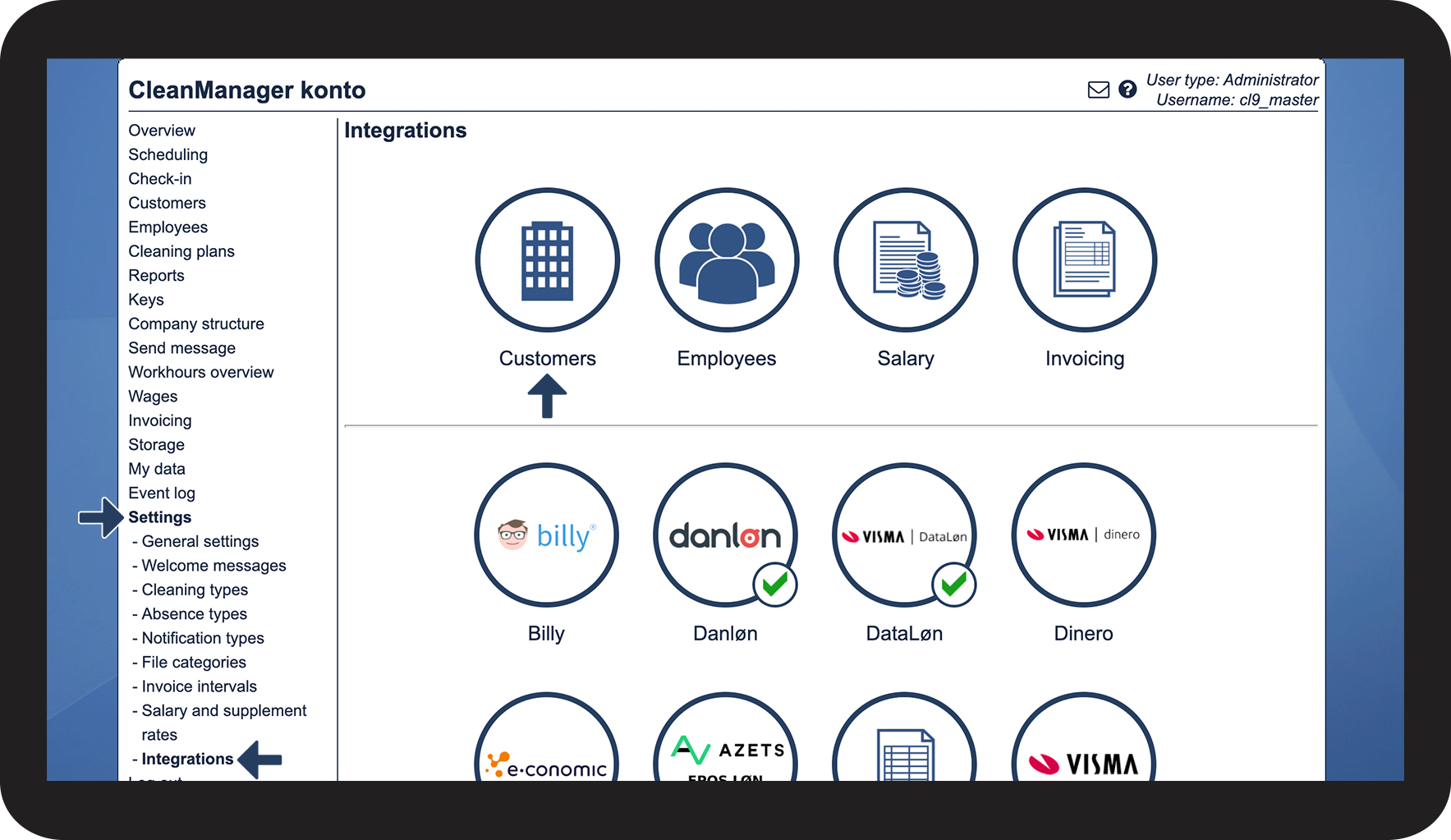

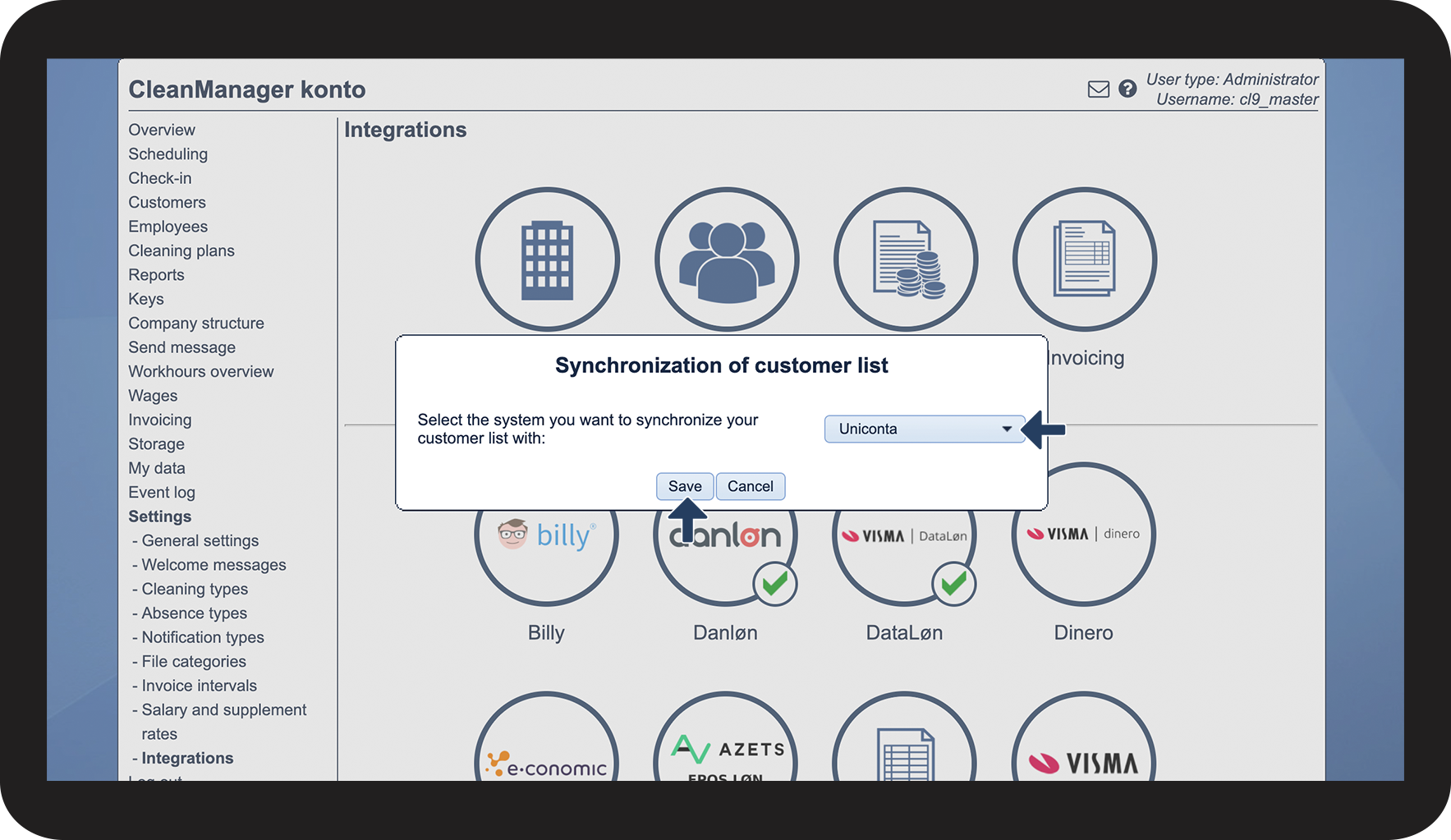

 which has been added.
How to set up synchronization of contact person data
When a customer is synchronized, the information is shared between the two systems.
This setting makes it possible to also share the details of the customer's contact person.