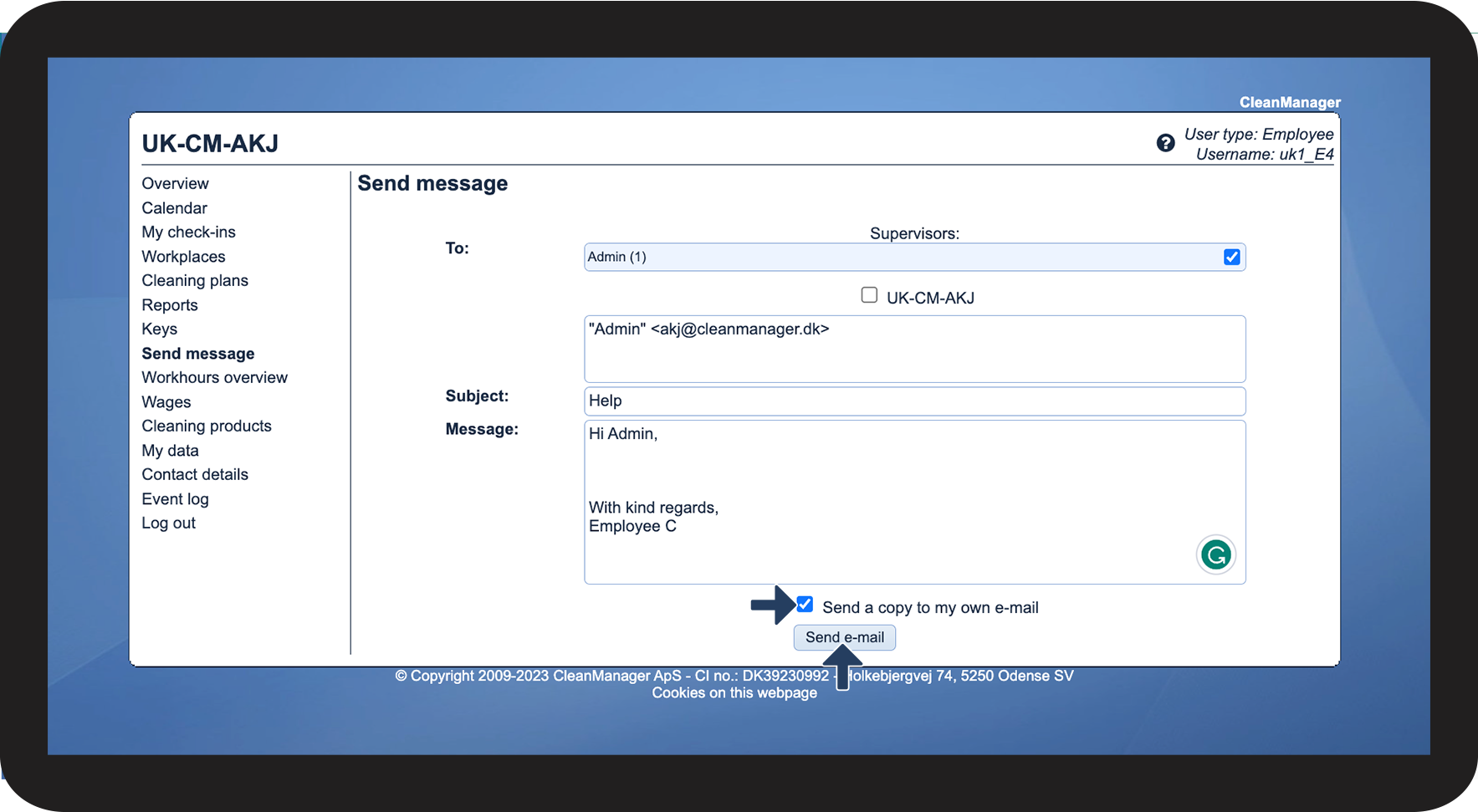
How does an employee send an e-mail through CleanManager?
It is possible for employees to send e-mails through CleanManager to their manager's (administrator / supervisor) or the company's e-mail. It will only be possible to do this through the web version of CleanManager - this also requires that the employee has access to CleanManager.
NOTE:
For employees, it will only be possible to send an e-mail to service-managers, administrators and the registered company e-mail
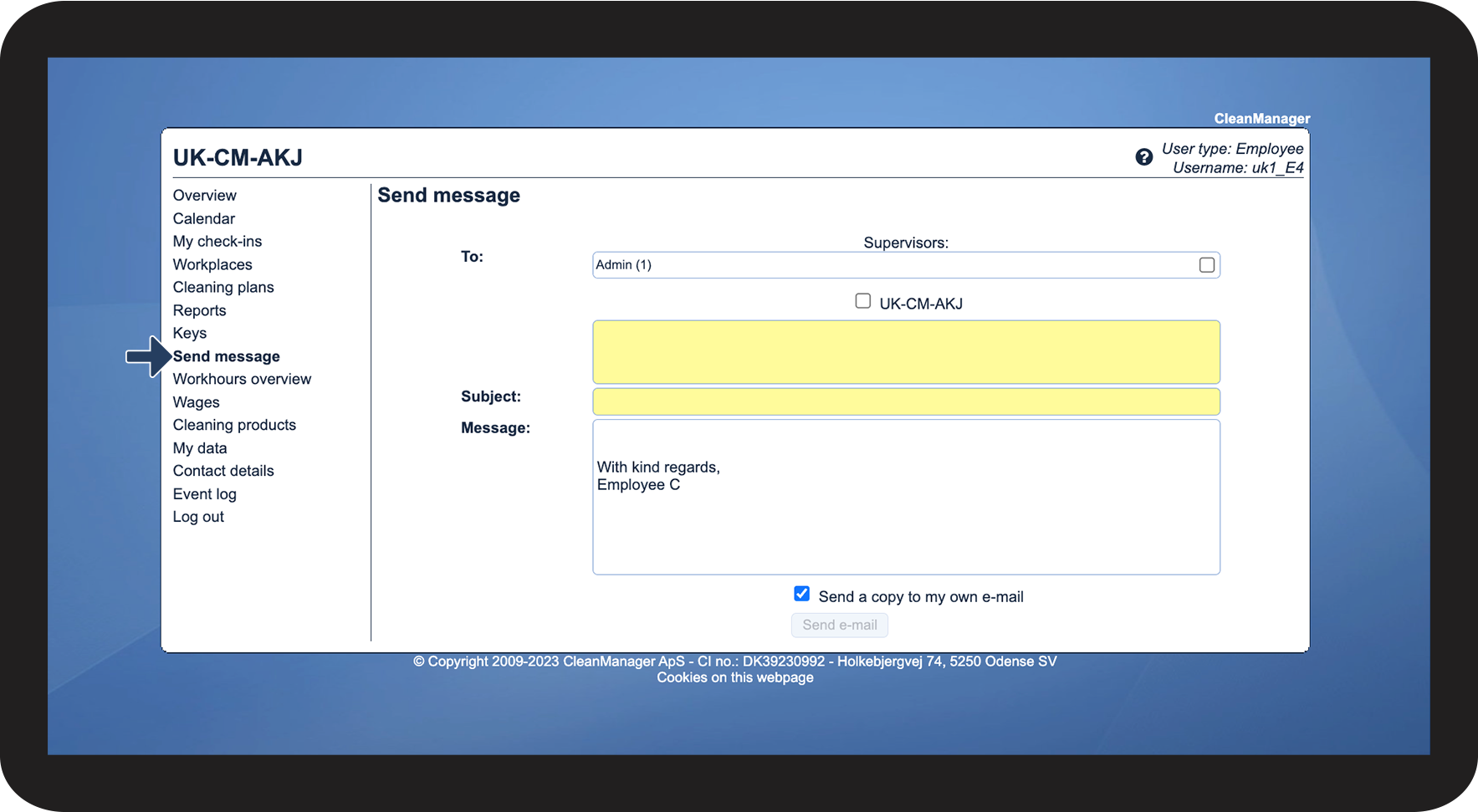
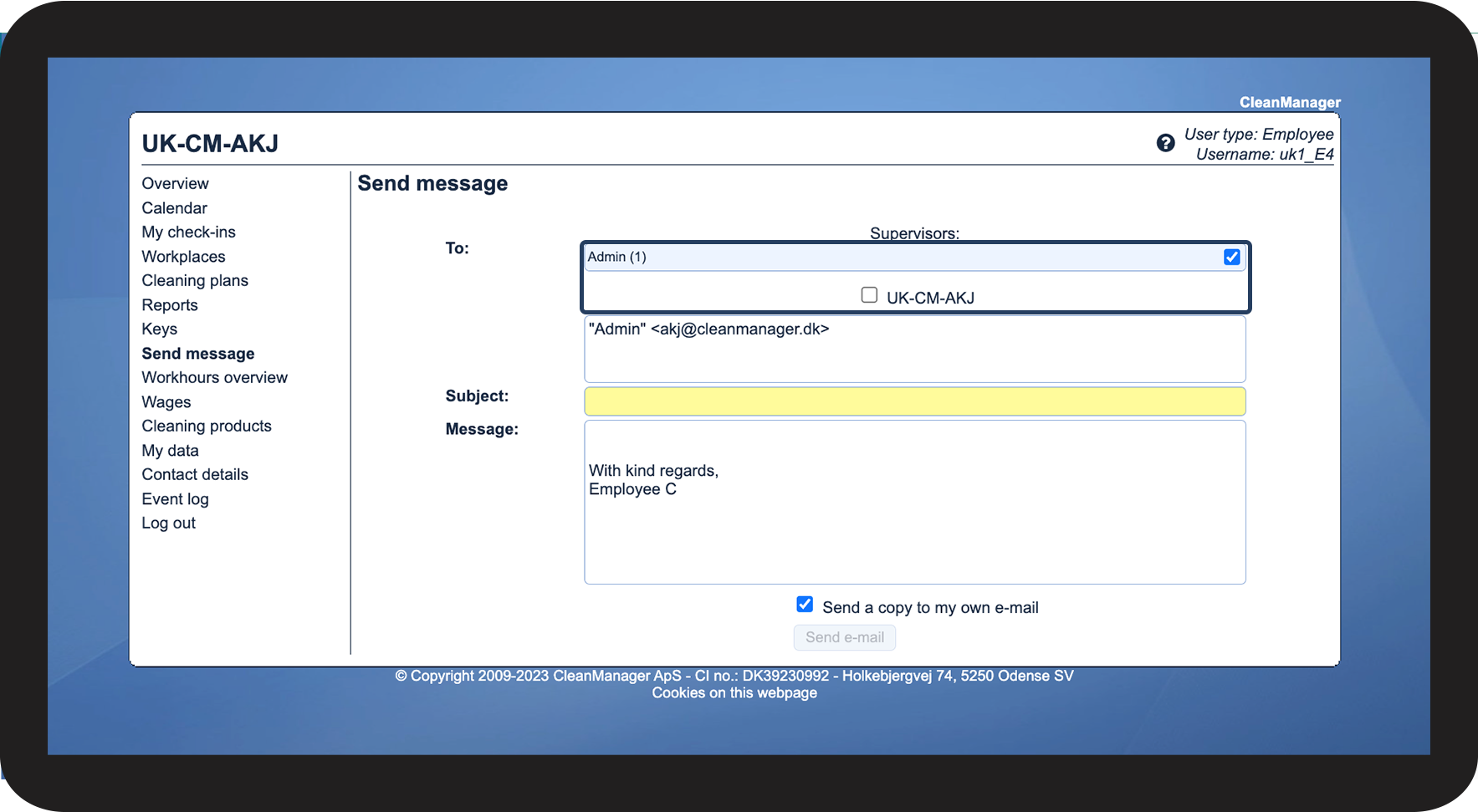
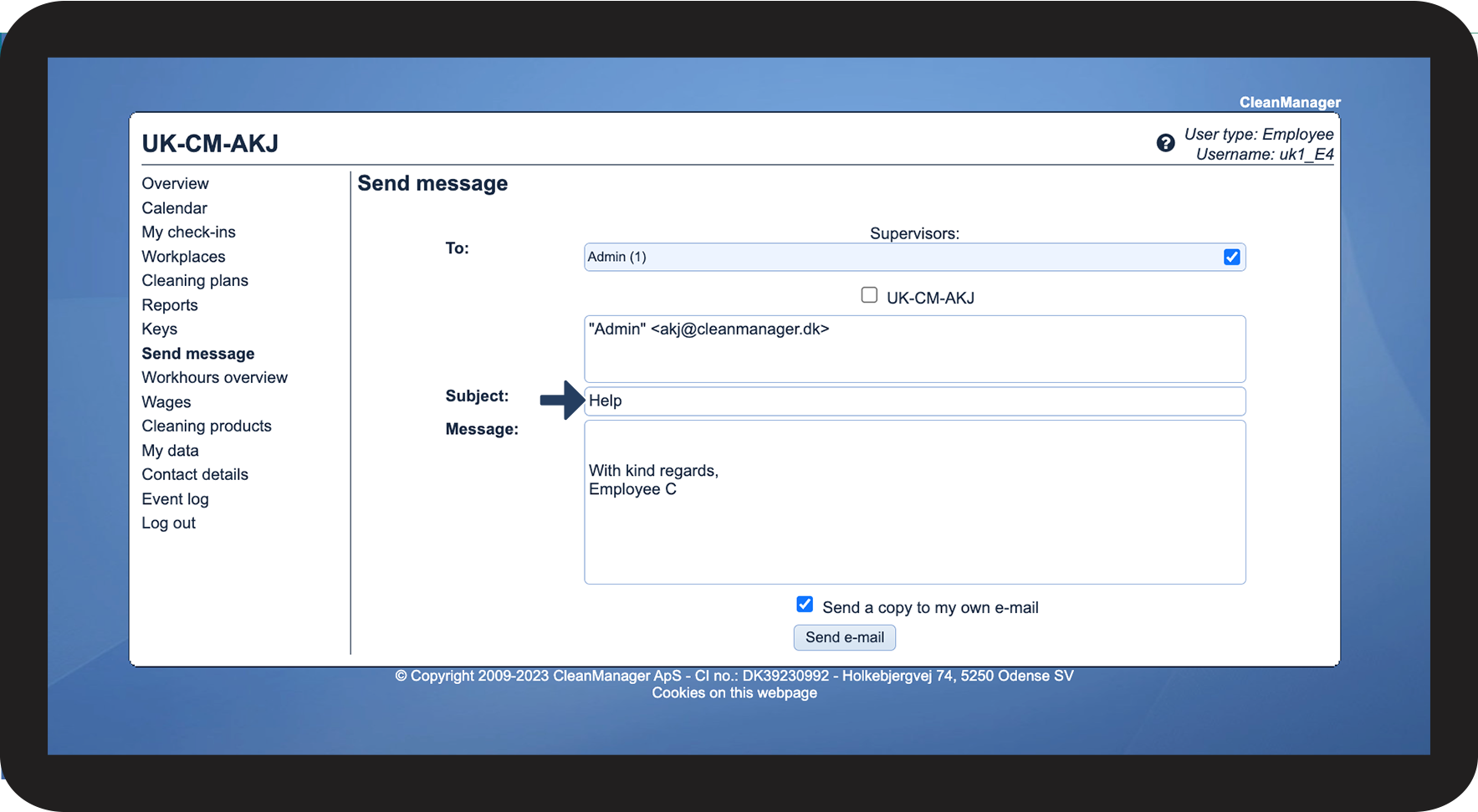
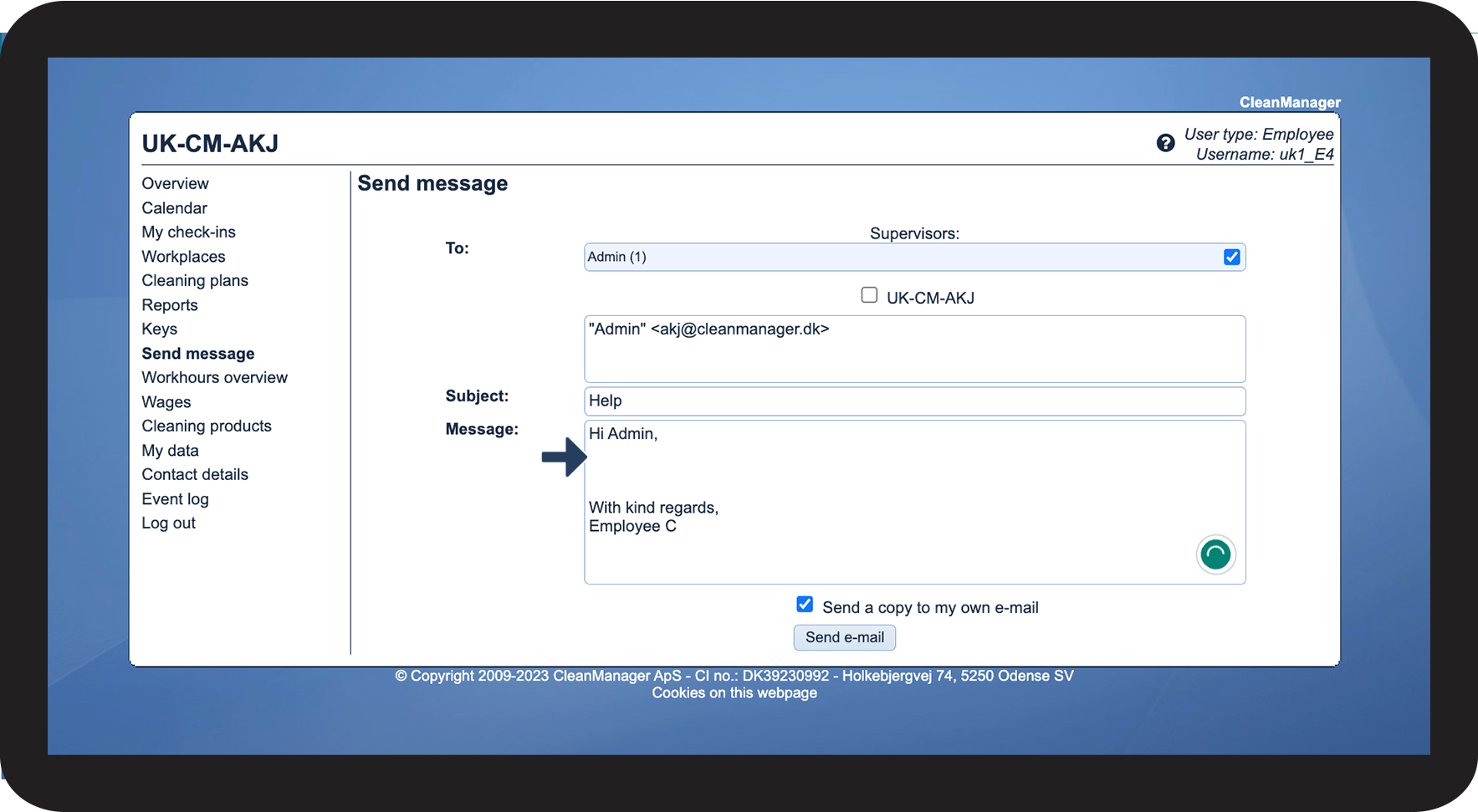
In this article, learn how an employee sends a message through CleanManager:
How to send an e-mail