How do I report my transportation in the app?
Note:
To be able to report transportation in the app, either as a supervisor or as an employee, the function Report transport as units in the calendar? needs to be activated by the administrator in the general settings.
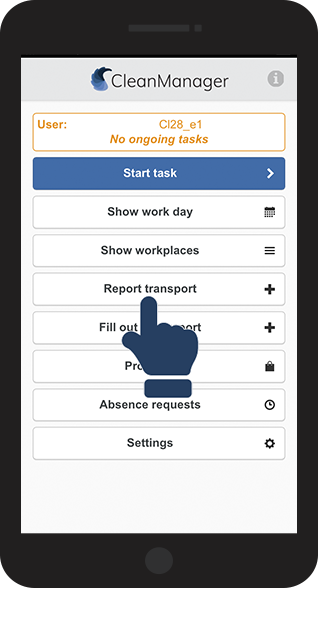
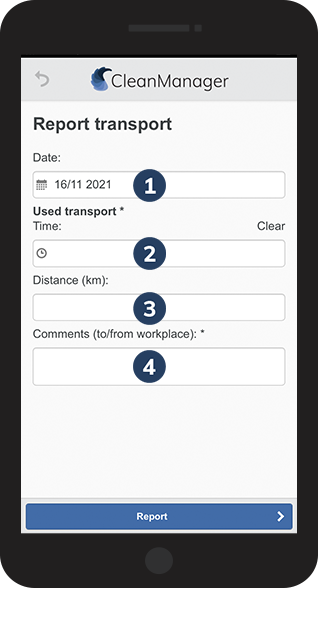
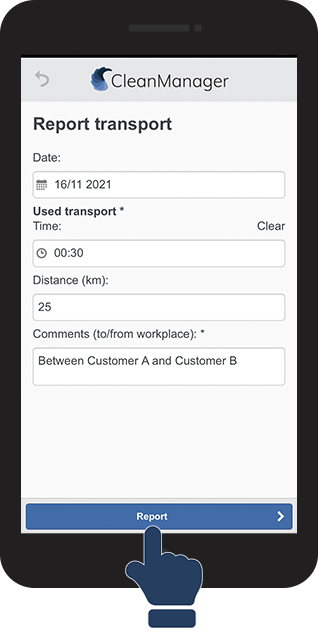
Use the report transport function in the app to register transportation.
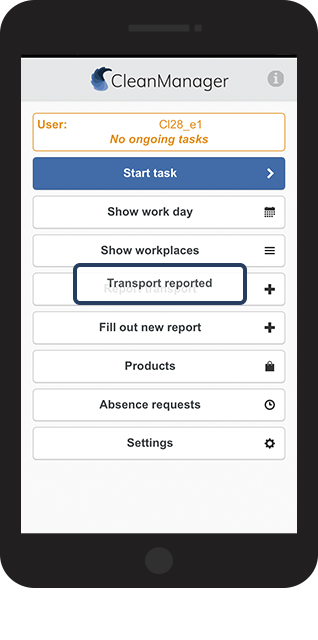
When you are registering s transport, the transport will be set up as a transport task in the calendar, which then needs approval.
Read this article to see how you can register transport in the app:
How to report transportation