Send e-mails and text messages to customers in connection with task changes
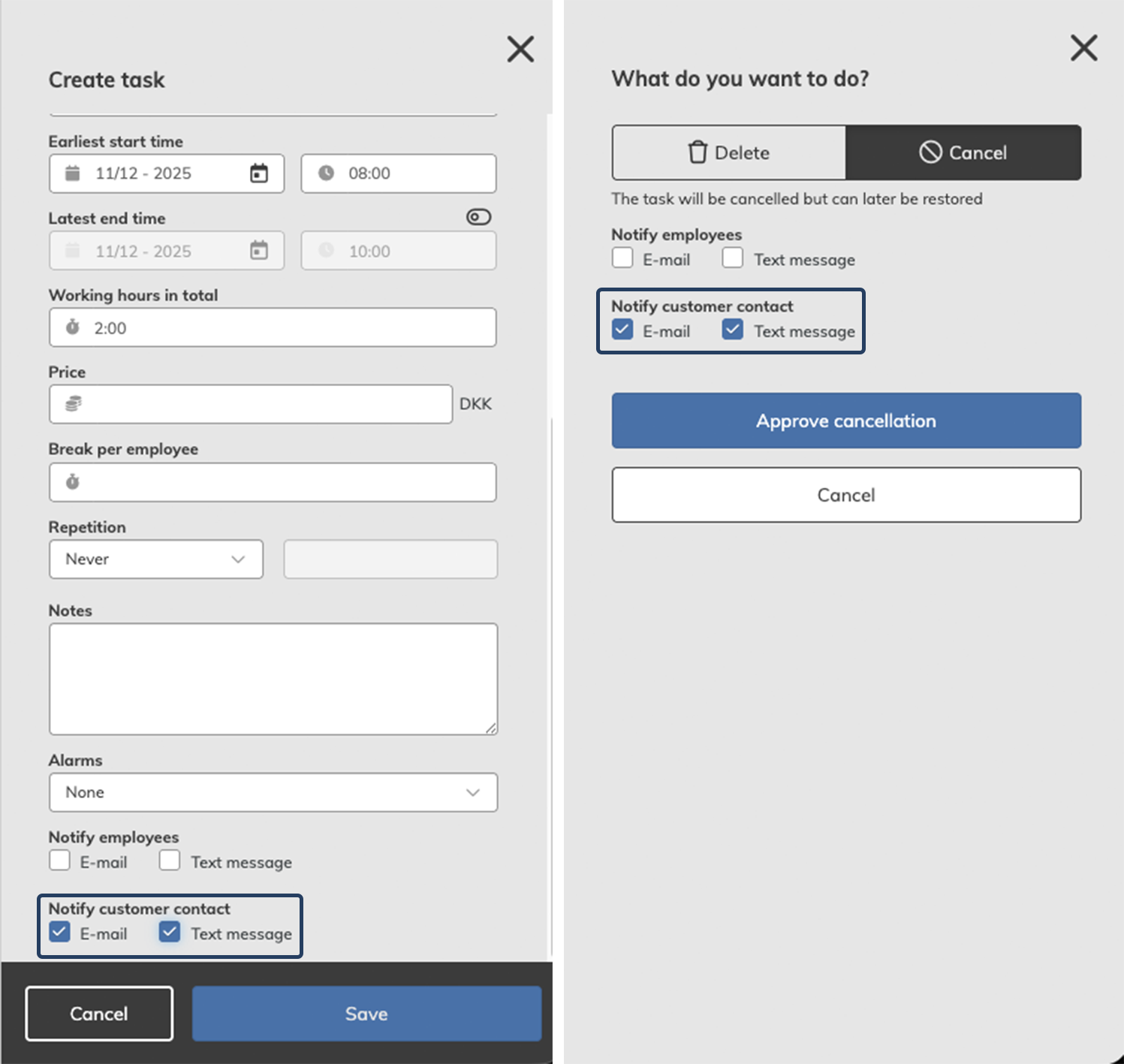
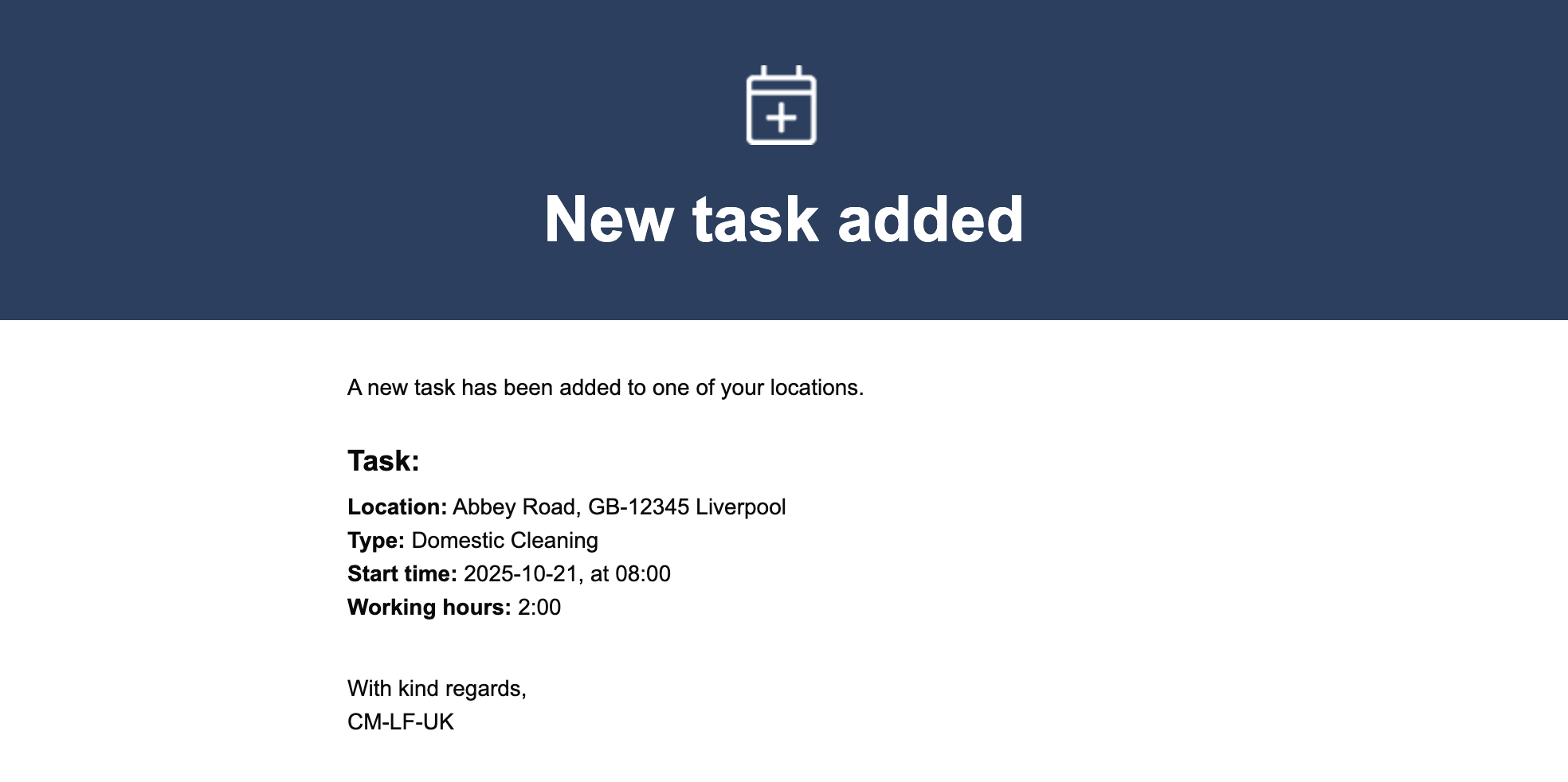
This update introduces the option to notify customer contacts via e-mail and/or text message when changes are made to a task in the calendar.
To send these messages, simply check the new 'notify customer contact' checkbox and select your preferred communication method.
An e-mail or text message can be sent for the following actions:
- Creating tasks
- Deleting tasks
- Editing tasks
- Cancellation of tasks
- Cancellation of tasks because of closing days
NOTE:
In order to send text messages, the Text Messaging add-on module must be activated.
Read more about how to activate add-on modules here: Add-on modules
See what this looks like below: