How do I add breaks to a task?
Breaks can only be added to tasks through the CleanManager app if it has been enabled by the administrator in the settings of the web system. Read more about the specific setting here: Employees can specify break duration in the app.
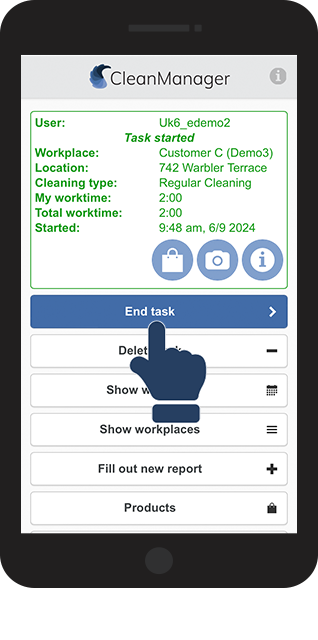
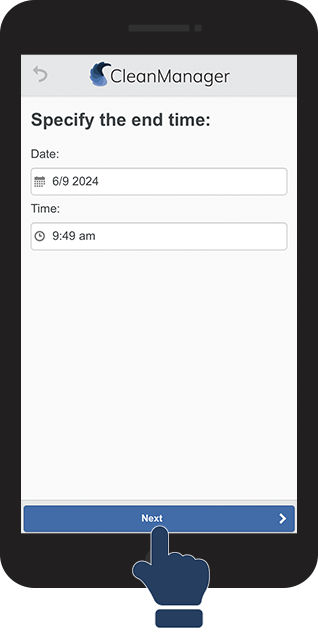
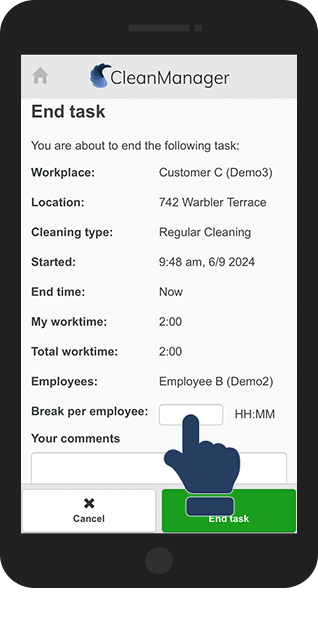
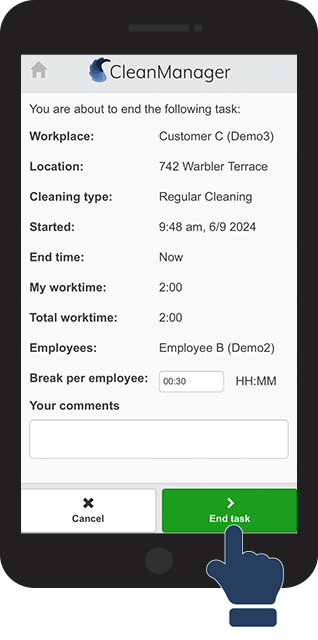
As an employee, you can add your break when you go to end a task. If the field for break time is blocked and already filled out, you cannot change the time. This means that your administrator or supervisor has already added the break when they planned the task.
In this article, you will learn how to add breaks to a task:
This is how you register time used for breaks during your task