
How do I see the SMS usage of my account?
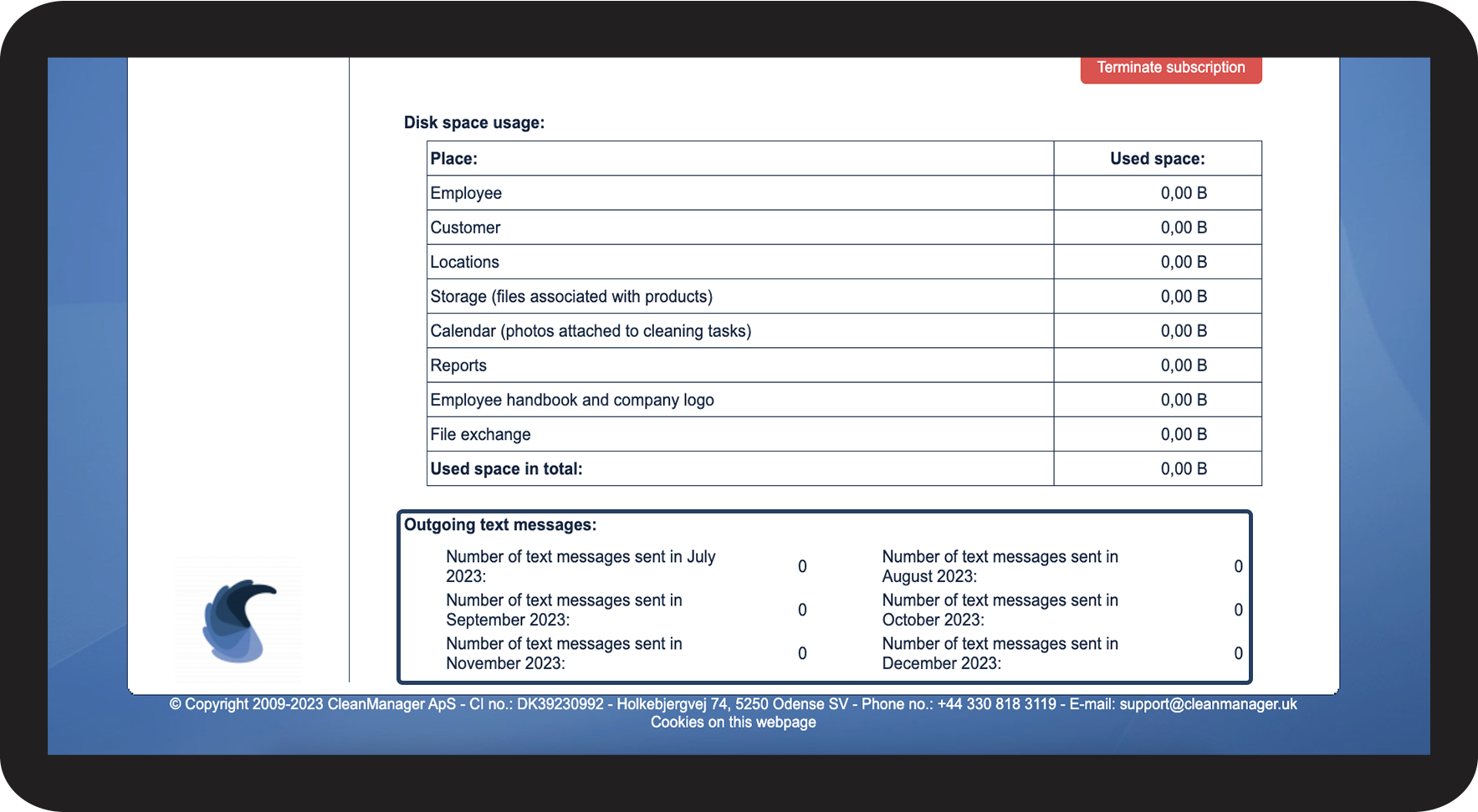
If the add-on module Text Messaging has been activated, you can, as the administrator, get an overview of the SMS usage from the last 6 months.
In this article, you will learn how to get an overview of outgoing text messages:
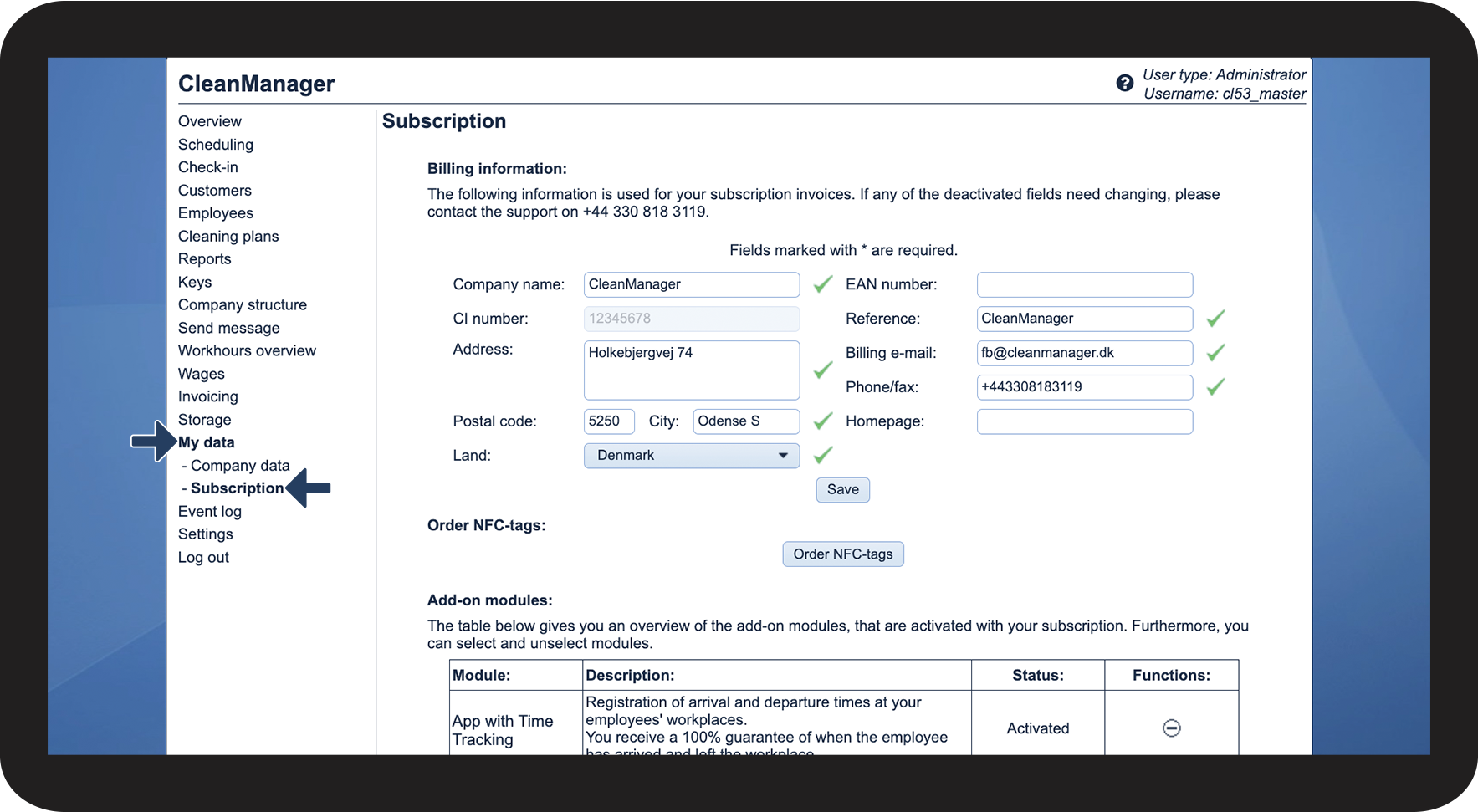
This is how you can see your SMS usage


INFO:
If you want to adjust the maximum amount of text messages, then you can learn how to do so by reading the following article: Maximum number of text messages