
What options does the Administrator / Supervisor have for organizing and sharing cleaning plans?
This article provides an overview of the administrative options the Administrator and Supervisors have for organizing and sharing cleaning plans.
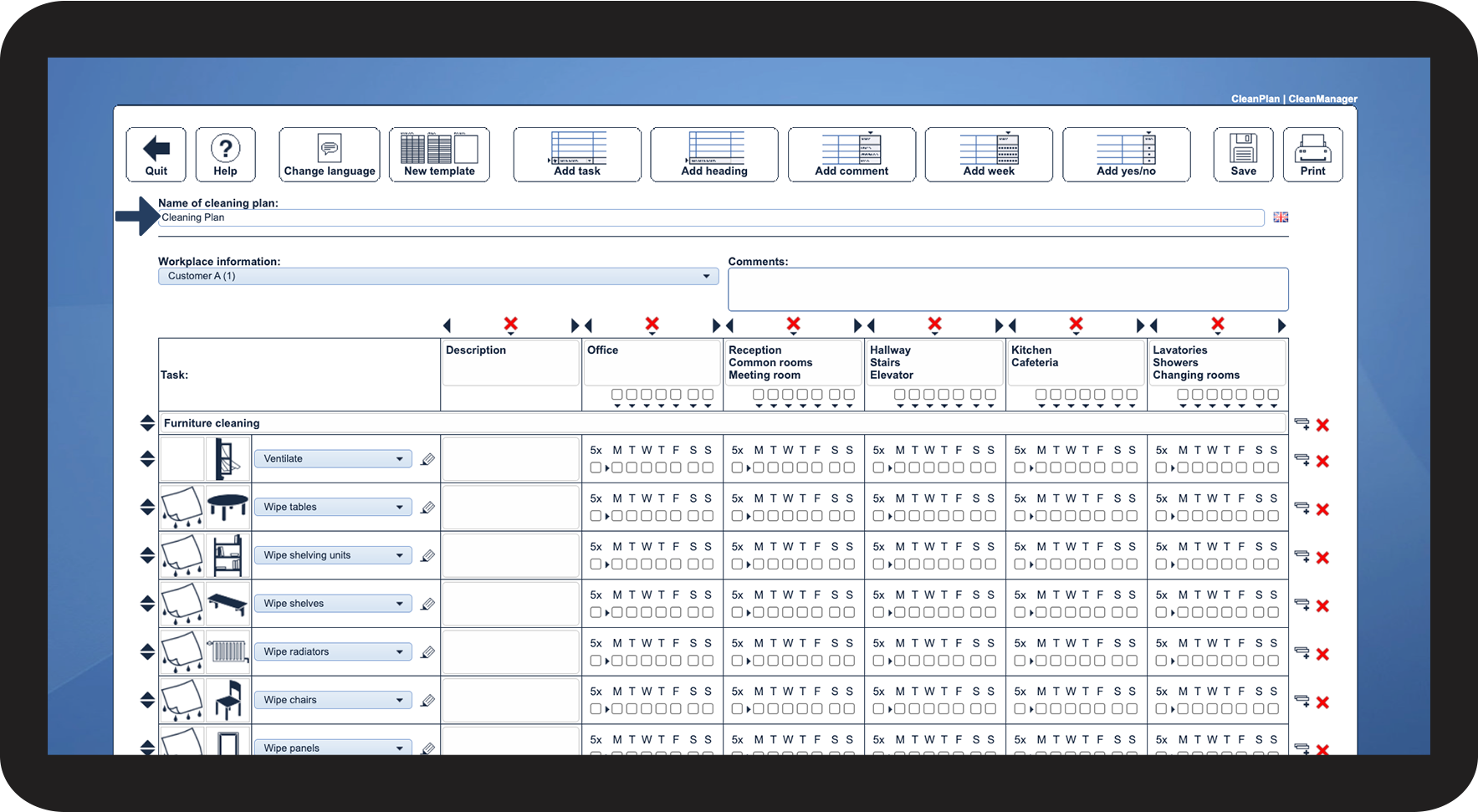
It is always possible to assign a name to a cleaning plan.
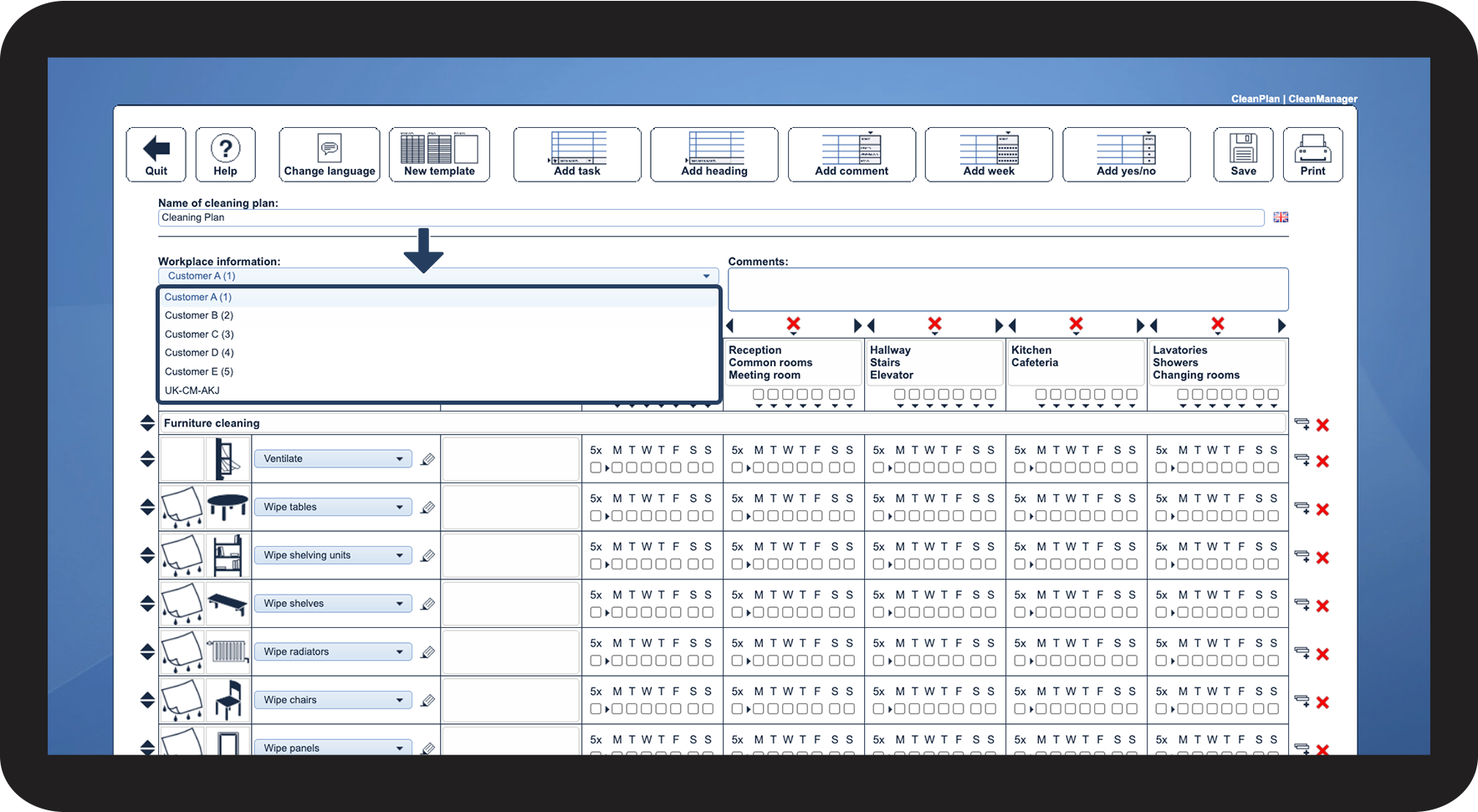
Additionally, information about the workplace can be linked to a cleaning plan based on the customers registered in the system.
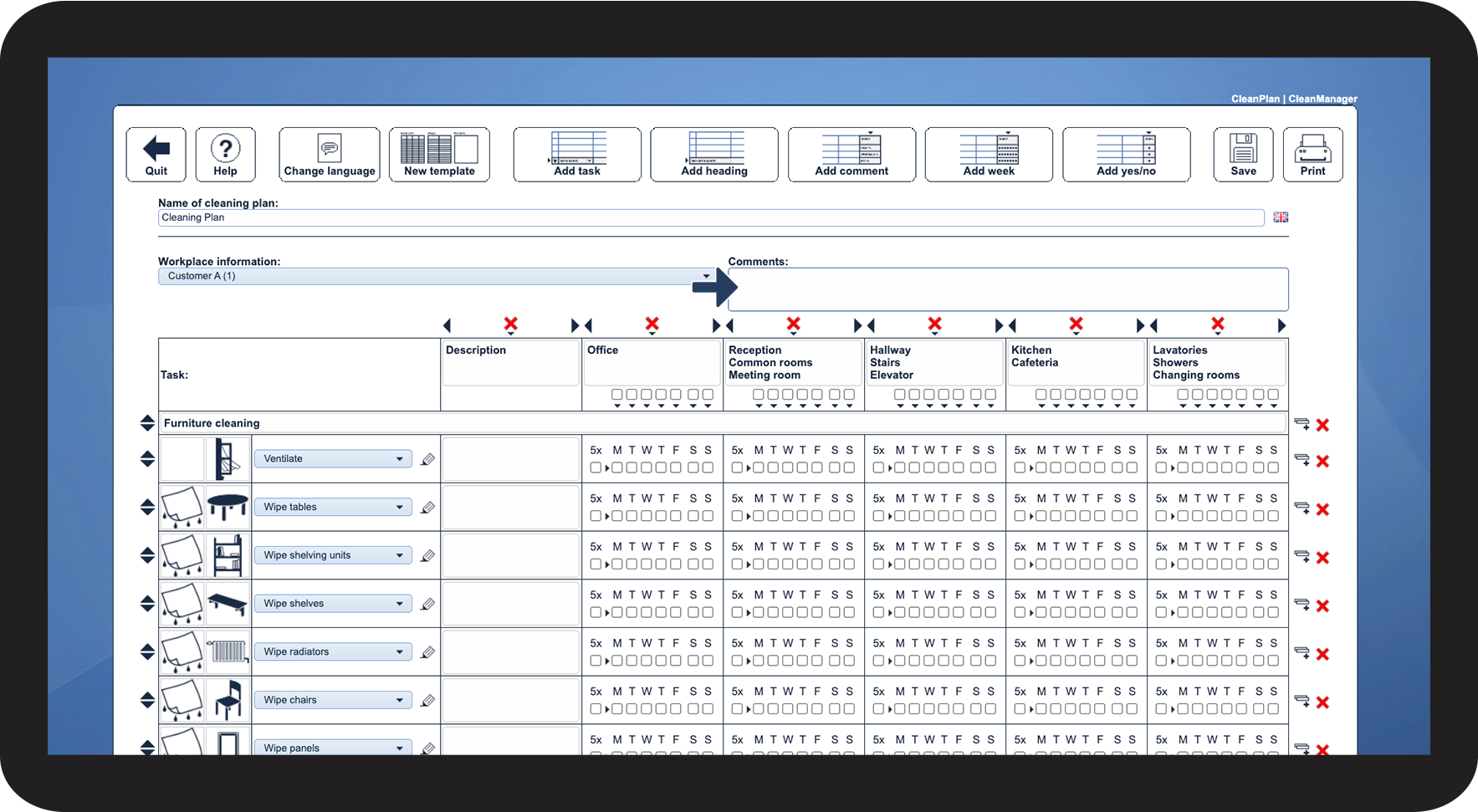
The Administrator/Supervisors can also attach a general Comment to the plan.
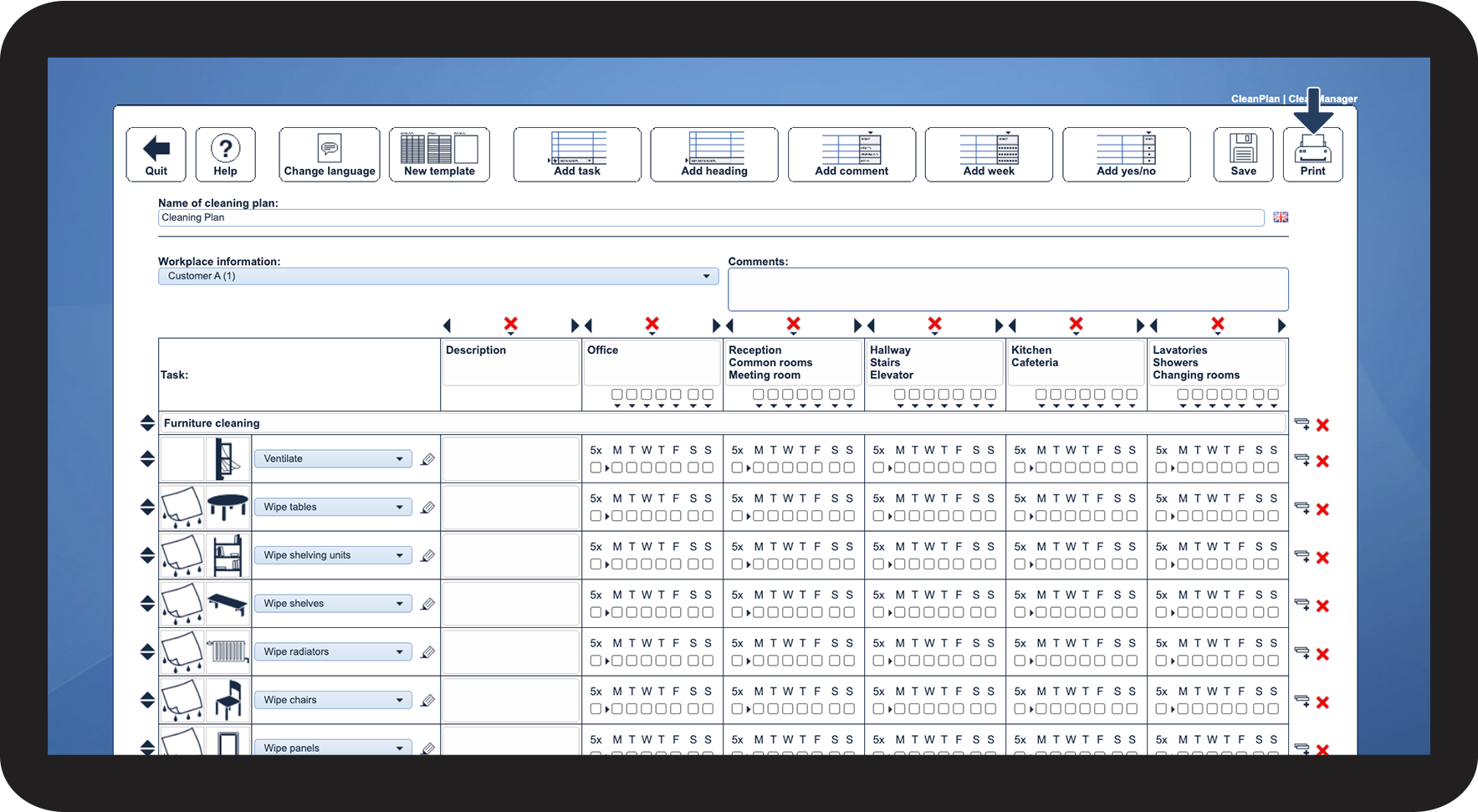
When the cleaning plan is completed, it is available in the app and the web system, but it is also possible to print a physical copy of the plan.
In this article, you will learn about the options available for handling cleaning plans:
How to name a cleaning plan

How to pick the workplace
How to add a comment to the cleaning plan
How to print the cleaning plan
This is where the cleaning plans are shared
Administrators, Supervisors, Customers, as well as Employees can view the cleaning plans in different places in CleanManager.
See the following articles on where the different user types can display their cleaning plans:
- Displaying cleaning plans - Administrator / Supervisor
- Displaying cleaning plans - Employees
- Displaying cleaning plans - Customers
Continue to the article Setup features for cleaning plans
Here you can continue setting up your cleaning plan.