
How do I create a new key ring?
Get started with creating your first key ring in this article.
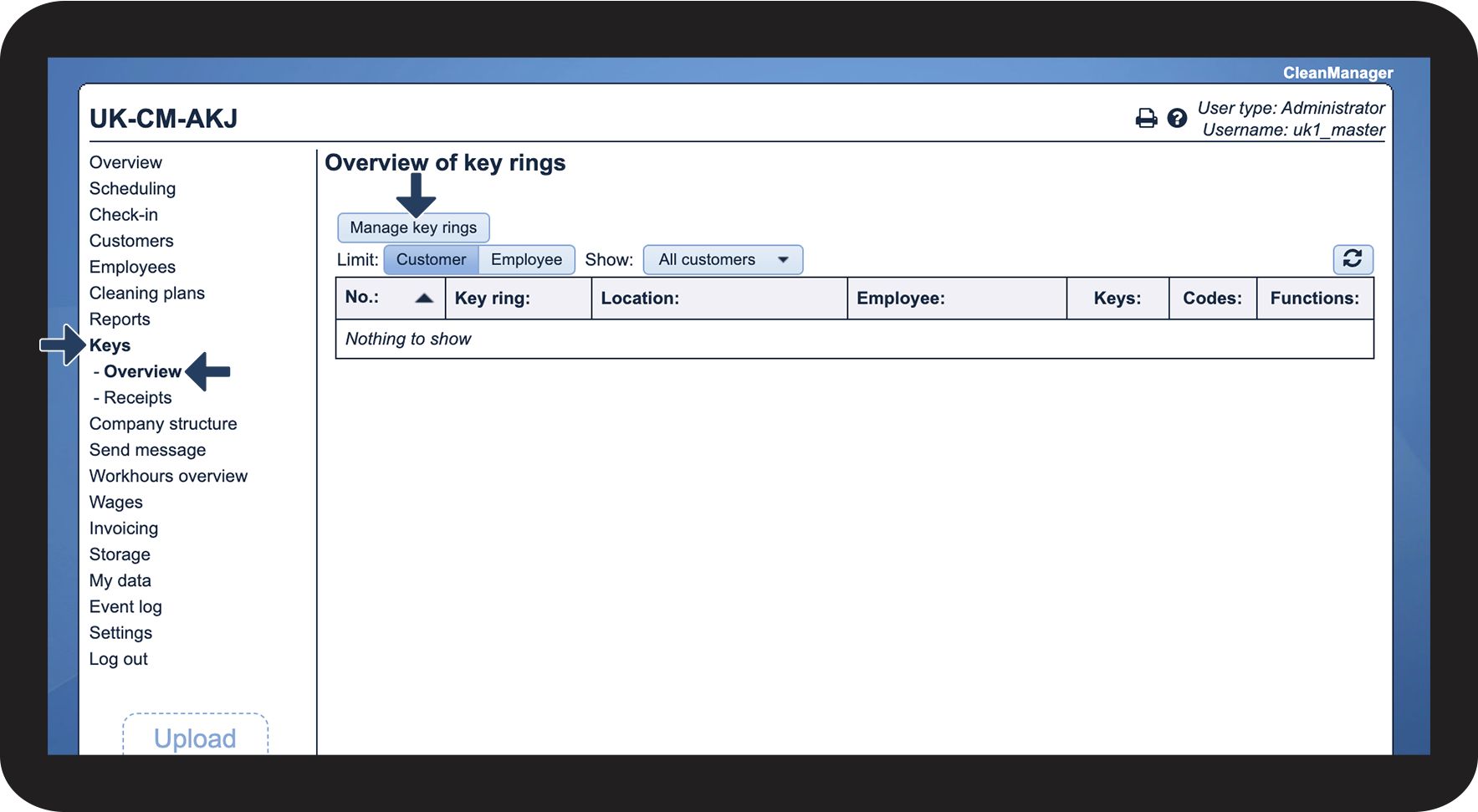
Administrators and Supervisors can create key rings under the Keys menu item.
Administrators can create key rings for all customers.
Supervisors can only create key rings for customers in the customer areas to which they have access under Company Structure. For more information regarding this, go to Company Structure.
The key rings are made up of the keys and codes, which are connected to a single location of a customer. It is therefore important to create a key ring or several, with all associated codes and keys for the individual location.
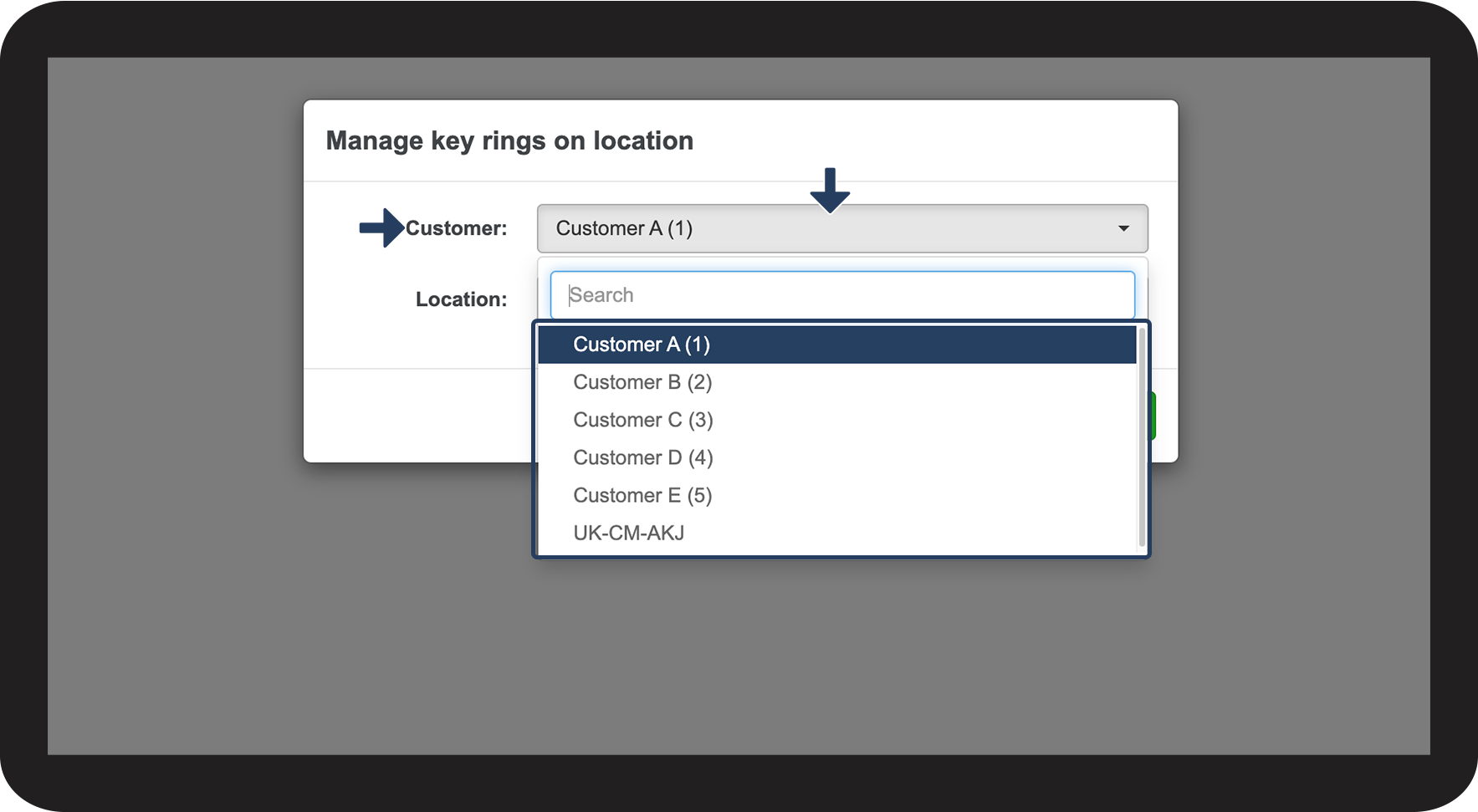
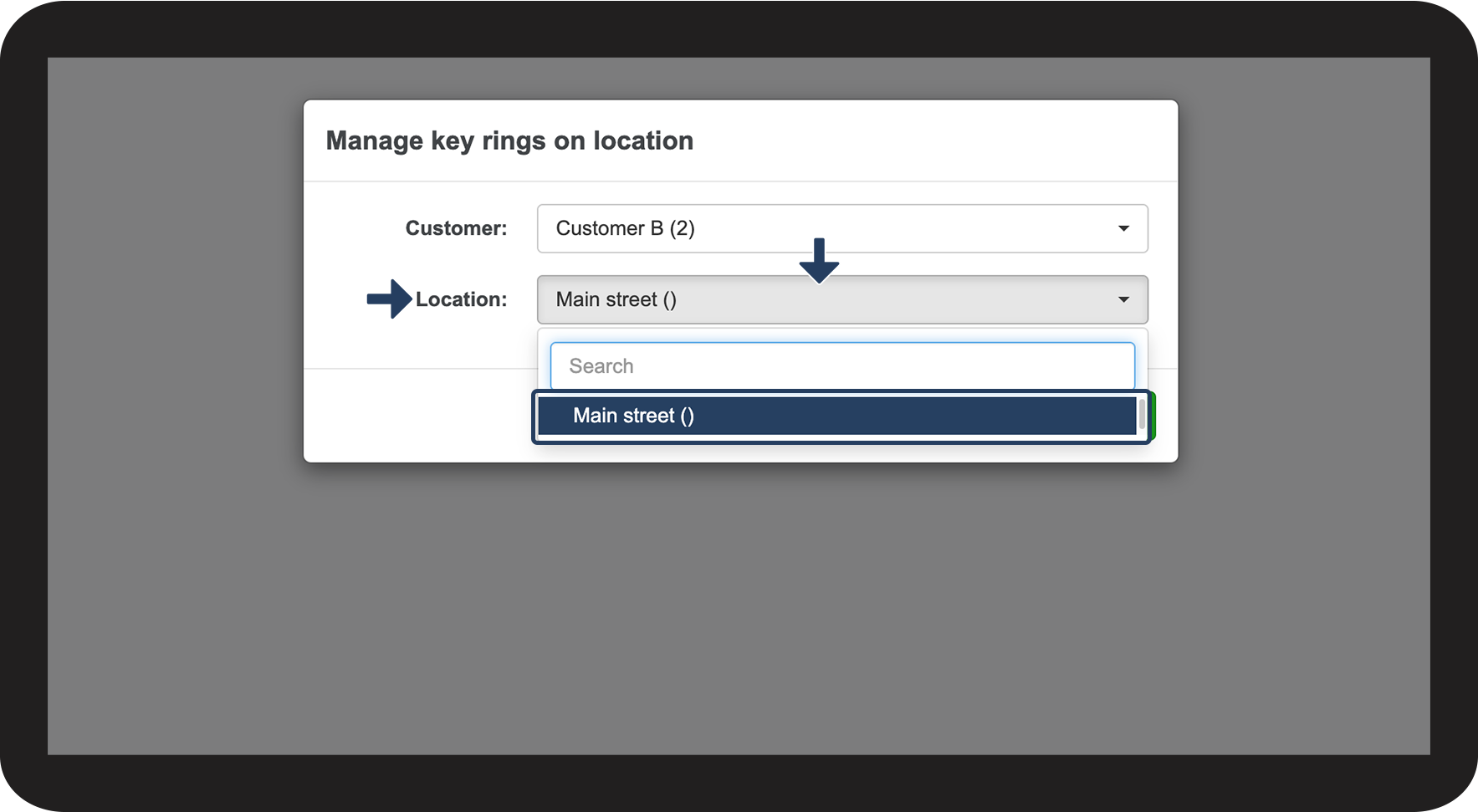
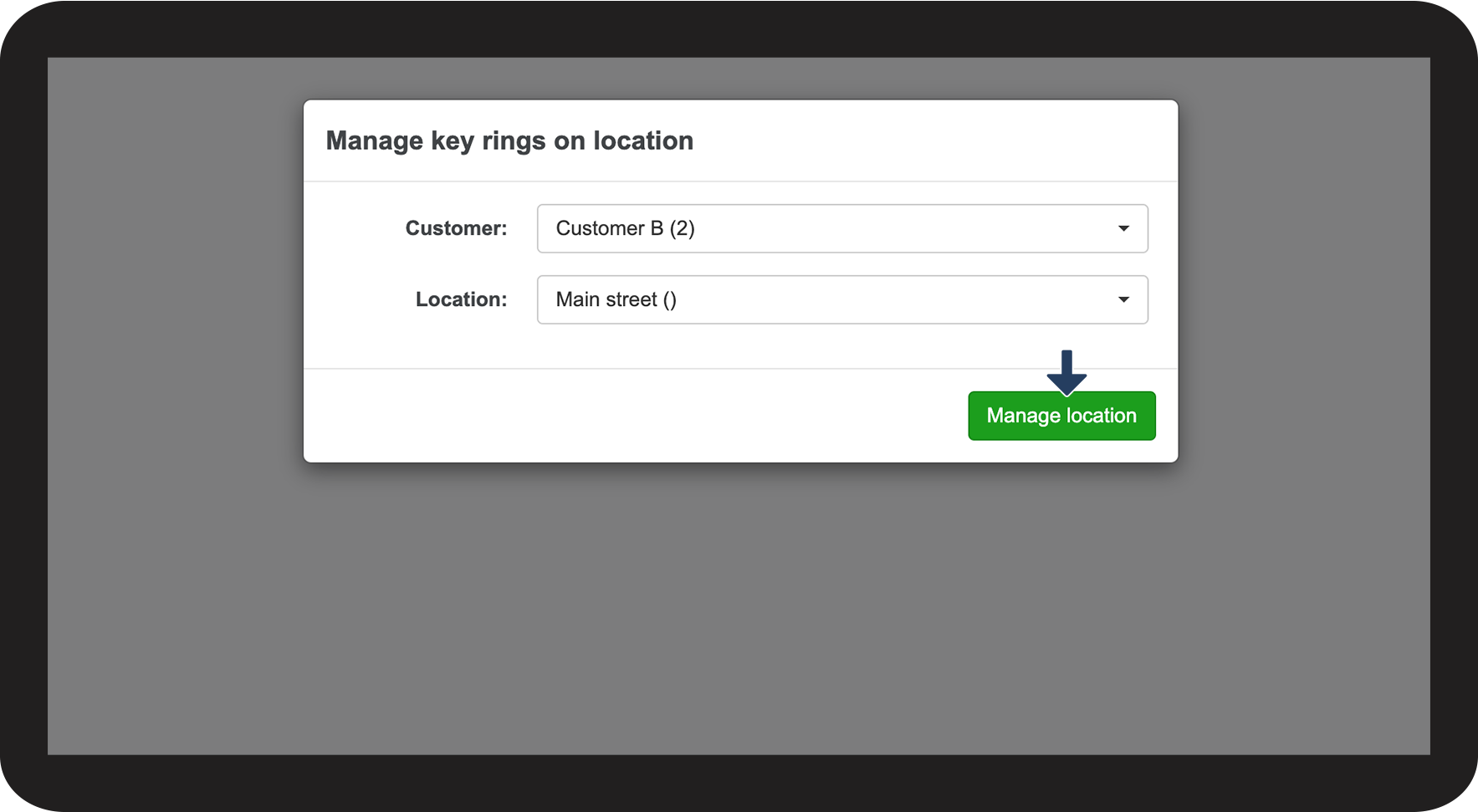
In this article, learn how to start creating a key ring:
How to create a new key ring





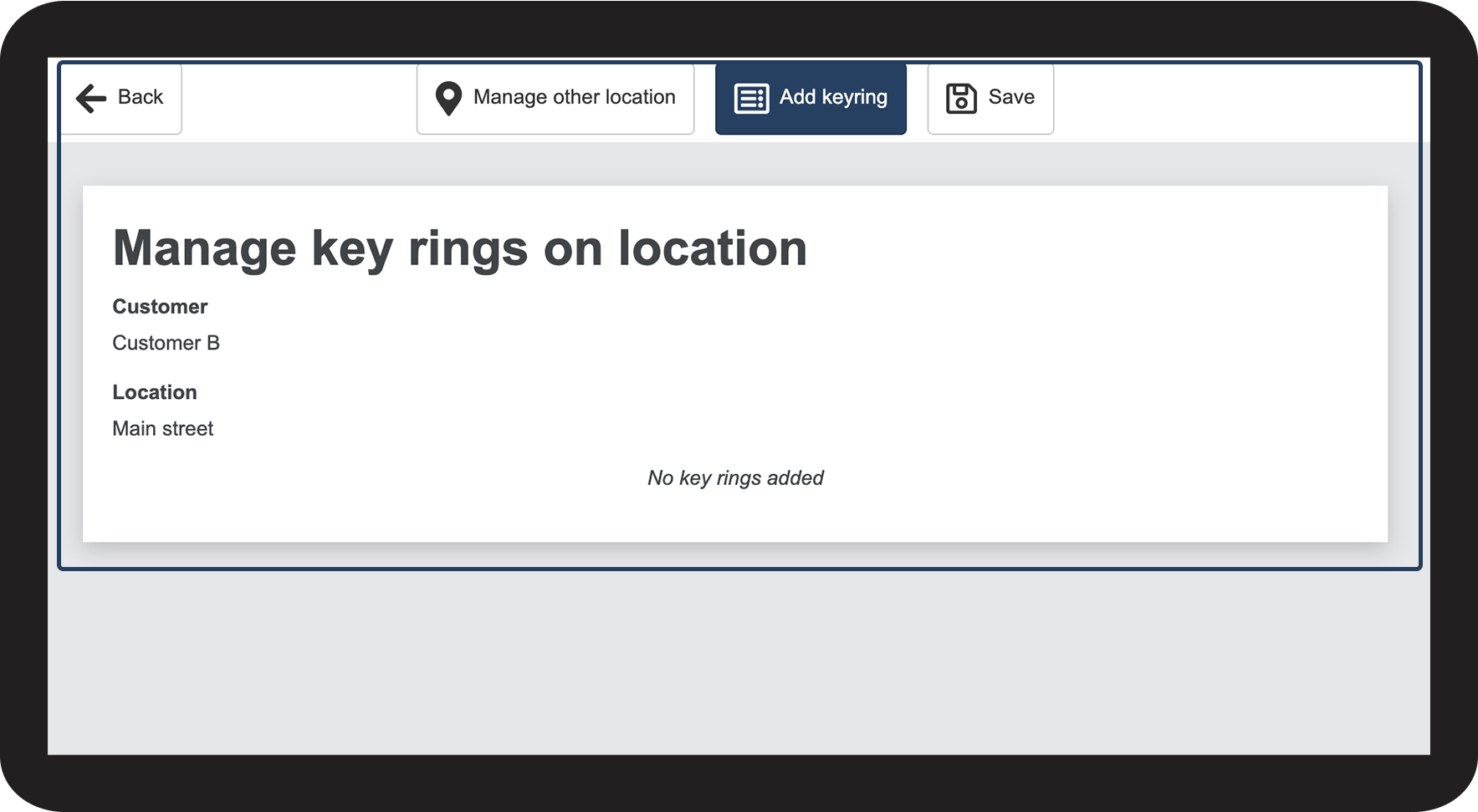
Continue to the article Add key ring
Here you can continue setting up the key ring