Skip to content
English
  • There are no suggestions because the search field is empty.

Log in

How do I log in to the CleanManager app?

If you have created an account at CleanManager, or if you have been assigned access to the system as an employee or supervisor, then you can see in this article how to sign in to the CleanManager App.

OBS:

Remember to have your log-in information at hand.

The information has been sent to you by e-mail or you have received them directly from your employer. (In case you can't find the e-mail, please check your spam folder)


How to log in

This is how you log in to the CleanManager app

number_1.png

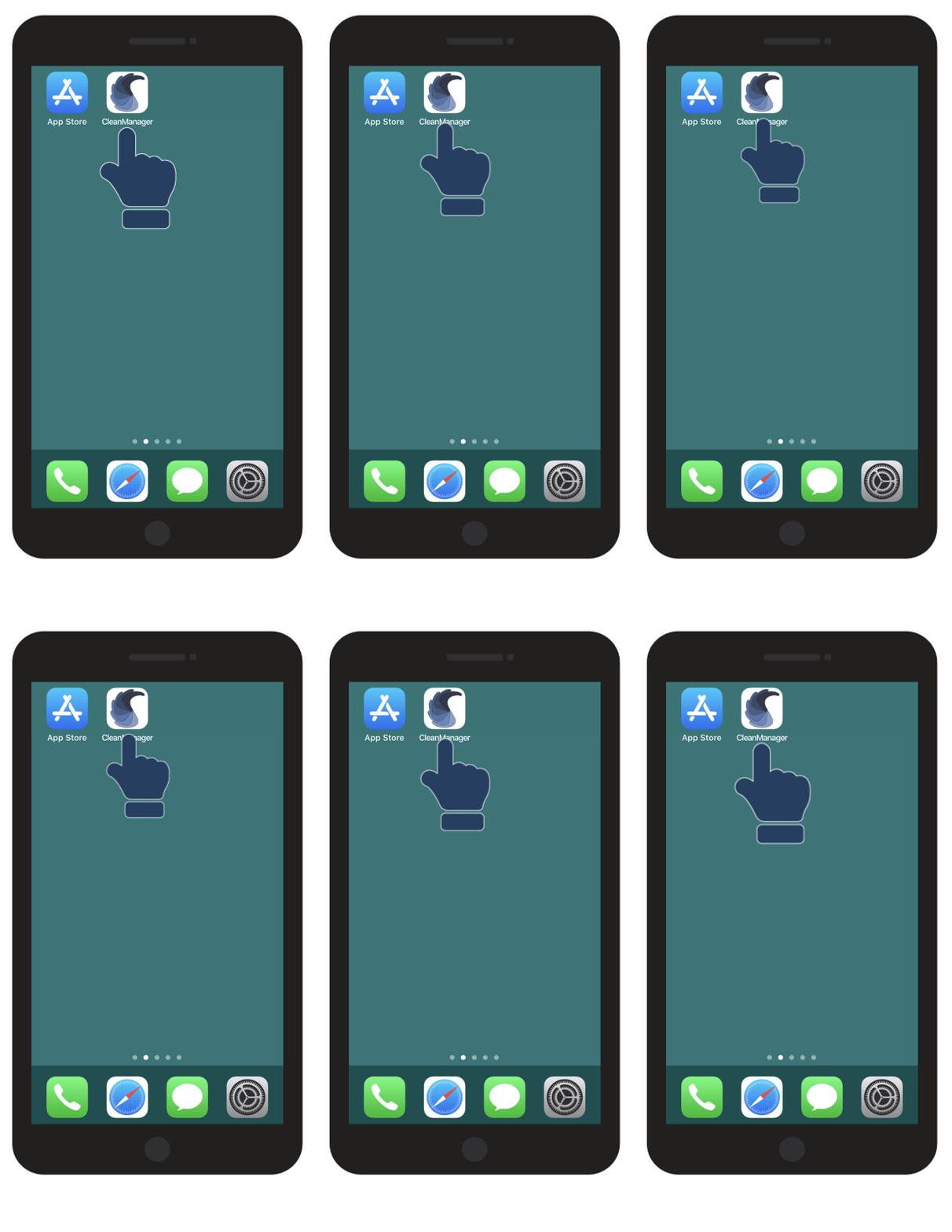
Open the CleanManager App

start-app.gif
number_2.png
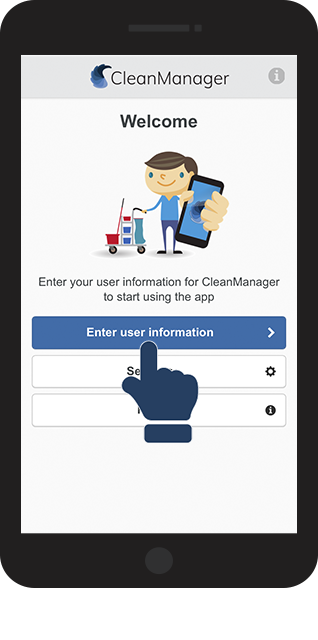
Click on Enter user information
ny2.png
number_3.png

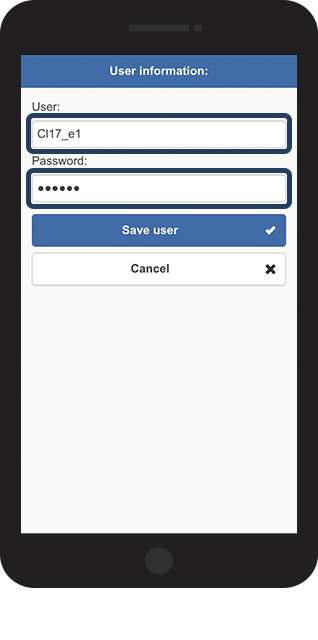
Fill in Username and Password in the appropriate fields

ny_3.png
number_4.png
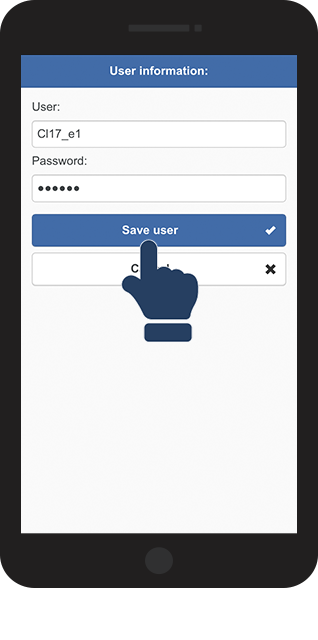
Click on Save user to finish the login process

ny_4.png

number_5.png

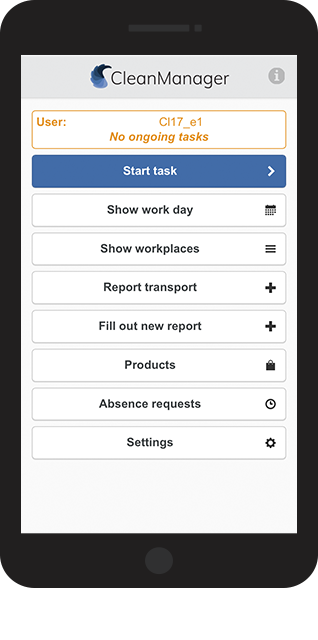
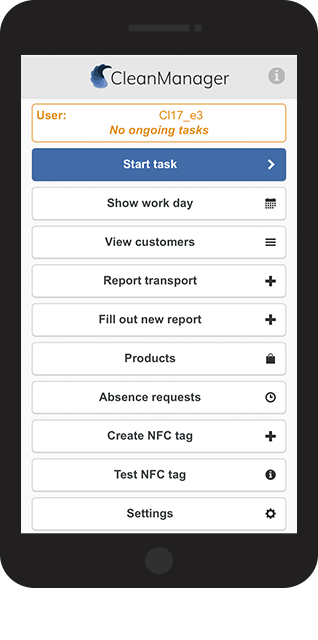
You are now logged in to the CleanManager app


Are you employed as an Employee or Supervisor/Administrator?  
The account layouts are varying from each other, depending on your position:


Employee
 
Supervisor / Administrator


5_employee.png


5_supervisor.png


Have a look at these articles in order to get started with your task as a service employee:


Have a look at these articles to get started with your tasks as superintendent/administrator:


OBS:

Can you as Supervisor/Administrator not use the NFC tags?
Then this is because your phone does not support NFC.
In order to ensure your phone is able to use NFC, then please have a look at this article:
 
Smartphones with NFC