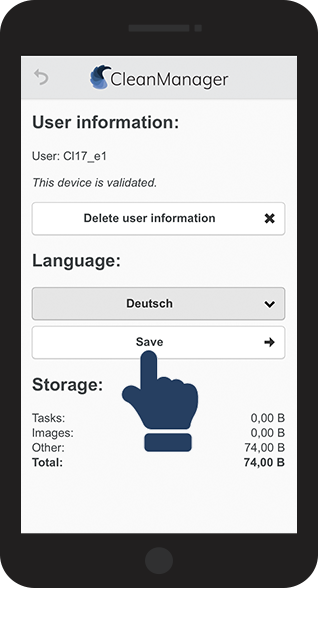
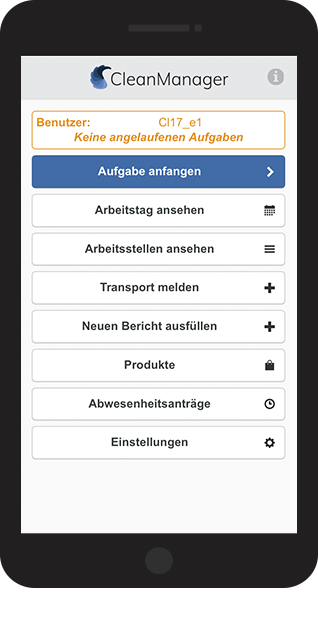
How do I change the language in the app?
The CleanManager app automatically uses the predefined language already in use on a smartphone. Meaning, if your phone is set to English, the app will be installed in English as well.
If the language on your phone is not supported by CleanManager, the app will automatically set the language to English.
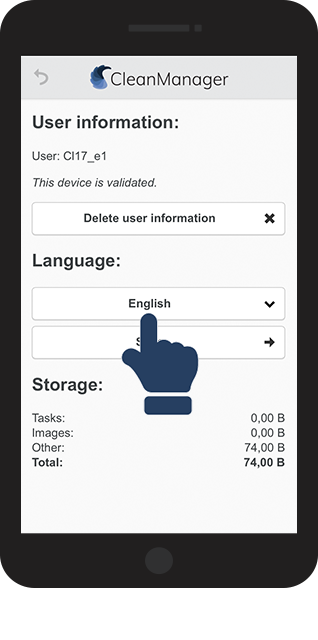
As a user, you can always change the language to the one you prefer.
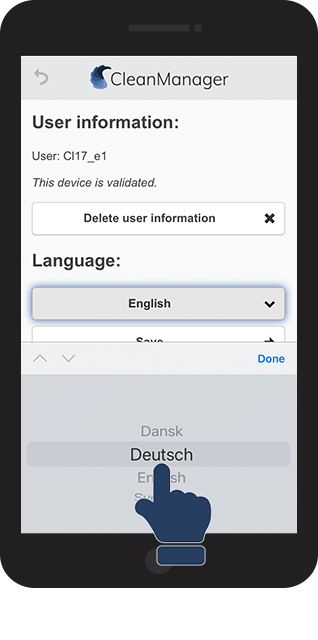
The language in the app can be set to:
-
Danish
-
German
-
English
-
Swedish
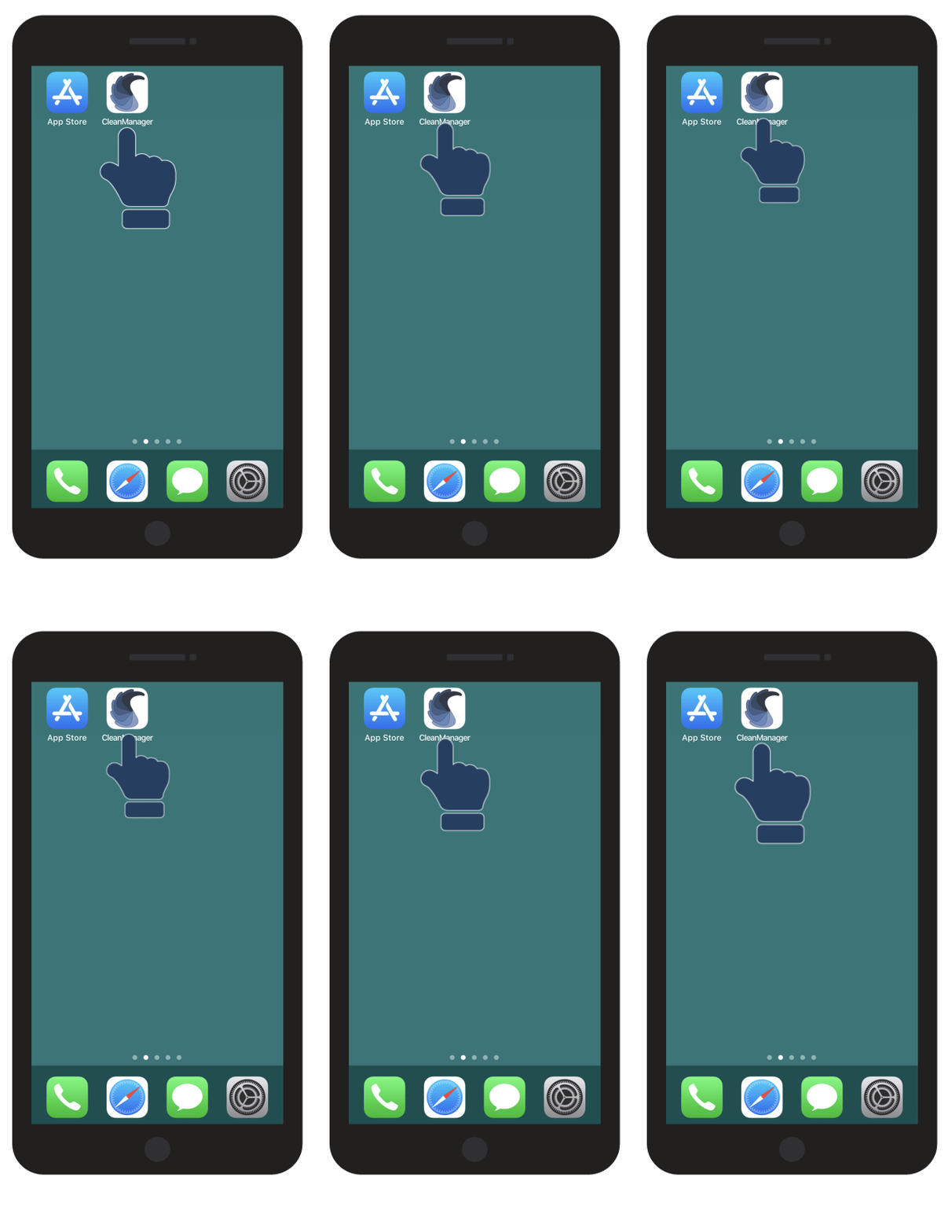
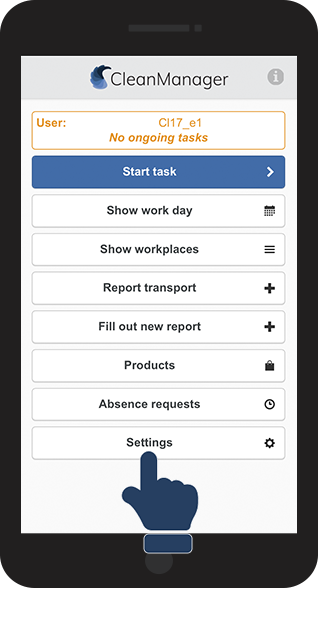
Read more in this article on how to change language in the app:
How to change language settings in the CleanManager app