How do I set up my account to transfer invoices to FreeAgent?

NOTE:
The currency you choose under Settings > System preferences > "Choose the currency, that will be displayed in the system" is the same currency that will be sent to FreeAgent when invoices are transferred.
The currency cannot be chosen or changed in FreeAgent.
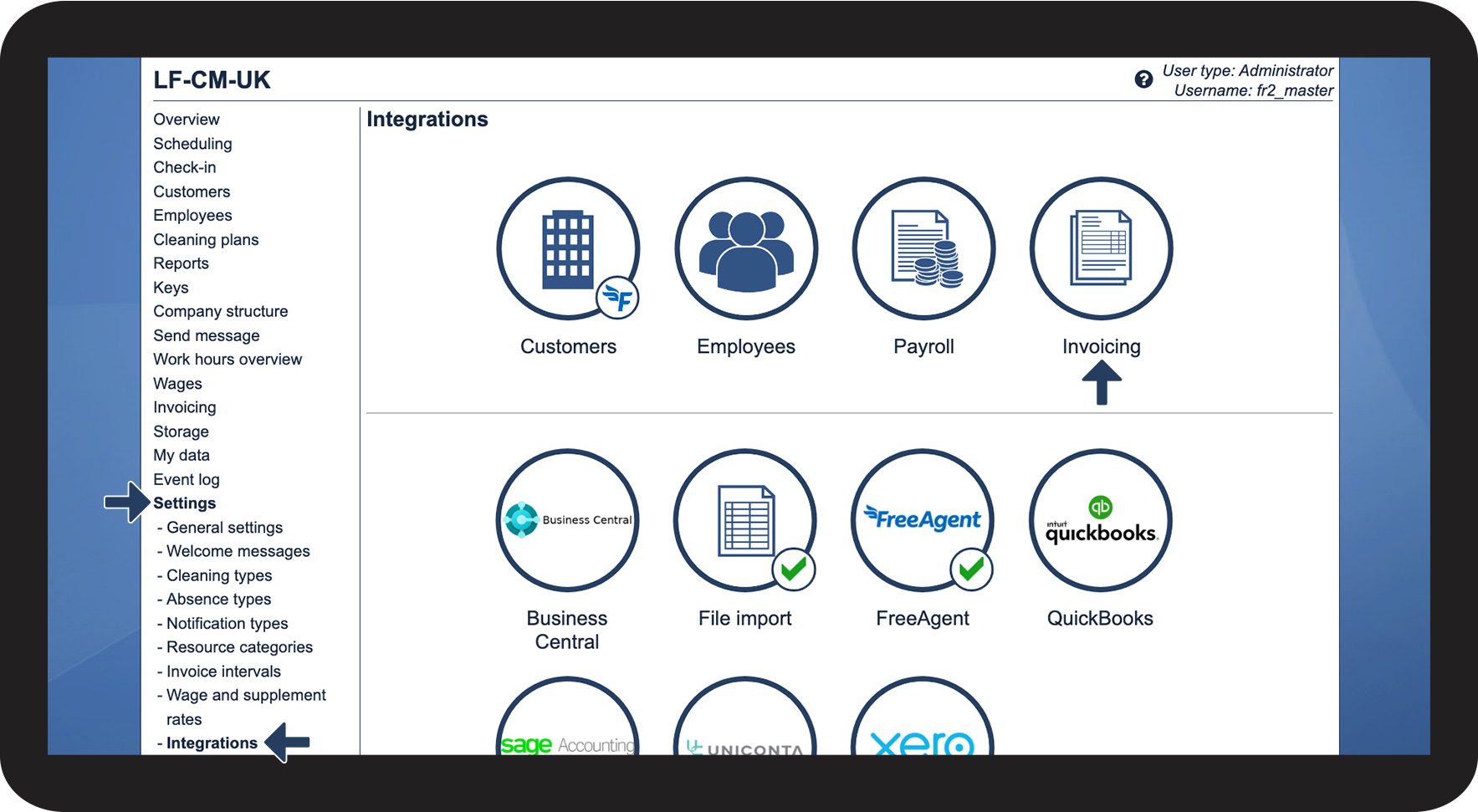
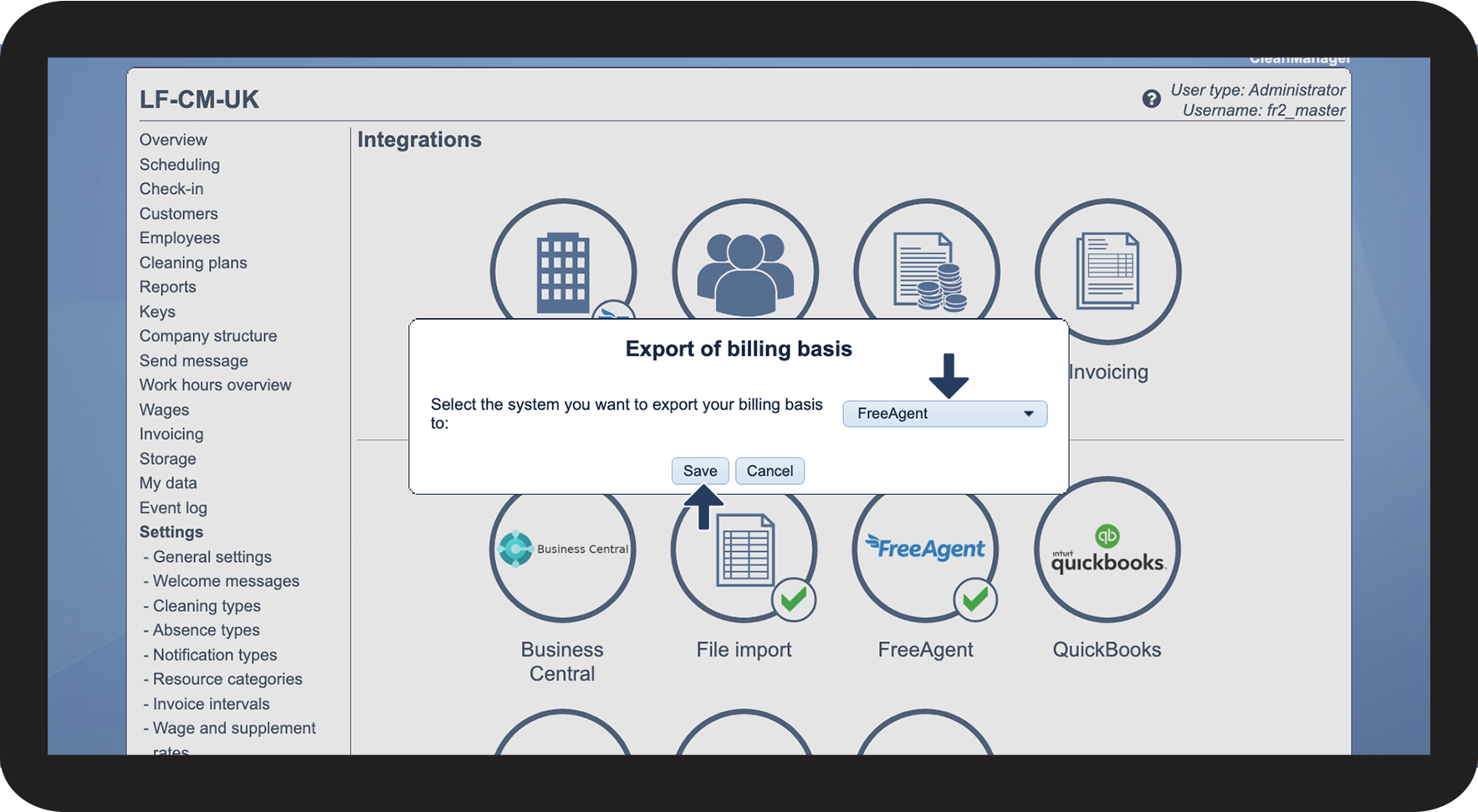
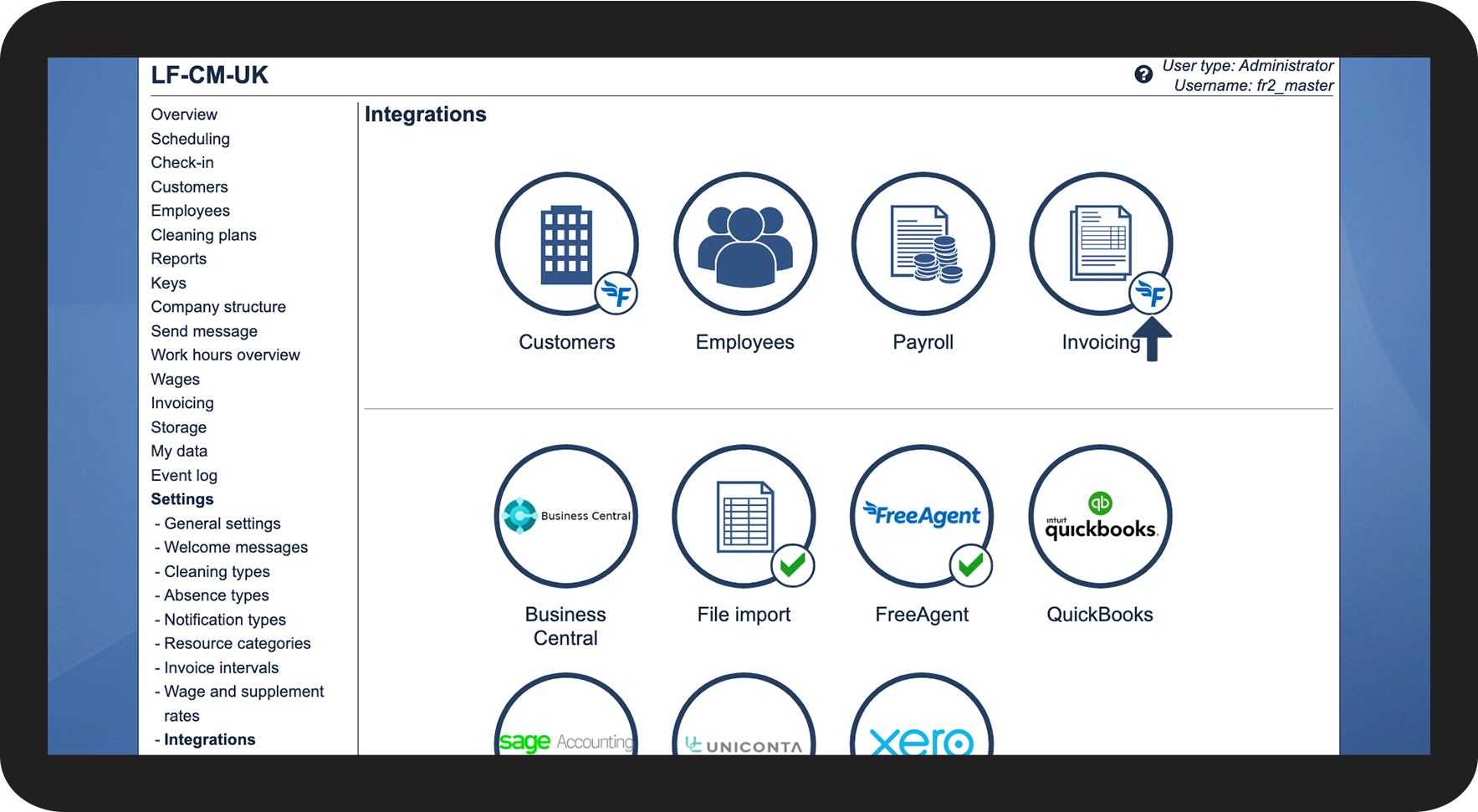
To be able to transfer invoices from CleanManager to FreeAgent, you must set FreeAgent as the designated accounting software for invoicing:
How to set up invoicing to FreeAgent