
How to set up the integration between CleanManager and Sage?
As an administrator in CleanManager, you can set up the integration to Sage.
With the integration to Sage, you can synchronize customer data and transfer invoices between CleanManager and Sage.
See here in the article on how to integrate Sage and CleanManager:
How to create the integration from CleanManager to Sage?


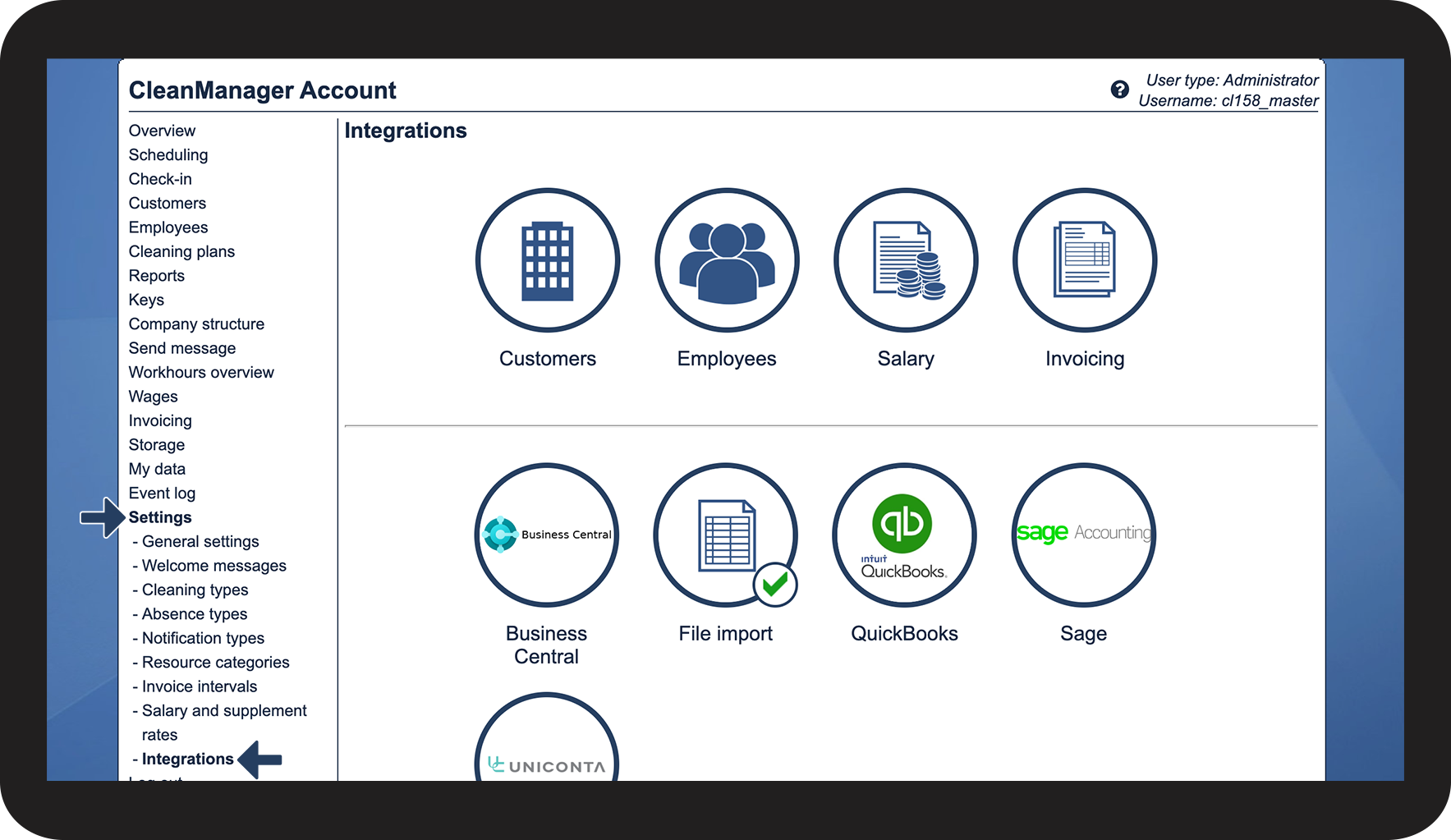

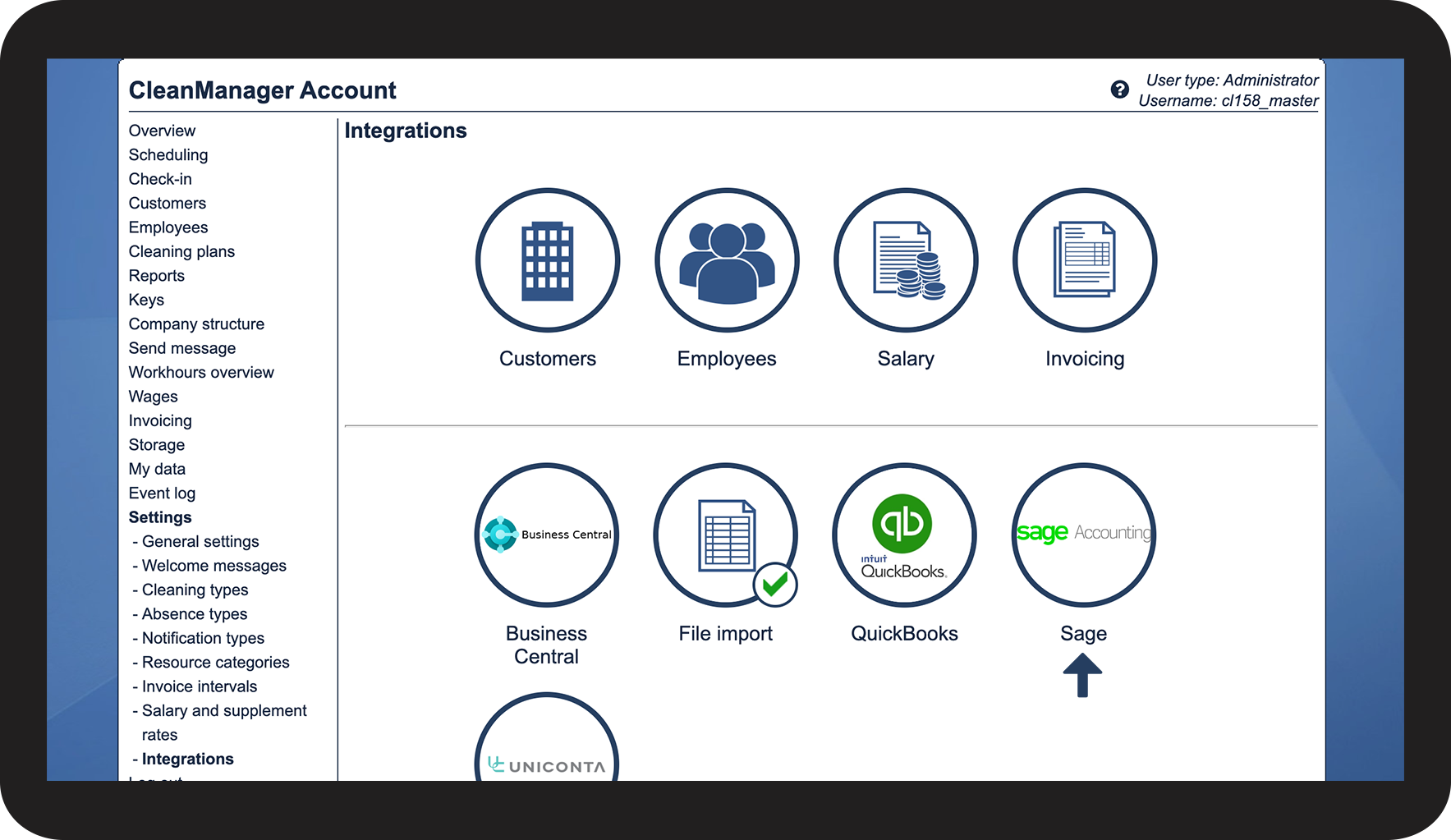

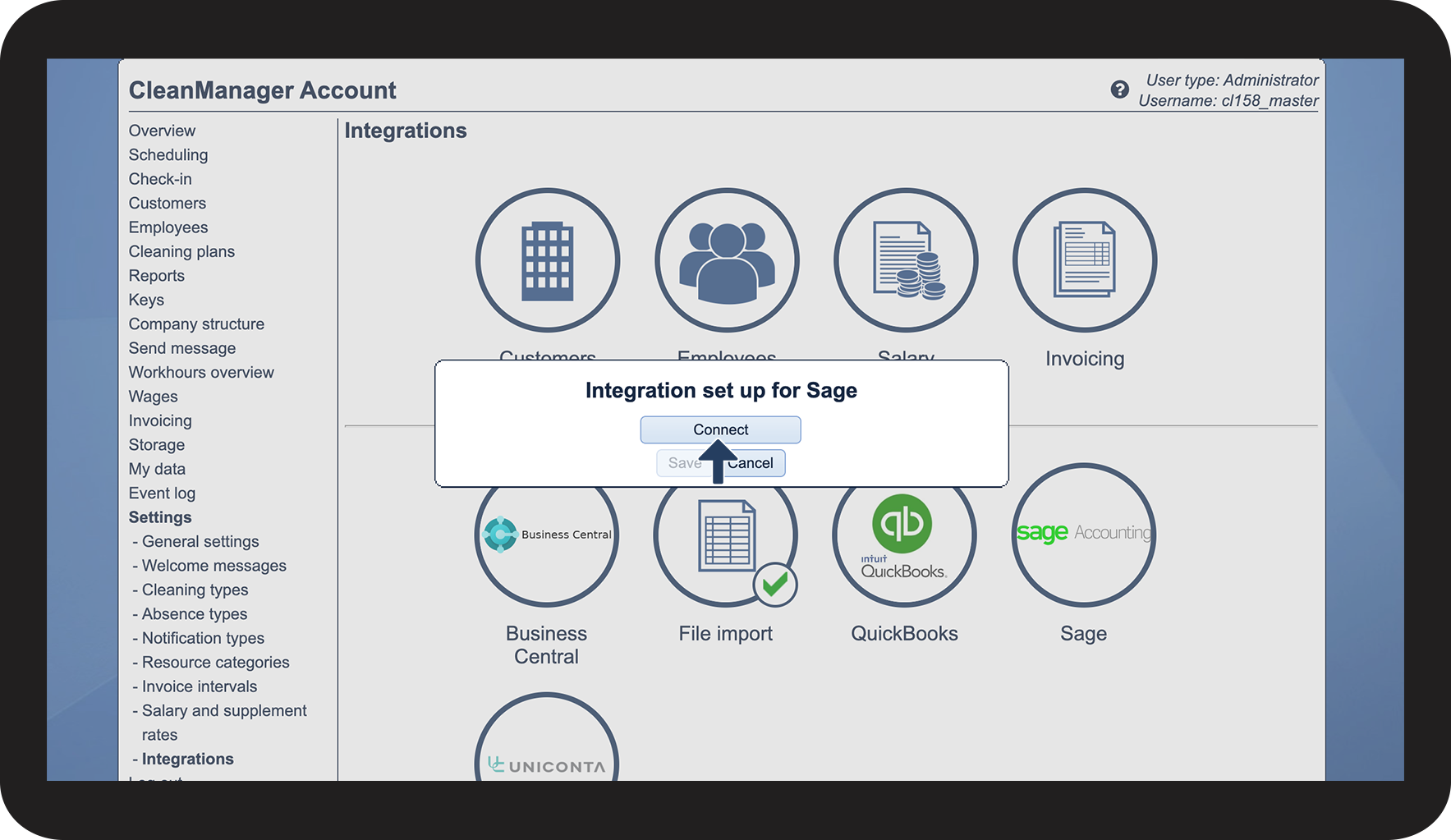

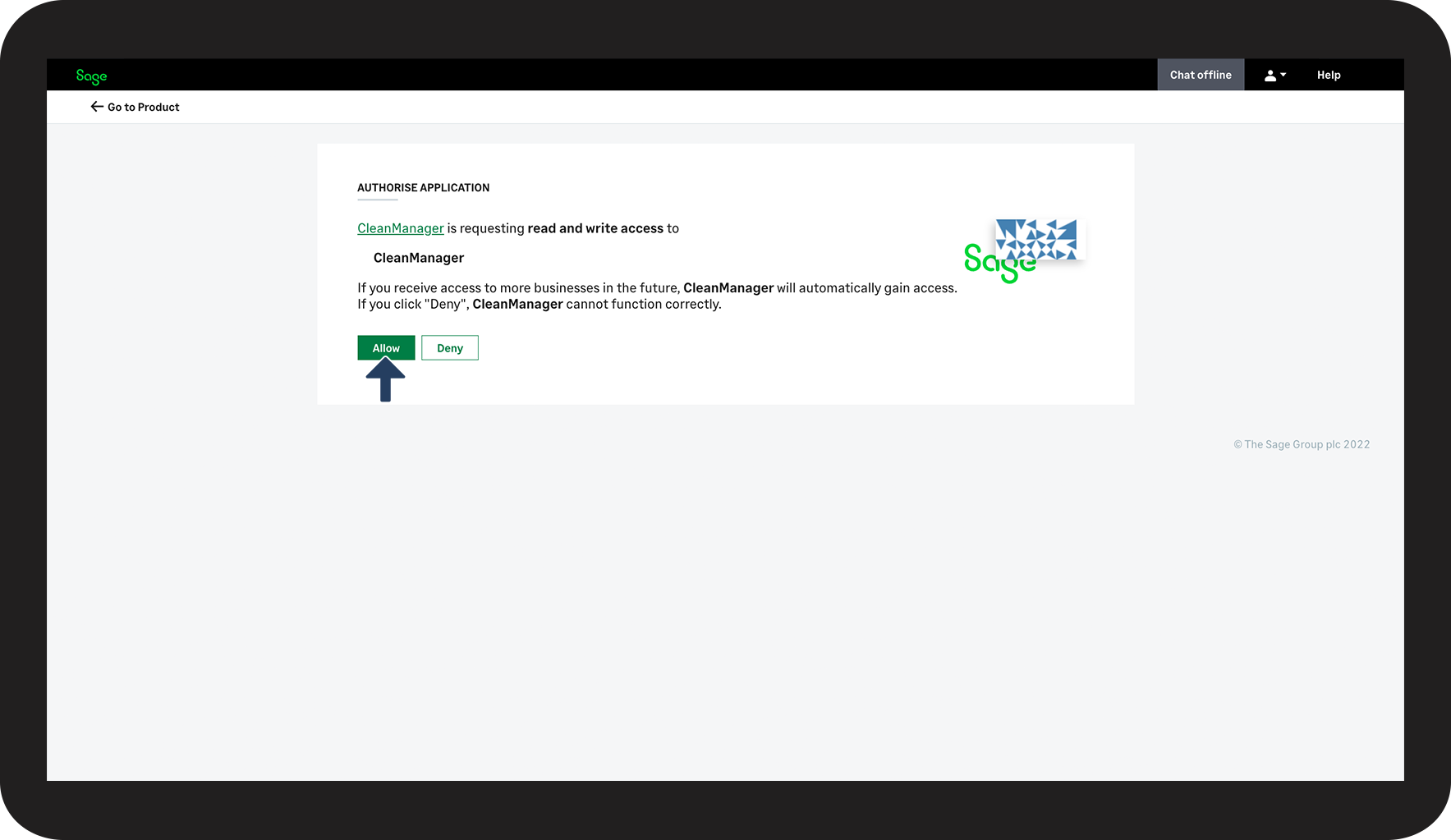

 next to the Sage logo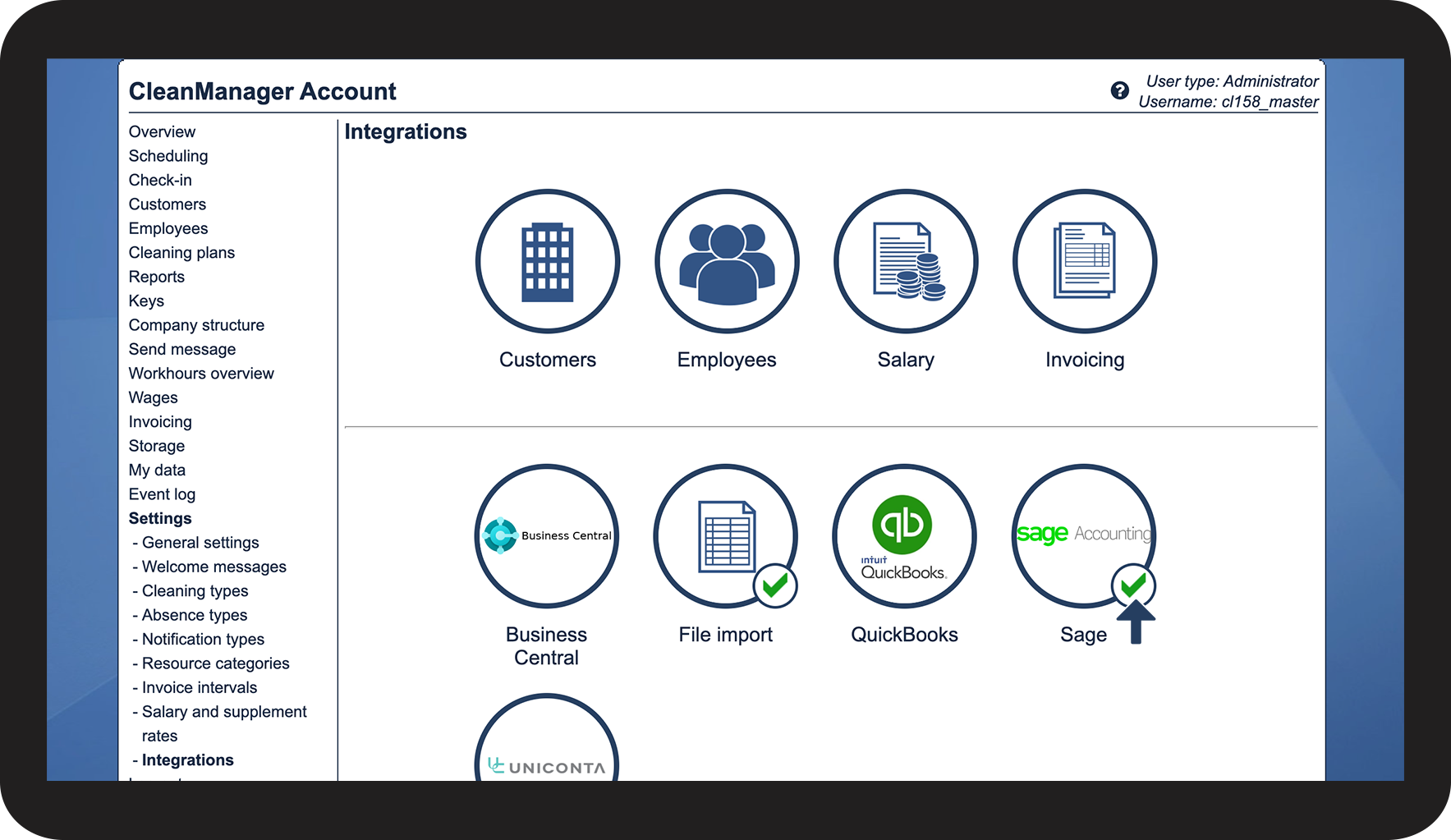
Continue to the article Customer synchronization setup for Sage
Here you can continue setting up the customer synchronization to Sage.