
How do I enable image attachments?
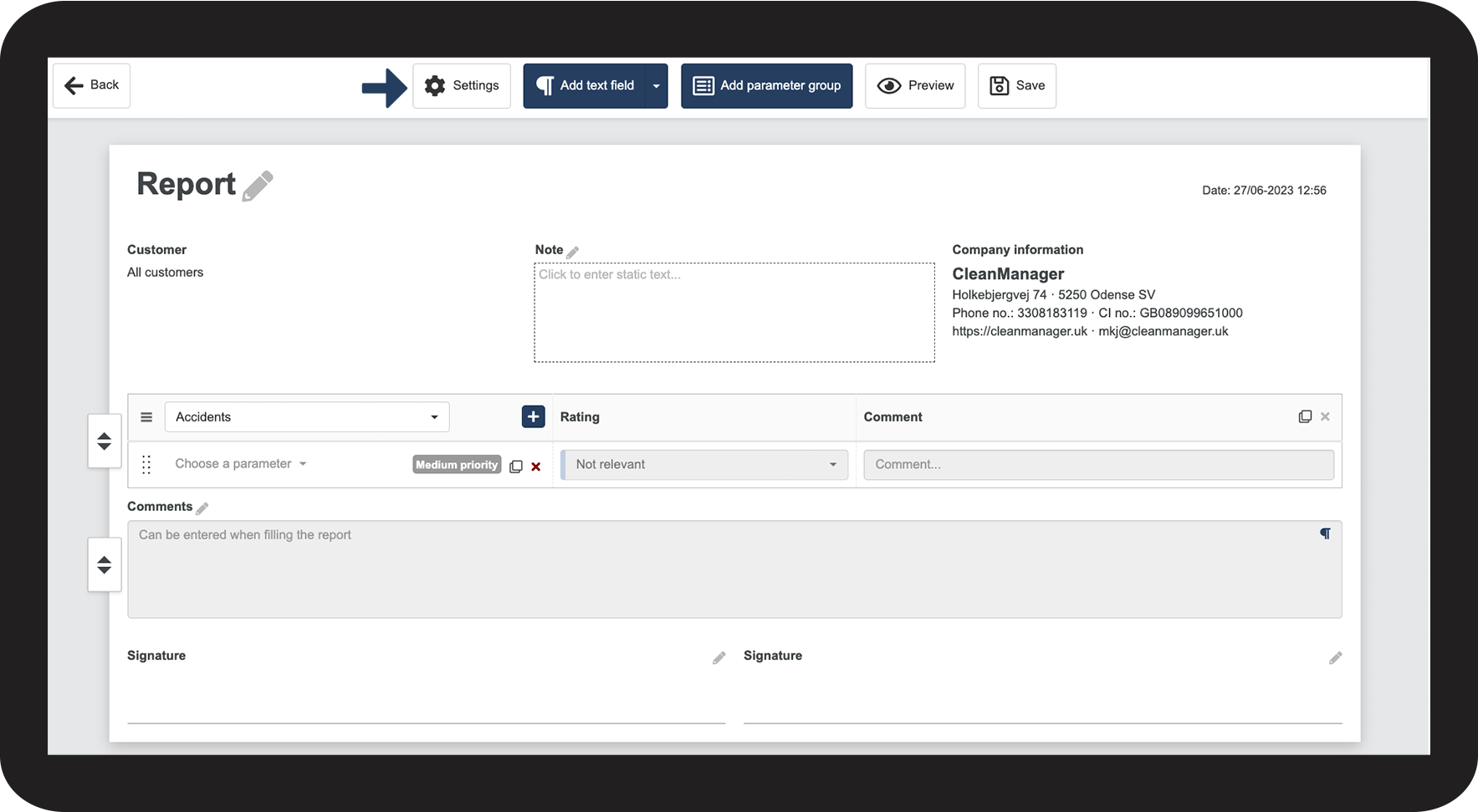
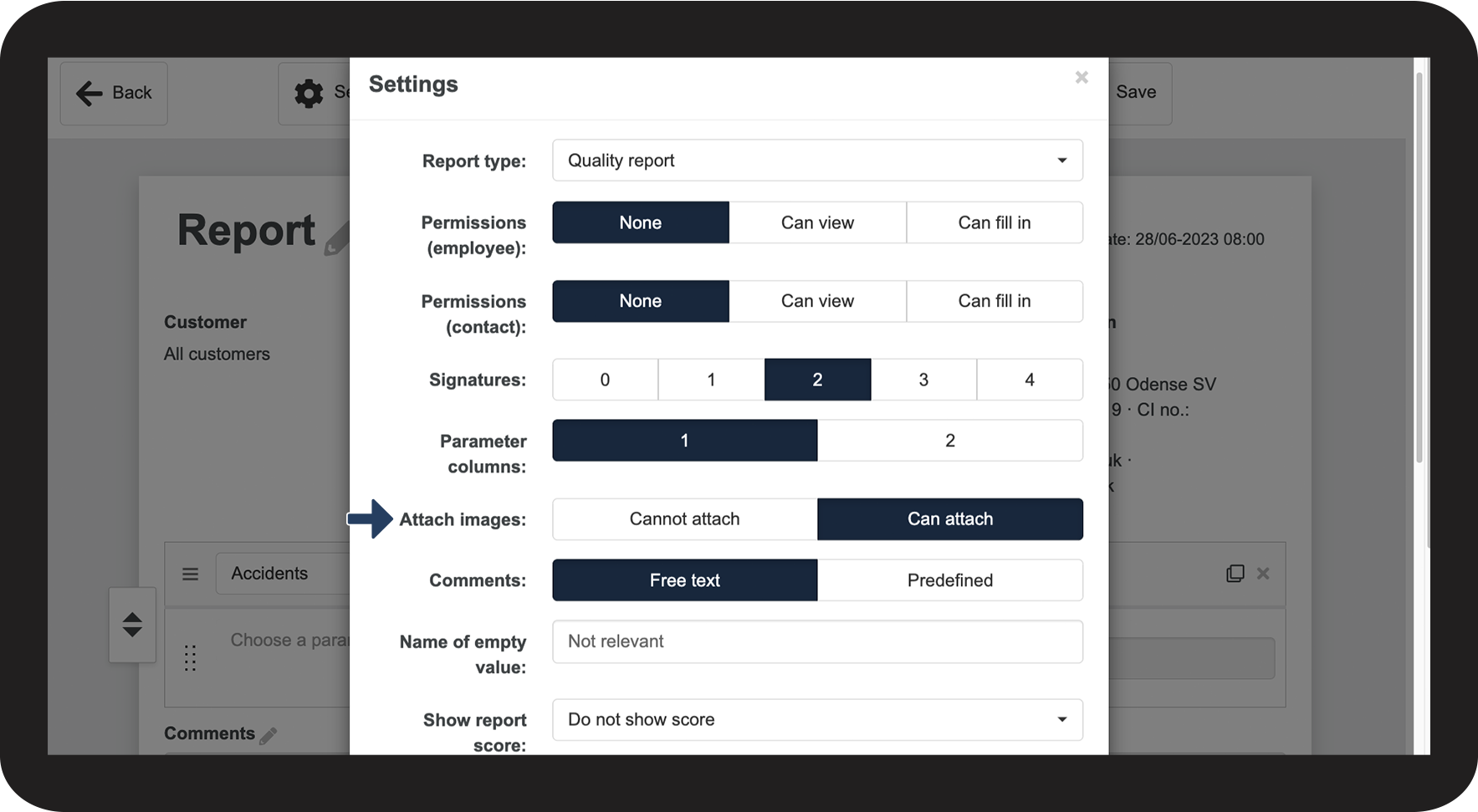
When you create a new template, you can decide whether you want to enable image attachments or not.
Images can be used as documentation in the report, and you can also add comments to the images.
Images will be added to the selected parameter group and attached at the end of the report.
How to enable image attachments


Continue to the article: Adjusting the comments
The next article will continue to help you set up your reports