
How do I set up so pictures, associated with tasks, are deleted after a certain period of time?
With this setting, it is possible to delete pictures automatically which are related to tasks after a defined period of time.
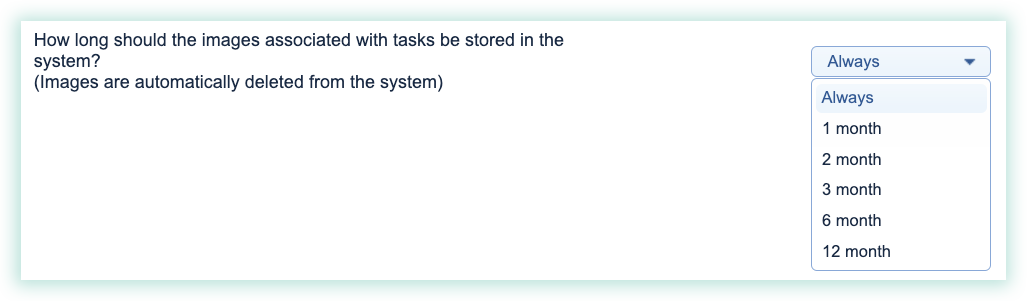
You can choose whether the pictures should be saved in the system forever, or whether they should be deleted after a period of time.
The time period can be set to 1, 2, 3, 6, or 12 months.
Note:
When this setting is activated, it will also have a retroactive effect. This means that for a task with associated pictures, set up 10 years ago, these pictures will be deleted in accordance with the defined time period.
The pictures will be deleted once a day. This means that after the setting is activated, it can take up to 24 hours before the pictures will be deleted automatically.
State how long pictures associated with a task should be stored with the task in the system
Choose the time period, that should apply in regard to how long pictures should be saved in the system:
To set up this setting, go to: