How do the statistics work in the storage section?
How does statistics work in the storage?
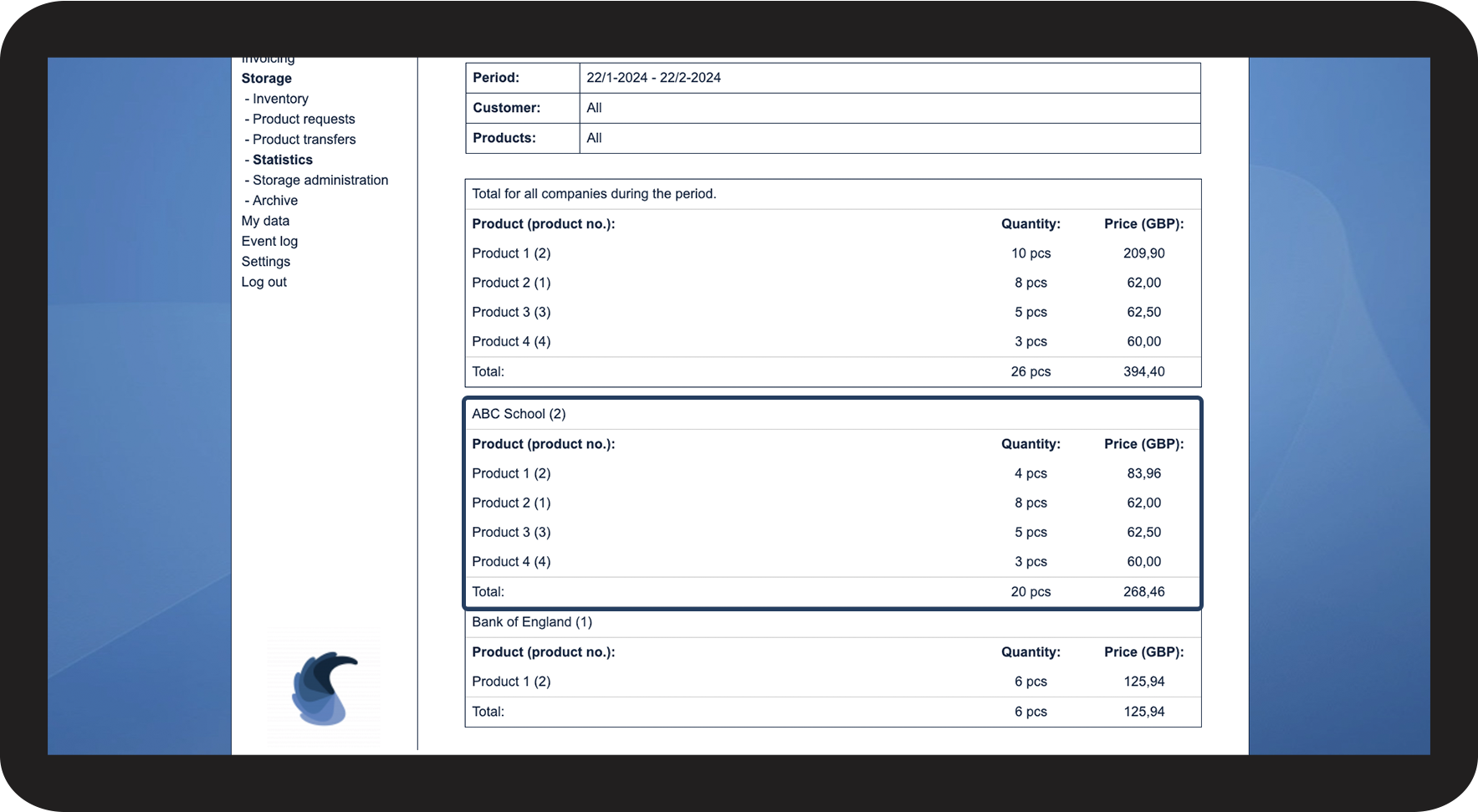
When products are ordered and transferred to customers, the system collects data. This data is being collected in the storage section and can, later on, be used to see which customers perhaps need to be additionally billed.
Note:
Supervisors cannot access this function.
In this article, you will learn how to use the statistics in the storage section:
This is how you find the statistics for the storage
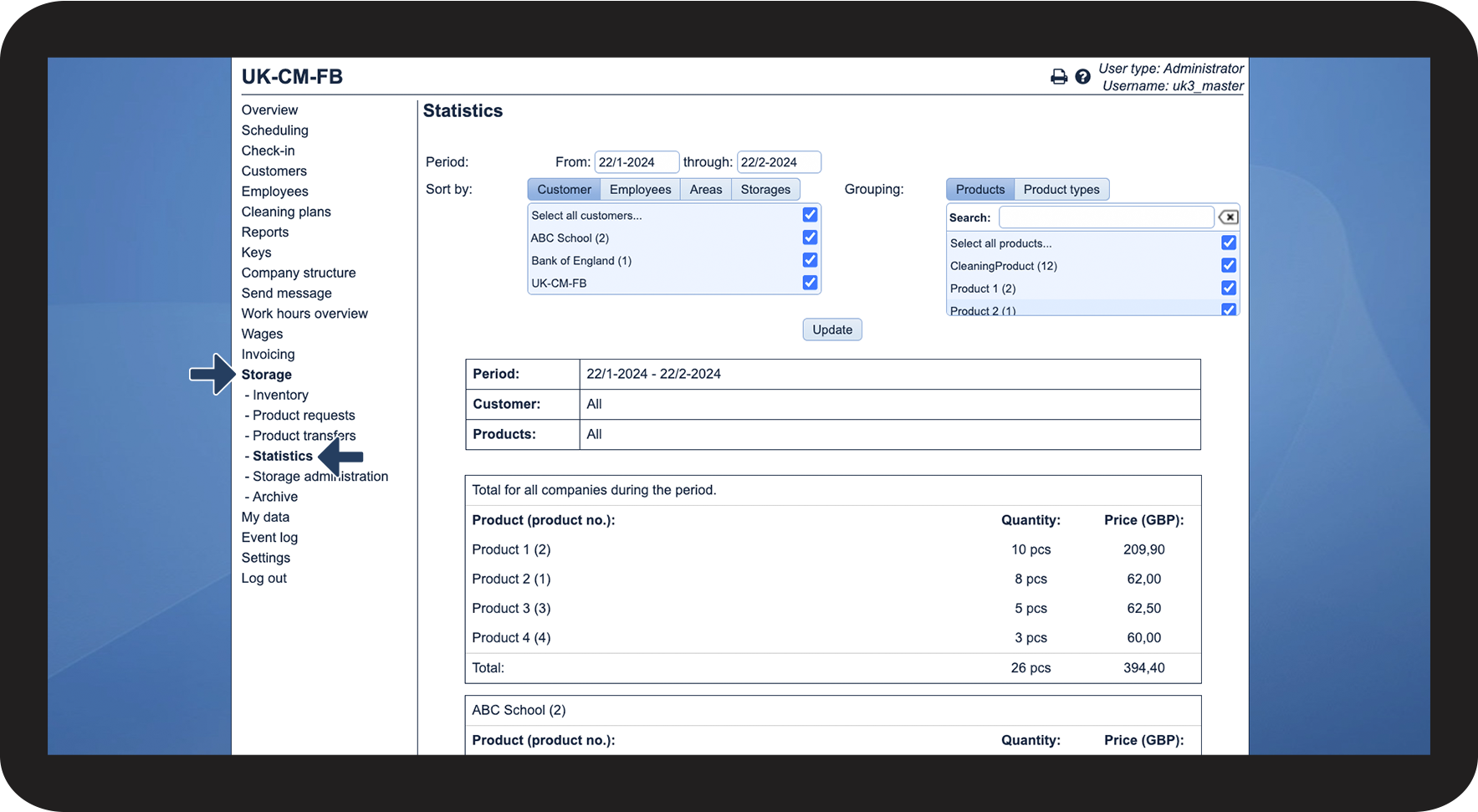
In the menu, go to Storage > Statistics

This is how you sort the data
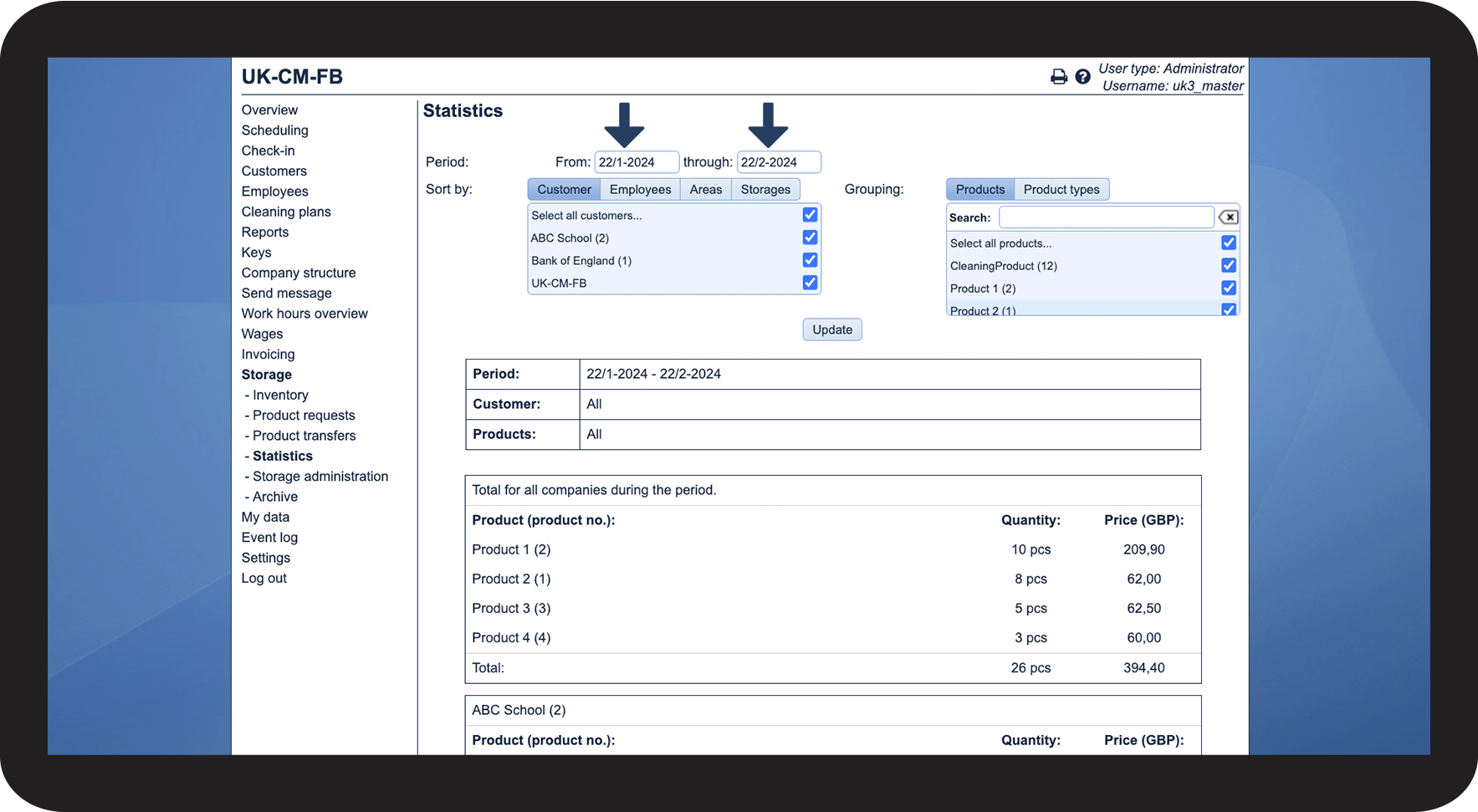
Firstly, you need to select the time period
The chosen period determines, which data will be shown.

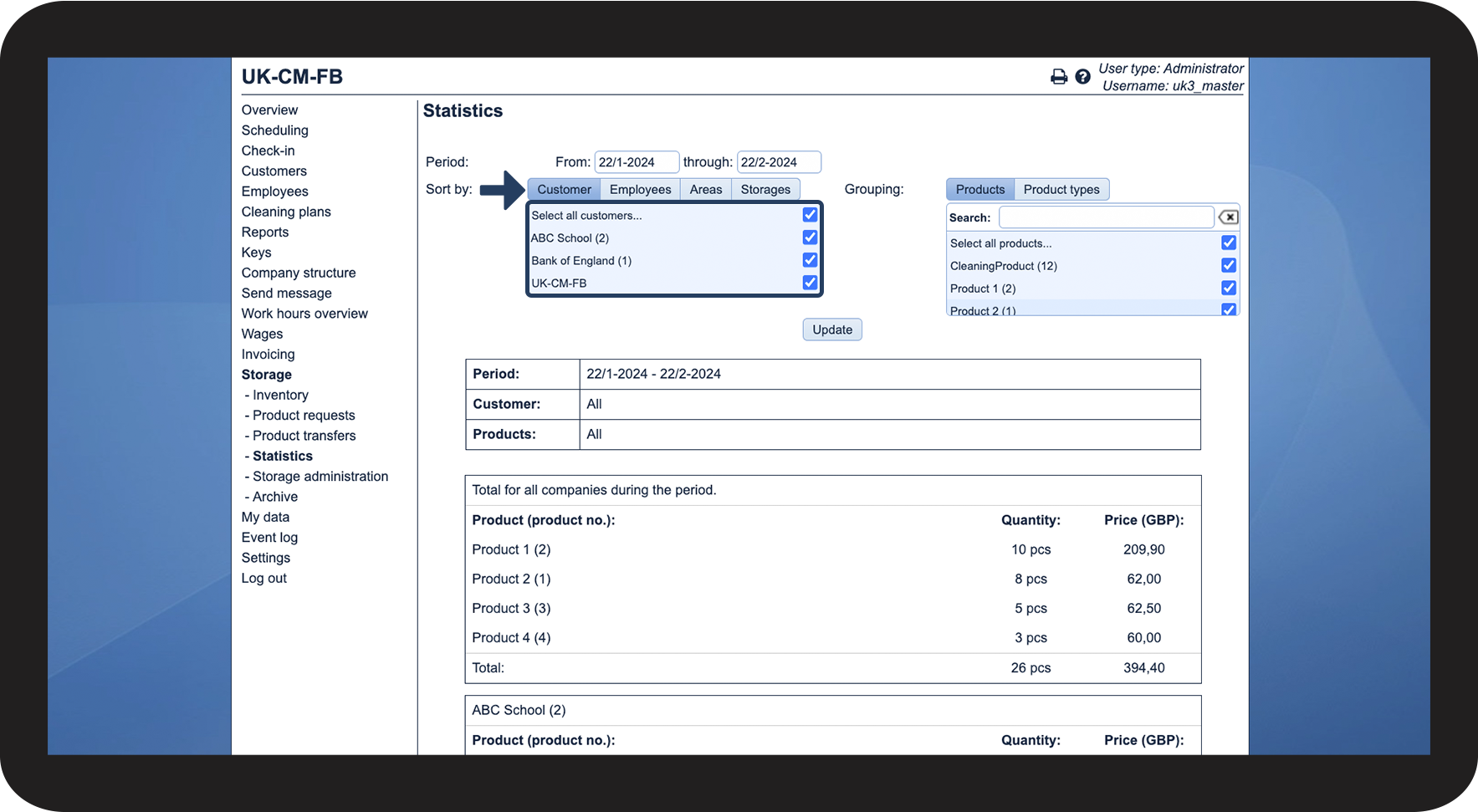
Afterward, select how you want to sort your data
You can select between the following:
- Customer
- Employee
- Areas
- Storage
You can specify the filter further within each category.

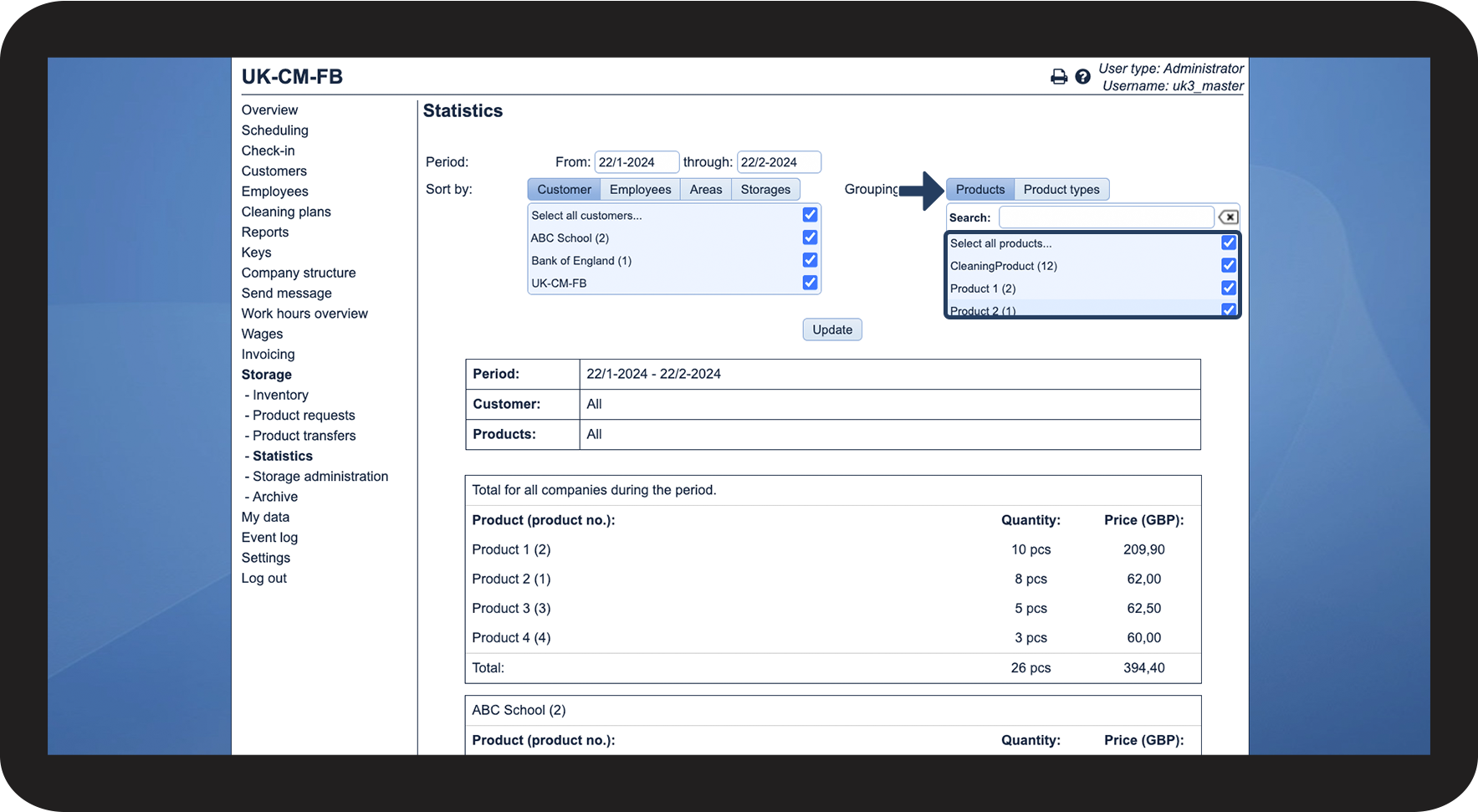
Lastly, you can select the Grouping you wish to sort after
You can select between the following options:
- Products
- Product types
You can specify the filter further within each category.
Complete the process by clicking on Update

This is what you can see in the statistic
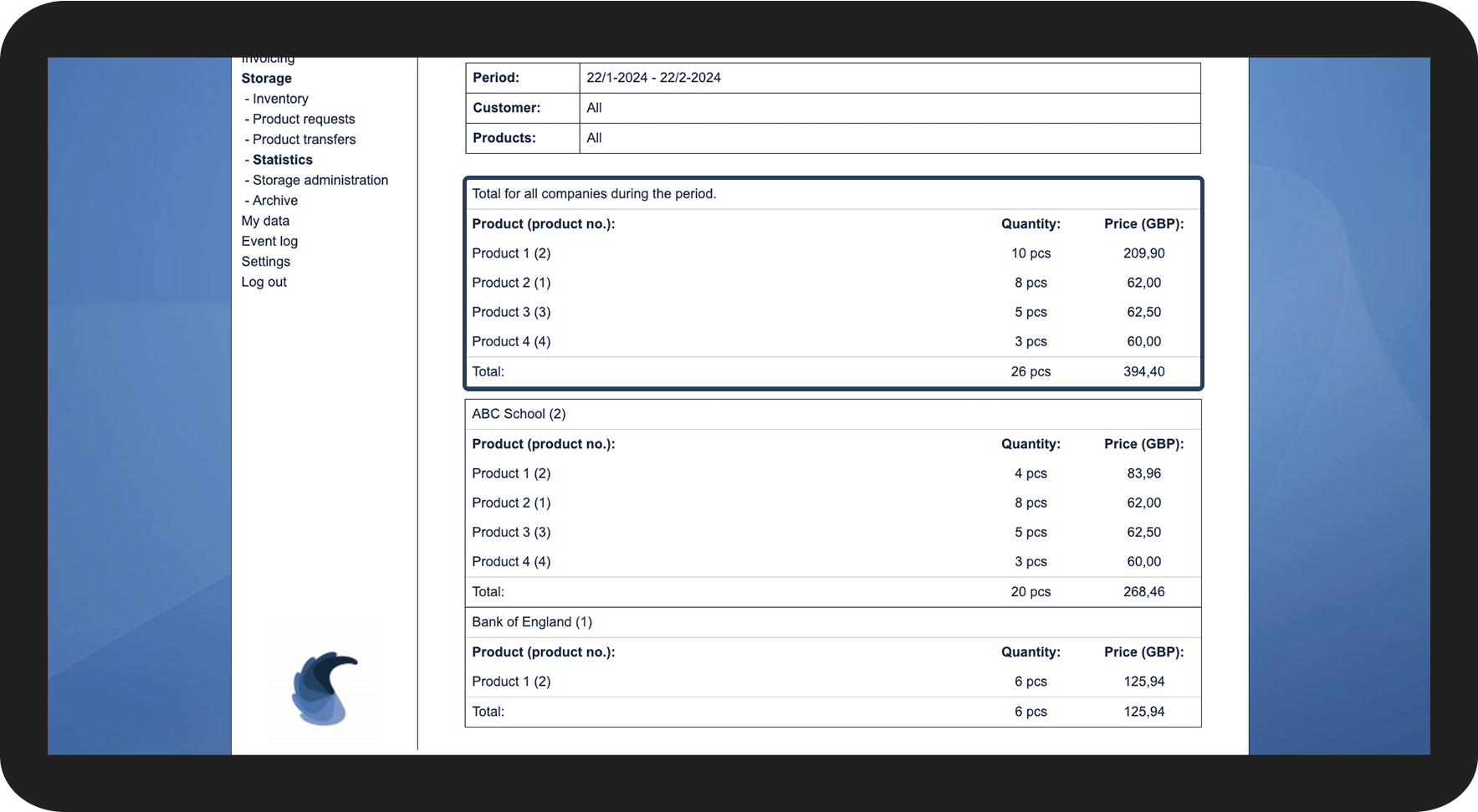
Below Total for all companies during the period you can see the filtered data.
The following information may vary depending on the filters you have used.

The following information will be shown:
This is the transferred product in the given time period.
The transferred quantity of the specific product.
The price set up under storage administration will be used — Setting up products
Here you will be able to see the total amount of products and the total price.
The information from the storage statistics can be used when one's bills are being transferred to the economic system. You will be able to see which products to apply to your invoices by retrieving the information in the statistics.
Note:
The statistics can only be shown for the entire customer, not for the individual customer location.