
Which settings can I use to sort the view of the work hours as the administrator/supervisor?
If you are signed in as the administrator or as a supervisor, you can sort the view by different settings. The administrator can view the work hours overview for all customers.
The supervisor can view the work hours overview for customers in the customer areas they have been assigned. For more information regarding this, go to Company Structure.
In this article, you will learn how to filter your view of the work hours overview:
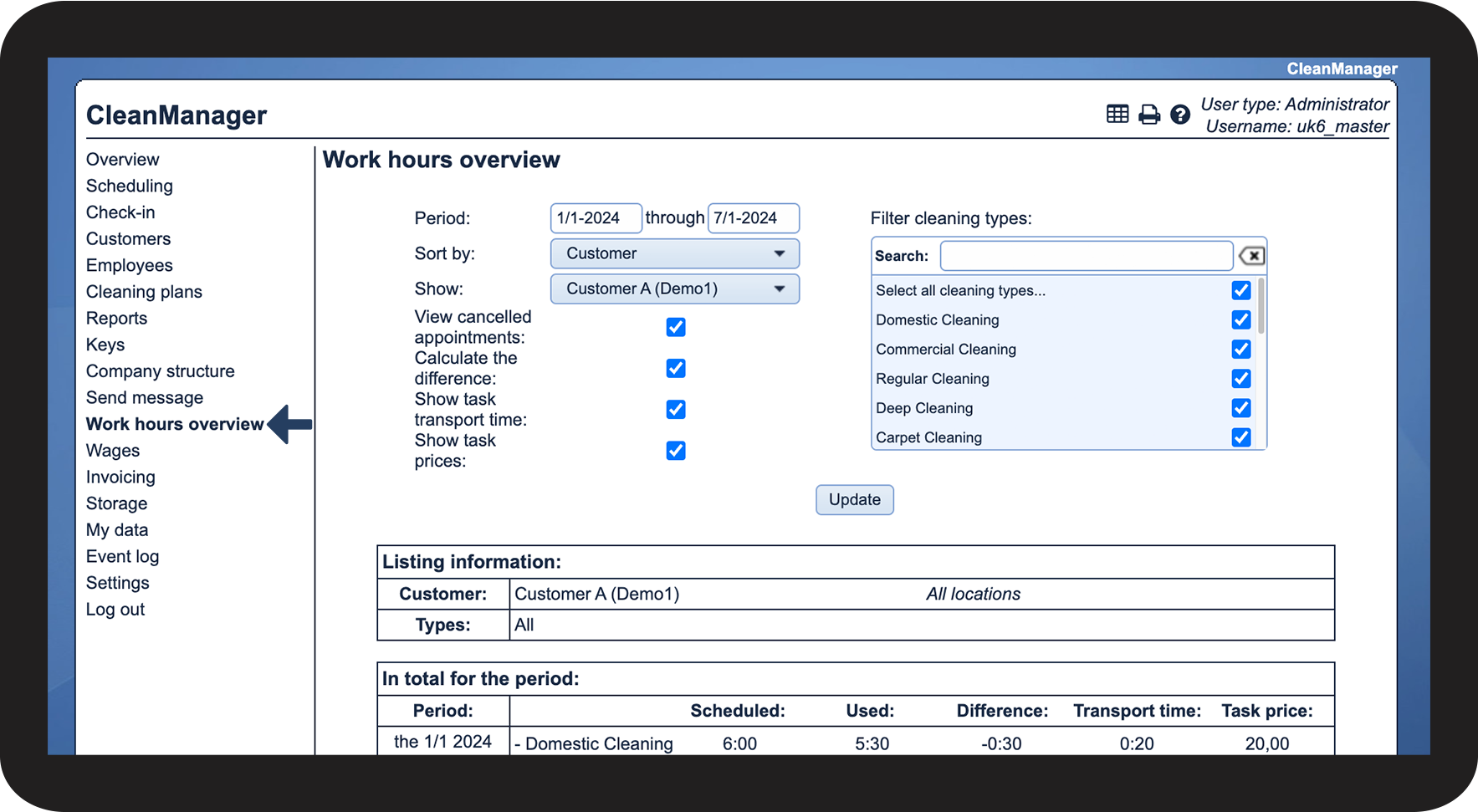
How to find the work hours overview

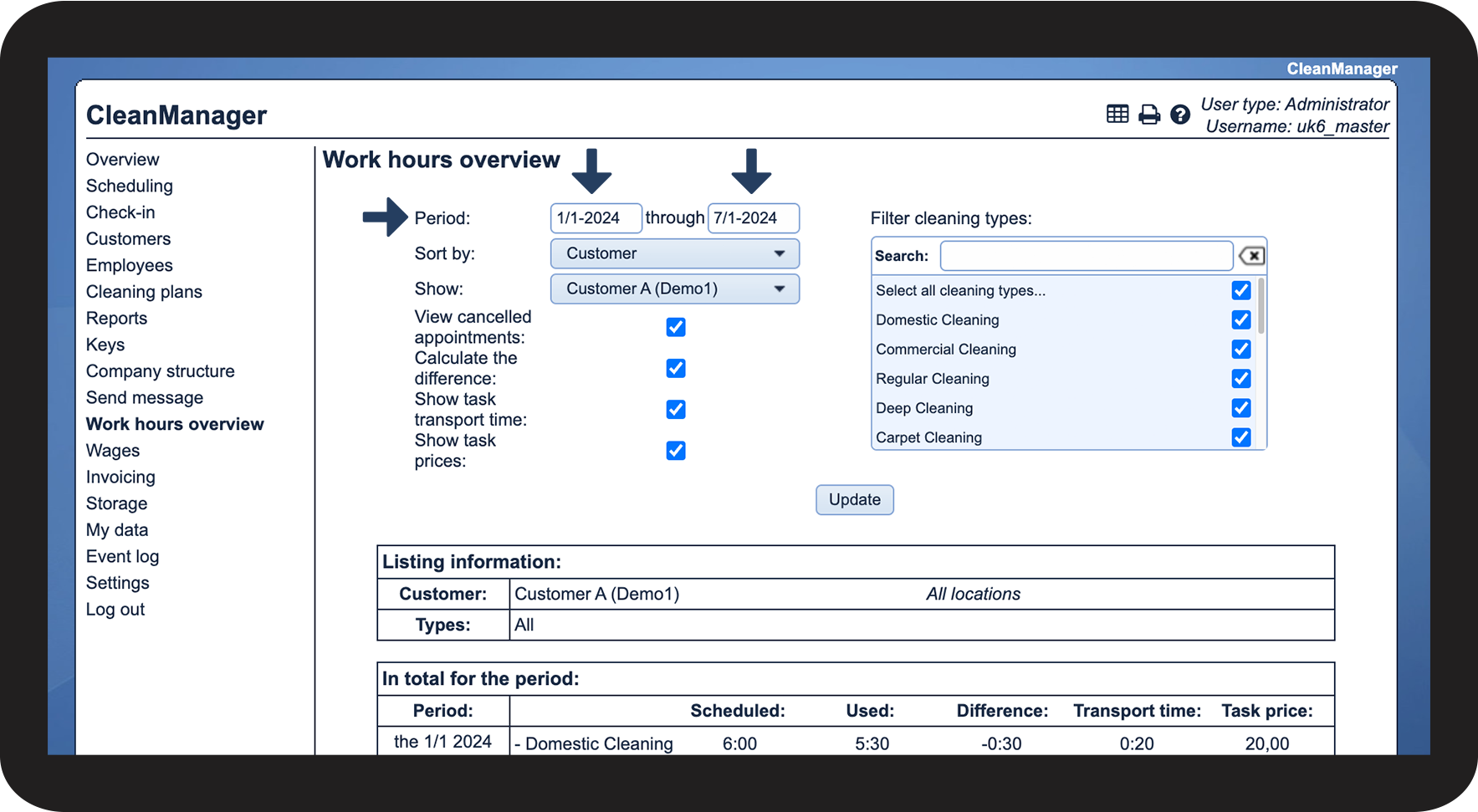
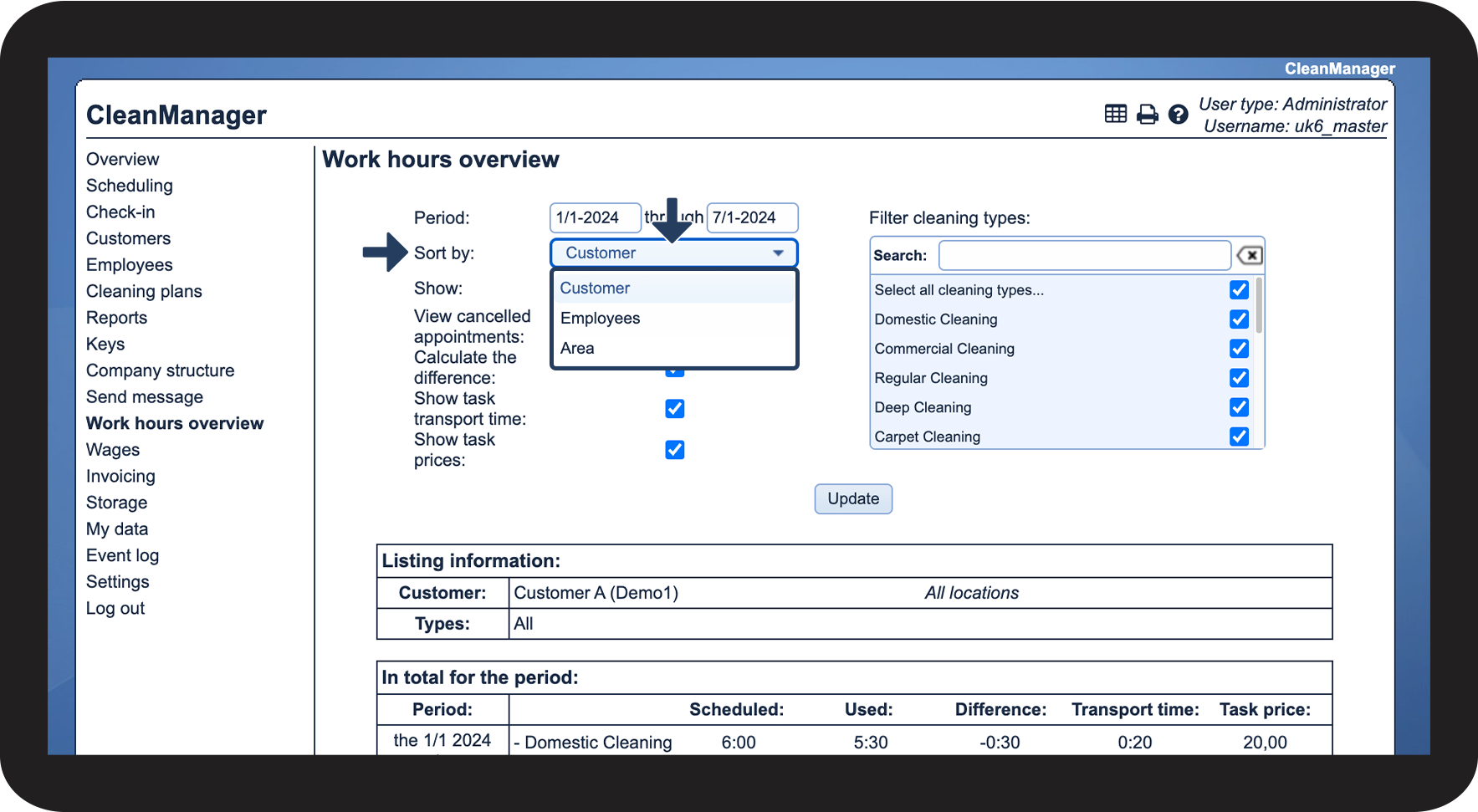
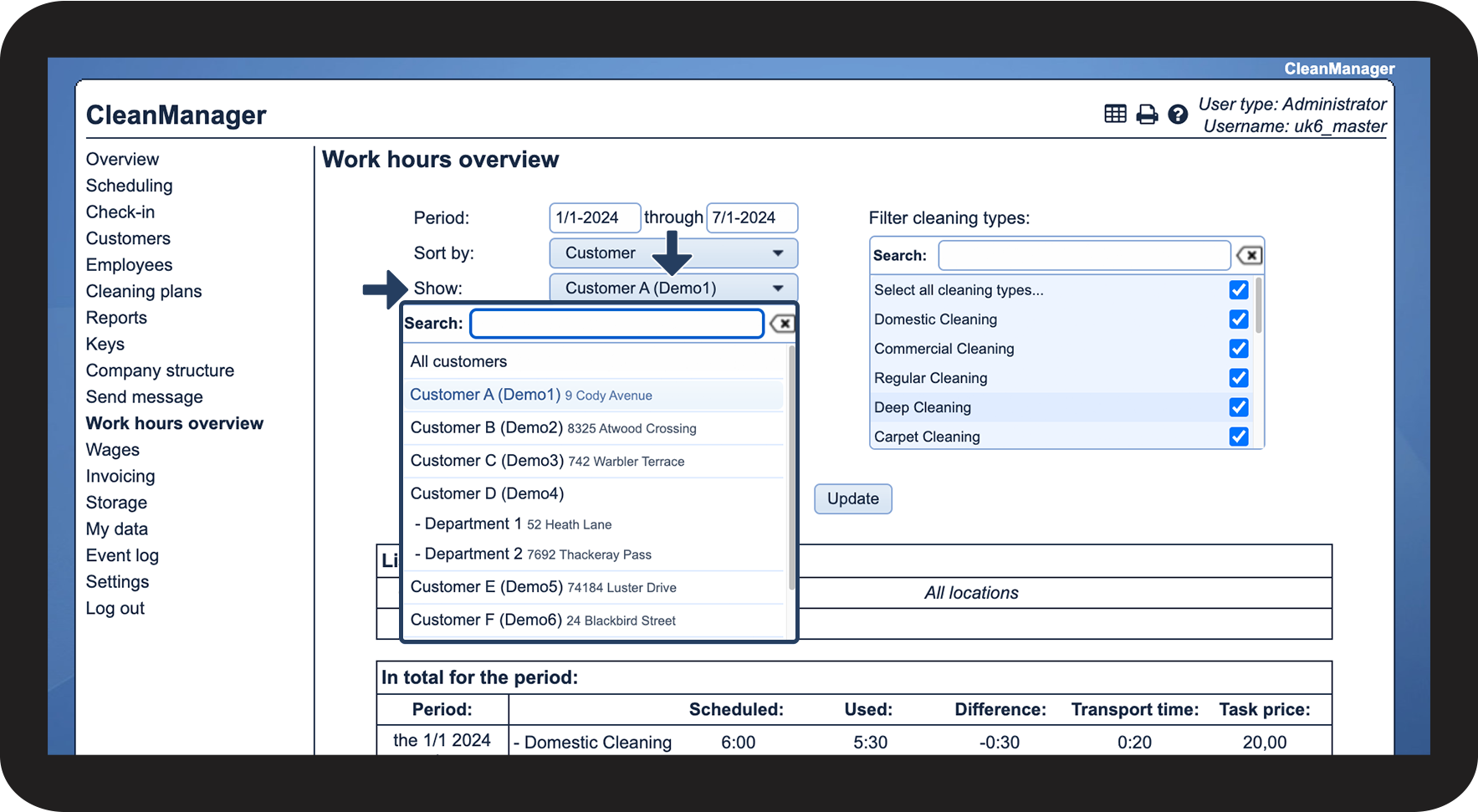
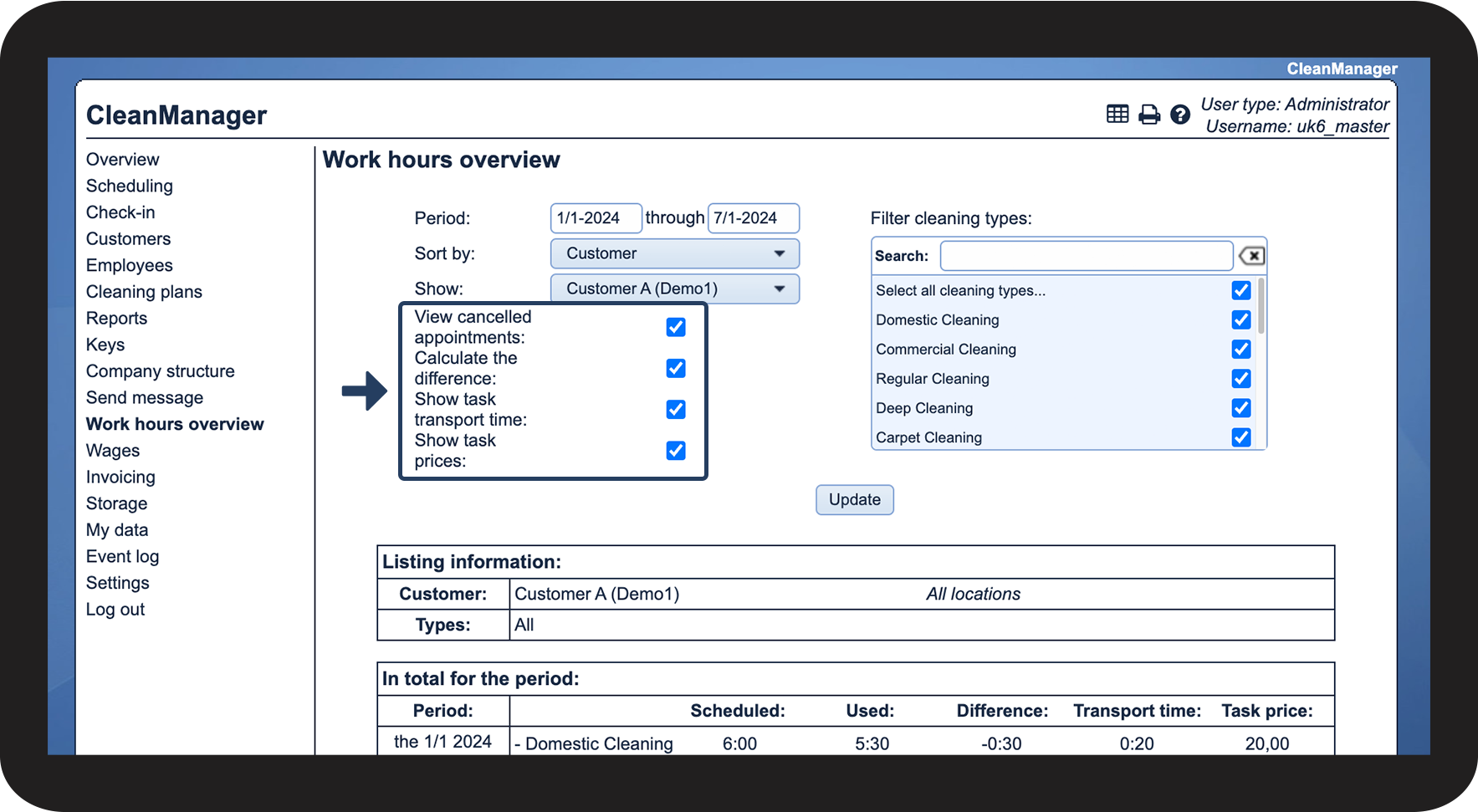
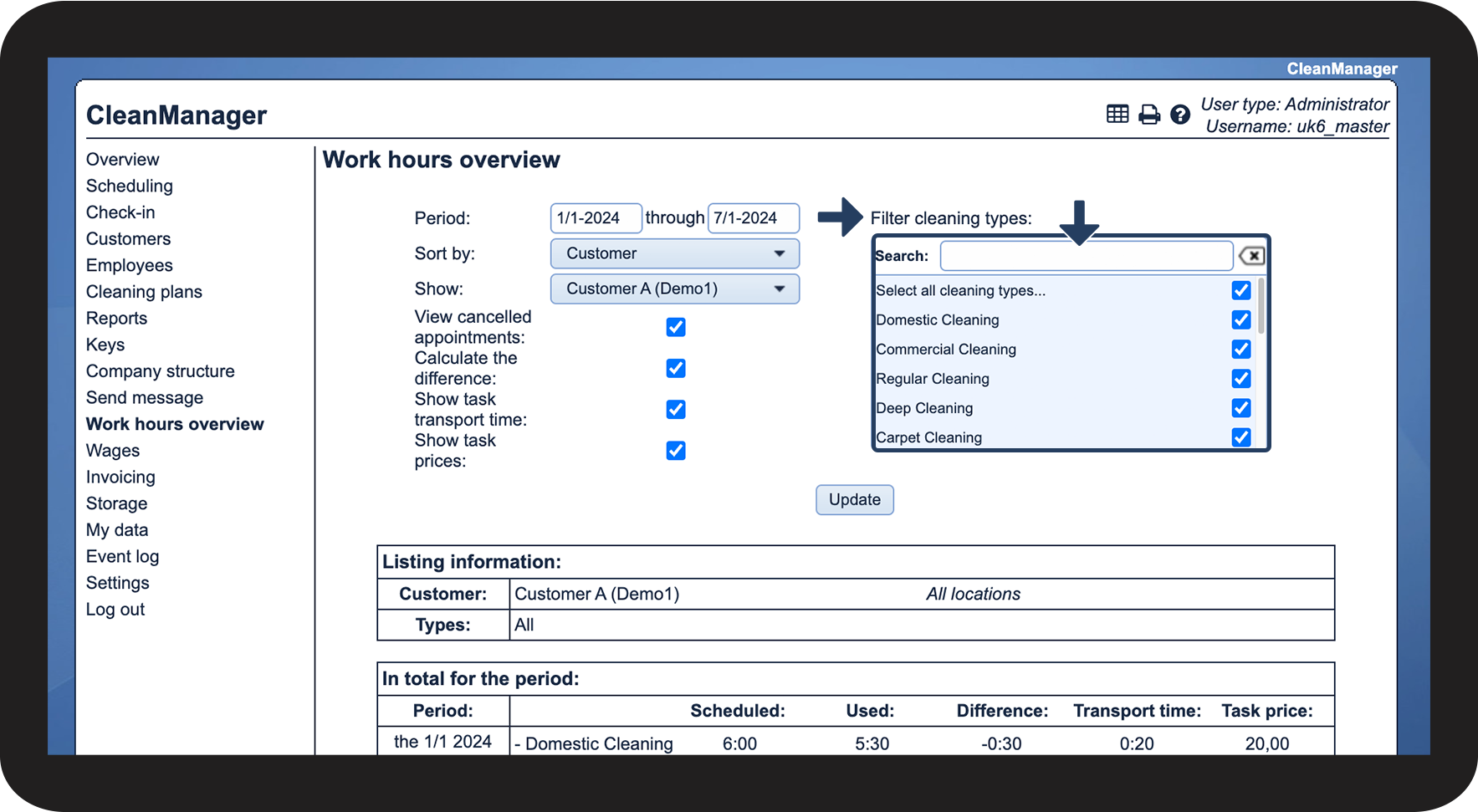
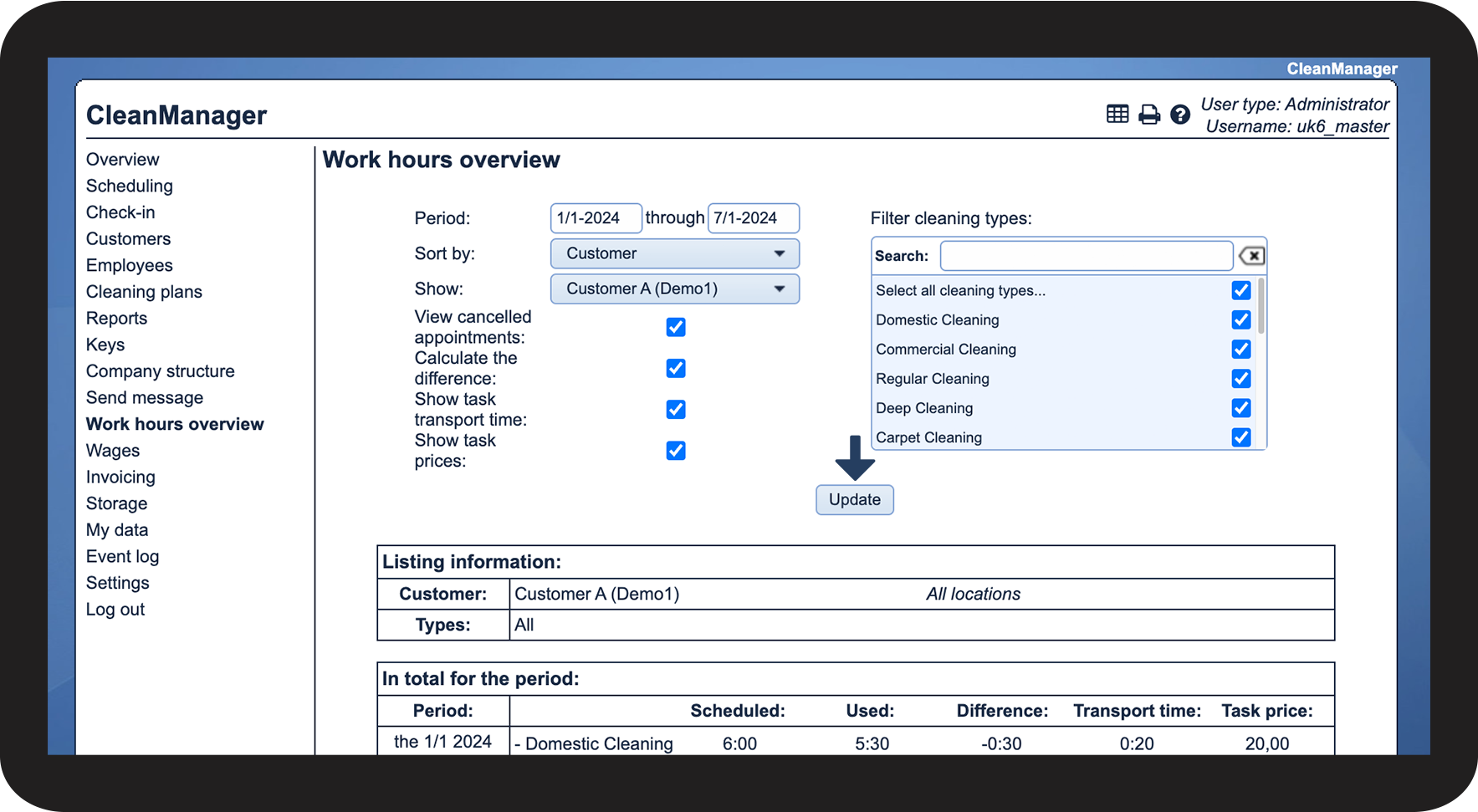
How to sort the view


NOTE:
A supervisor may not be able to view all the work hours for a specific employee if the employee also works with a customer, who is not included in the supervisor's assigned customer areas.

INFO:
To learn more about these settings, read the following article: Settings for the work hours overview
You can also read more about cancelling tasks here: Creating closing days and Cancelling a task

NOTE:
If a new cleaning type is created, it will not automatically be selected in this filter, and you must select it manually the next time you go to your work hours overview.
Learn more about creating cleaning types here: Creating cleaning types

Continue to the article View the work hours overview as the administrator/supervisor
Here, you can read more about what you can see in the work hours overview when you are signed in as the administrator or as a supervisor.