
Can I filter the view of daily tasks as an administrator and supervisor?
As an administrator, you can see all daily tasks for all customers. Your employees are able to check in and out of these tasks using the app. Read more about this in the following section: Managing tasks.
As a supervisor, you can see daily tasks for all customers in the customer areas you have been assigned. For more information regarding this, go to Company Structure.
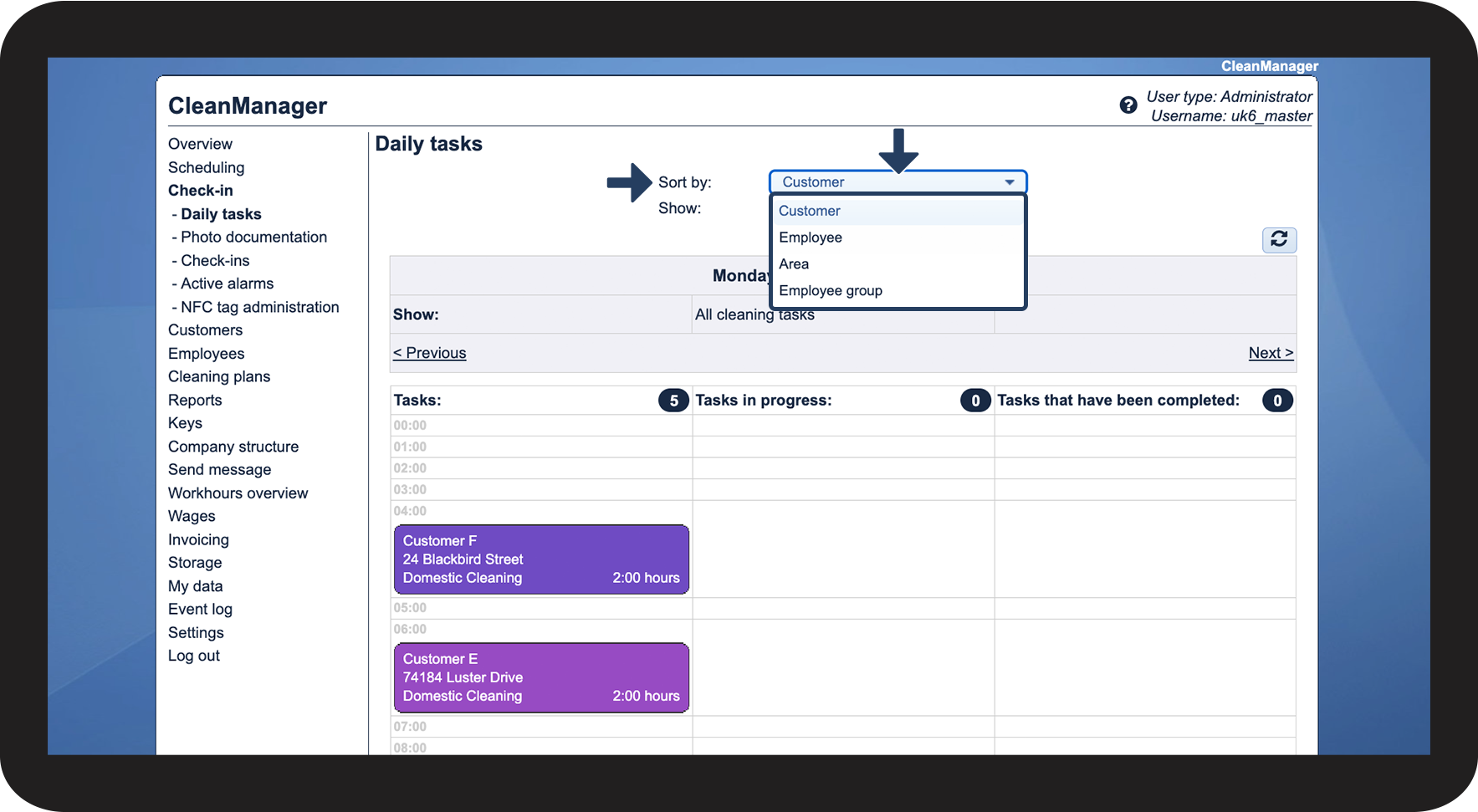
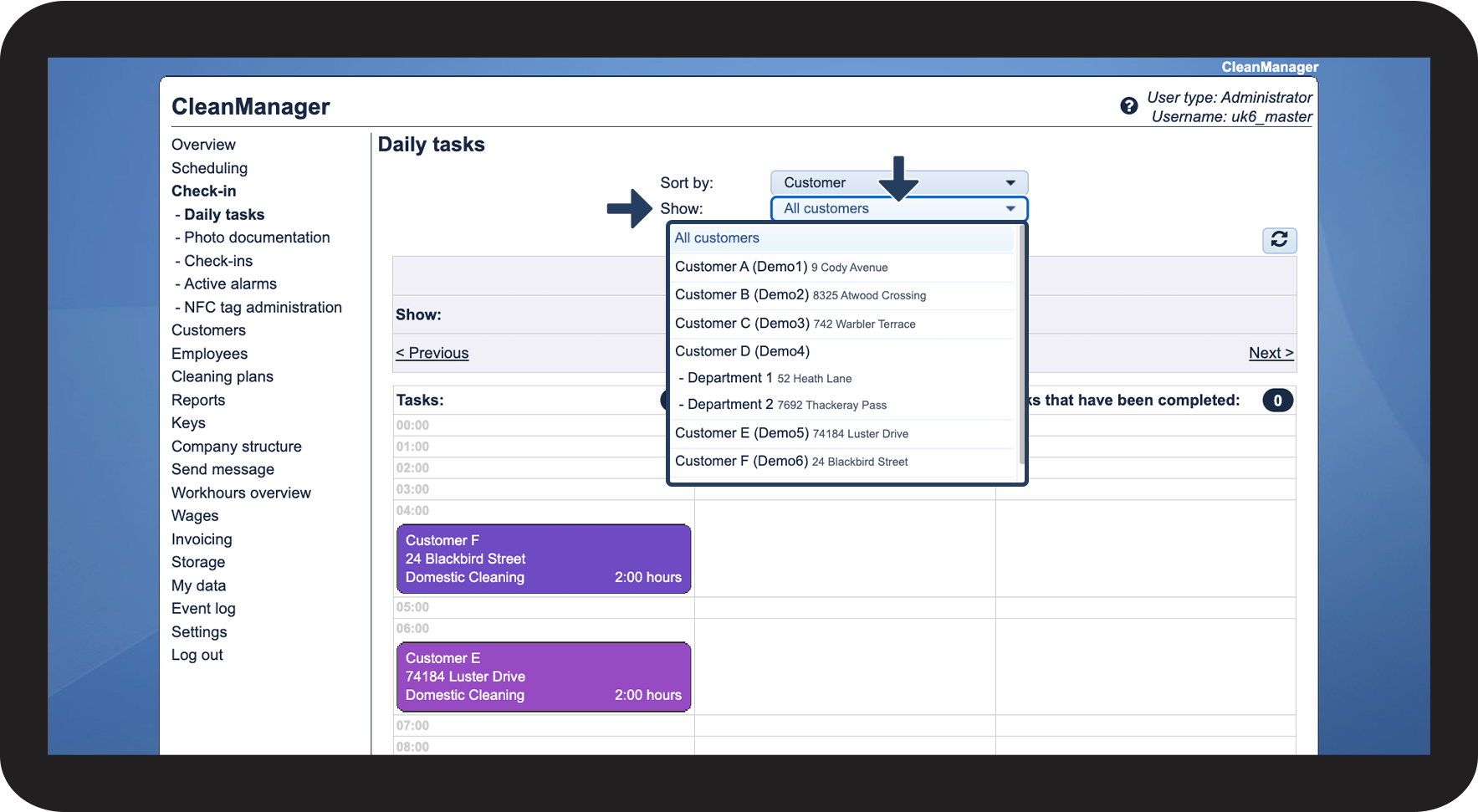
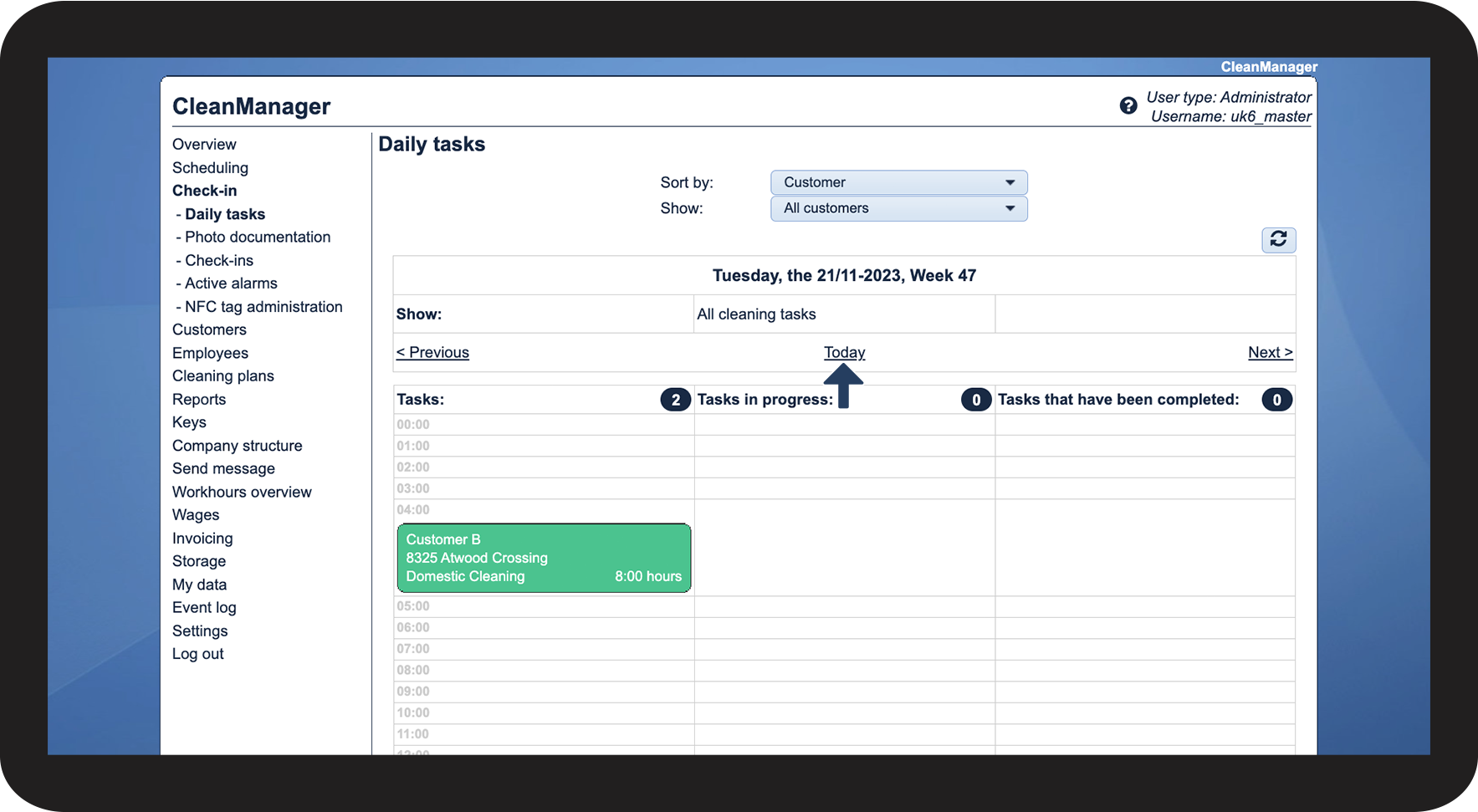
If you for example want to get an overview of all daily tasks for a specific customer or employee, you can filter the view of daily tasks. This article will go through the sorting options available for filtering in this view.
In this article, you will learn how to filter your view of daily tasks:
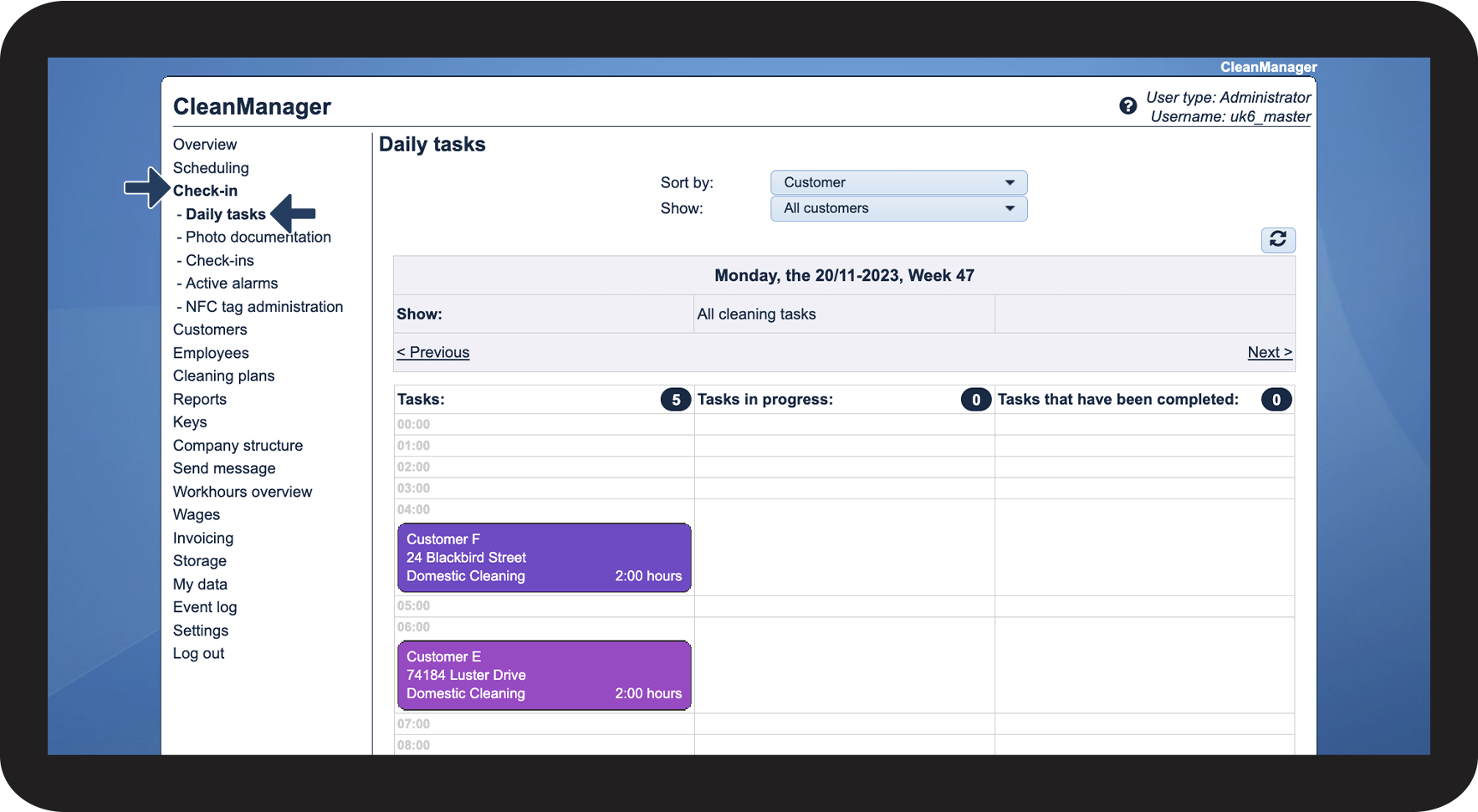
How to find the daily tasks

How to sort the view


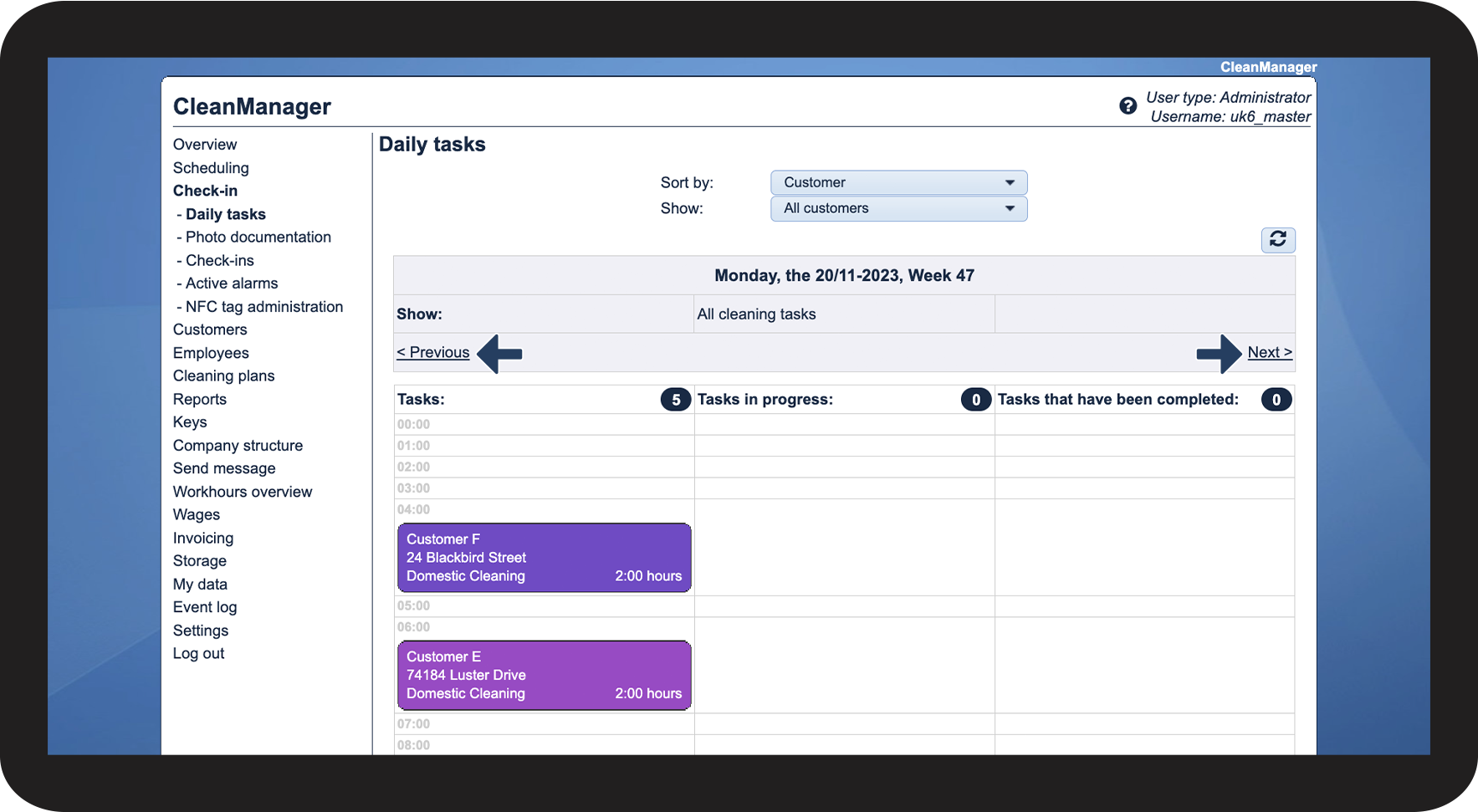

Continue to the article How can I handle the daily tasks in Check-in?
Here, you can read more about the daily tasks and how to handle them