
How do I scan NFC tags? Is this how you scan NFC tags?
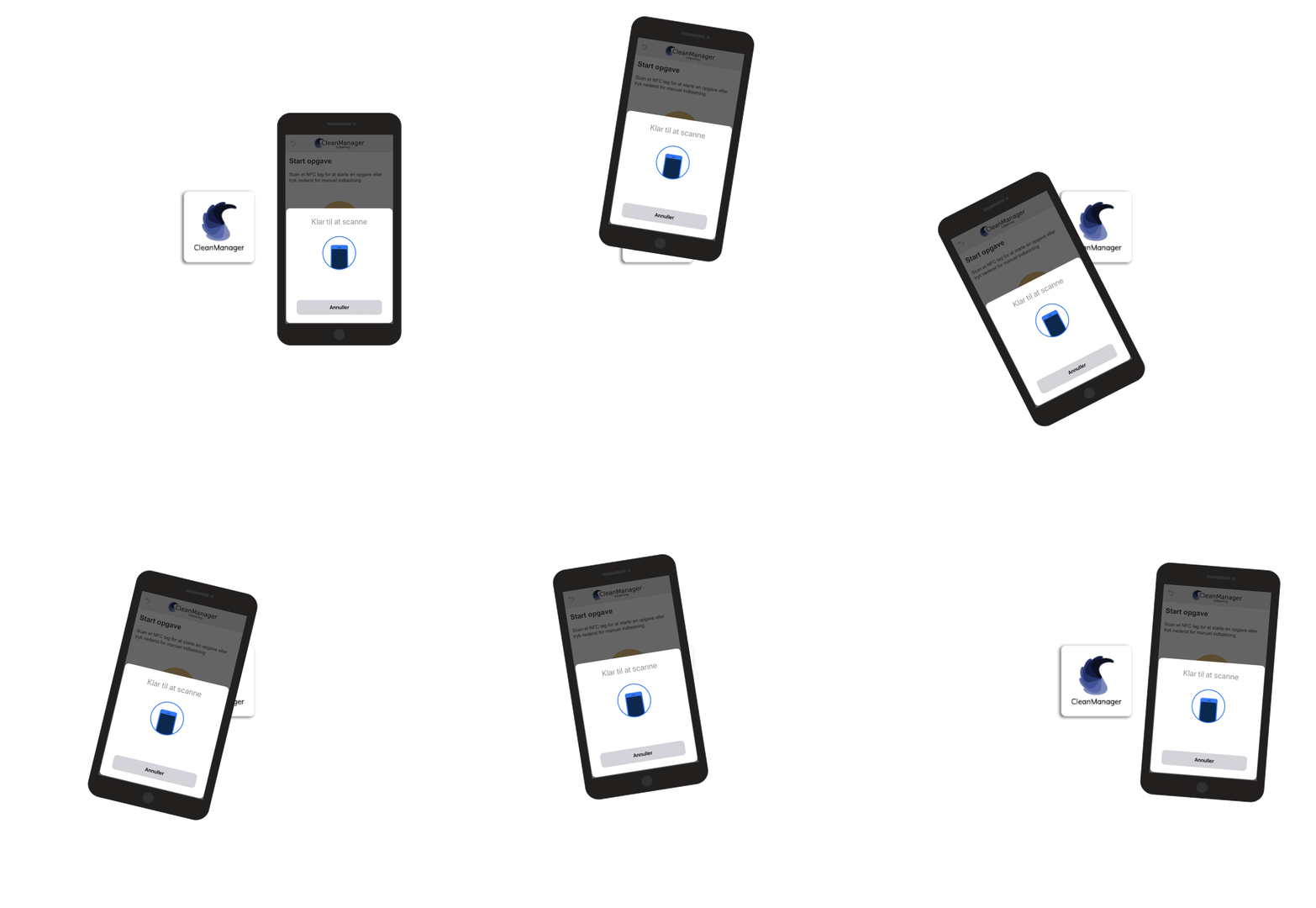
You can do it in an easier and more reliable way!
Smartphones vary a lot in how they are built.
Companies have individual ways to build their phones, which means that the NFC scanner is placed in different locations on the phone.
For users, it can therefore be difficult to figure out how to best use the NFC scanner.
In this article you can find answers to general questions, to ensure that you are scanning the best way possible:
This is how you scan with your iPhone
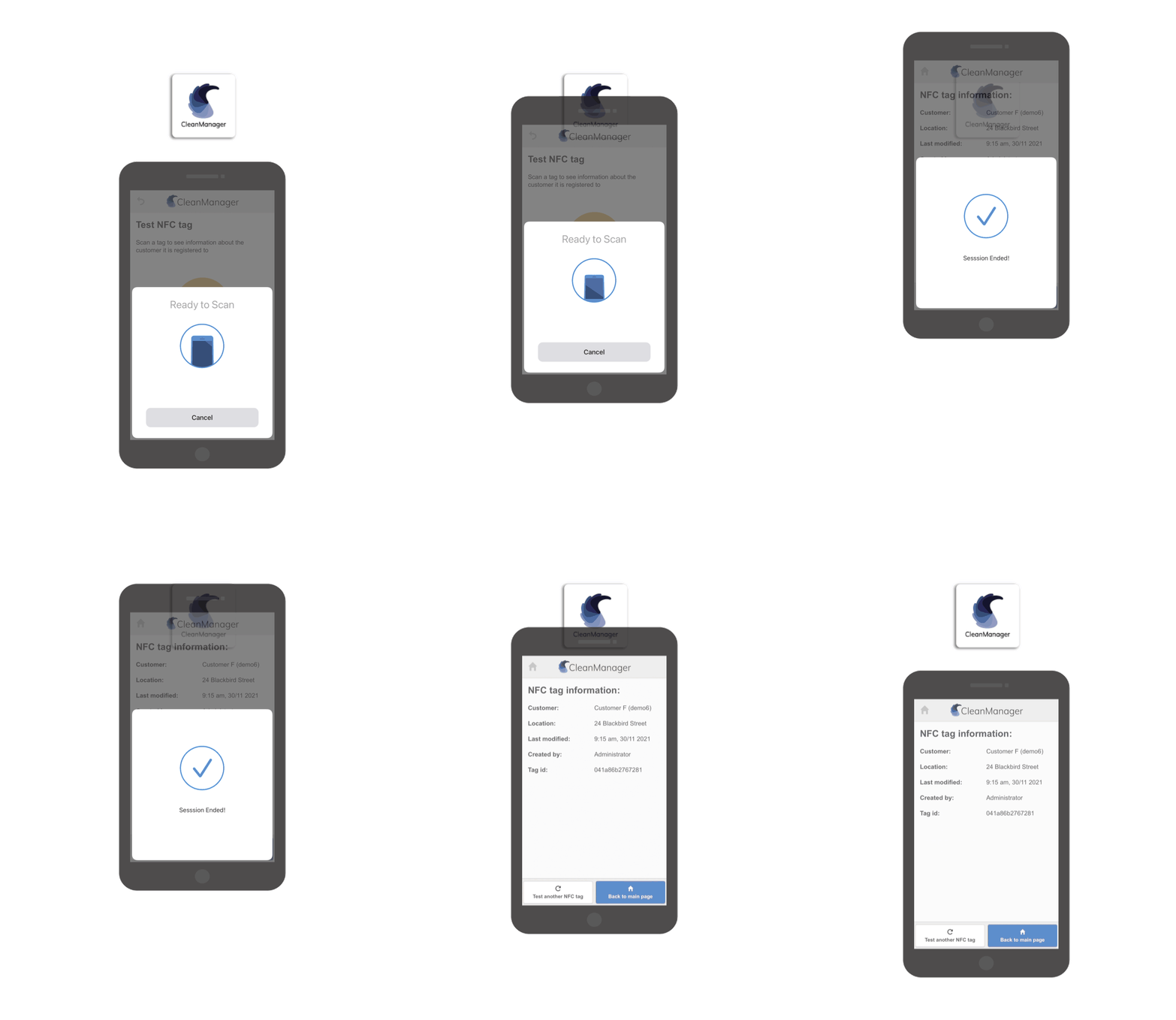
iPhones have their NFC scanner build in at the top of the smartphone right behind the speaker.
Move the top of the iPhone slow and close across the NFC tag for optimal results:

This is how you scan with your Android smartphone
Android smartphones can be very different in how they are built.
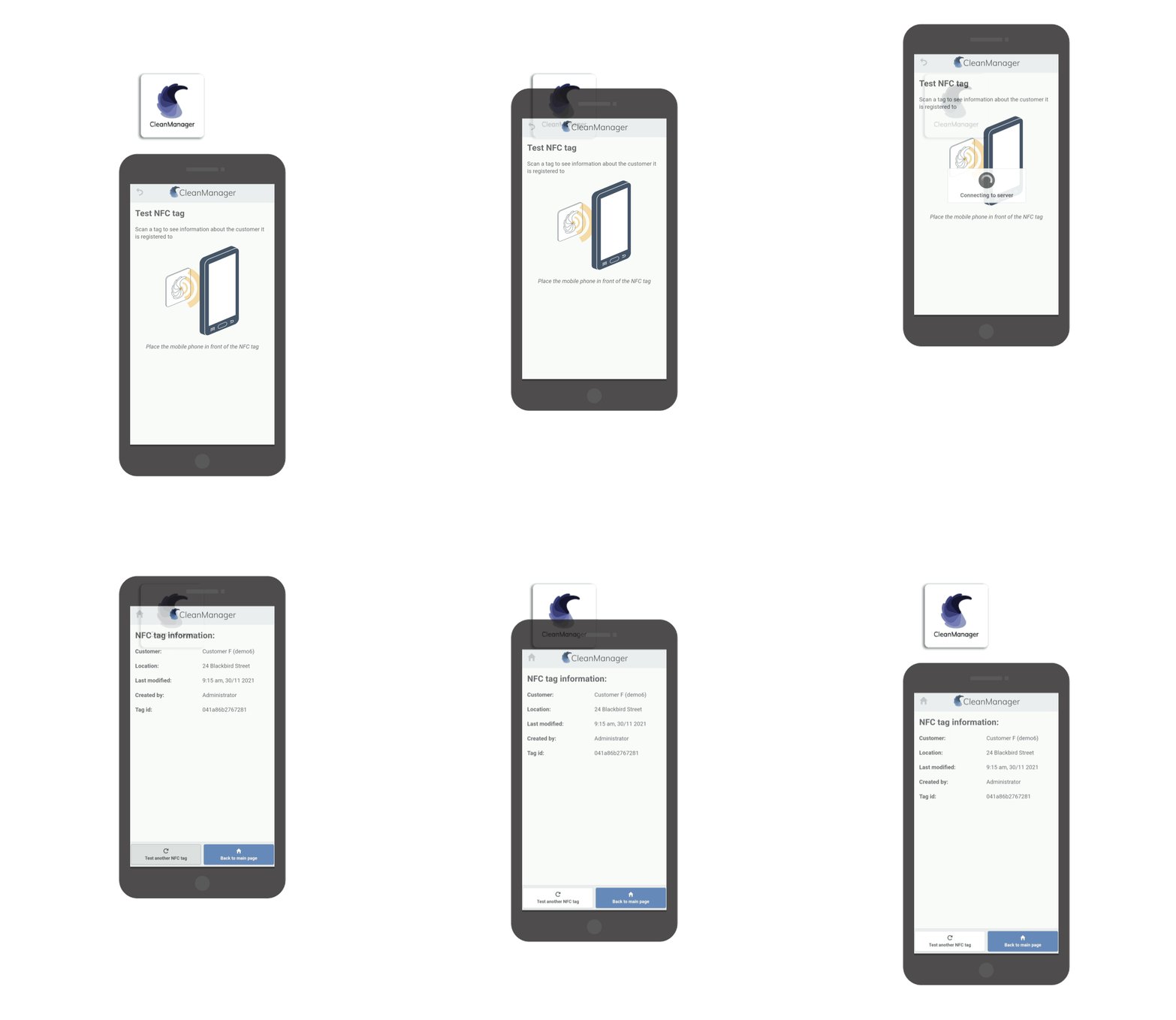
A rule of thumb is, however, that the NFC scanner is installed at the same place as the camera.
It varies where the scanner is placed. Usually, it will be built in the phone at these locations:
-
the top
-
the middle
-
together with the camera.
Move your phone slow and close across the NFC tag to get the best result and to find out exactly where your phone scans the best:

Error search during the scan of NFC tags
Here is a description of the most common problems, which are hindering your scan:

Do you have connection problems when you are scanning?
Take a look at this article: Handling of "no connection to server"