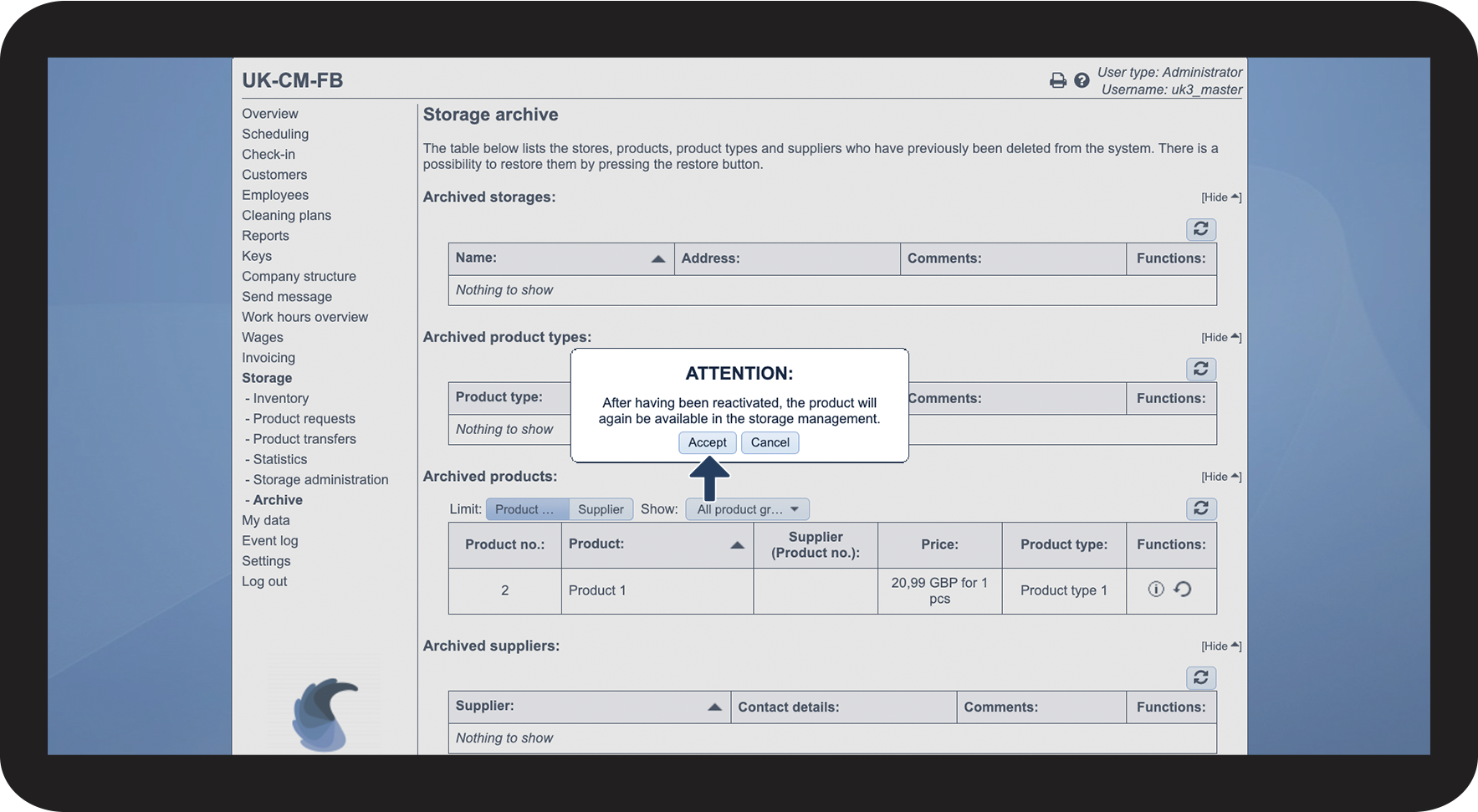
How do I restore items from the archive?
Would you like to restore a product, product type, supplier, or storage that you have used in the past? Then you can restore those from the archive section of the storage.
INFO:
For a supervisor to be able to restore an item, this needs to be set up in the settings. For more information regarding this, read the following article: Archive access for supervisors.
In this article, you will learn how to restore items from the storage archive:
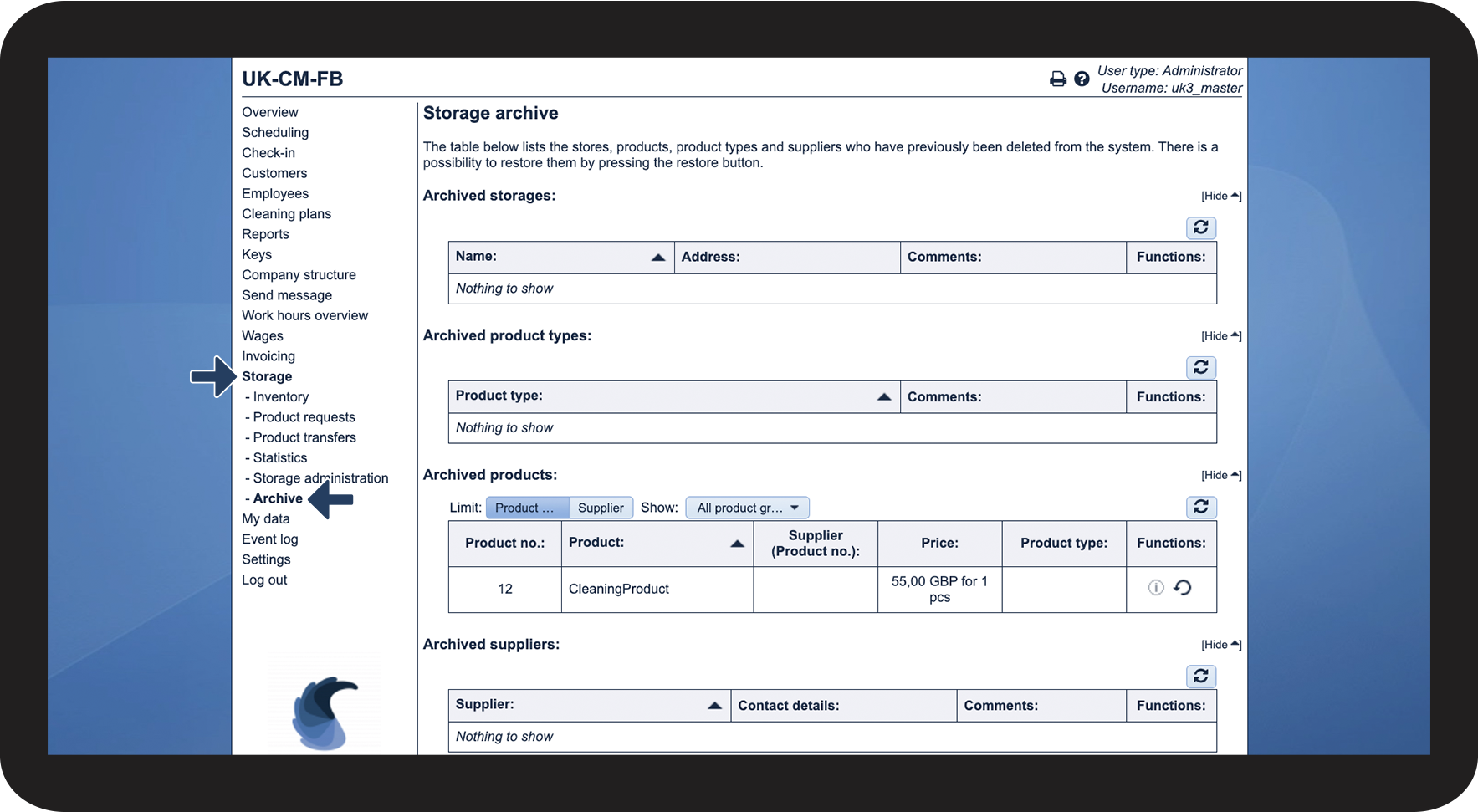
This is how you find the storage archive


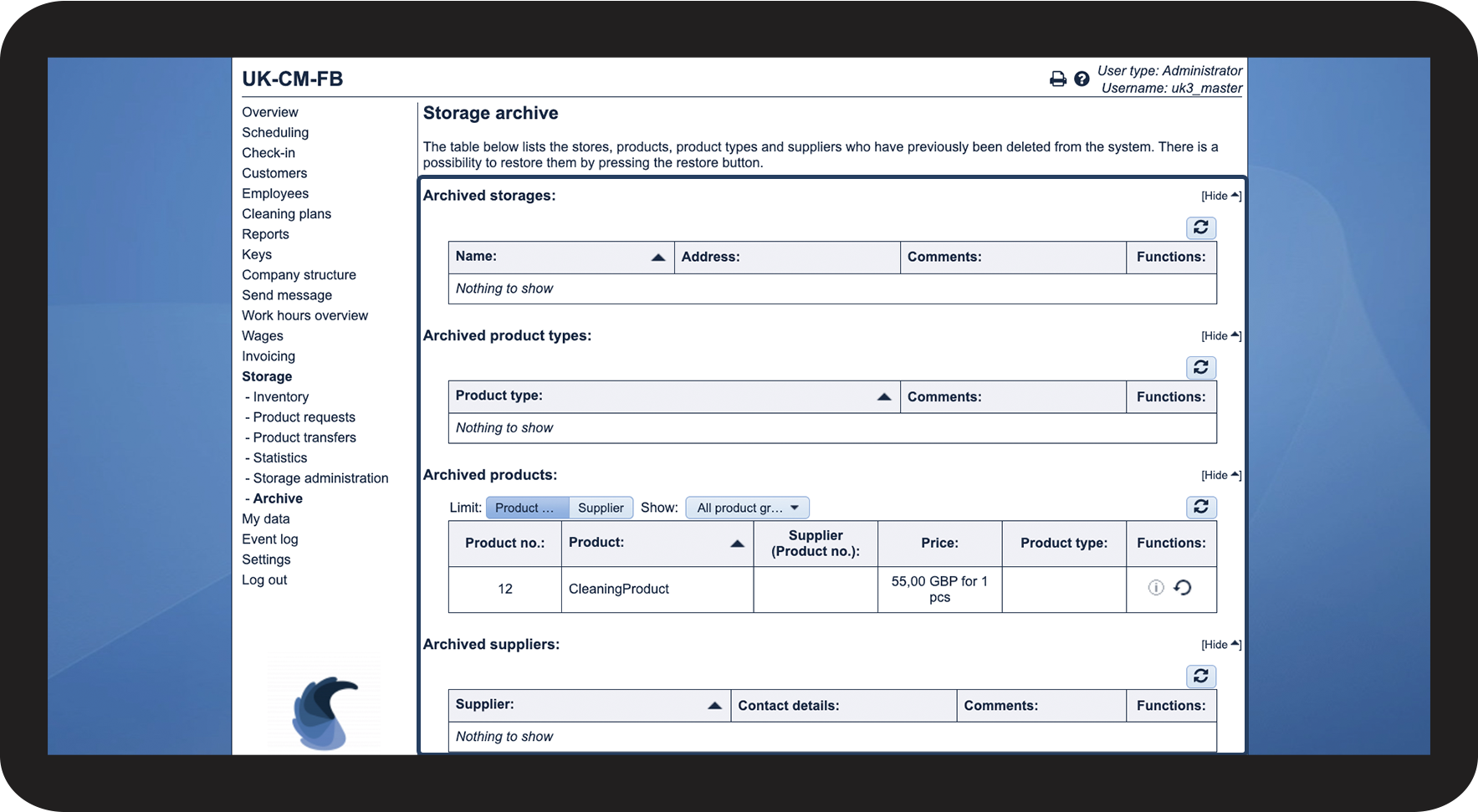
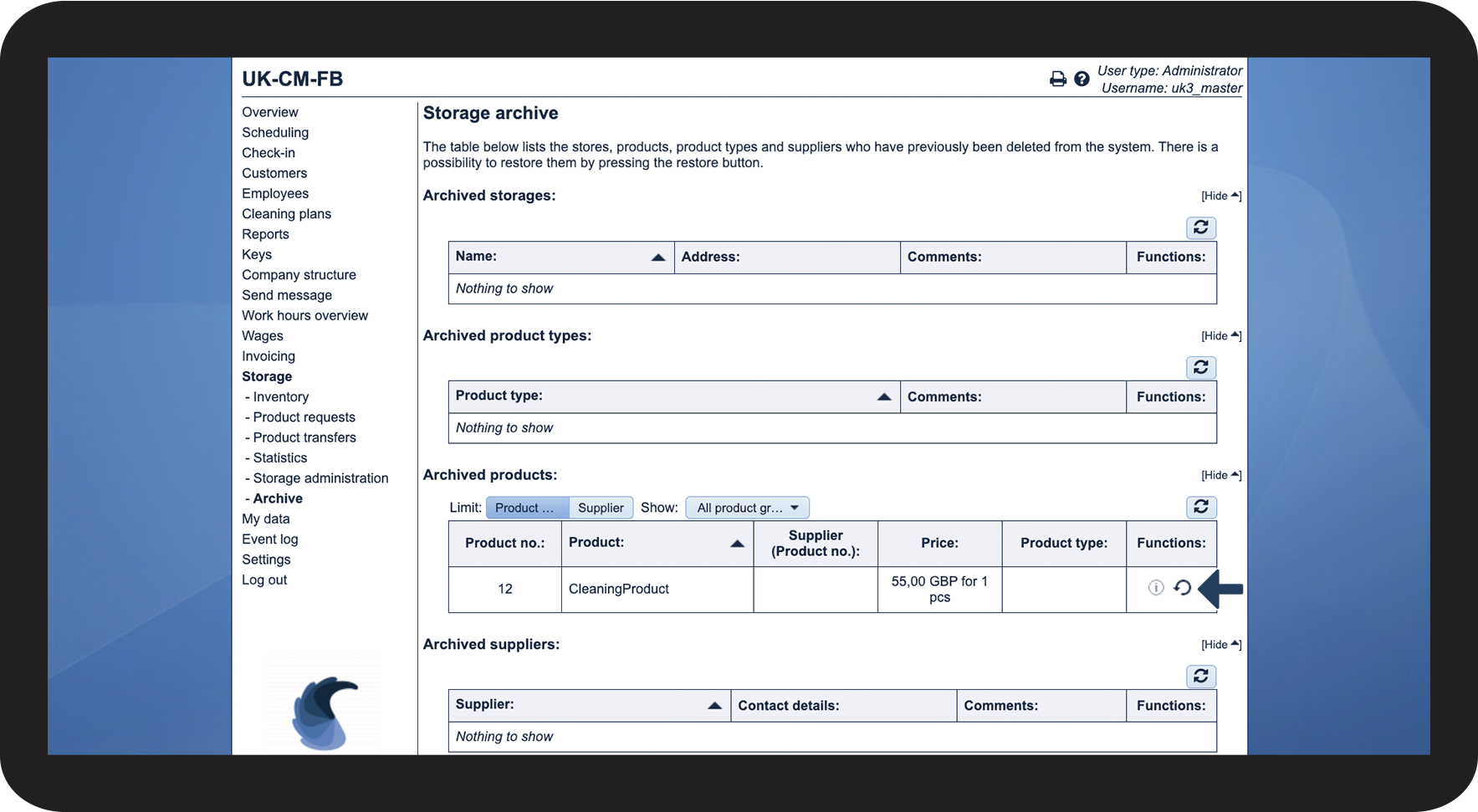
This is how you restore items from the archive

Note:
After an item has been restored, it will again be available in the storage administration.