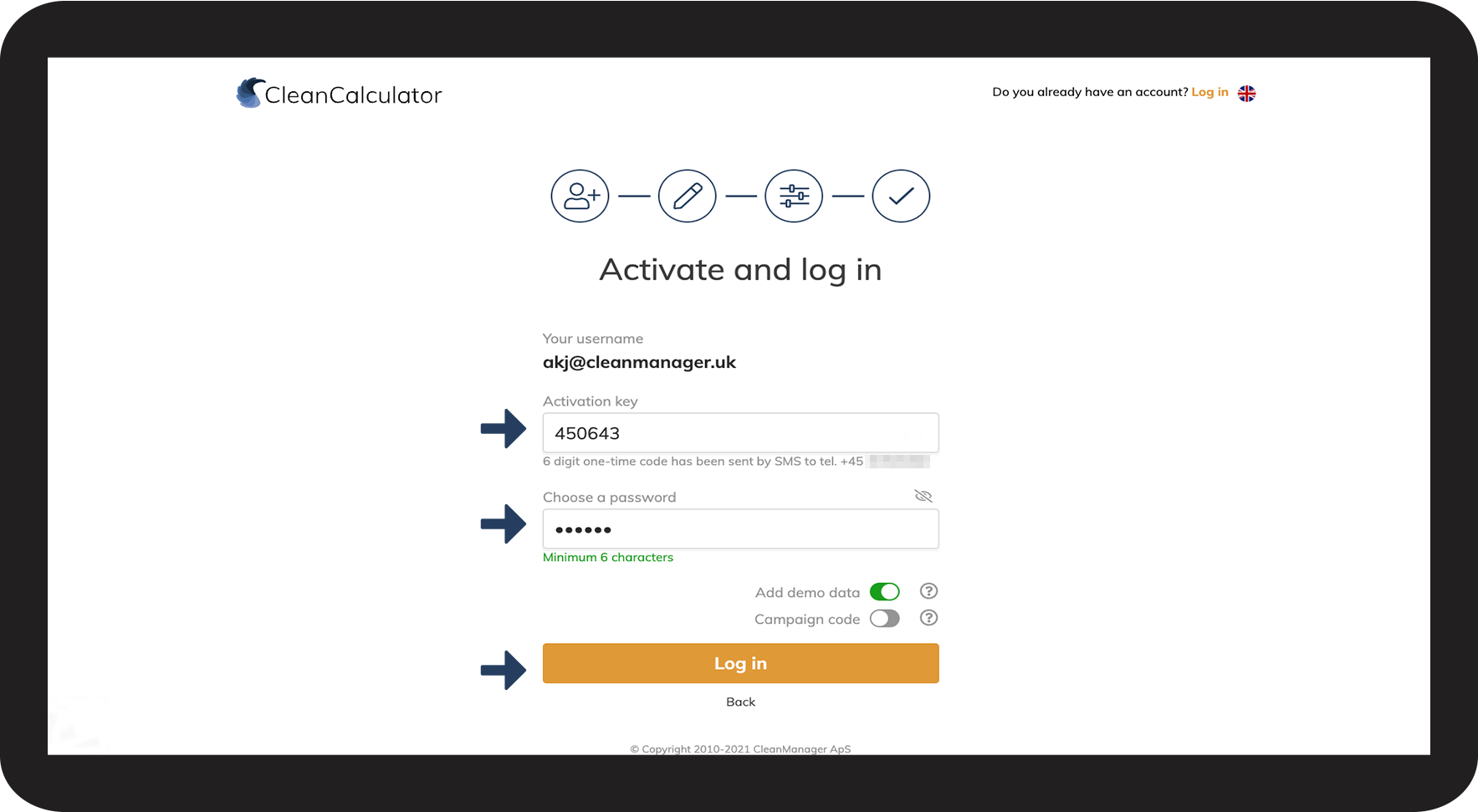
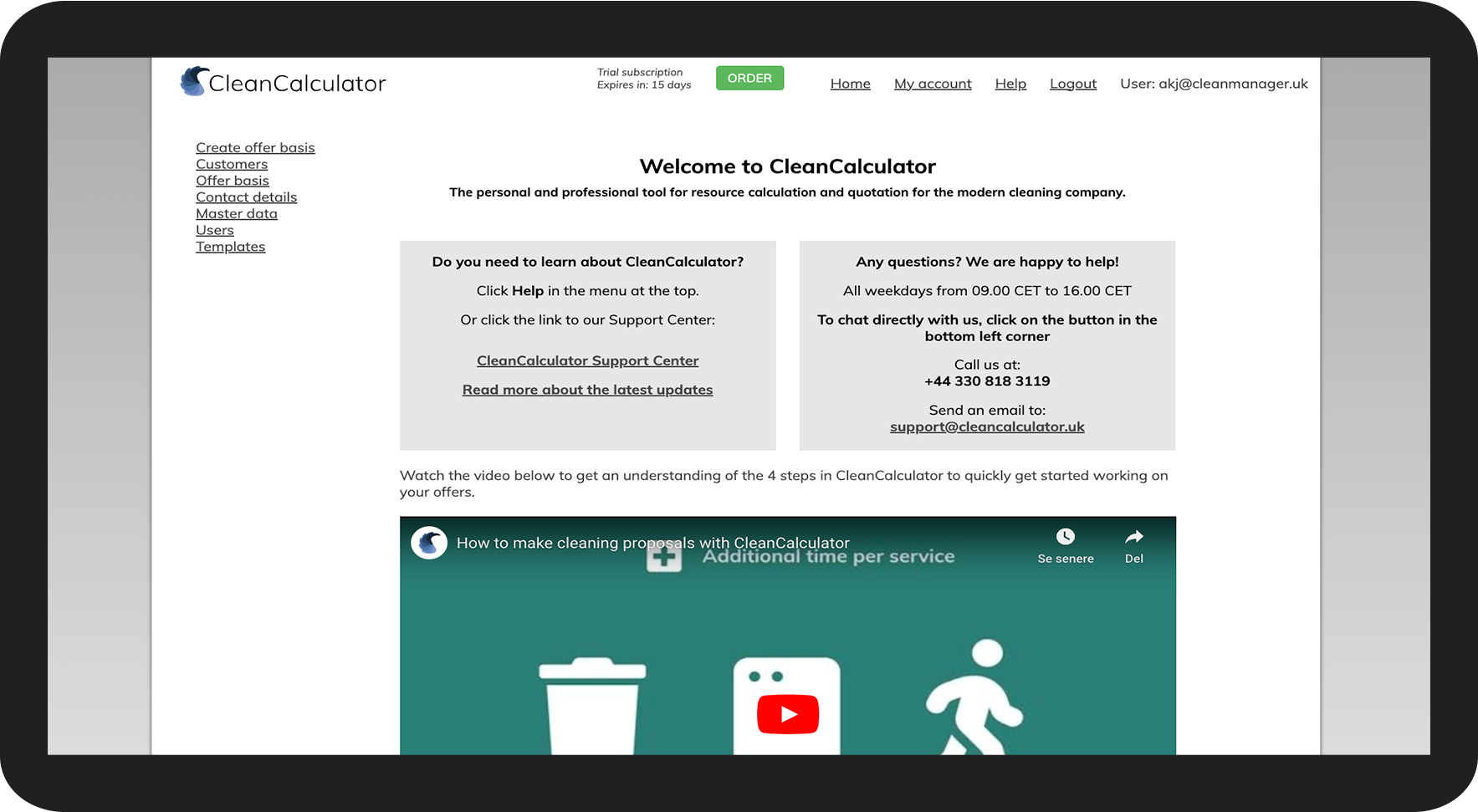
Create a free trial
You can try CleanCalculator for free for 14 days.
During the trial period, you can find out how the system is set up and how it fits your organization's needs.
Your account will automatically be deleted when the trial period expires, but you can also choose to continue with a paid subscription and keep the data you have entered.
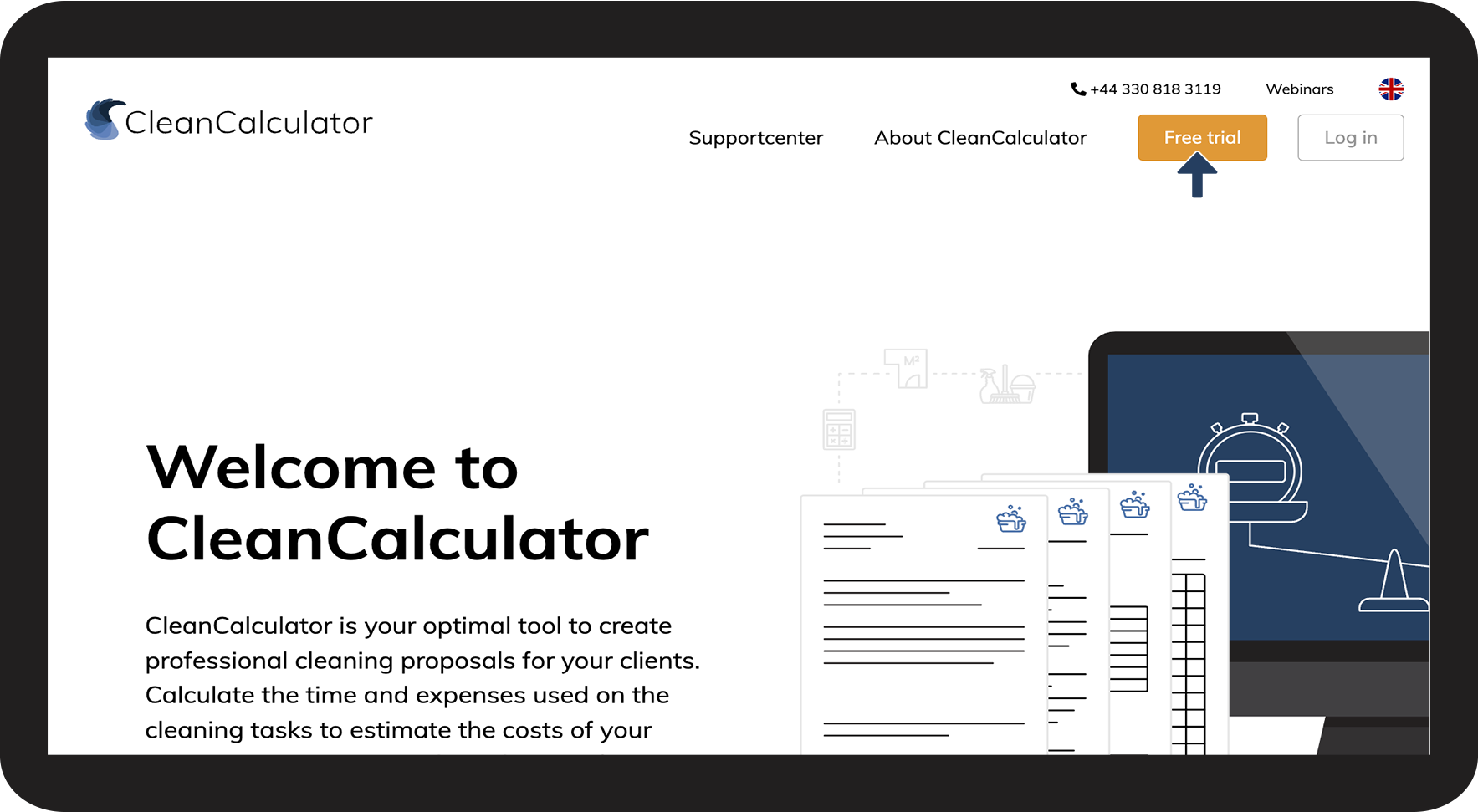
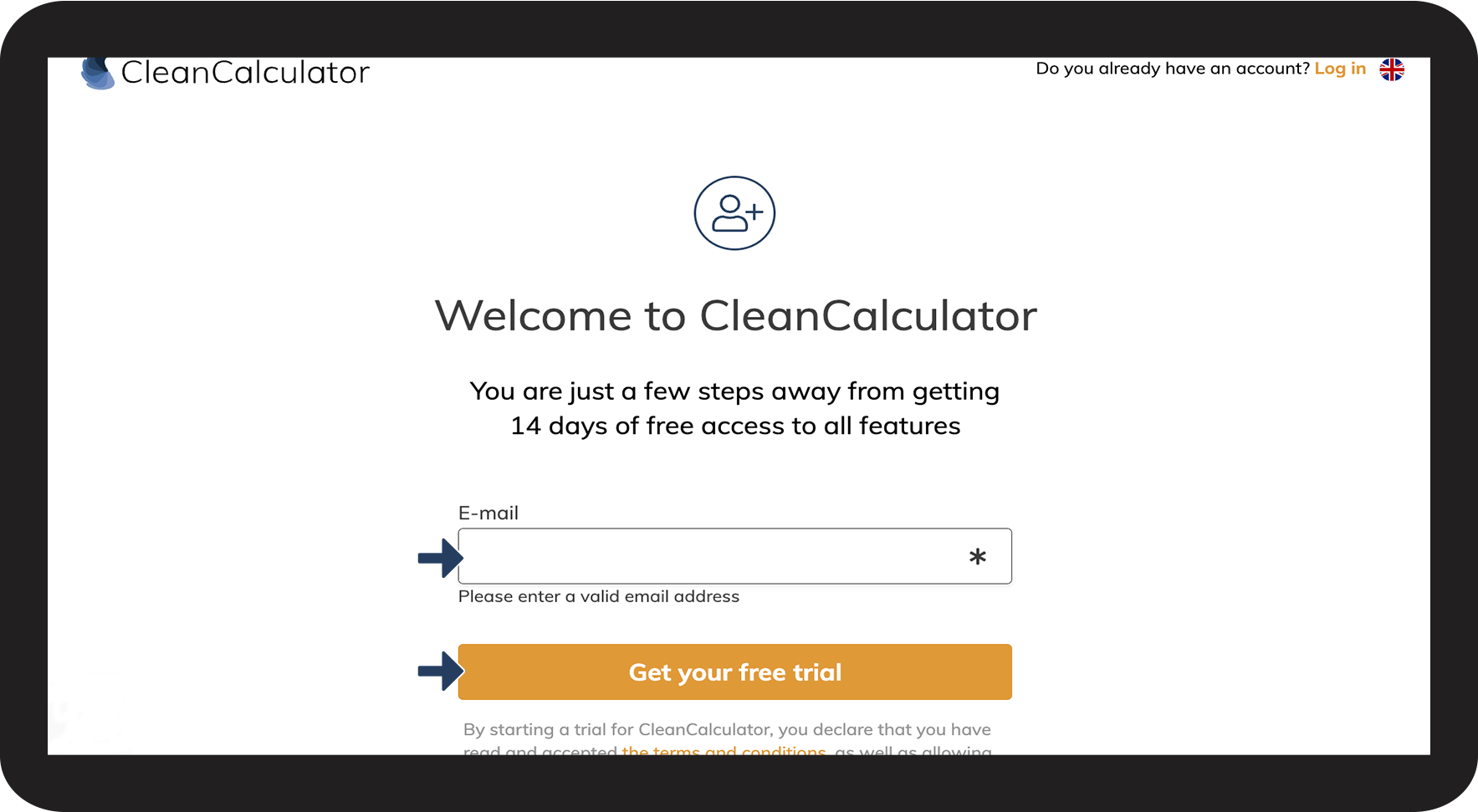
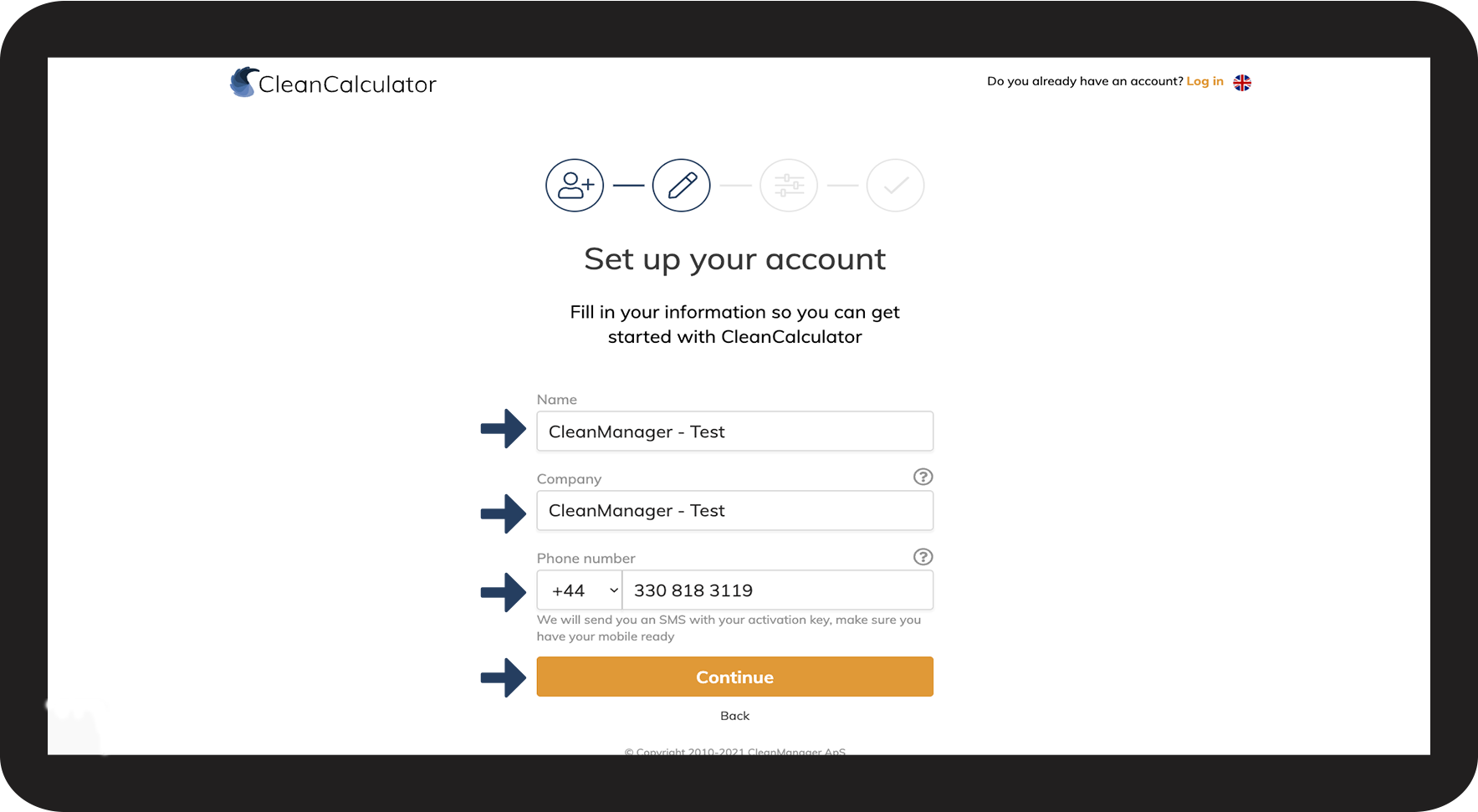
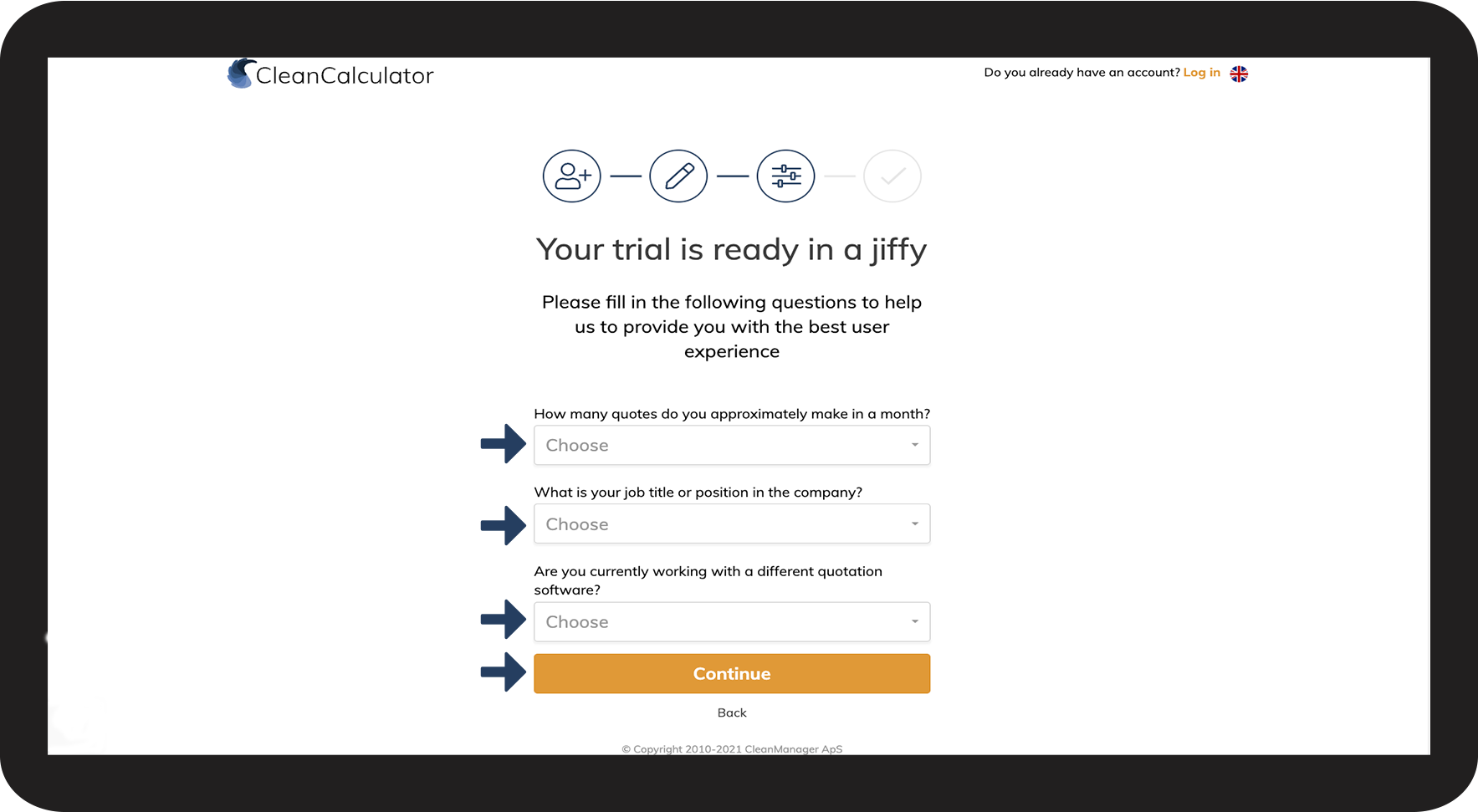
In this article, you will learn how to set up a free trial of CleanCalculator.
How to create a free trial





NOTE:
By default, your username is your registered e-mail. However, this can be changed by following this article: Edit user