Skip to content
English
  • There are no suggestions because the search field is empty.

How do I access files uploaded to my user?

Where can I see the files that have been uploaded to my employee account?

As an employee, you can access the files that your administrator or supervisor has uploaded to your user and made available to you.

NOTE:

These files can only be accessed through the web system.


In this article, you will learn how to access files uploaded to your employee account:


This is how you access files uploaded to your employee account

number_1.png
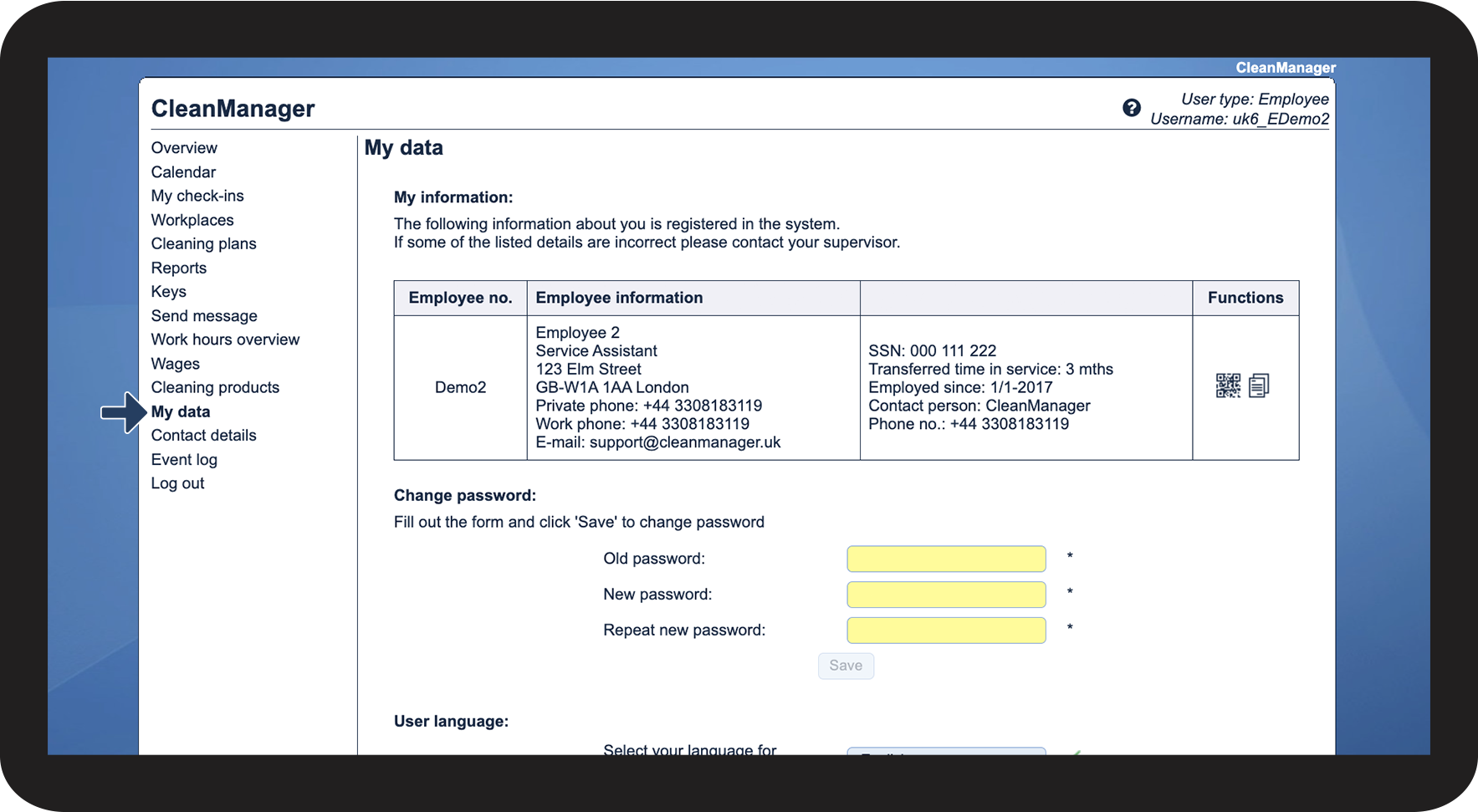
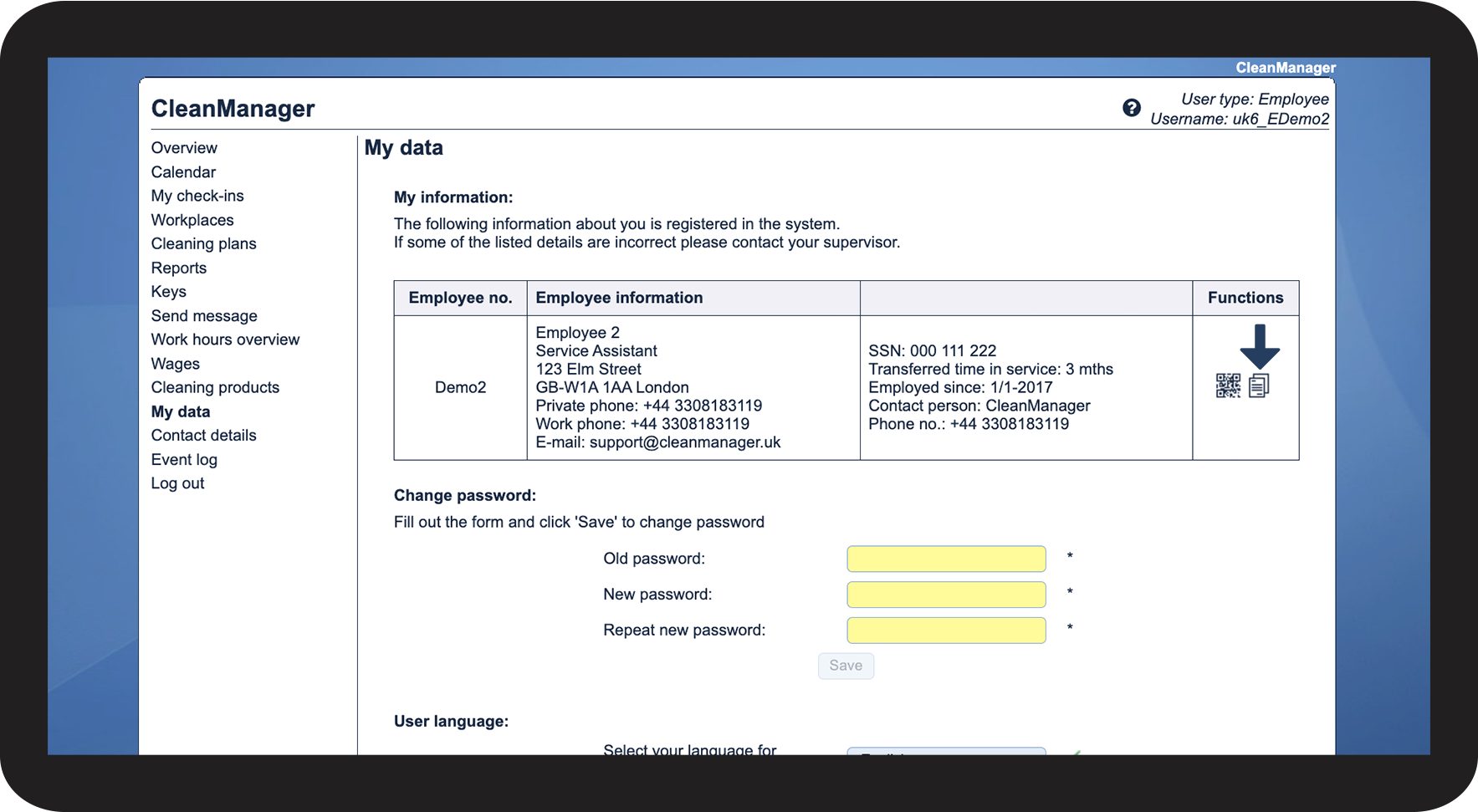
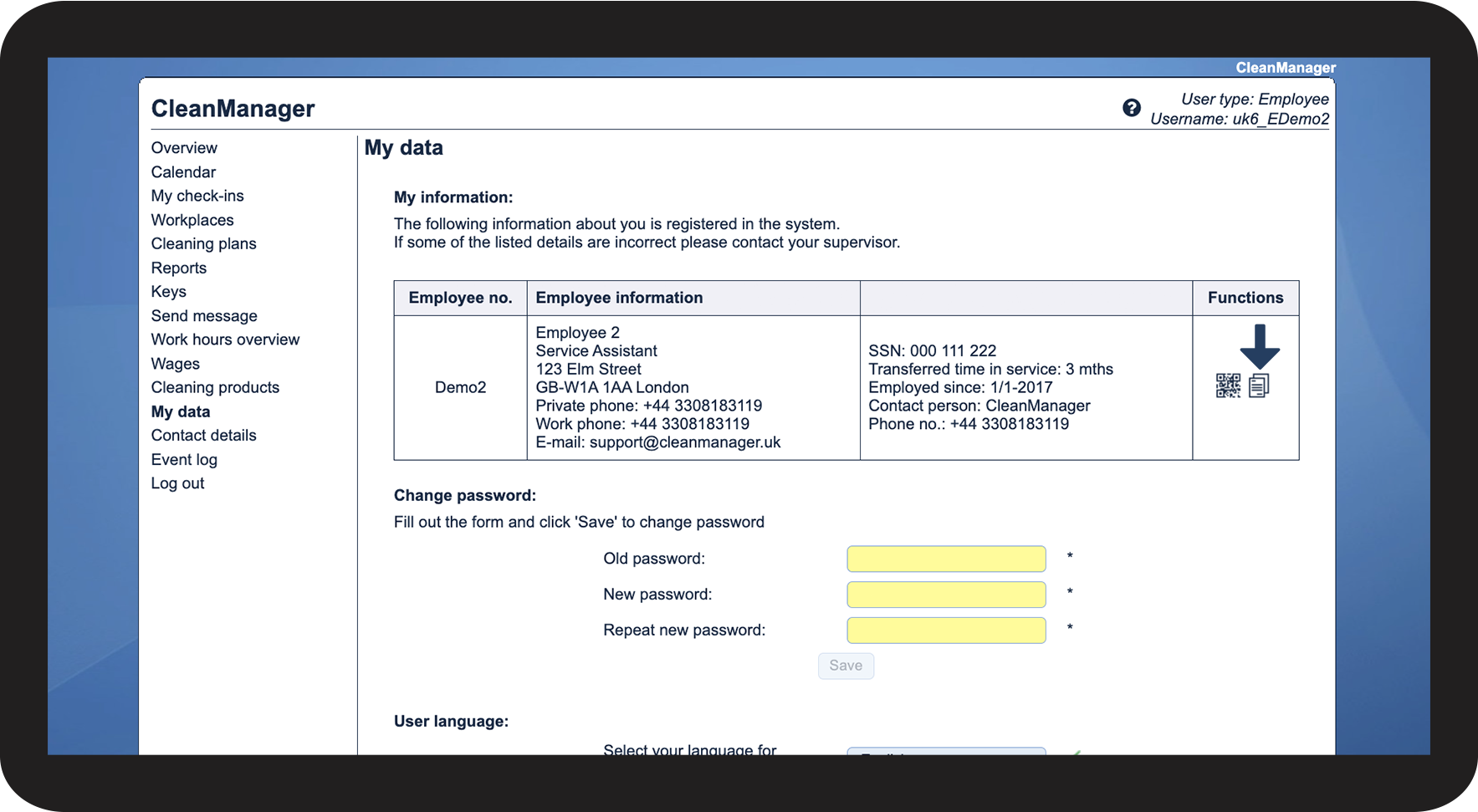
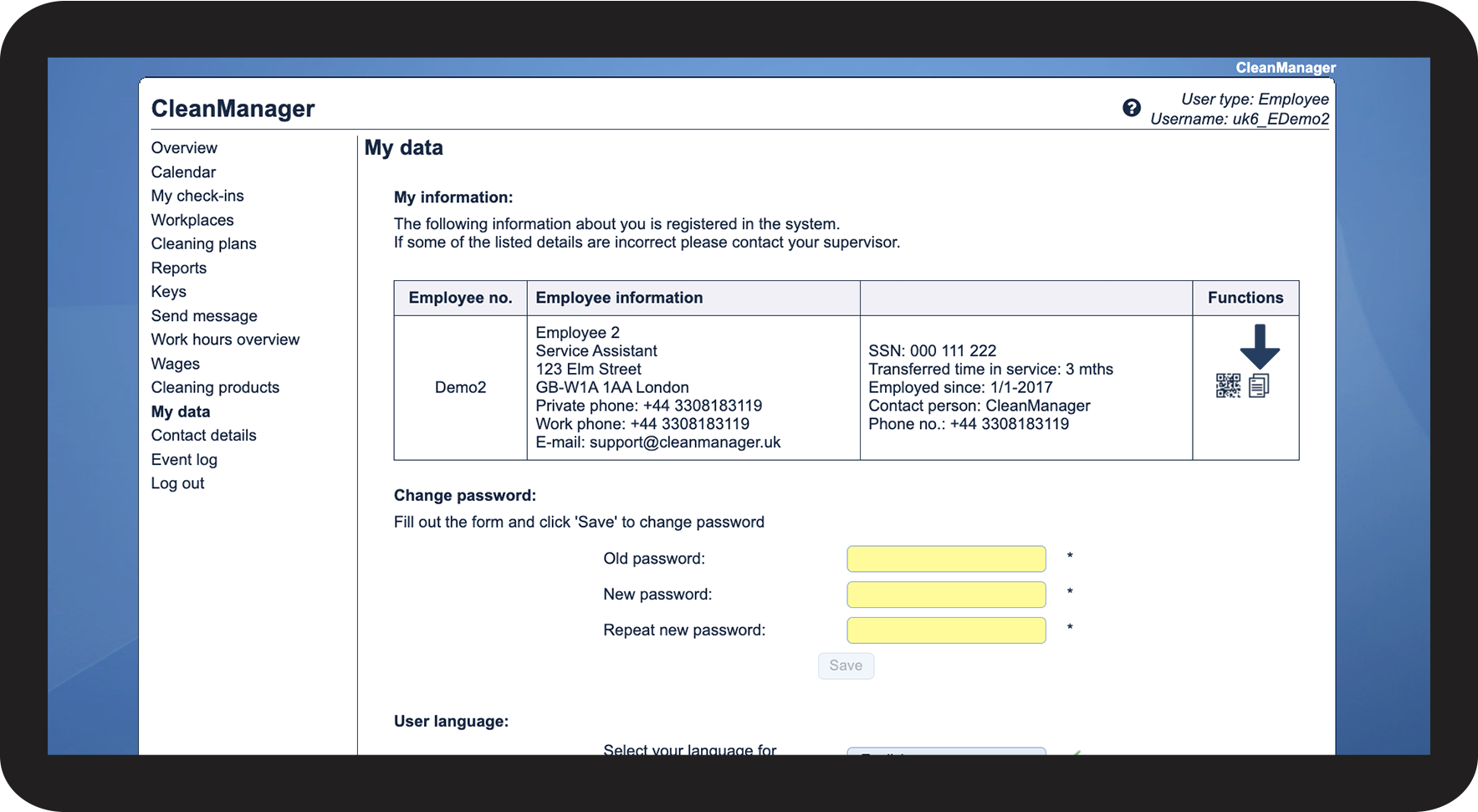
In the menu, go to My data

1.1.png

number_2.png
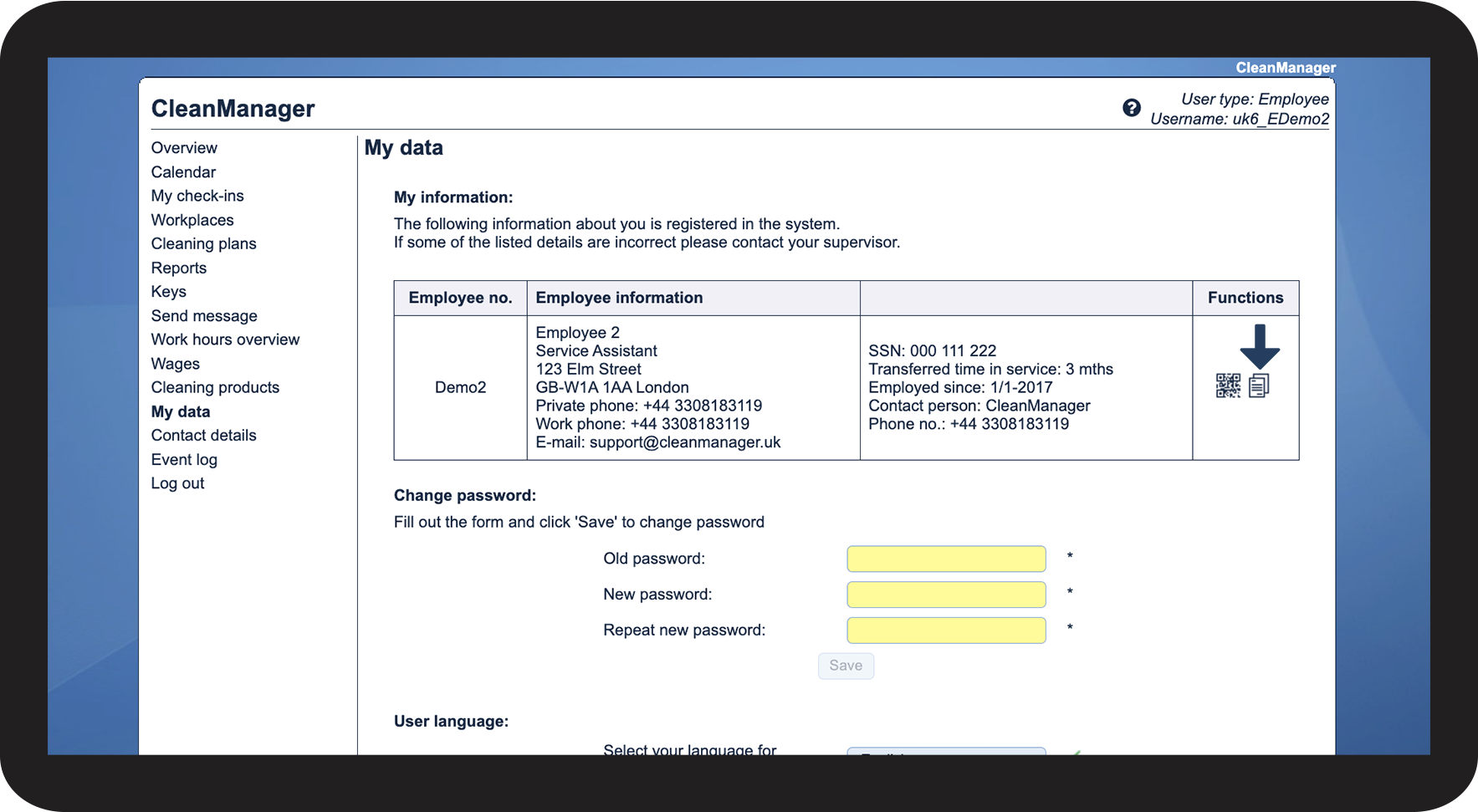
Click on View resources

1.2.png

number_3.png

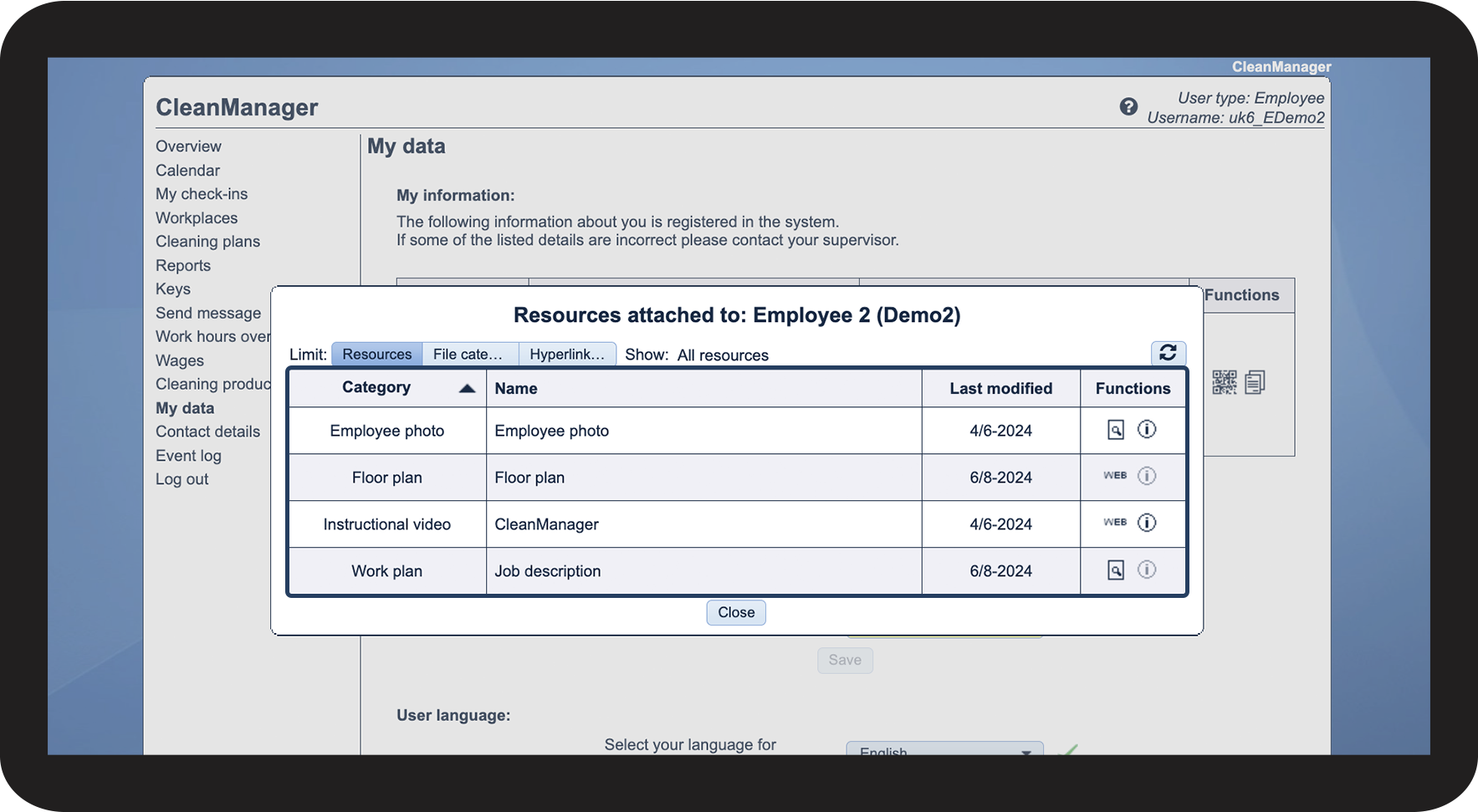
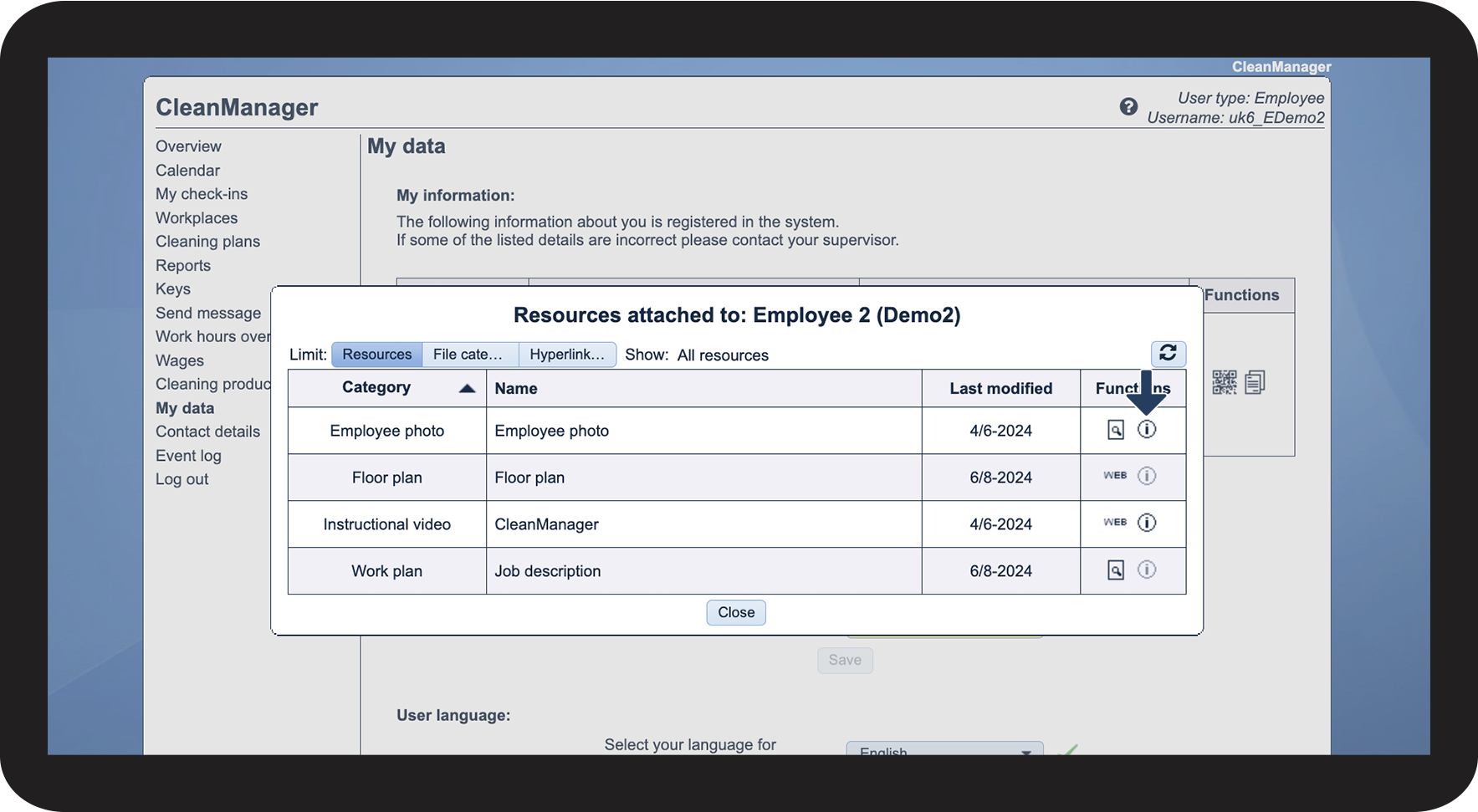
Here, you can see all uploaded files that have been made available to you

1.3.png

number_4.png

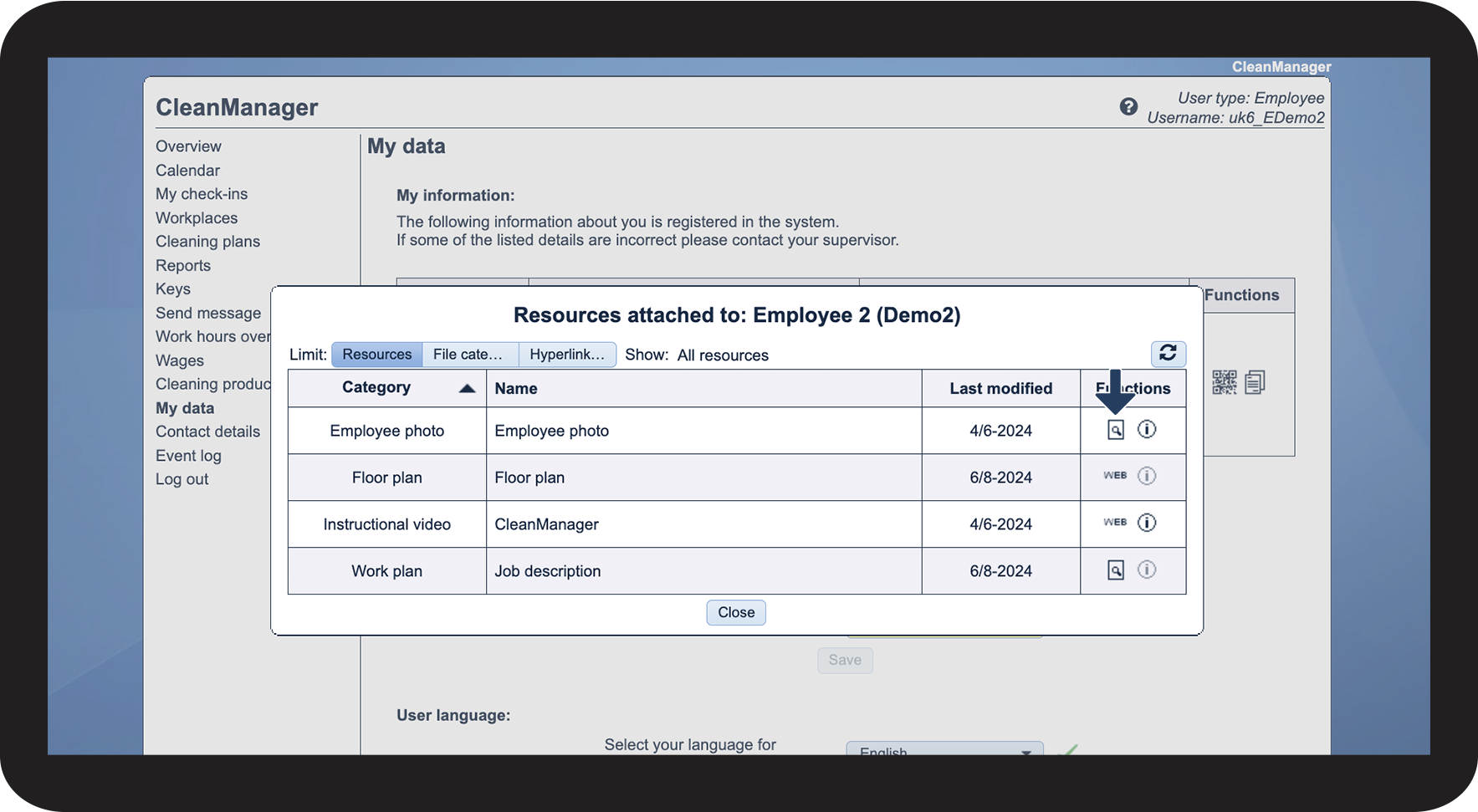
Click on Download file or Open hyperlink to access the content

1.4.png


This is how you can sort the files
number_1.png
Click on View resources

2.1.png

number_2.png

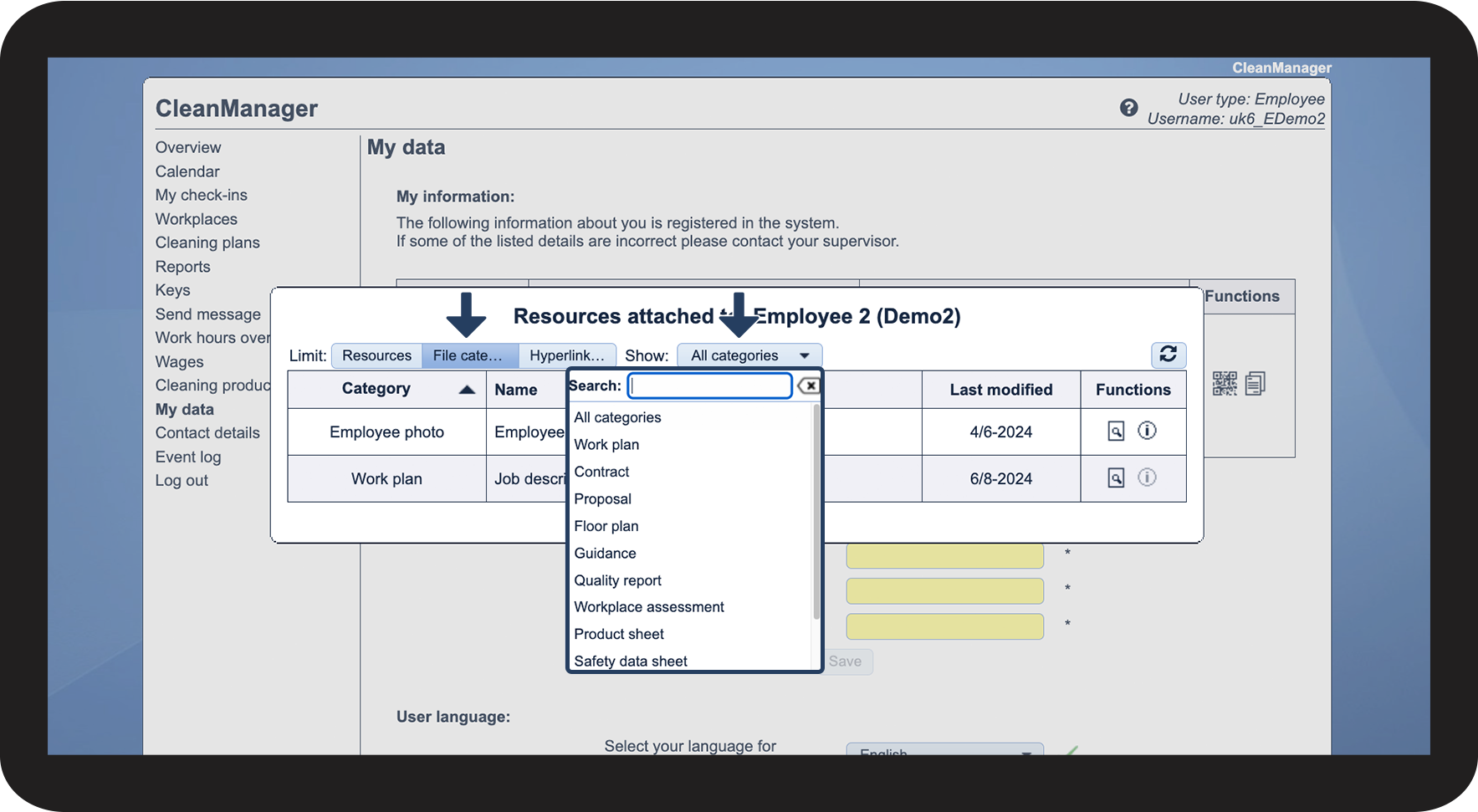
Click on File category

In the dropdown menu next to Show, select the desired file category

2.2.png

number_3.png

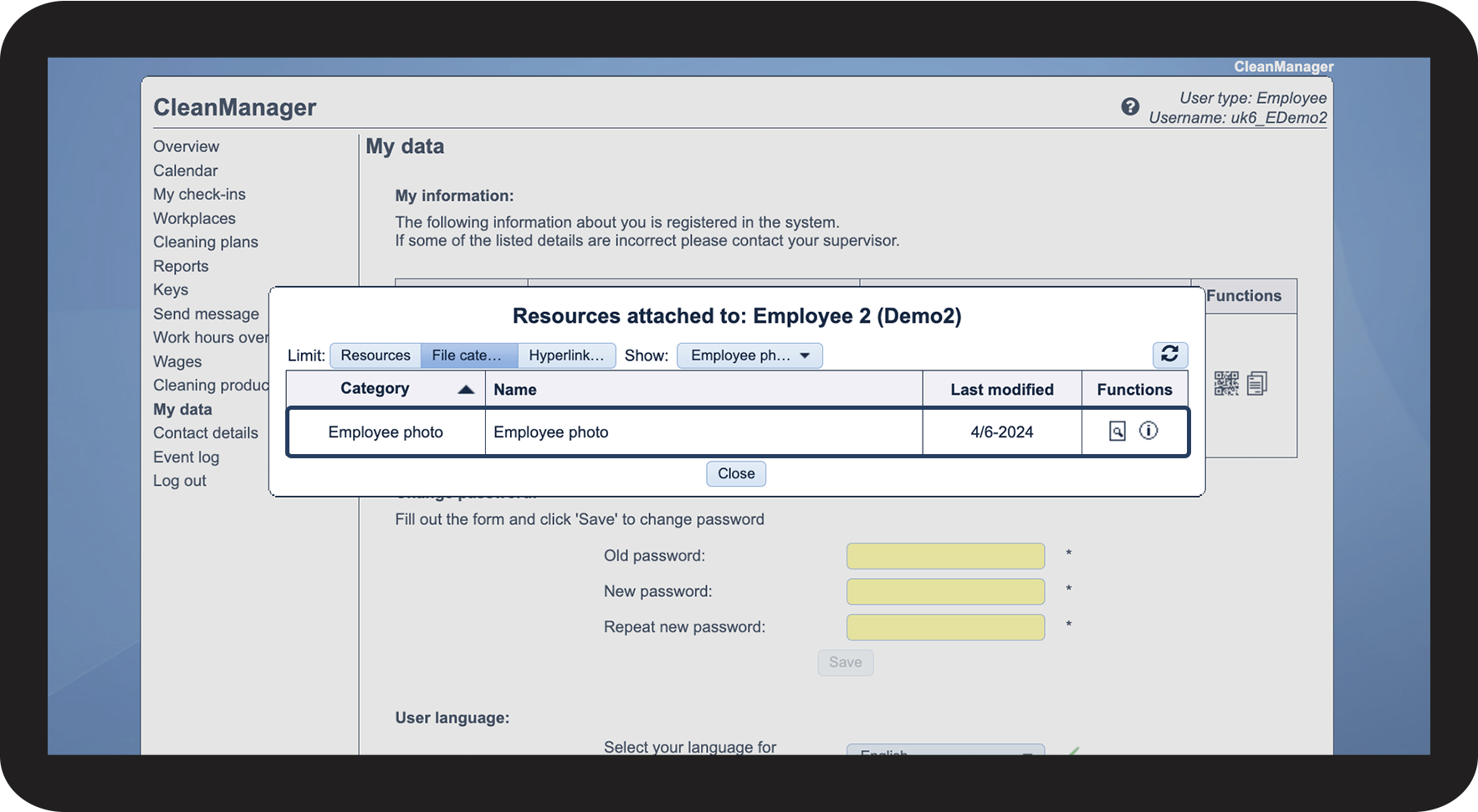
See the files that match your sorting

2.3.png


This is how you can sort the hyperlinks
number_1.png
Click on View resources

3.1.png

number_2.png

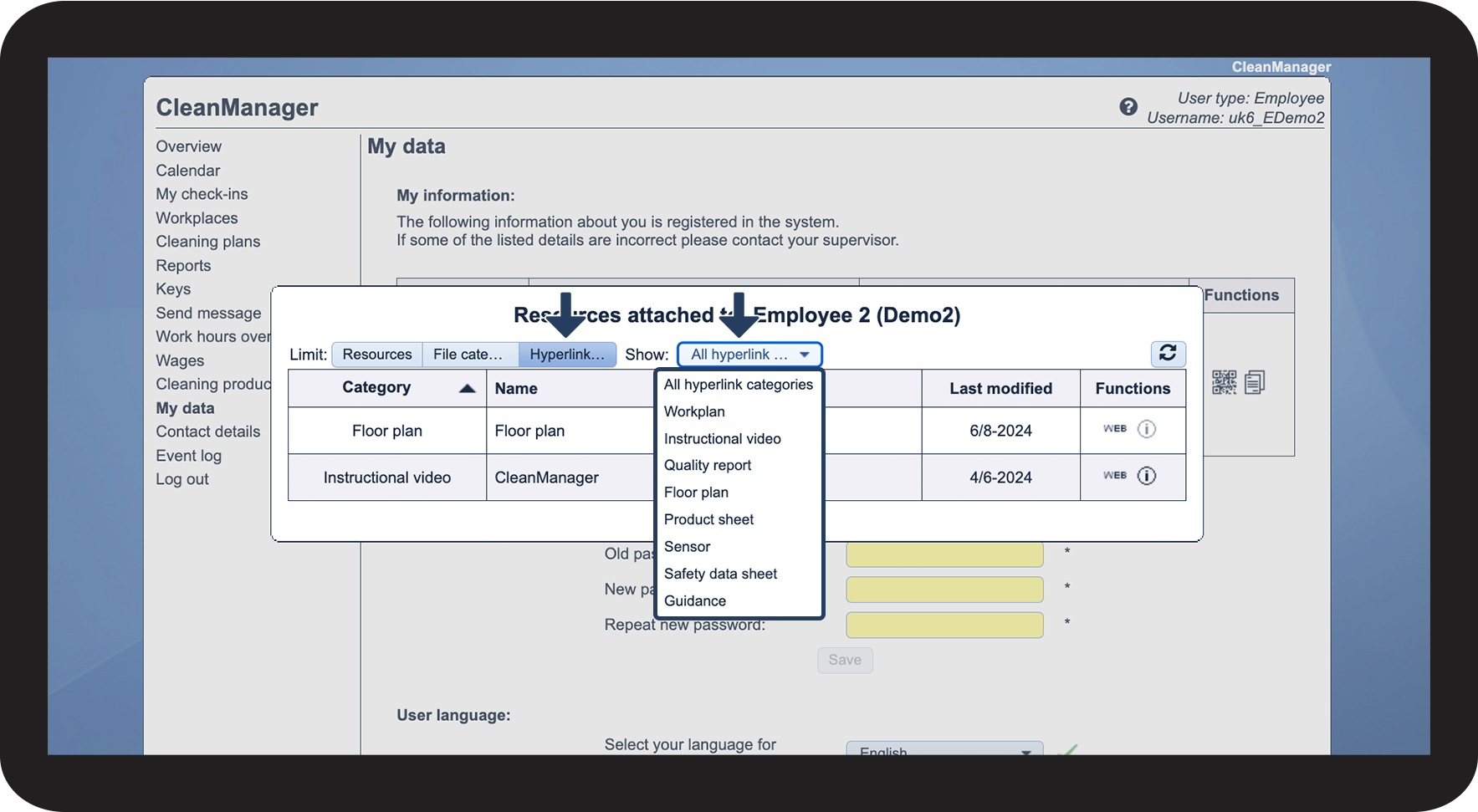
Click on Hyperlink

In the dropdown menu next to Show, select the desired hyperlink category

3.2.png

number_3.png
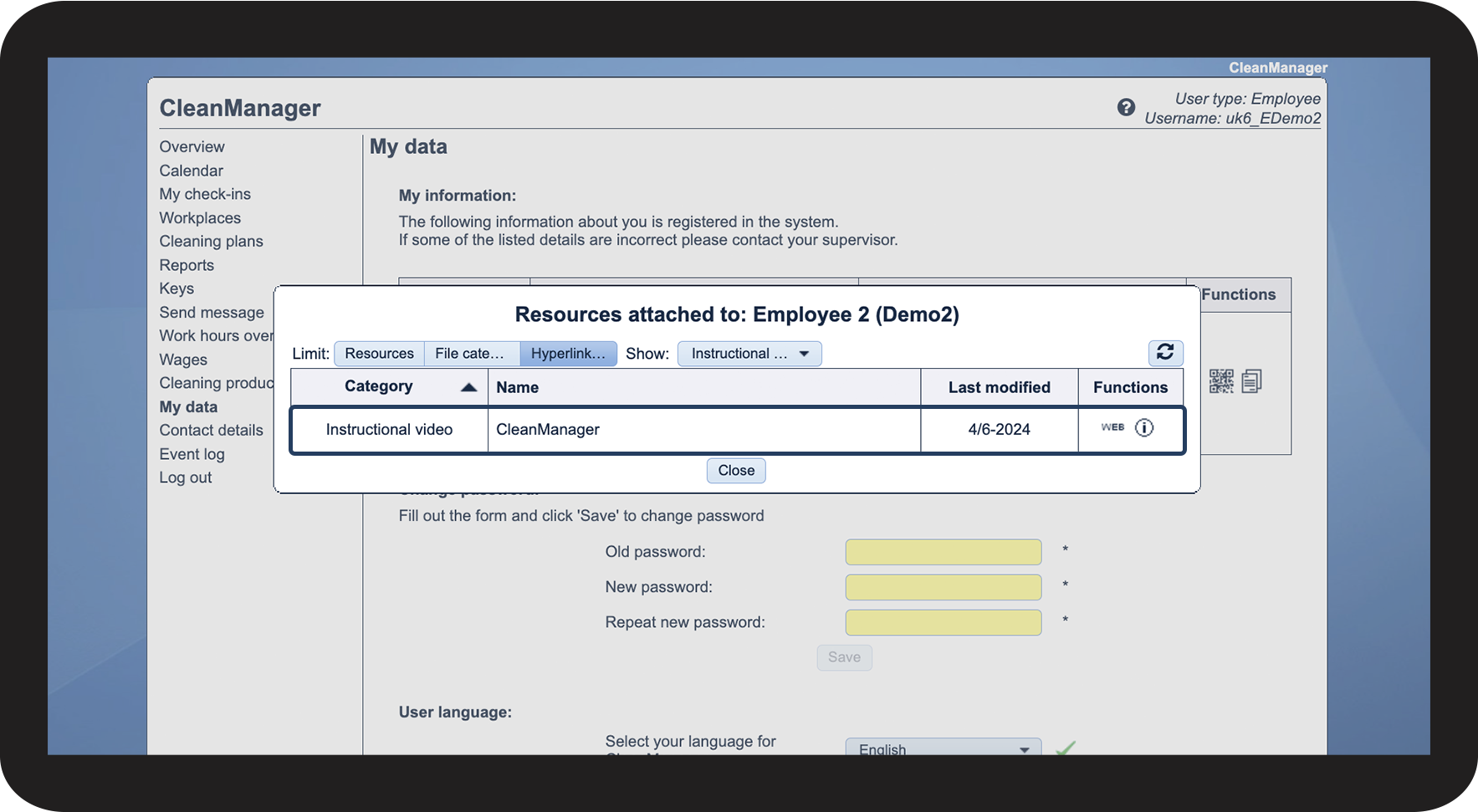
See the hyperlinks that match your sorting

3.3.png


This is how you can view a comment that has been attached to a file
number_1.png
Click on View resources

4.1.png

number_2.png
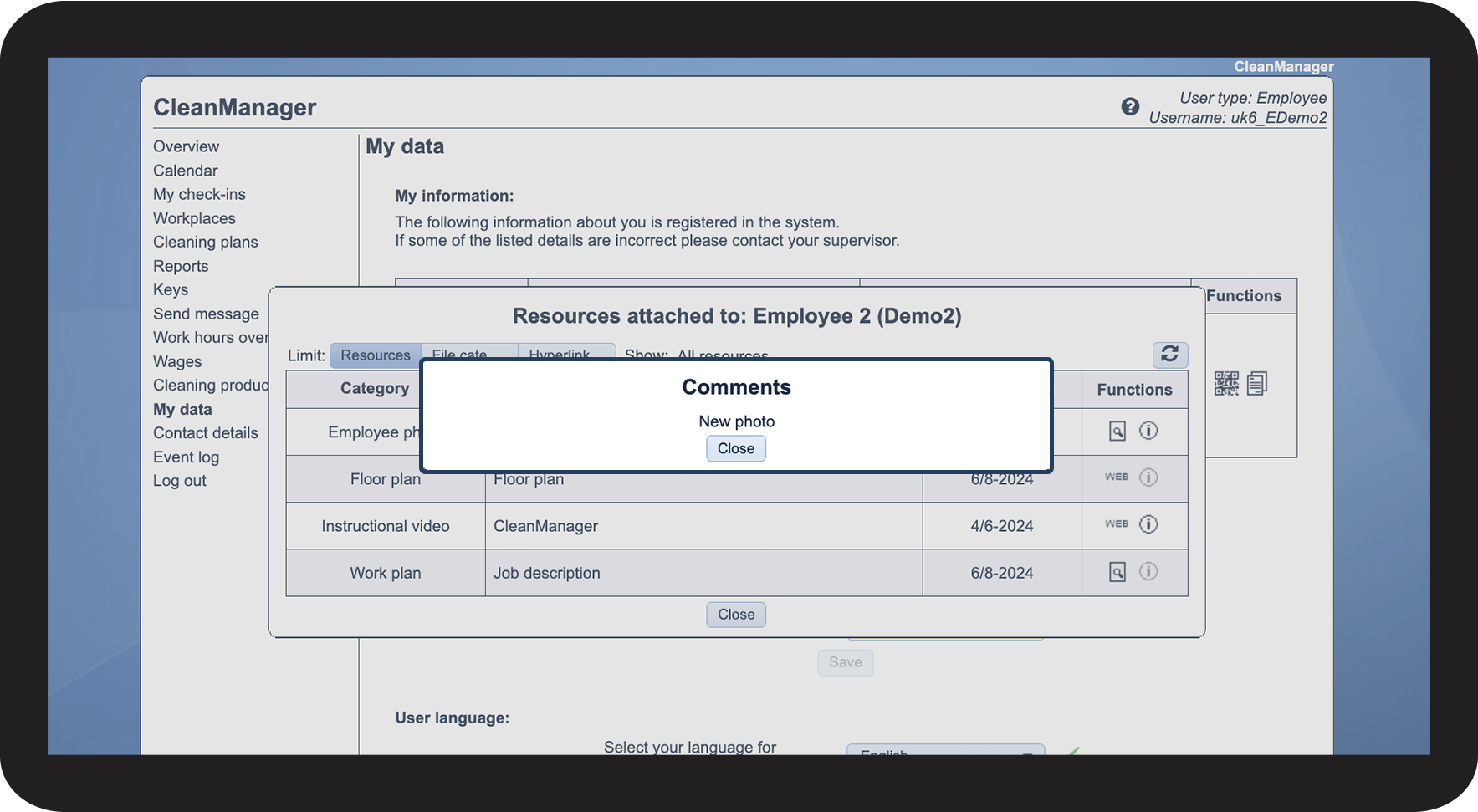
Then, click on View comments

4.2.png

number_3.png
See the comment attached to the file

4.3.png