
As the administrator or supervisor, how can I sort the viewing of check-ins?
As the administrator, you can see an overview of all check-ins for all customers.
As the supervisor, you can see an overview of check-ins for customers in customer areas you have been assigned to. For more information regarding this, go to Company Structure.
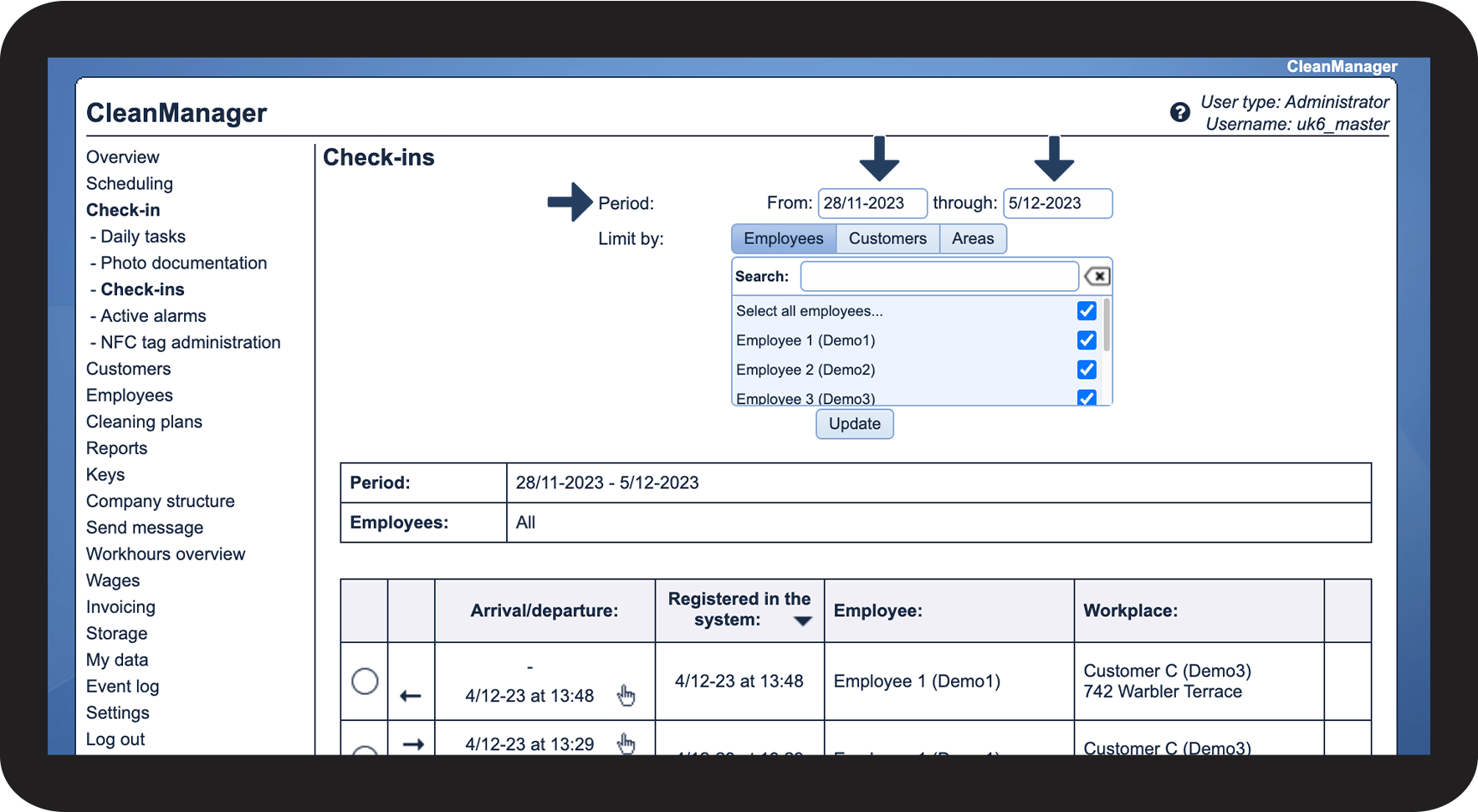
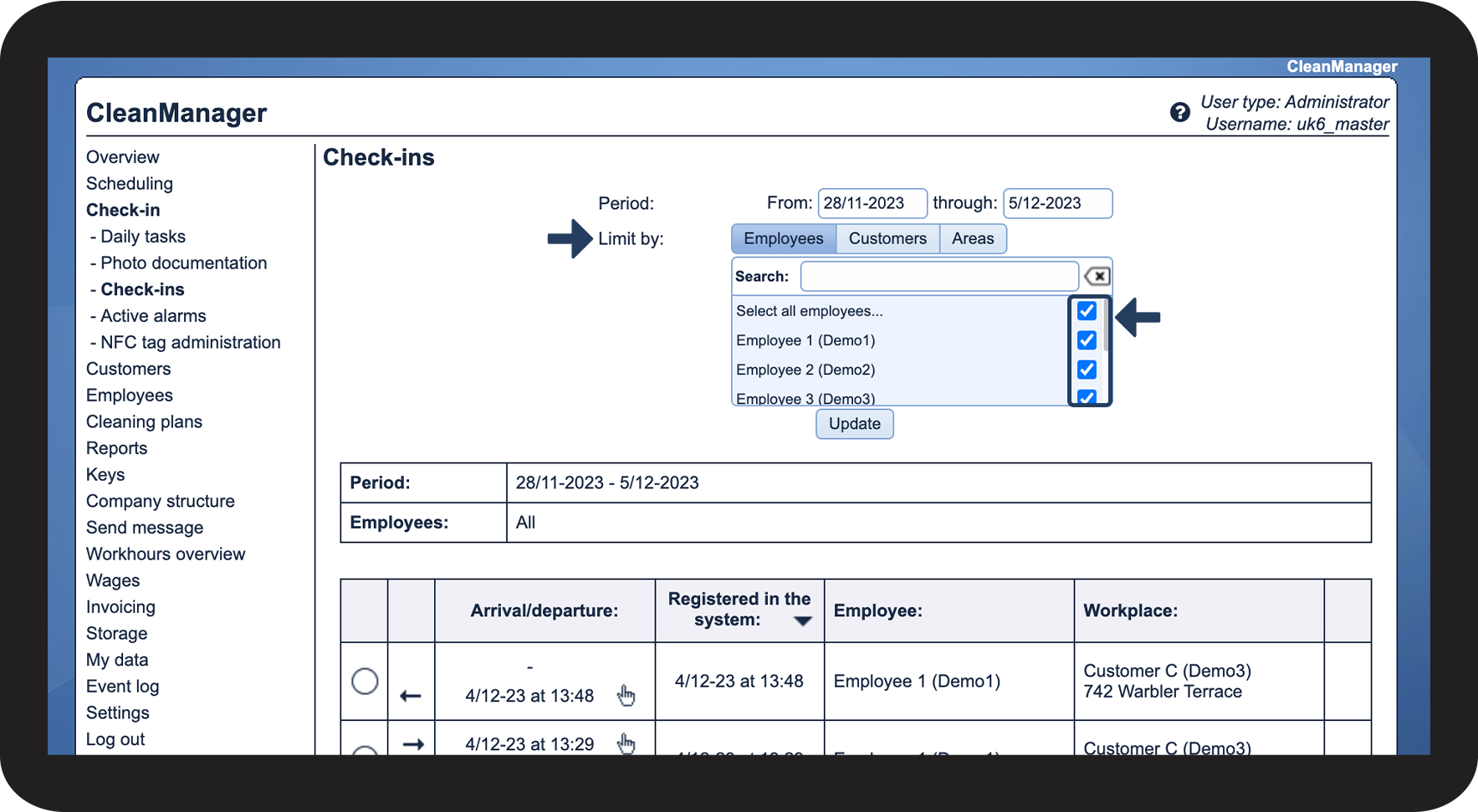
This means that you can adjust your view if you only want to see check-in for a specific customer or employee.
In this article, you will learn how to find and sort the viewing of check-ins:
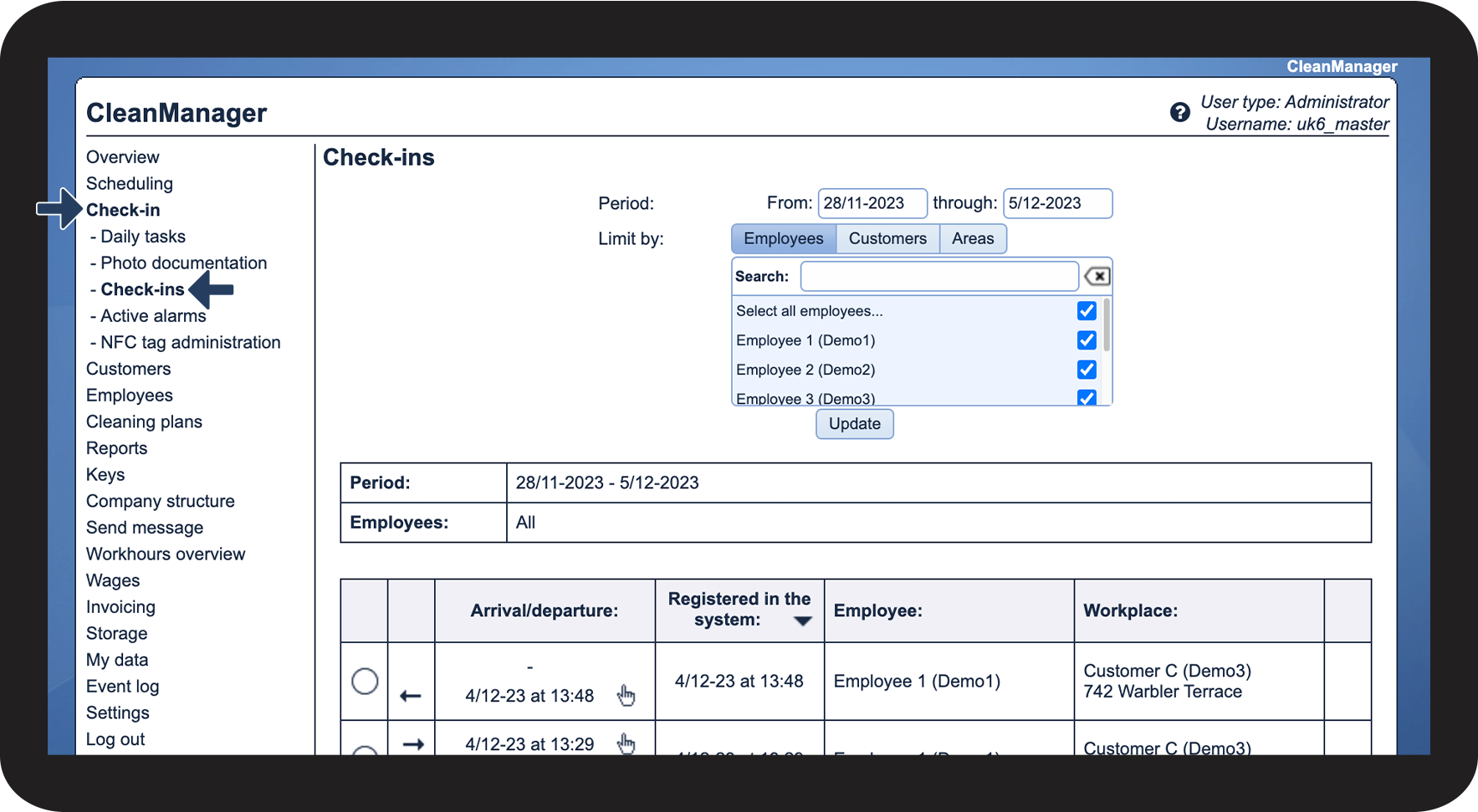
This is how you find the overview of all check-ins

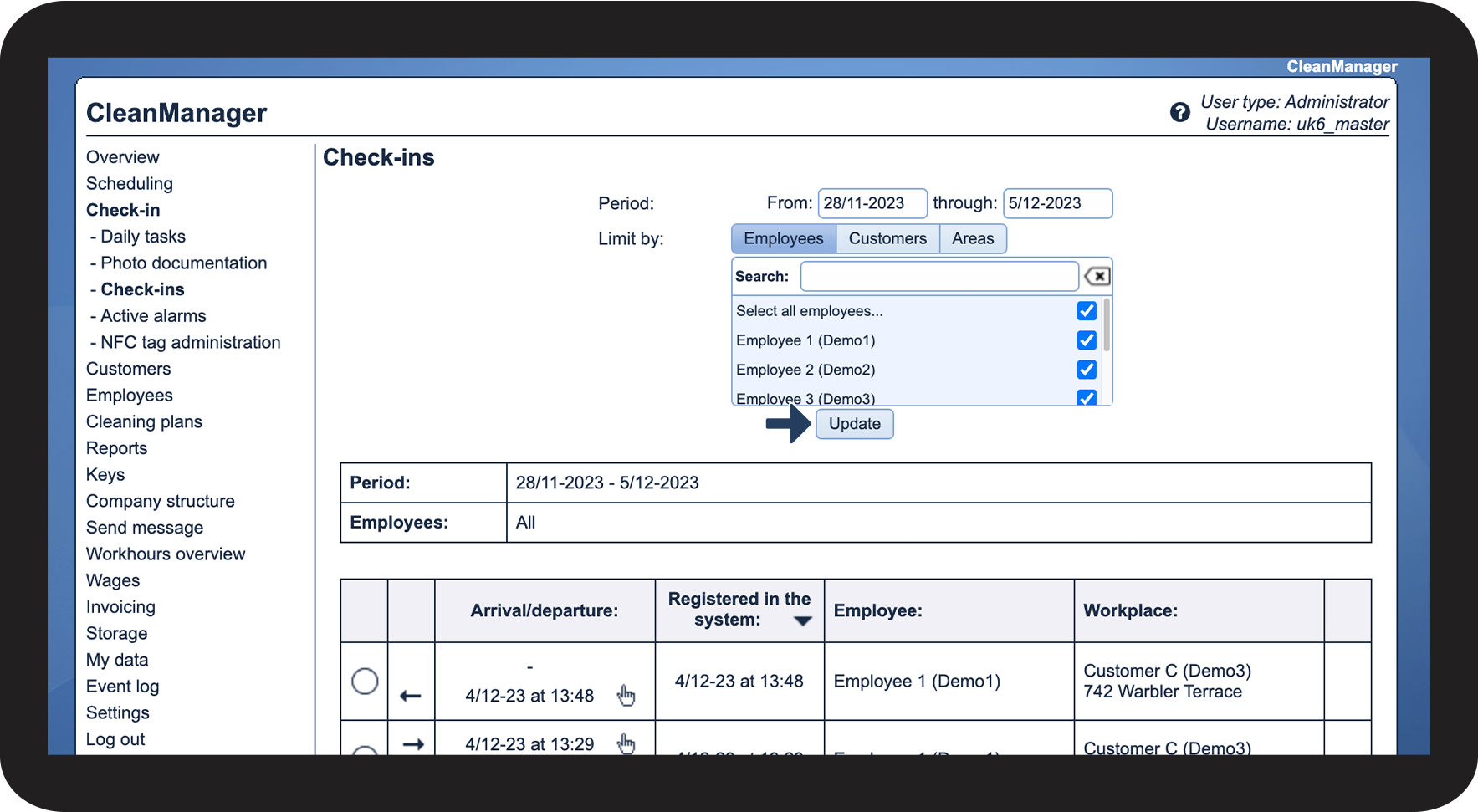
This is how you sort the view

INFO:
To learn more about how to create customer areas and assign them to customers, read the following two articles: Creating customer areas and Assigning customer areas.

Continue to the article View check-ins and check-outs as the administrator/supervisor
Here, you can read more about what you can see in the submenu Check-ins