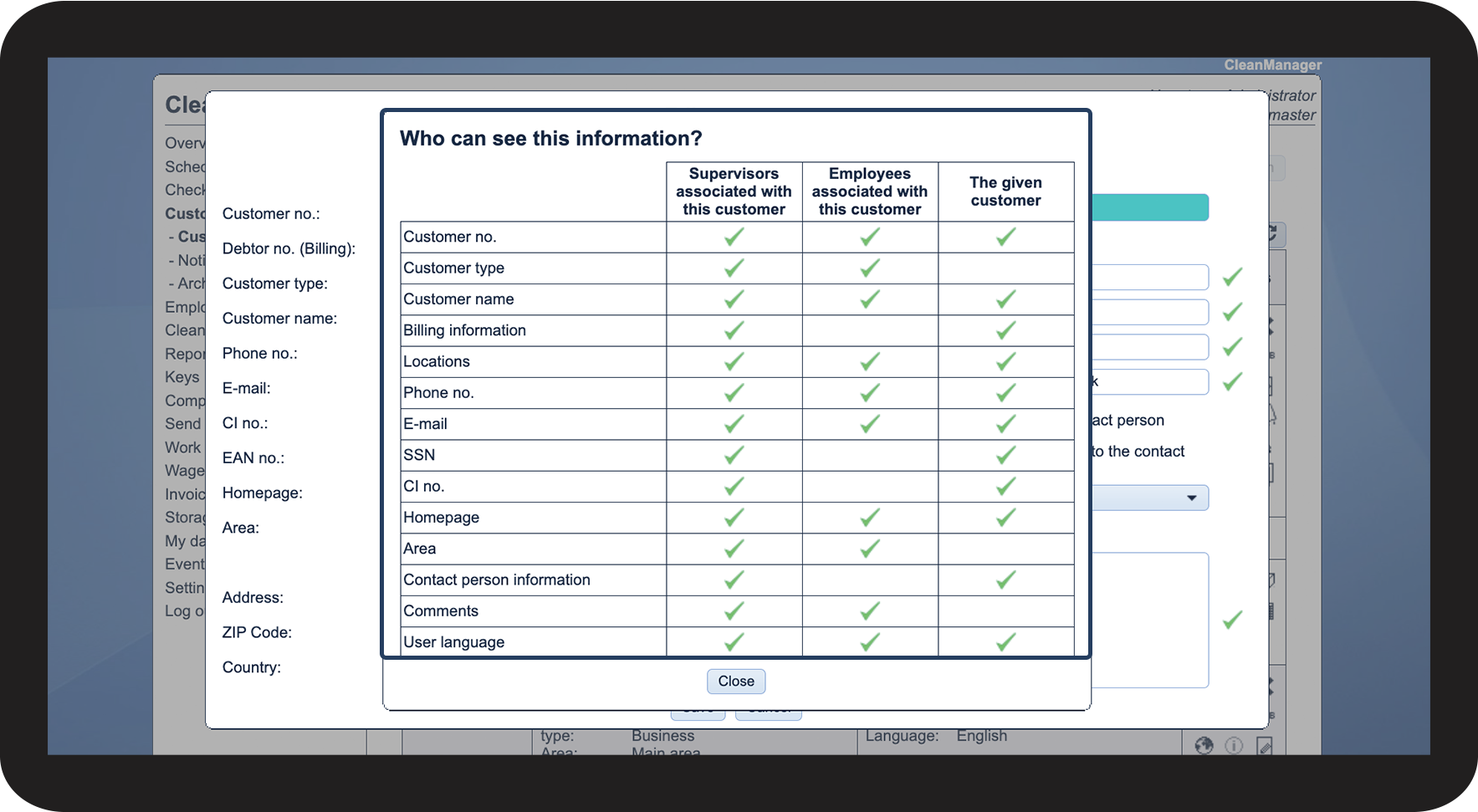
What information can the different user types see about the customers?
As the administrator, you have access to all information about all customers.
As a supervisor, you have access to all information about customers within your assigned customer areas. For more information regarding this, go to Company Structure.
This article will review what customer information can be viewed by employees with access to the system, as well as by the customer contact.
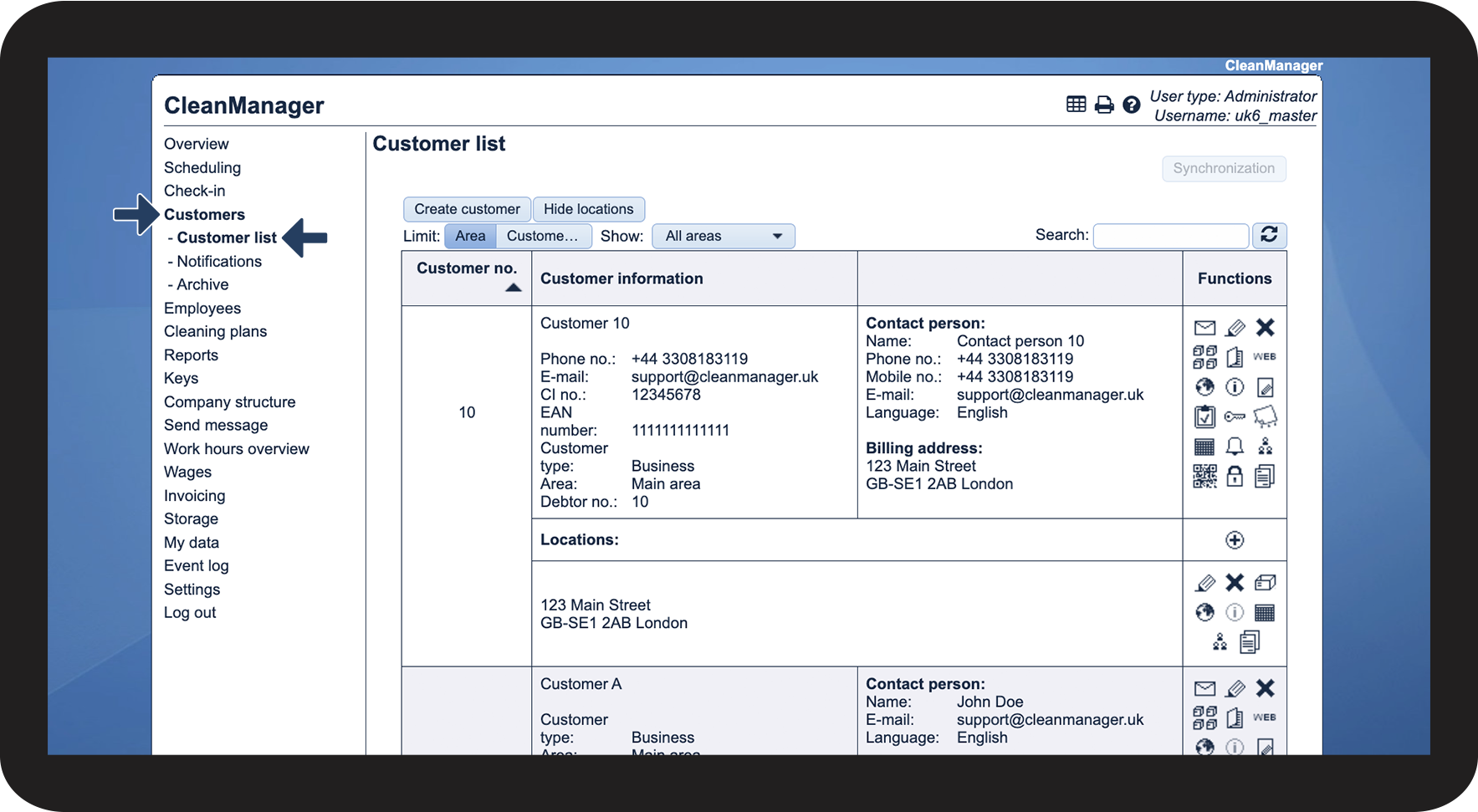
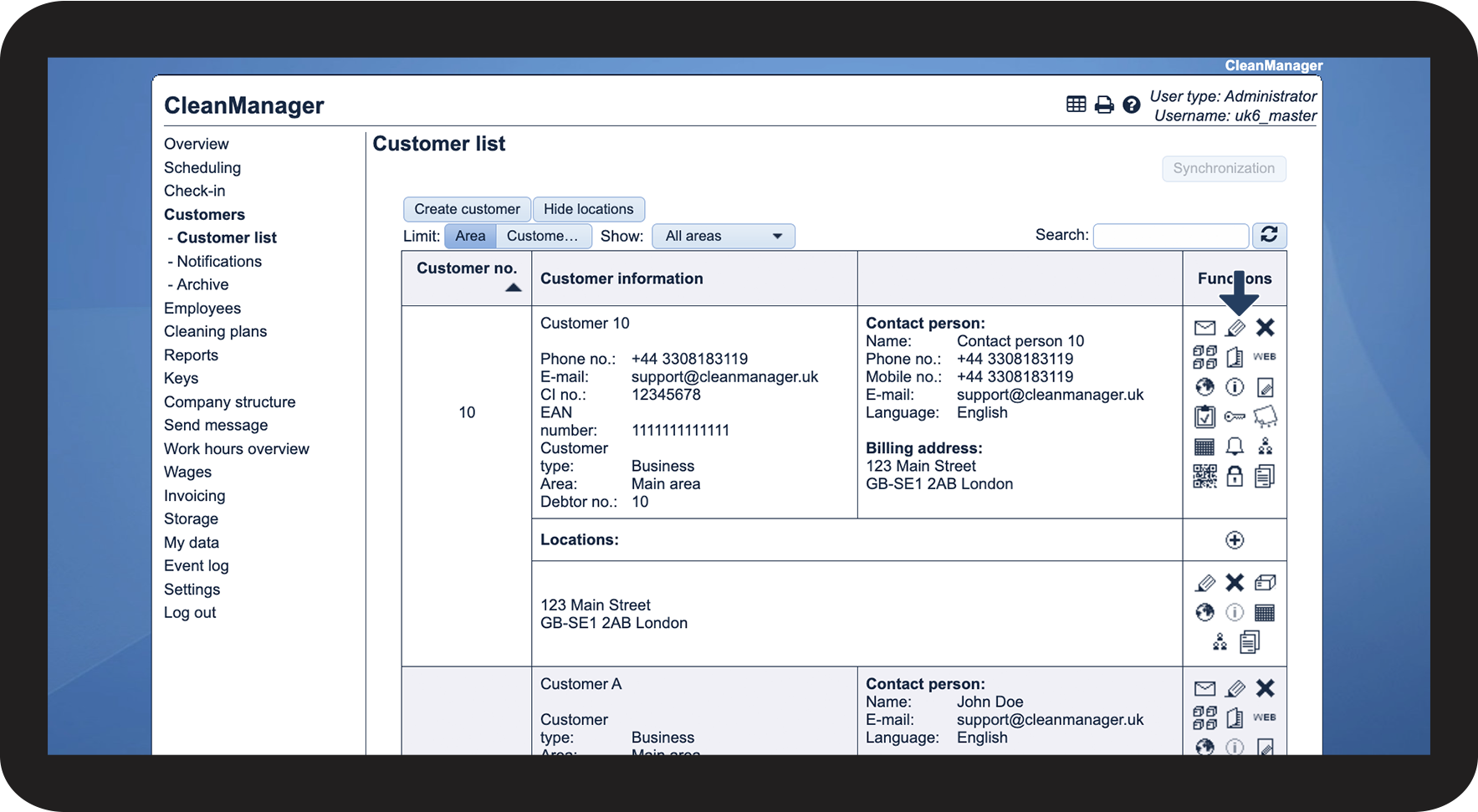
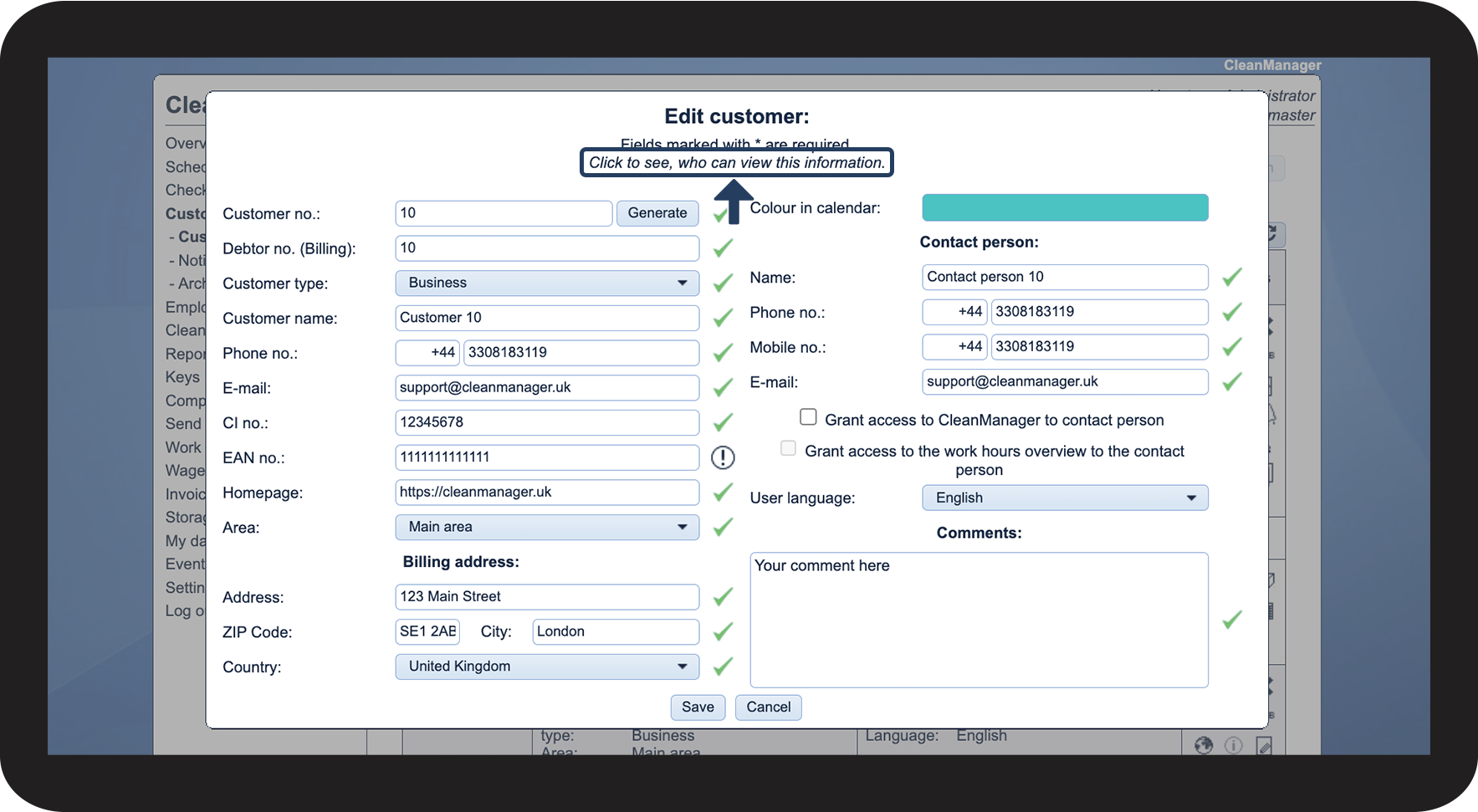
In this article, you will learn what customer data the different user types have access to:
This is where you can see how much information is available to the different user types