
How can I view my workplaces in the web system and the app?
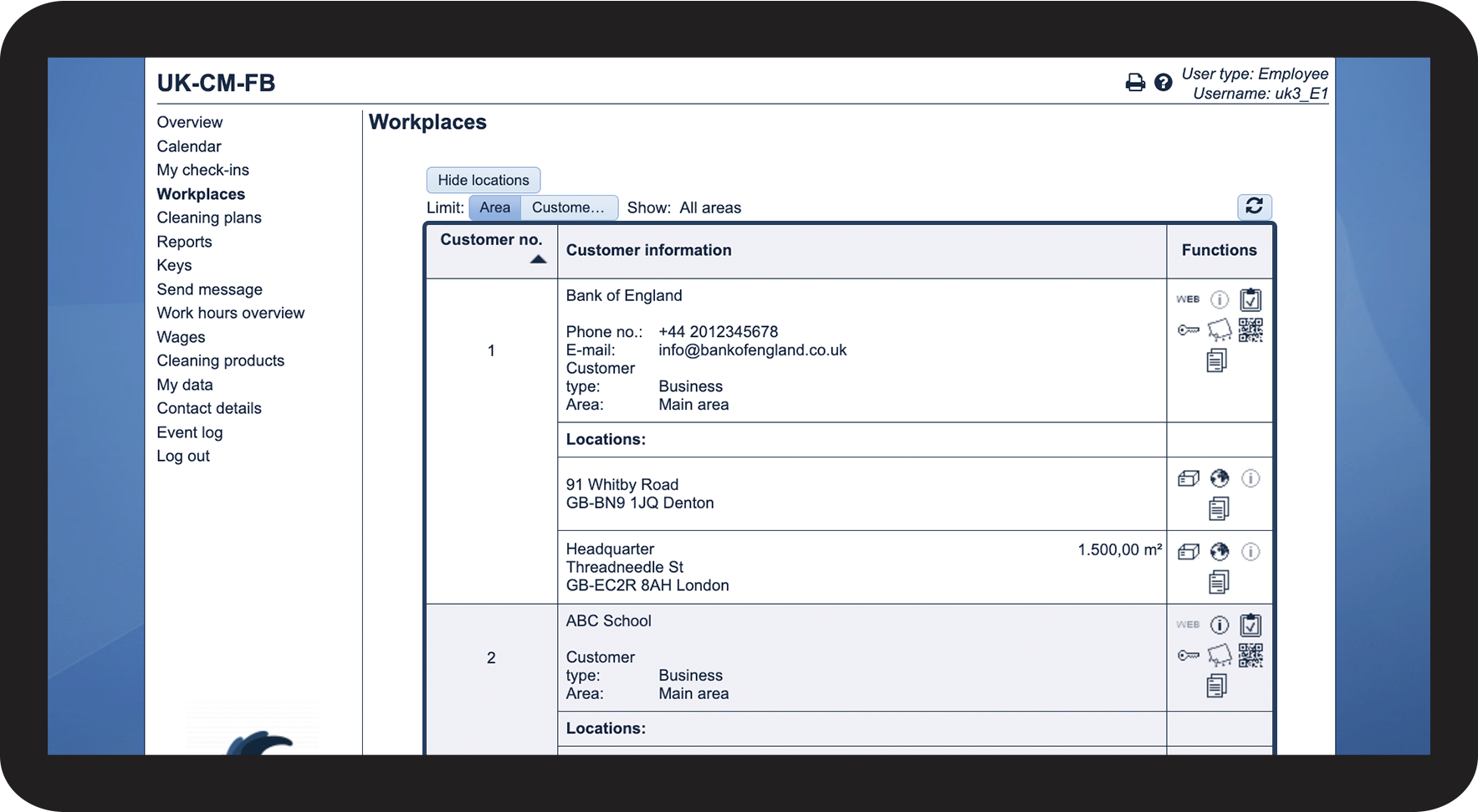
As an employee with access to CleanManager, you will be able to view important information about the places you have been assigned to work. This includes the customer's name, the address of the task, and the type of customer.
If files have been uploaded to your workplace and made available to you by your administrator or supervisor, you will also be able to access them here.
In this article, you will learn how to see information about your workplaces as an employee:
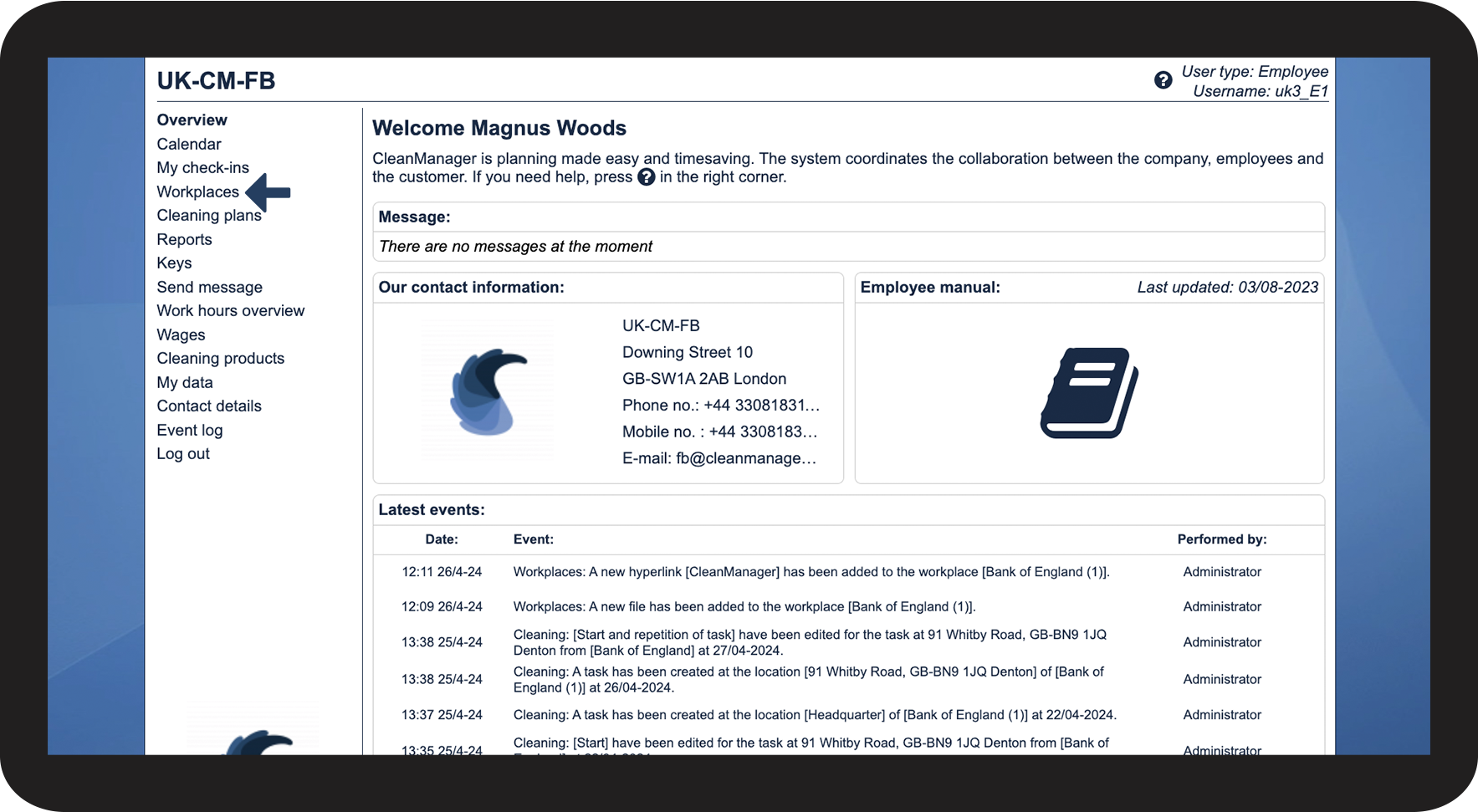
This is how you access your workplaces in the web system


NOTE:
Depending on your system setup, some workplaces may disappear if too much time passes between tasks. You can read more about that here: Access to workplaces
This is how you access your workplaces through the app
Continue to the article Information about workplaces
Continue to the article Functions related to workplaces
Here, you can learn more about the functions that are available for your workplaces