
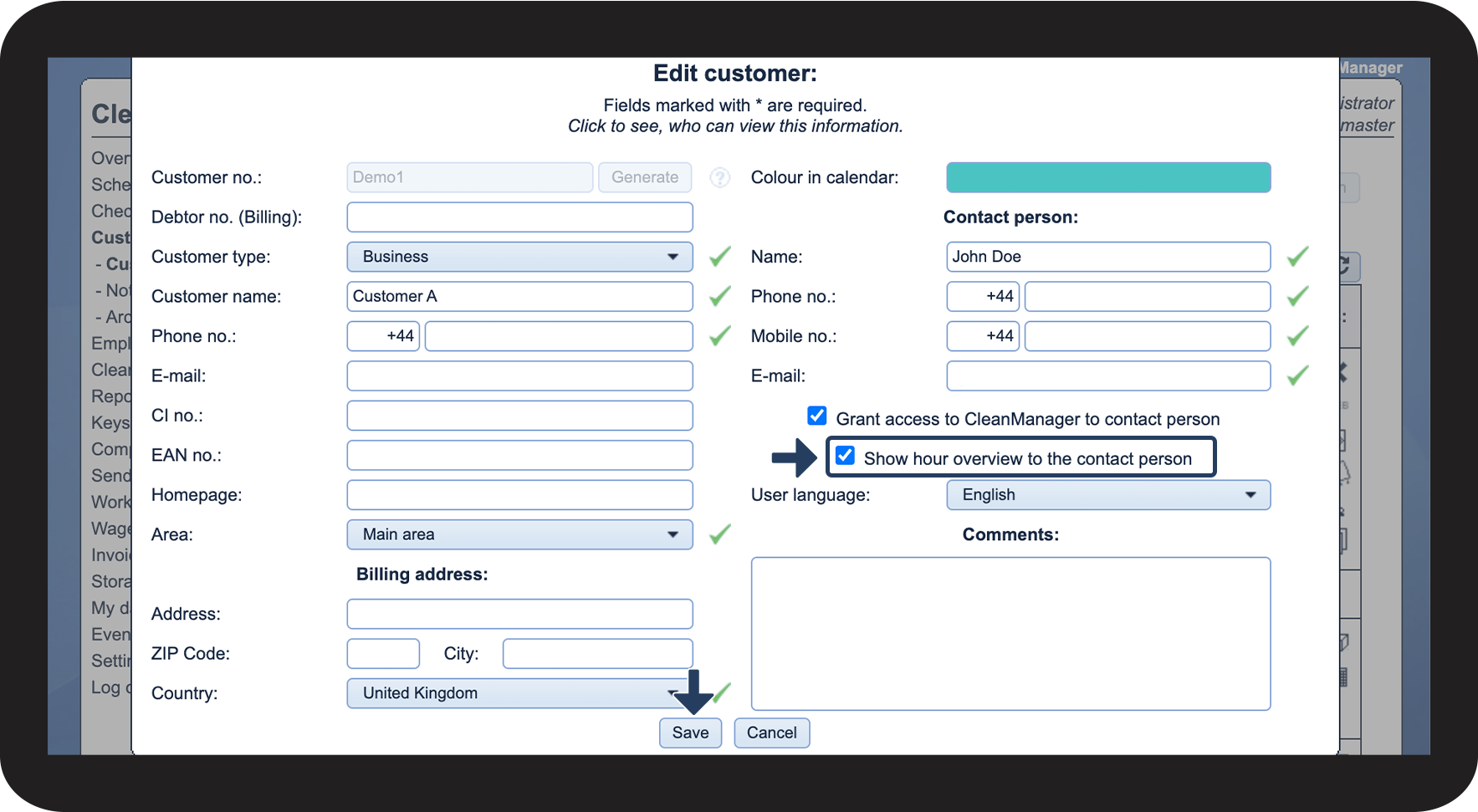
How do I as the administrator/supervisor allow the customer contact access to the work hours overview?
The customer contact can only see the menu Work hours overview if access for this has been granted by either the administrator or a supervisor.
In the work hours overview, the customer contact can see all planned cleaning tasks for a given period of time.
NOTE:
The customer must have access to the system.
In this article, you will learn how to grant a customer contact access to the work hours overview:
- How do I allow access to the work hours overview for the customer contact?
- What settings need to be enabled by the administrator for the customer contact to be able to see check-in and check-out times?
This is how you allow a customer contact access to the work hours overview


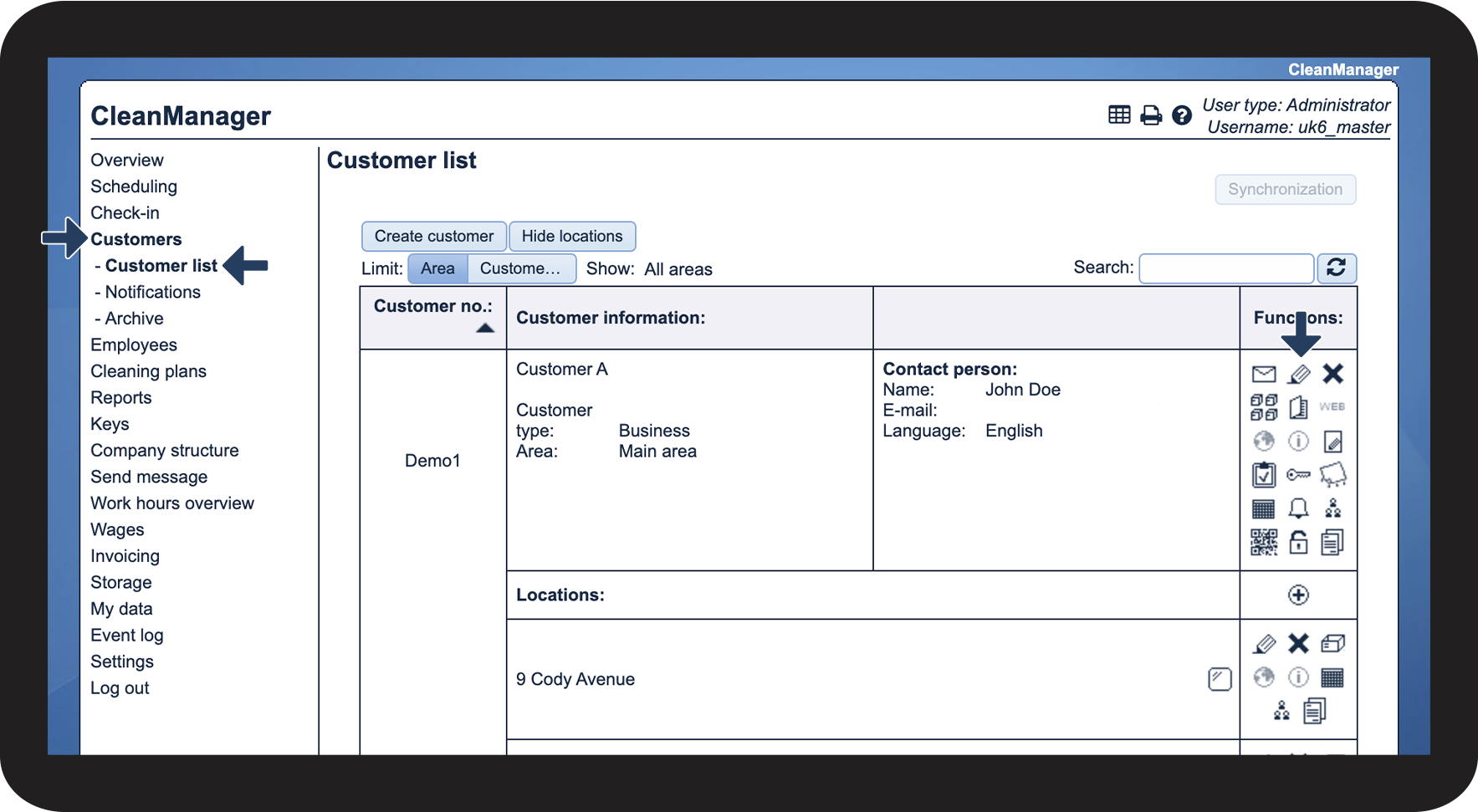

These settings need to be enabled before the customer contact can see check-ins and check-outs
NOTE:
The add-on module App with Time Registration must be activated to be able to see check-ins and check-outs. Read more about how to activate add-on modules in the following article: Add-on modules
The customer contact can see check-ins and check-outs in the work hours overview if the settings for this have been enabled. You can read more about these settings in the following article: