Where can I see a customer's service agreement?
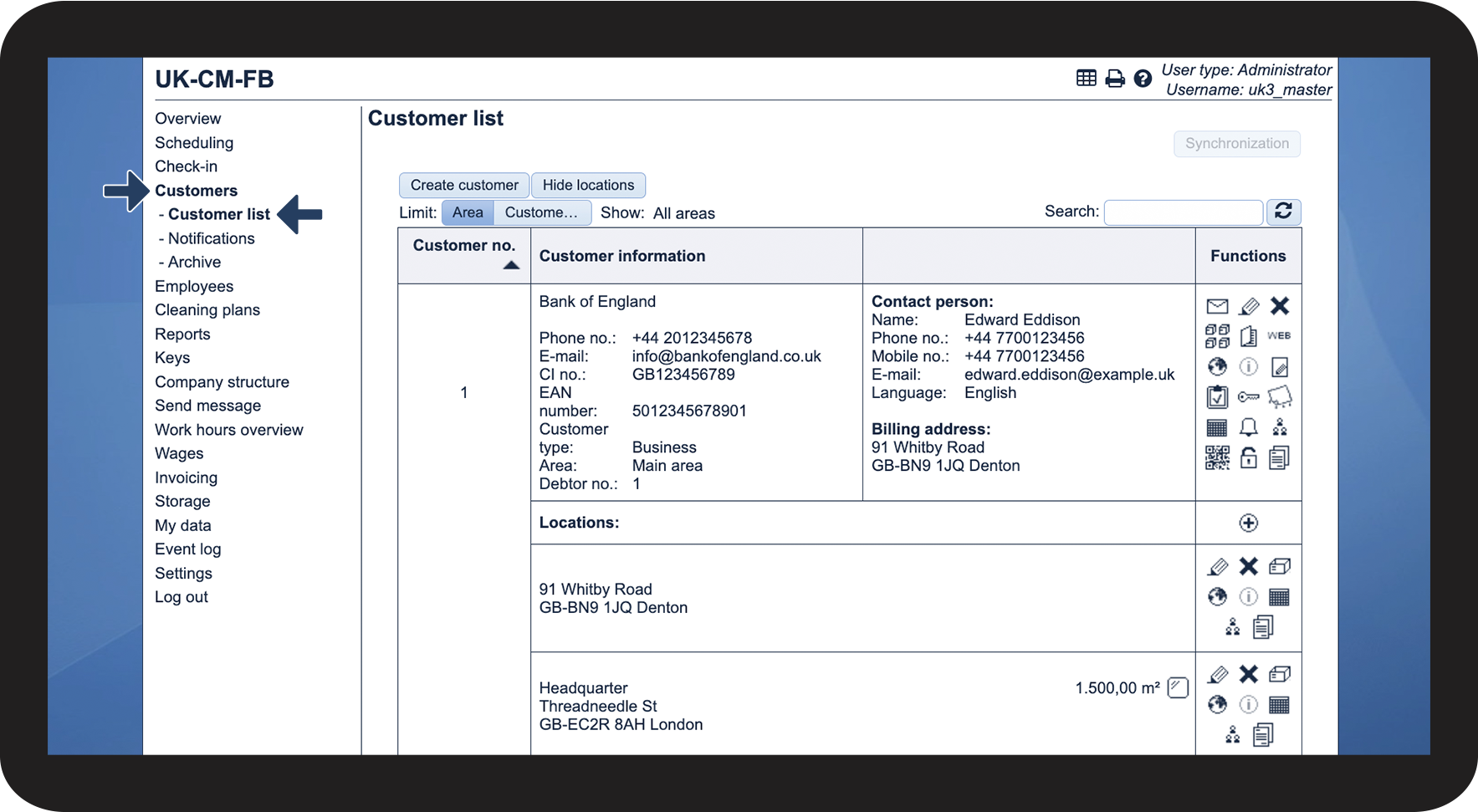
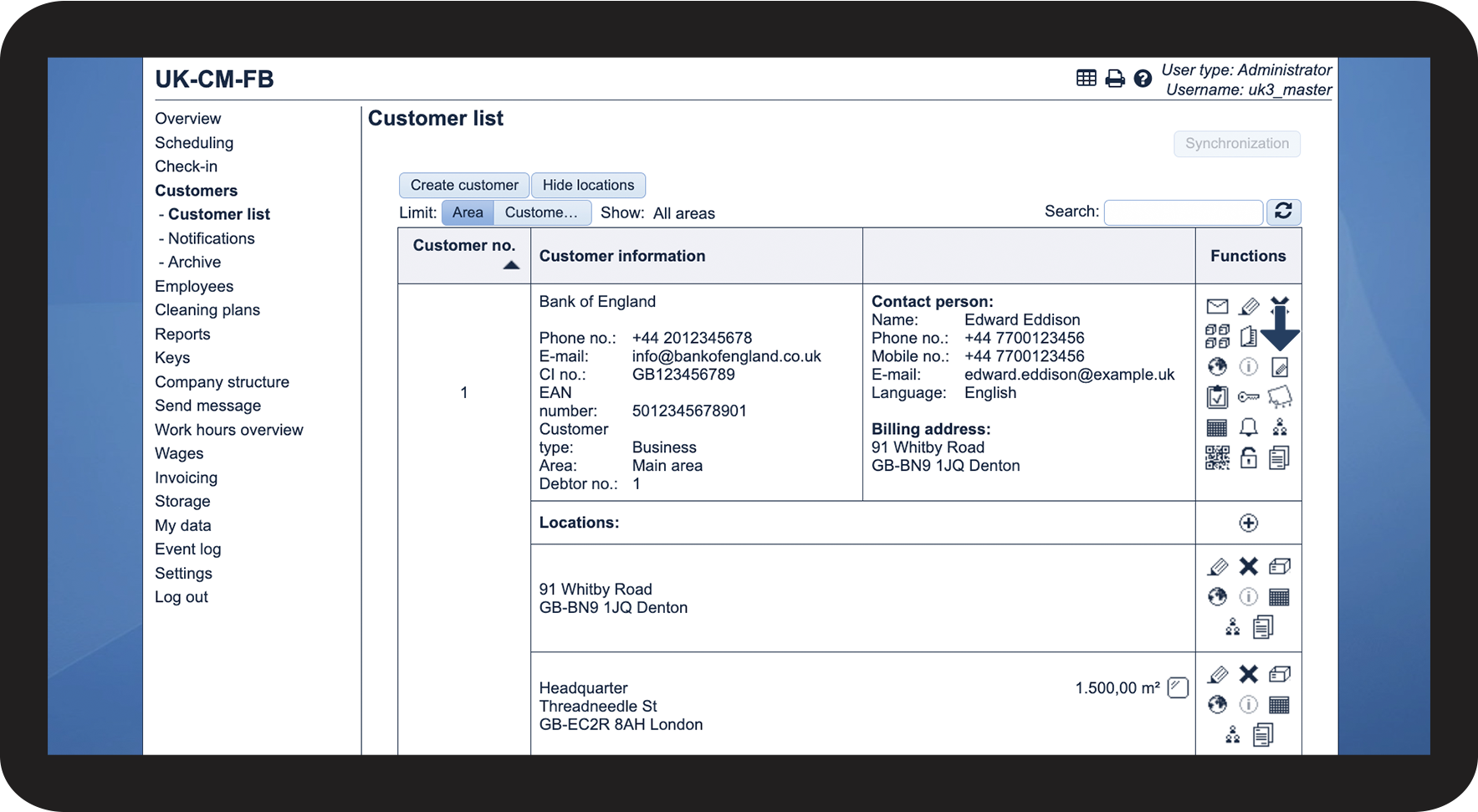
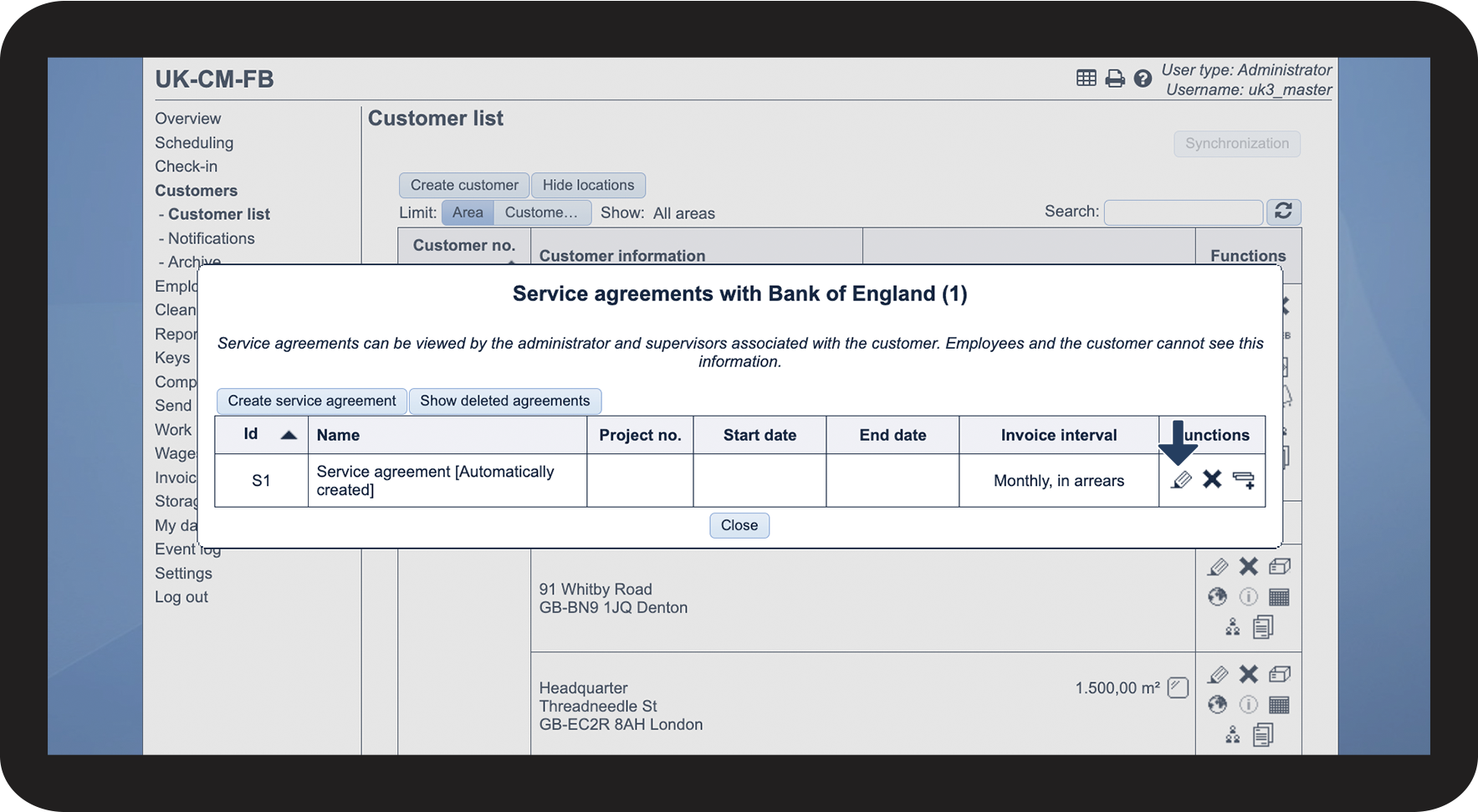
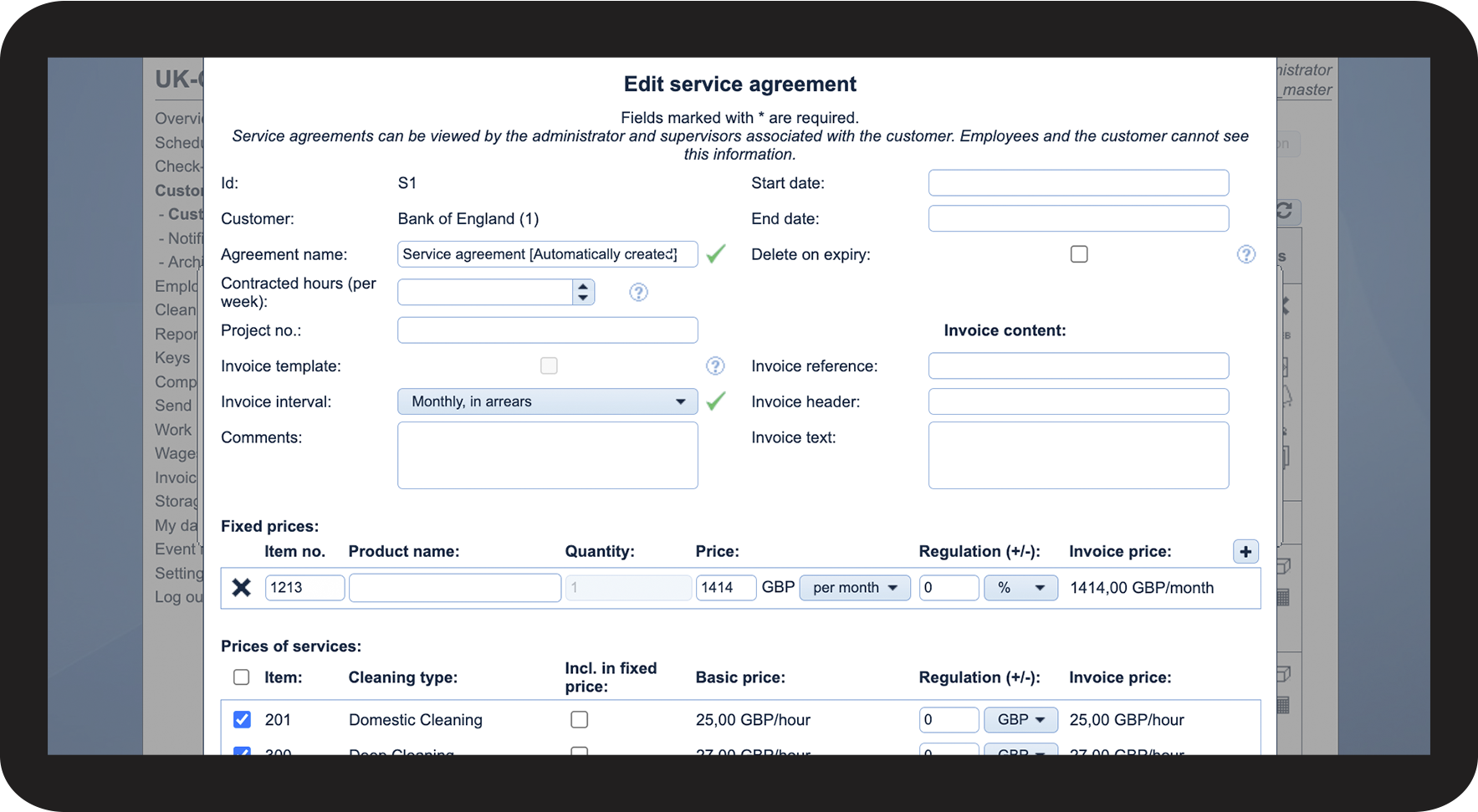
From the Customer list, you can access the service agreements that have been set up for your customers.
When the add-on module Invoice Calculation is activated in your account, the system will automatically create a service agreement for all customers. Those service agreements will be called: “Service agreement [Automatically created]”.
In this article, you will learn how to access your customers' service agreements from the Customer list:
This is how you access a service agreement