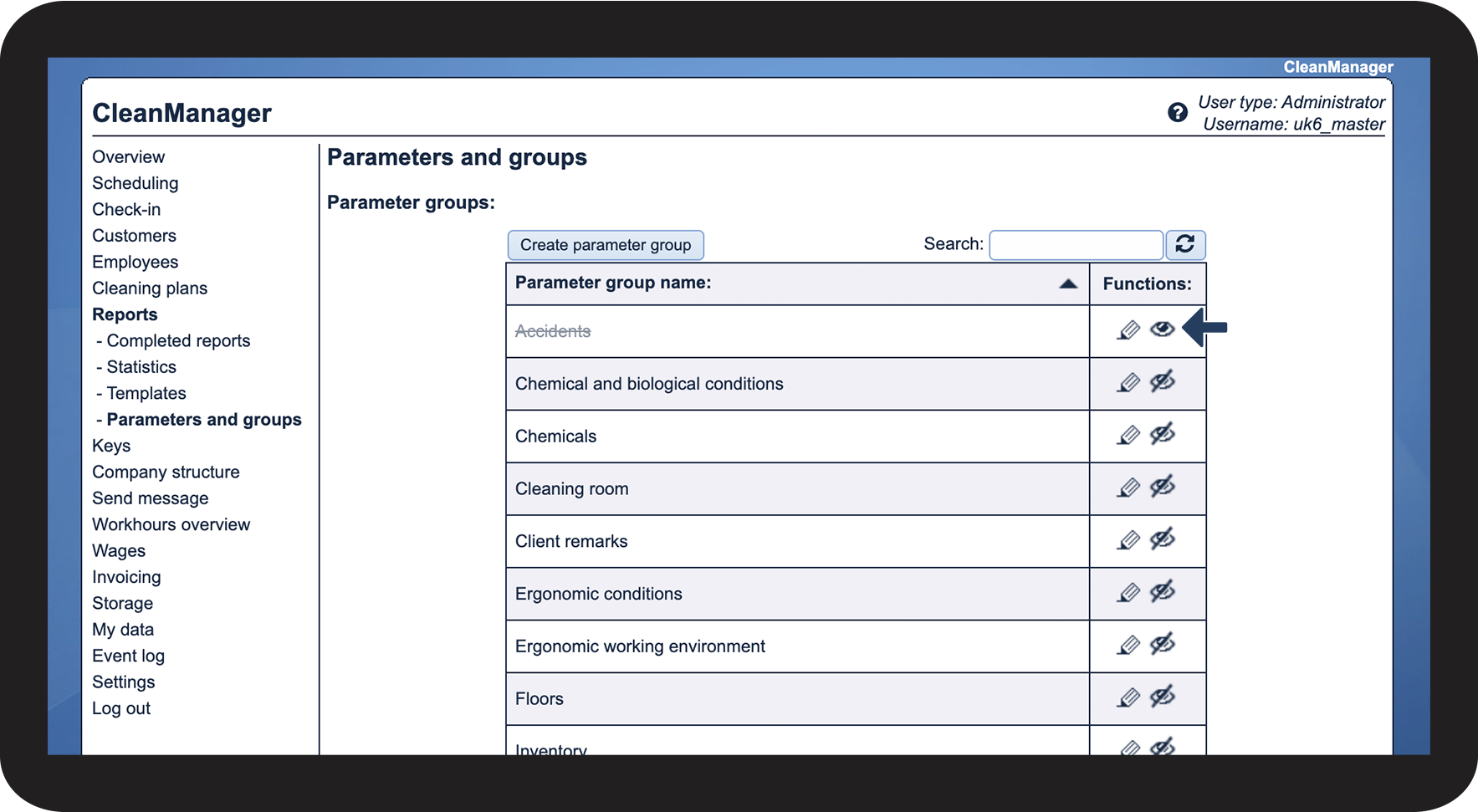
How can I hide a parameter group?
If you have a parameter group that you no longer use, you can hide it, so that it will not appear when creating new report templates.
As for statistics, a hidden parameter group will still be included in the final score of a completed report if it was used prior to being hidden. However, you will not have the option to filter reports based on a hidden parameter group.
In this article, you will learn how to:
How to hide a parameter group

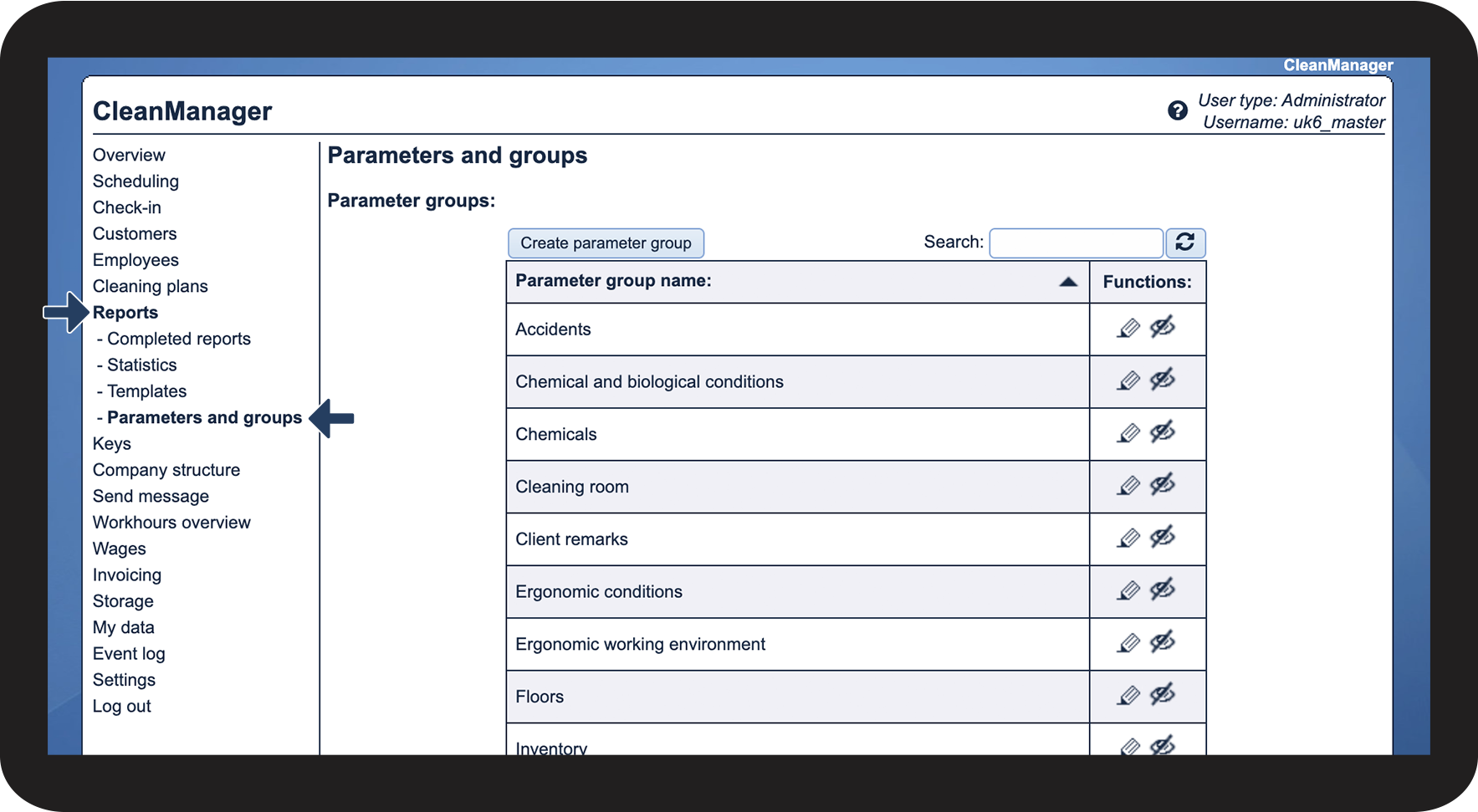

 to hide a parameter group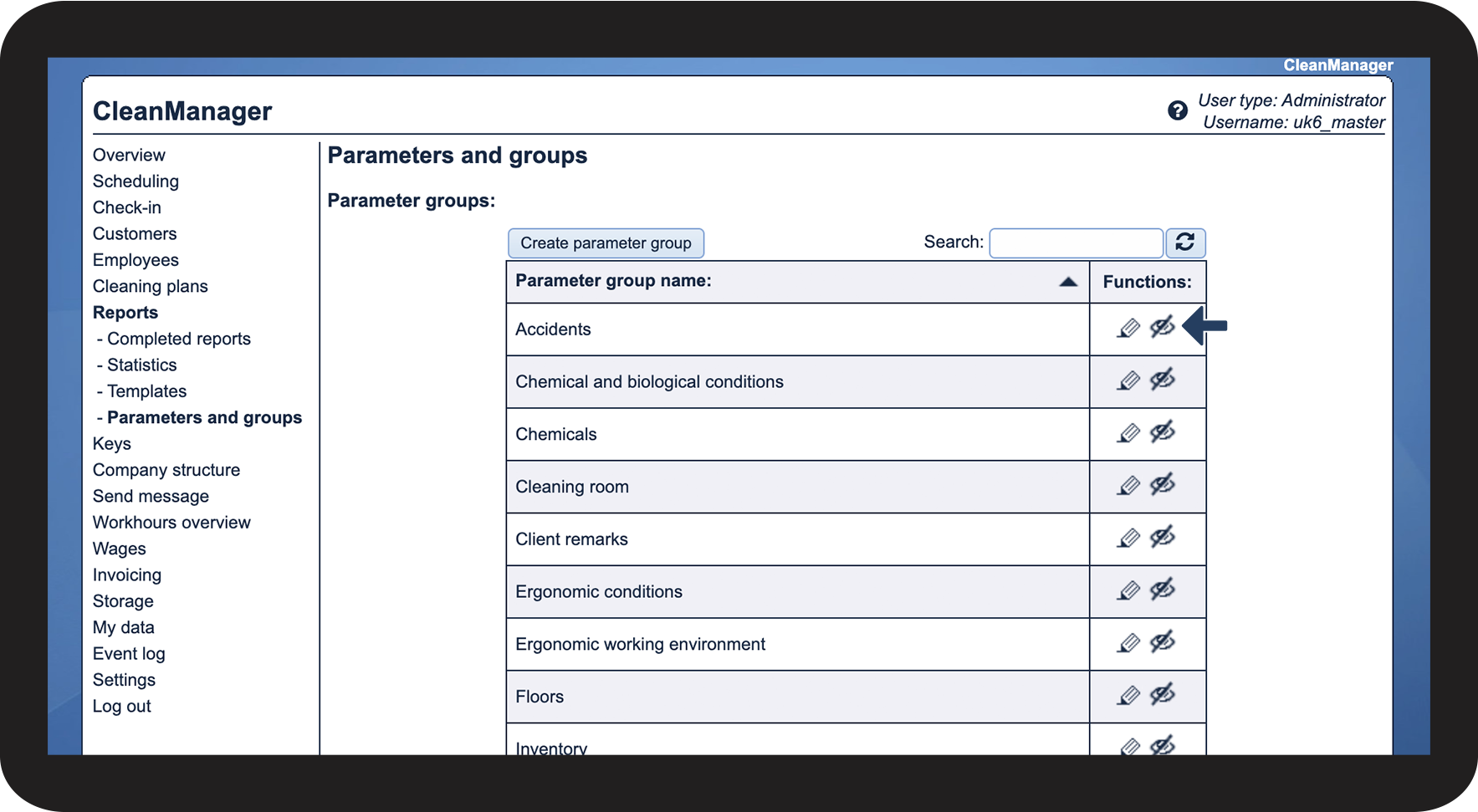

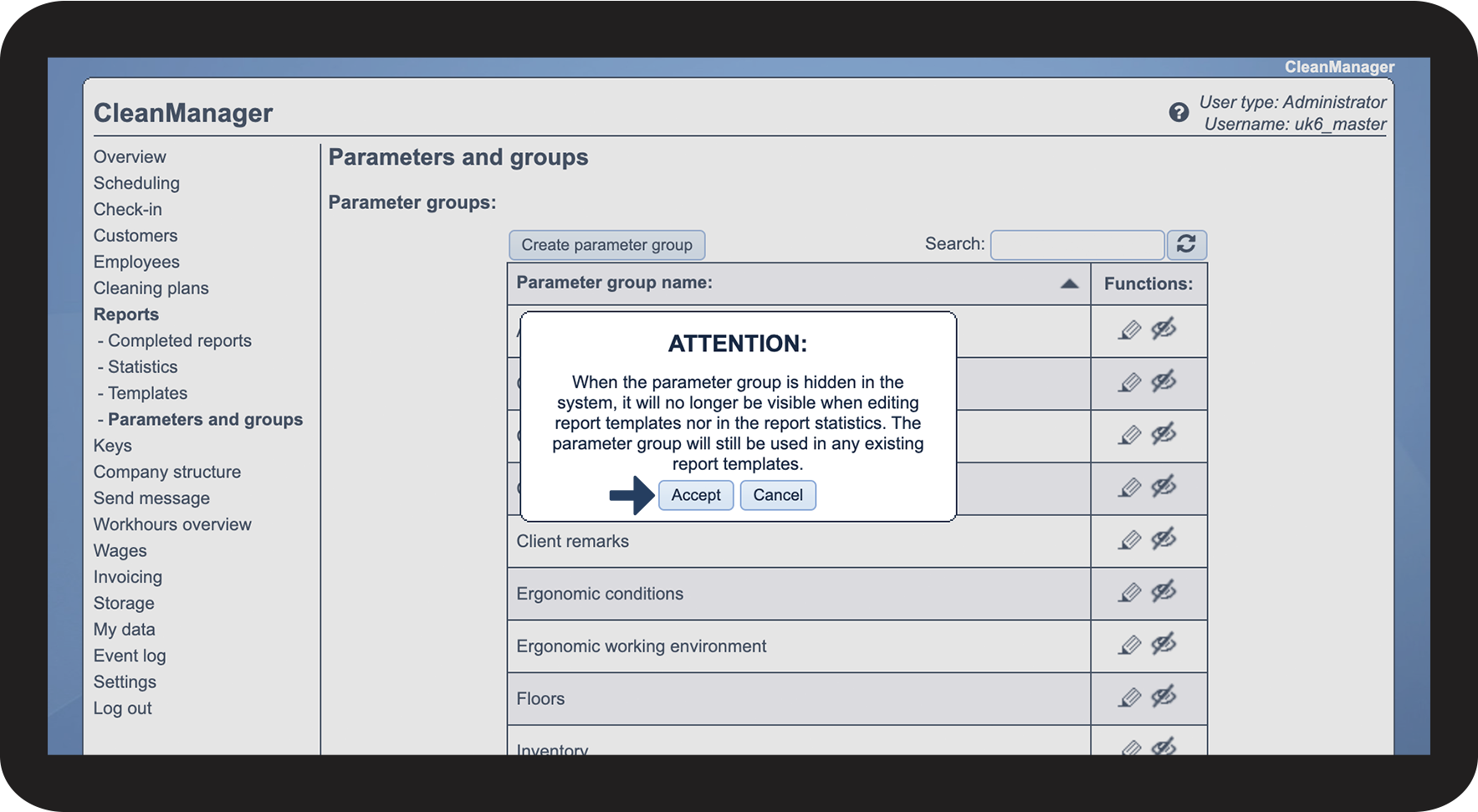

 to make the parameter group visible again