How does the Administrator / Supervisor set which receipts, for the handing out and in of key rings, are to be displayed?
In the receipts, the Administrator / Supervisor can see, the handing out and in of key rings that have been made. It is also possible to see a signature from the employees on these receipts.
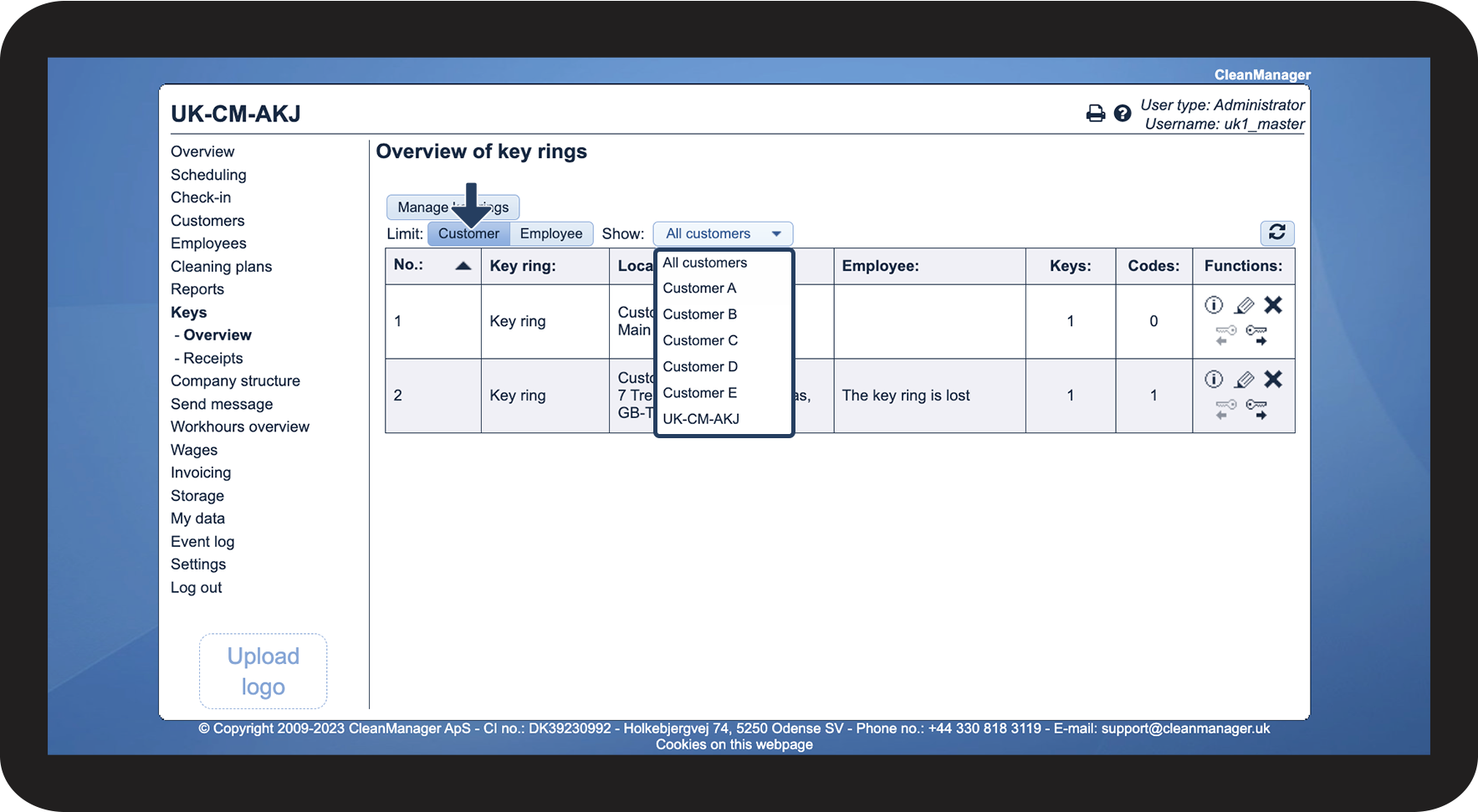
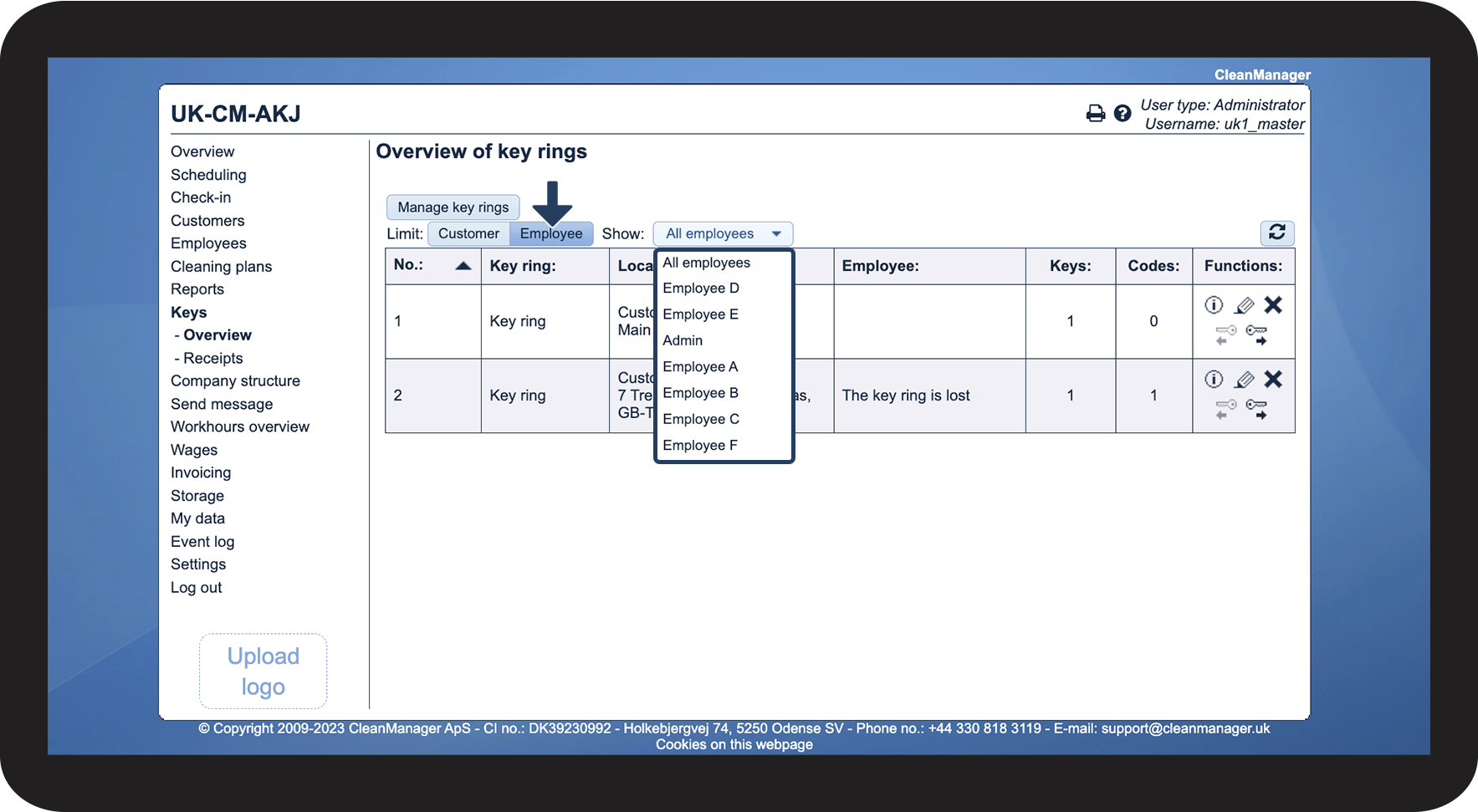
It is possible to customize the overview of the receipts made in the system. The display can be customized to show only customers or employees, as well as whether only a specific one should be shown or all at once.
Administrators can see receipts for all customers and employees. Supervisors can only see receipts for the customers and employees to whom they have access.
In this article, you will learn how to find and view the receipts for the handing out and submission of key rings:
This is what the points in the overview mean

 Hand out
 Hand in
How to view a receipt

How to customize the display of your receipts