
How do I sort my notifications for employees?
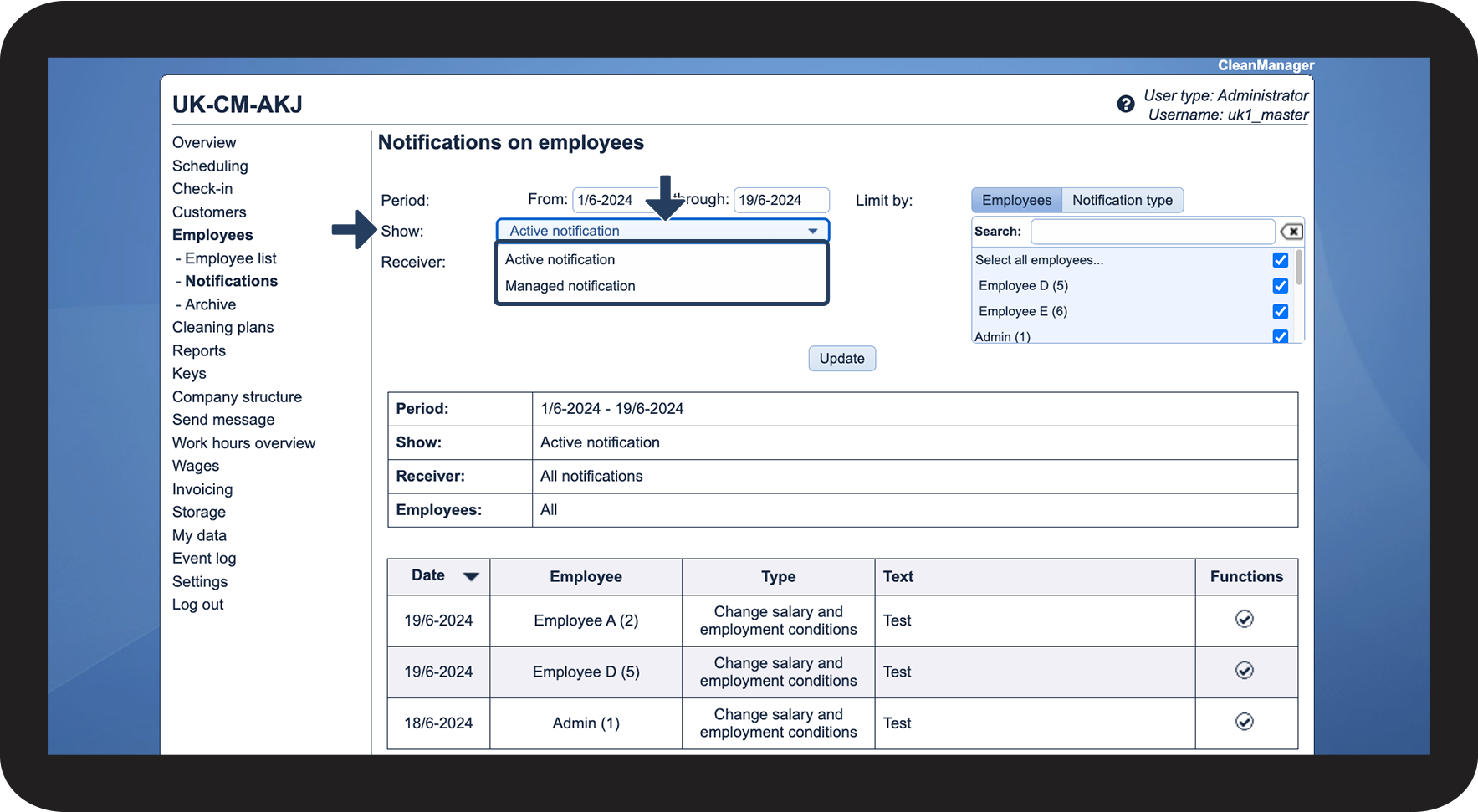
Would you like an overview of notifications that have been triggered for your employees? Or a list of notifications that have already been handled?
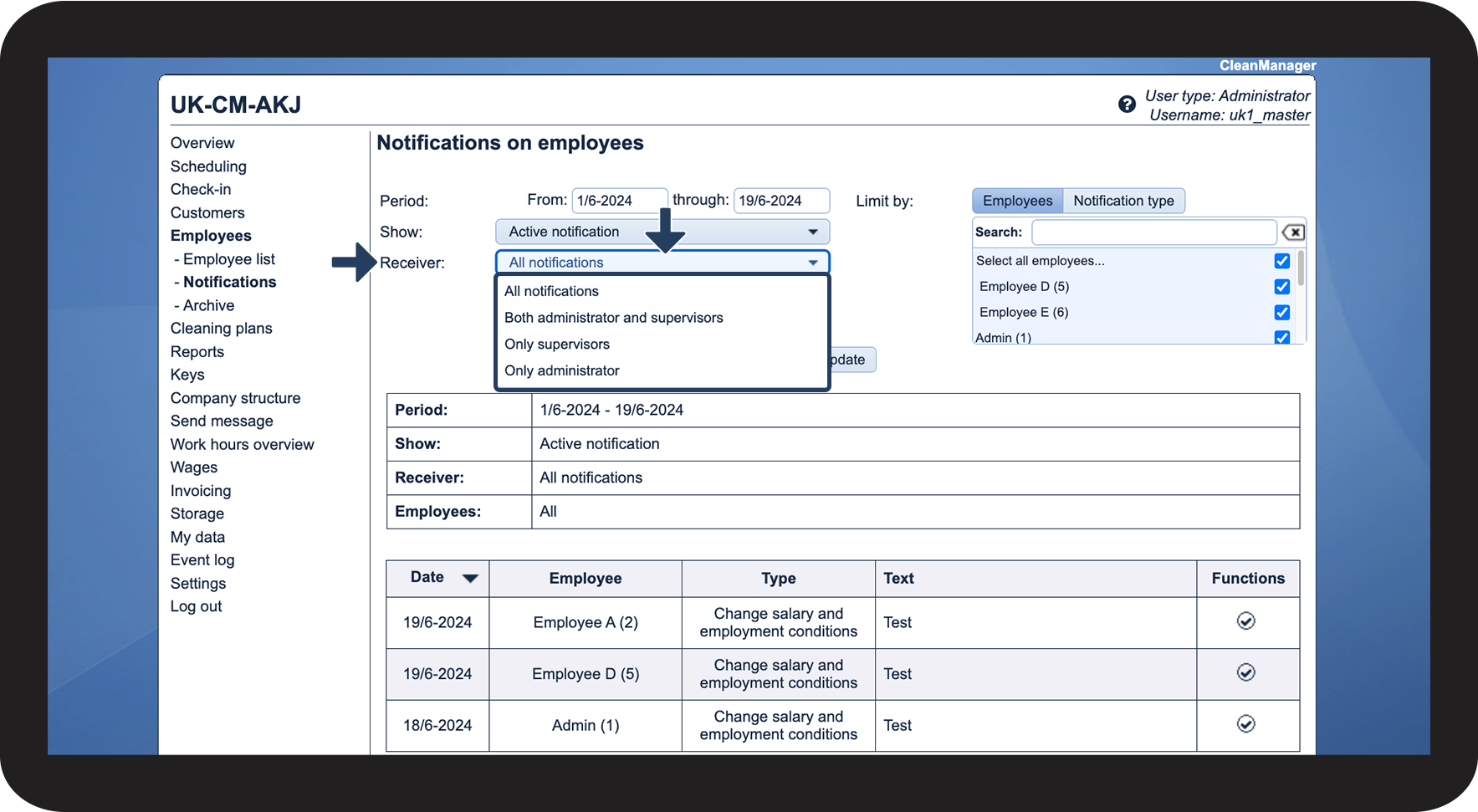
As the administrator or as a supervisor, you can filter your view of notifications so that you only see the ones that are relevant for your search.
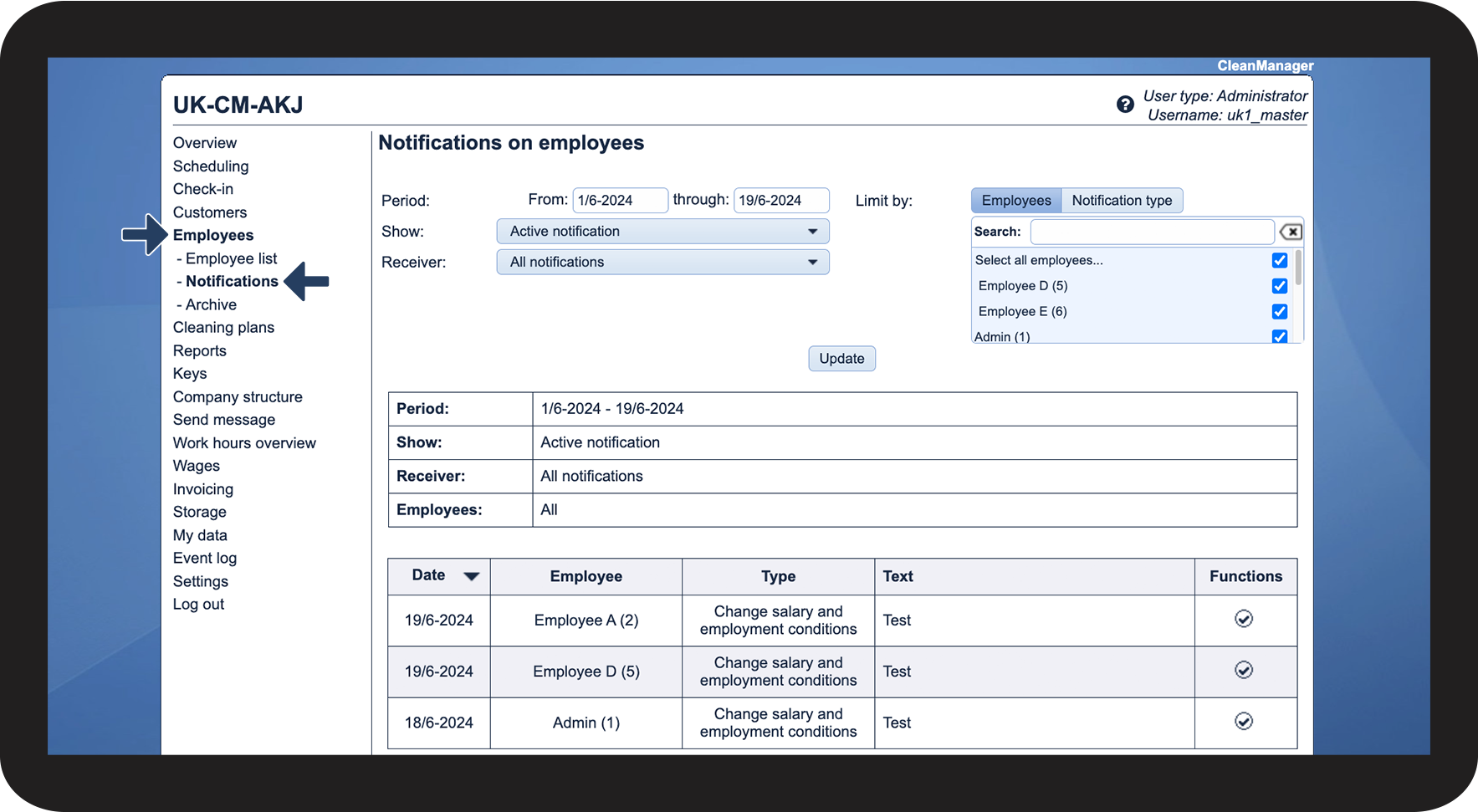
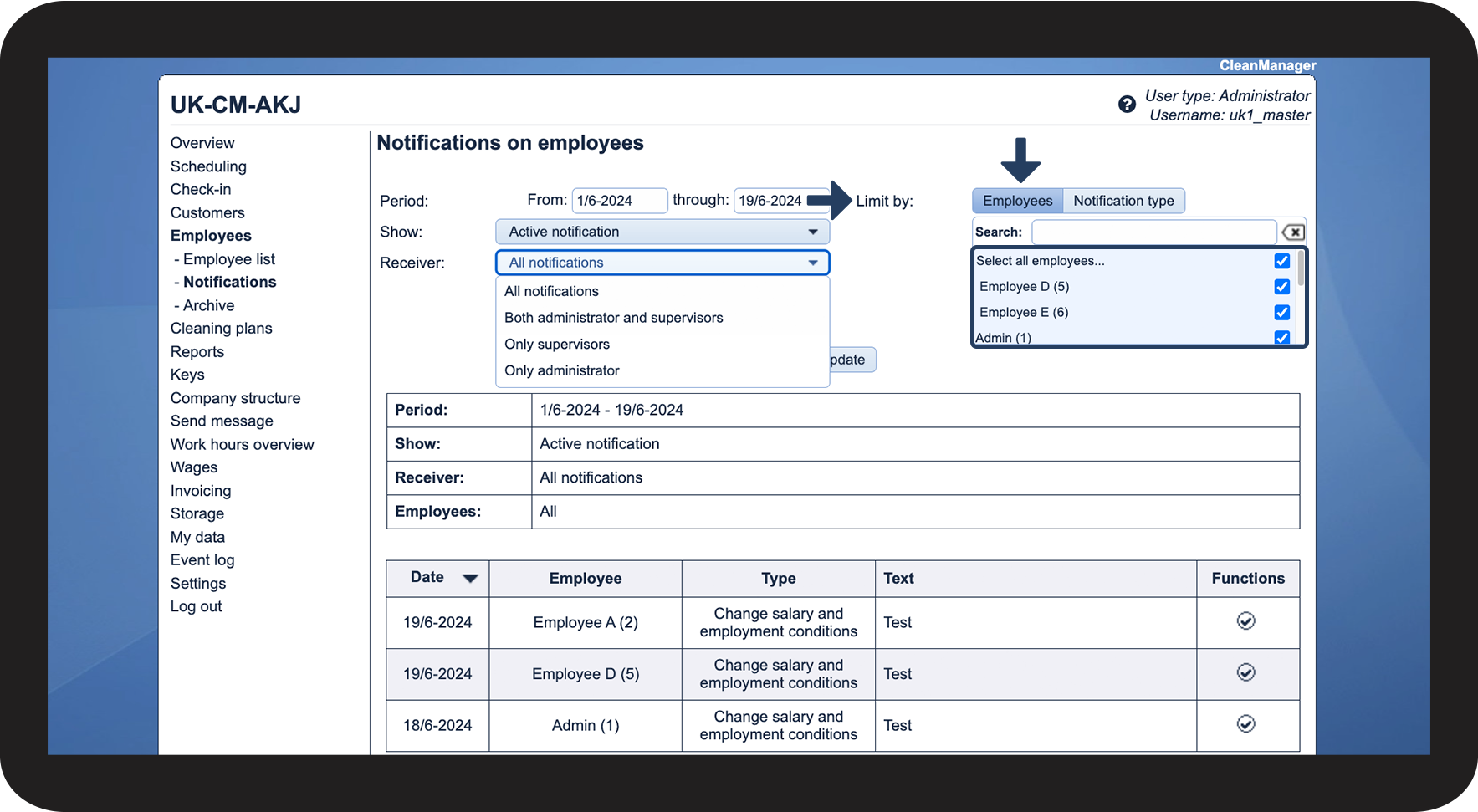
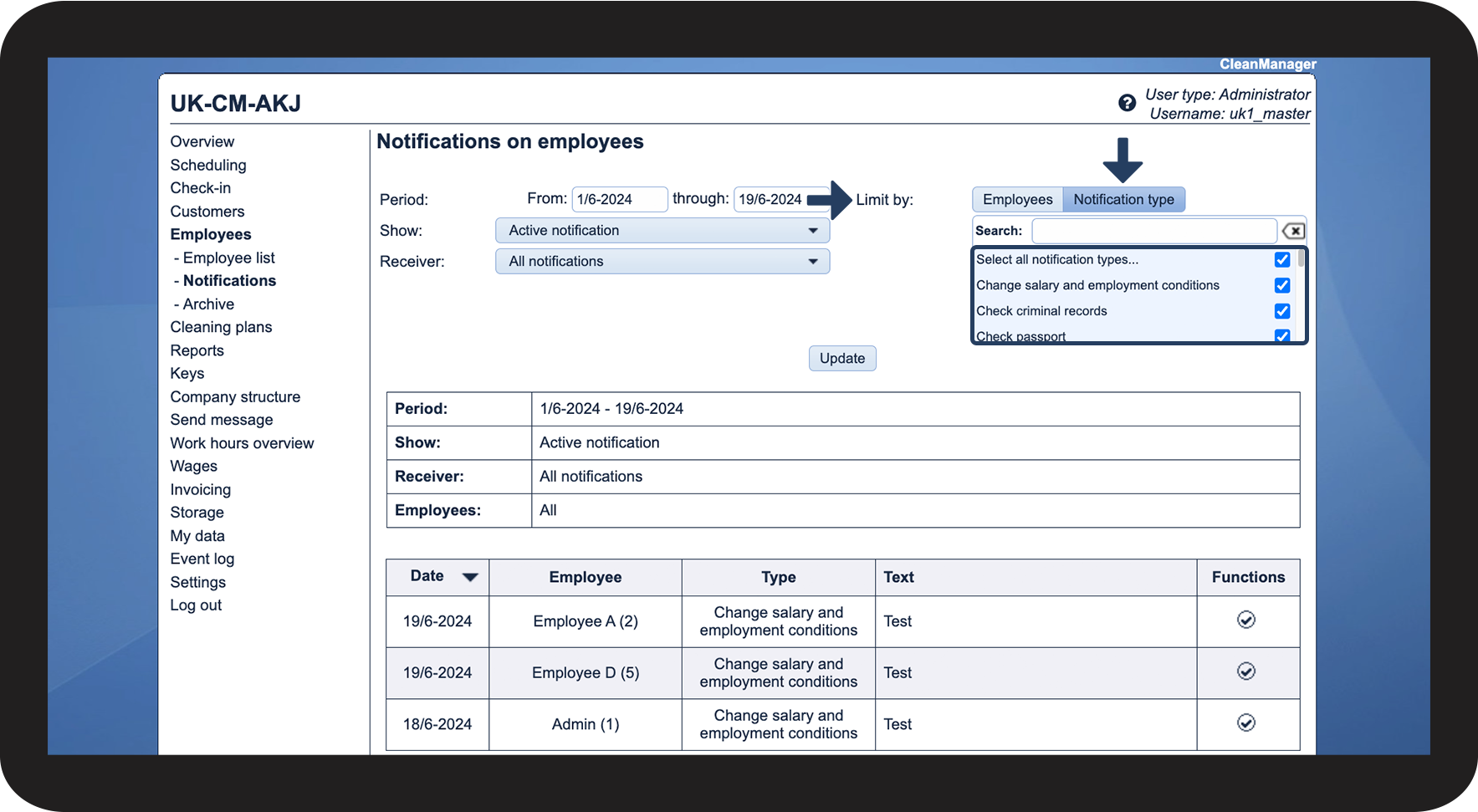
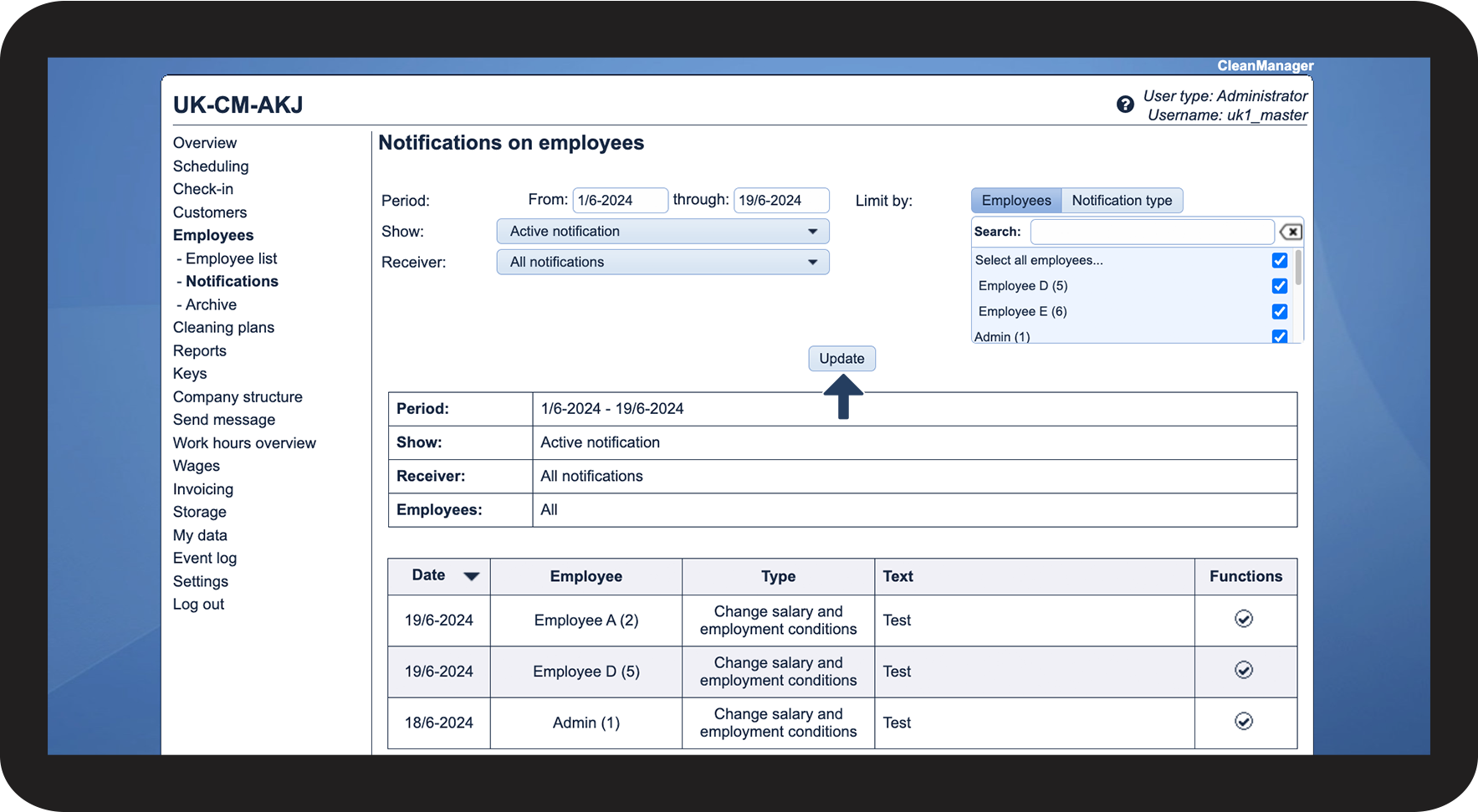
In this article, you will learn how to find and sort your active and/or handled employee notifications:
This is how you can sort your notifications


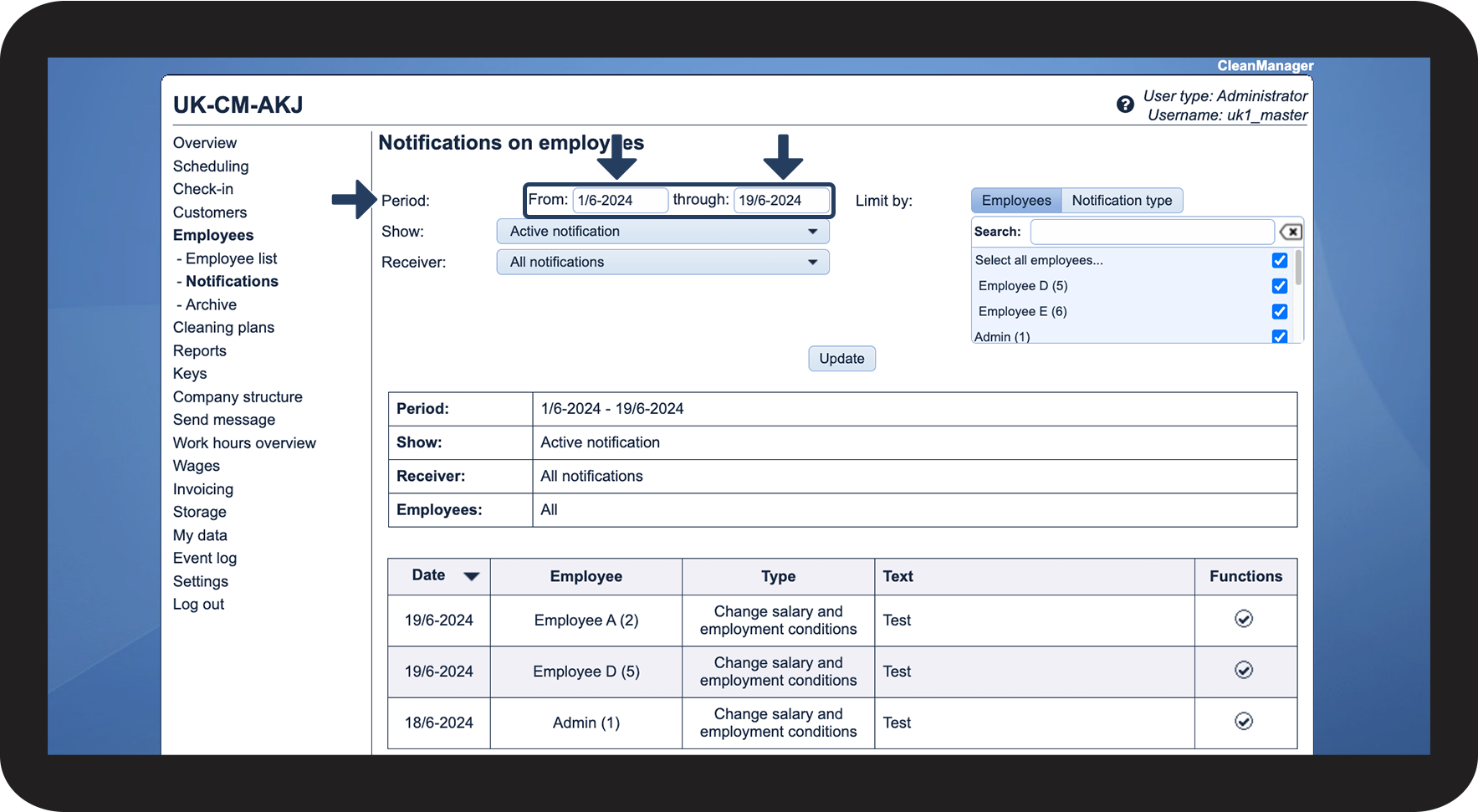
NOTE:
The end date cannot be after today's date.





Continue to the article Managing employee notifications
Here, you can read more about the options for handling your employee notifications in the system.