Features in My data
What functions can I access in the menu item My data?
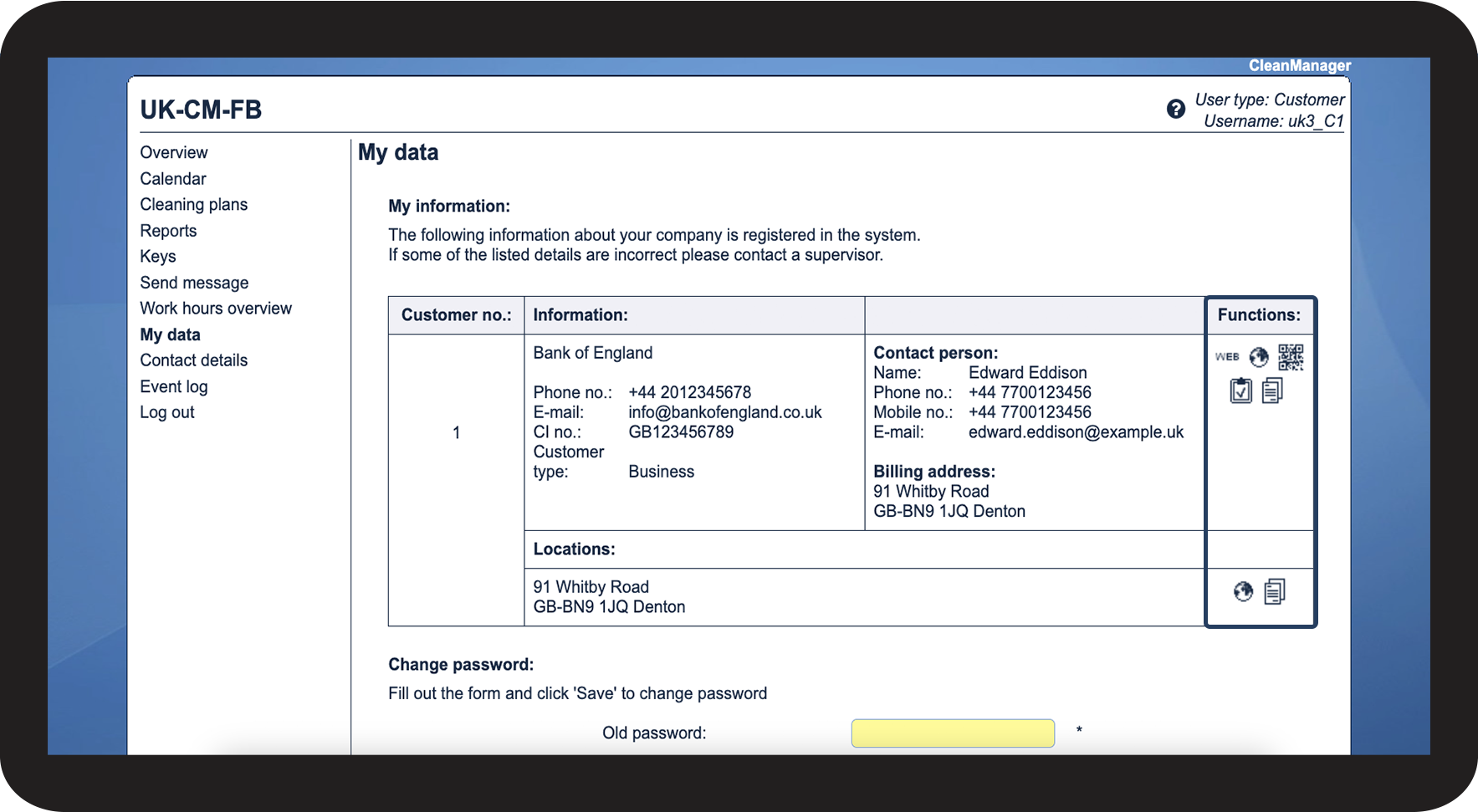
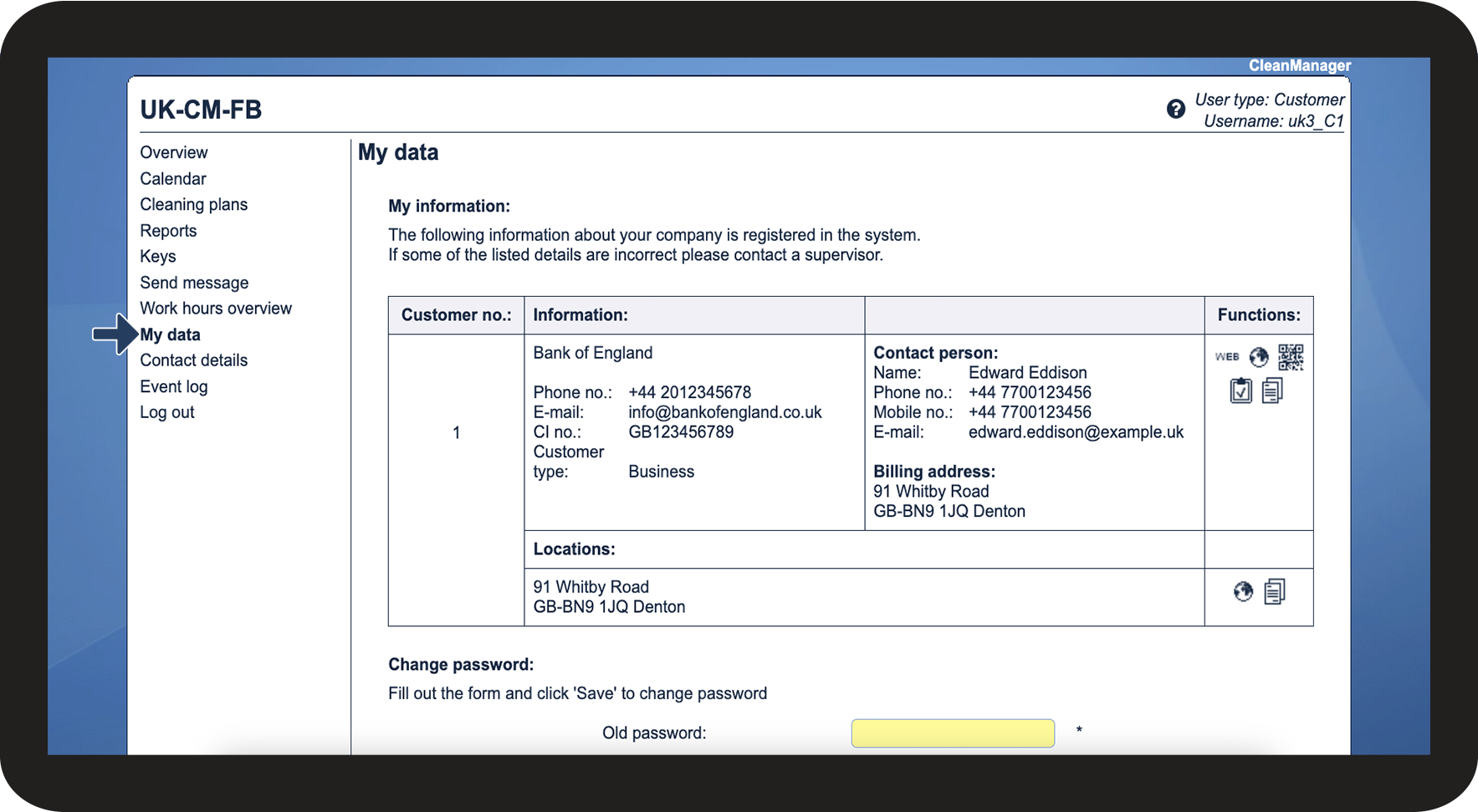
If you, as the customer contact, have received access to CleanManager by your cleaning company, a list of functions will be available to you in the menu item My data. This includes viewing attachments that have been uploaded to your customer account.
In this article, you will learn which functions the customer contact can access on the menu item My data:
These are the functions you have access to in My data

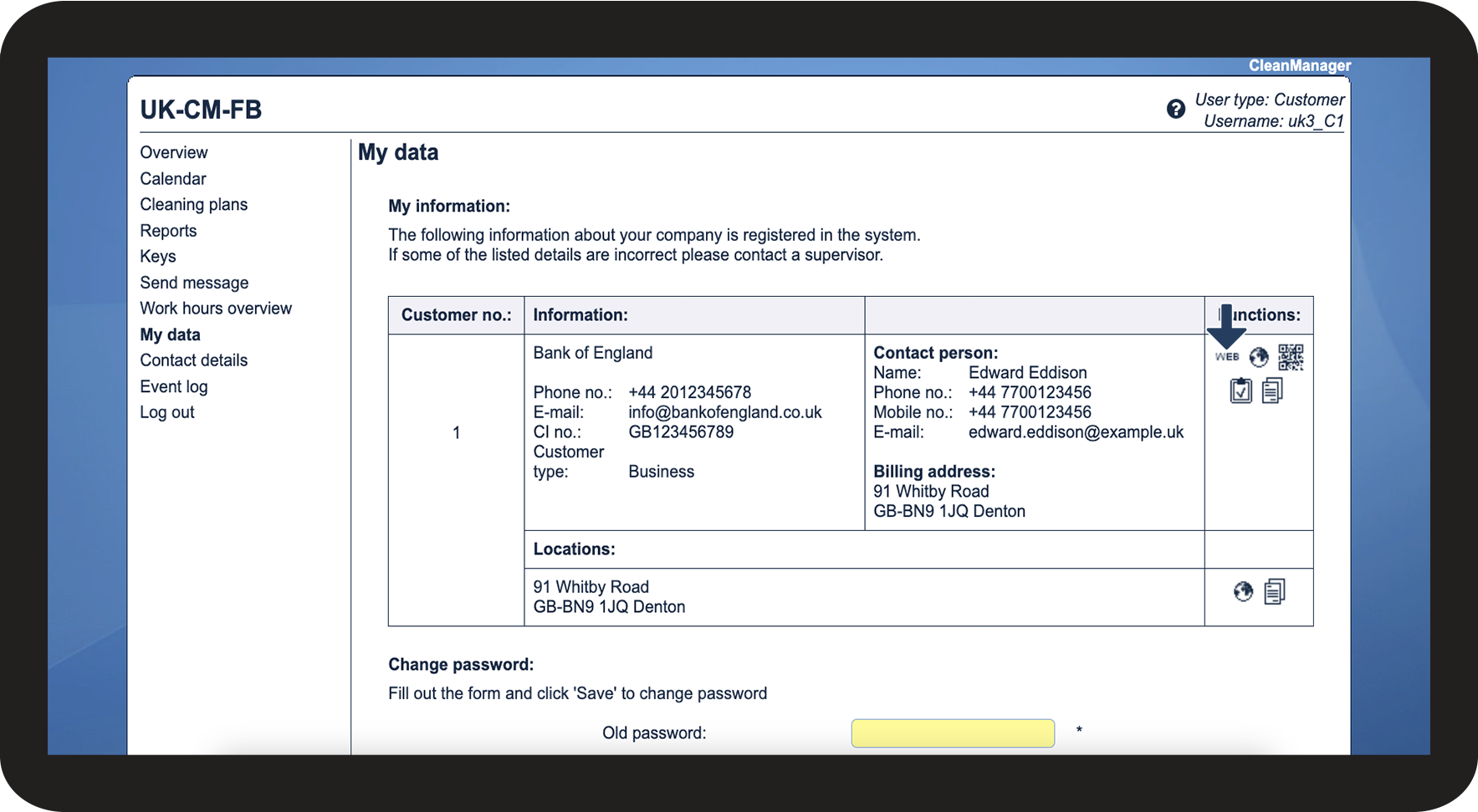
View homepage 
Click on this icon to access your website, if the cleaning company has added it to your information

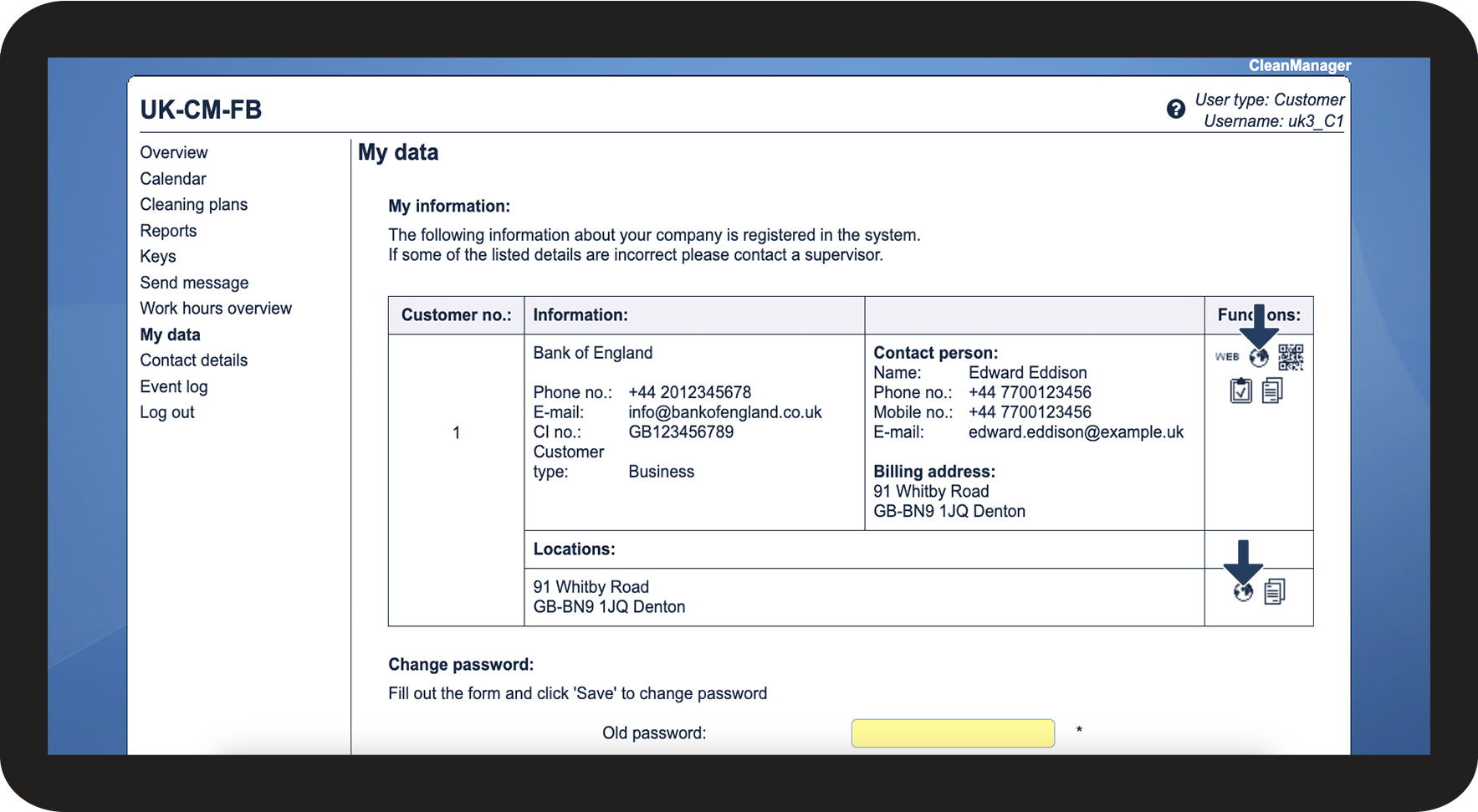
View address on map 
This function will display your address in Google Maps. It is available for each of your locations.


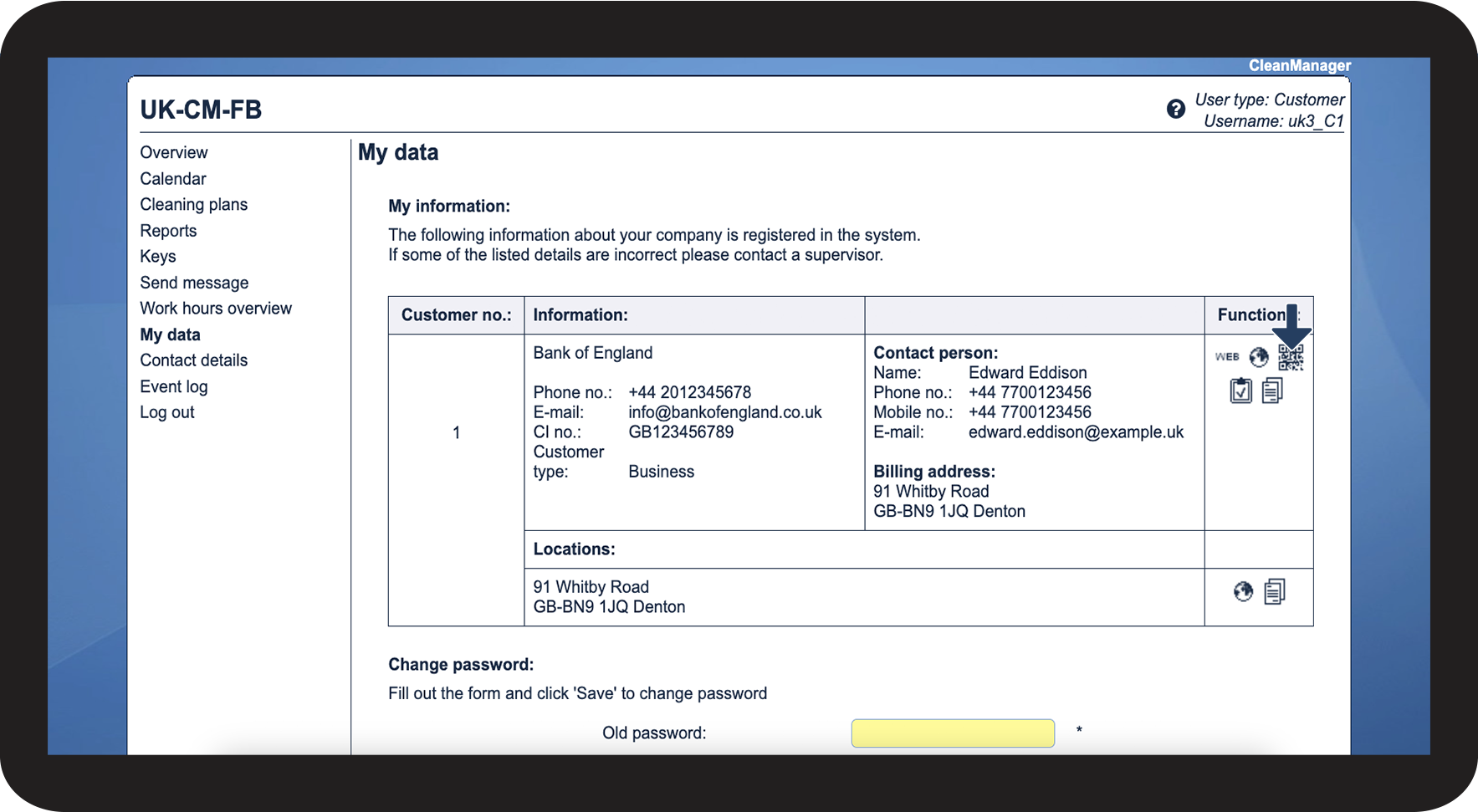
This function generates a QR code that contains your most important contact information. It can be used to quickly add you as a contact on a mobile device.
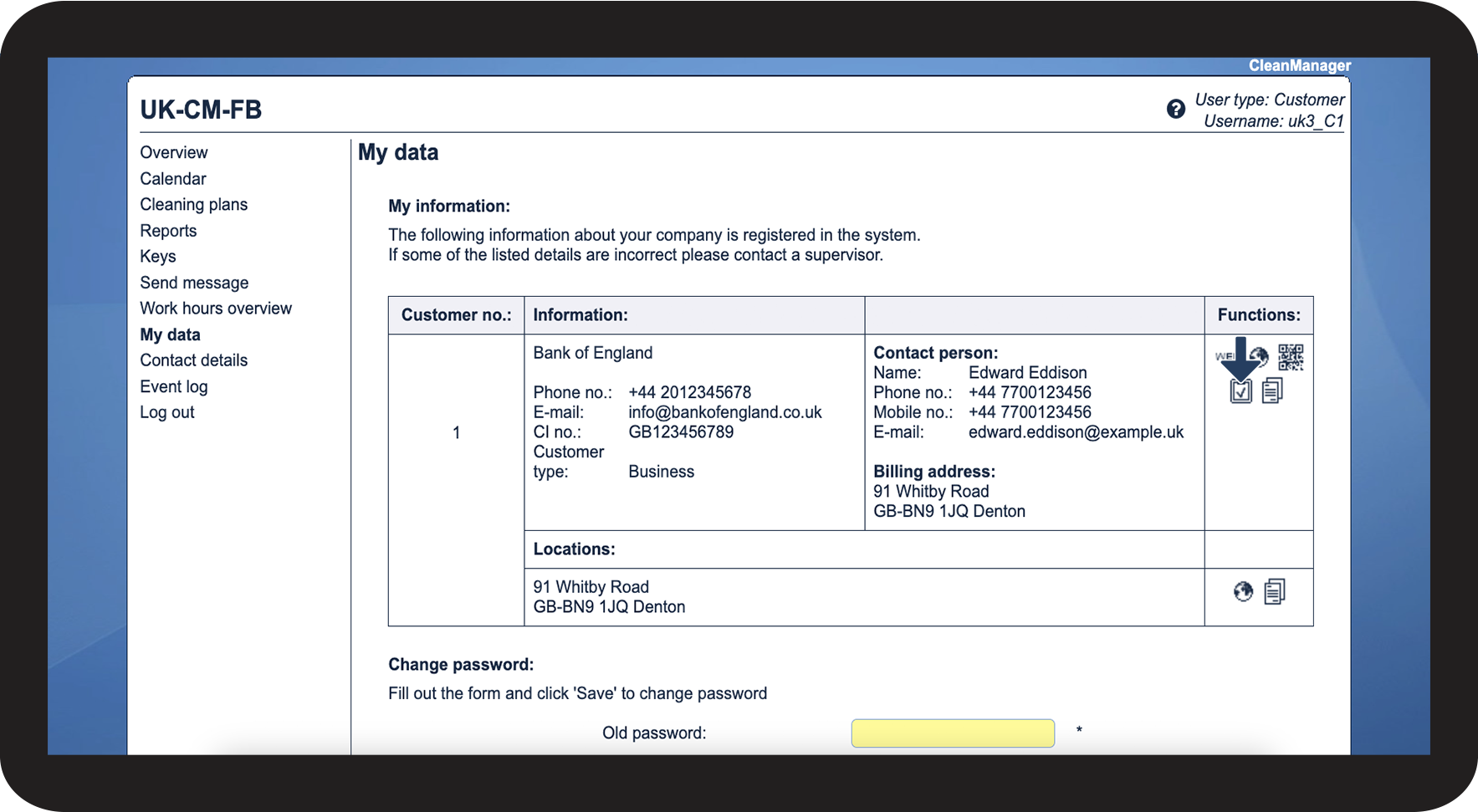
View completed reports 
NOTE: You only have access to this function if your cleaning company has activated the Audits add-on module.
Here, you can access audits completed by either the cleaning company or yourself. Learn more about how to fill out audits here: Filling out a report as a Customer contact

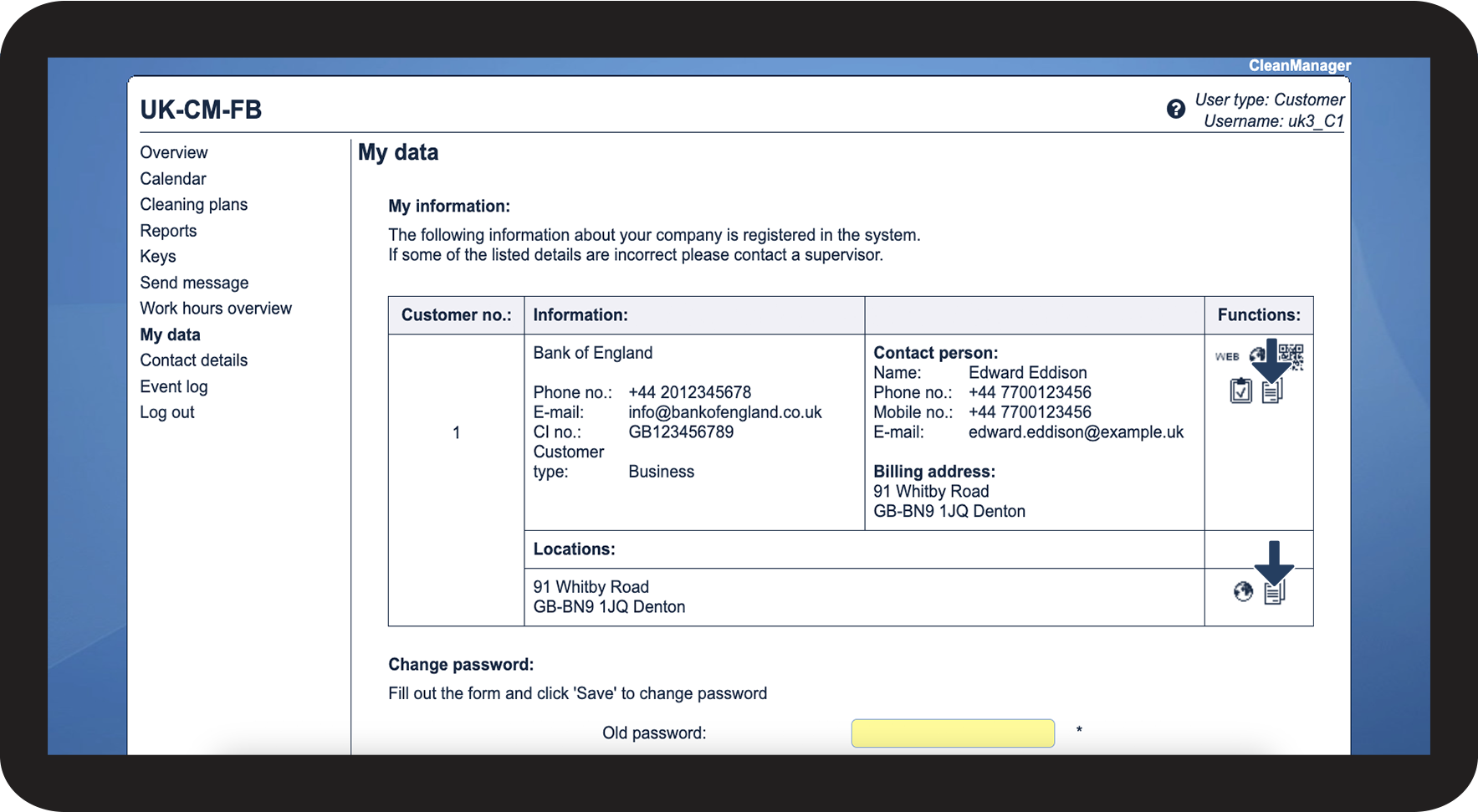
Here, you can access the files and hyperlinks that your cleaning company has made available on your user account.