Extracting data as an Administrator or a Supervisor (Statistics)
How do I extract data from the reports as an Administrator or a Supervisor?
As Administrator, you have access to all completed reports for all customers.
Supervisors can see completed reports for the customers who are within the areas the supervisors are associated with under Company structure. For more information regarding this, go to Company Structure.
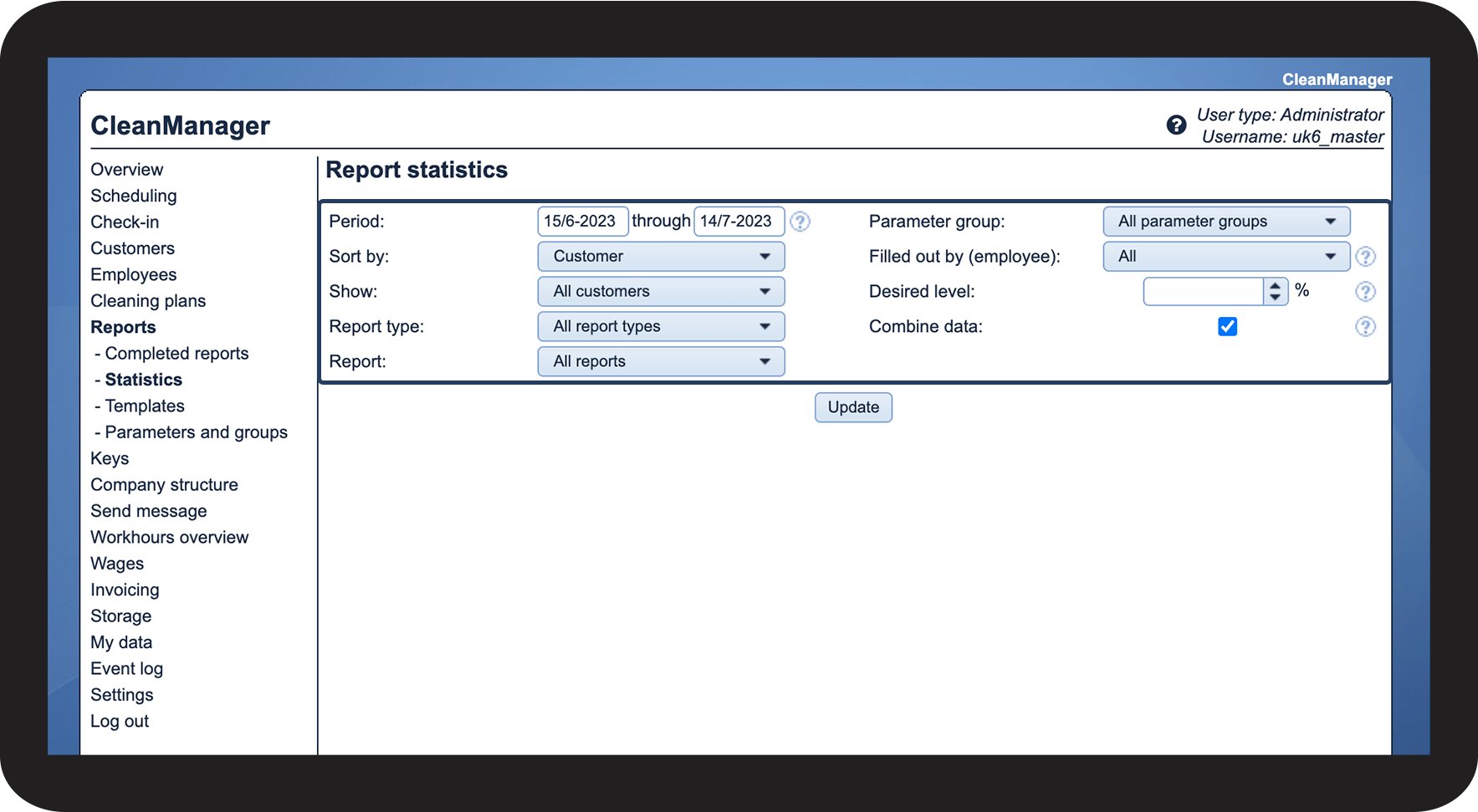
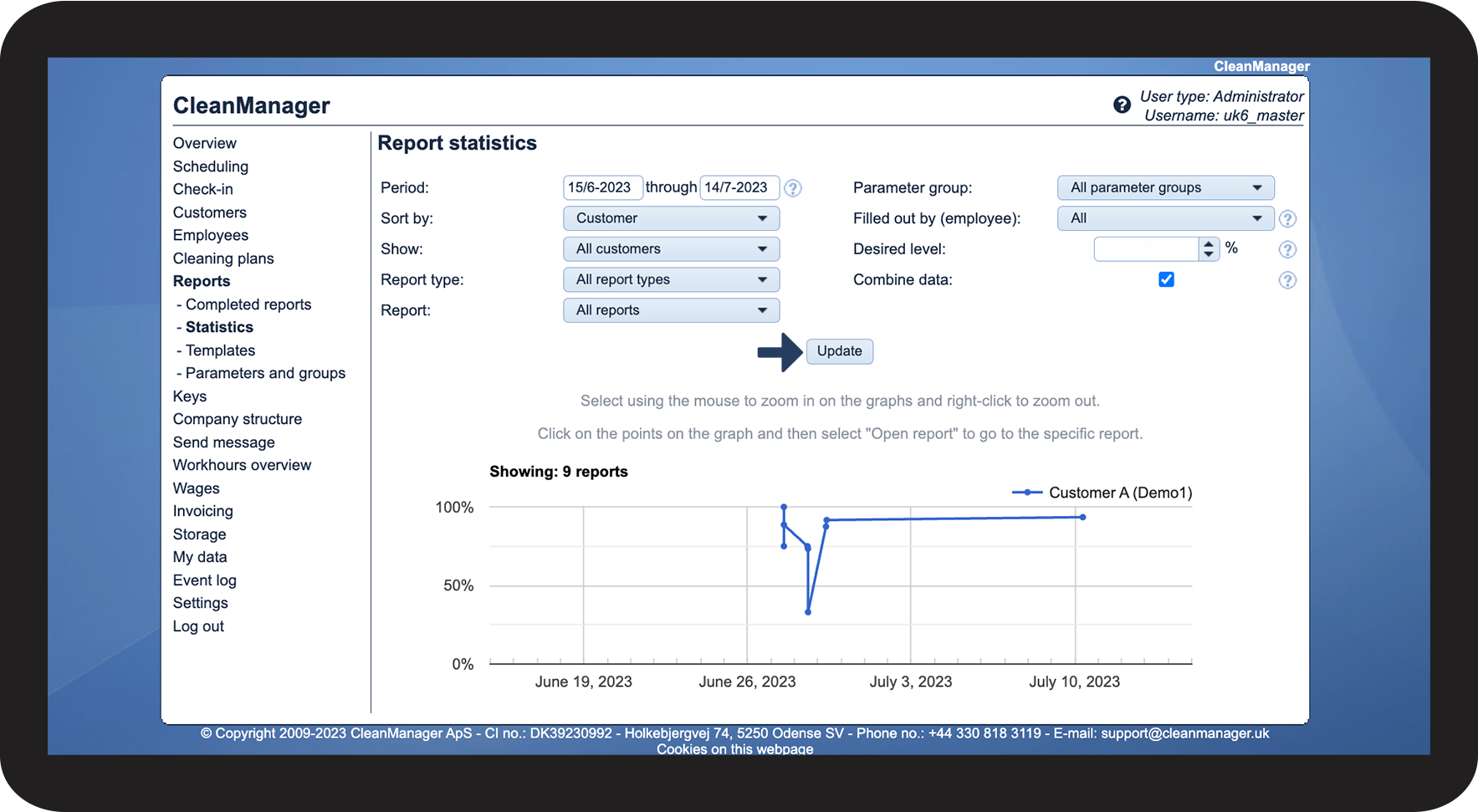
When you go to Statistics, you have the option to specify what data you want to be extracted.
In this article, you will learn about your options for extracting data:
How to sort your data extraction

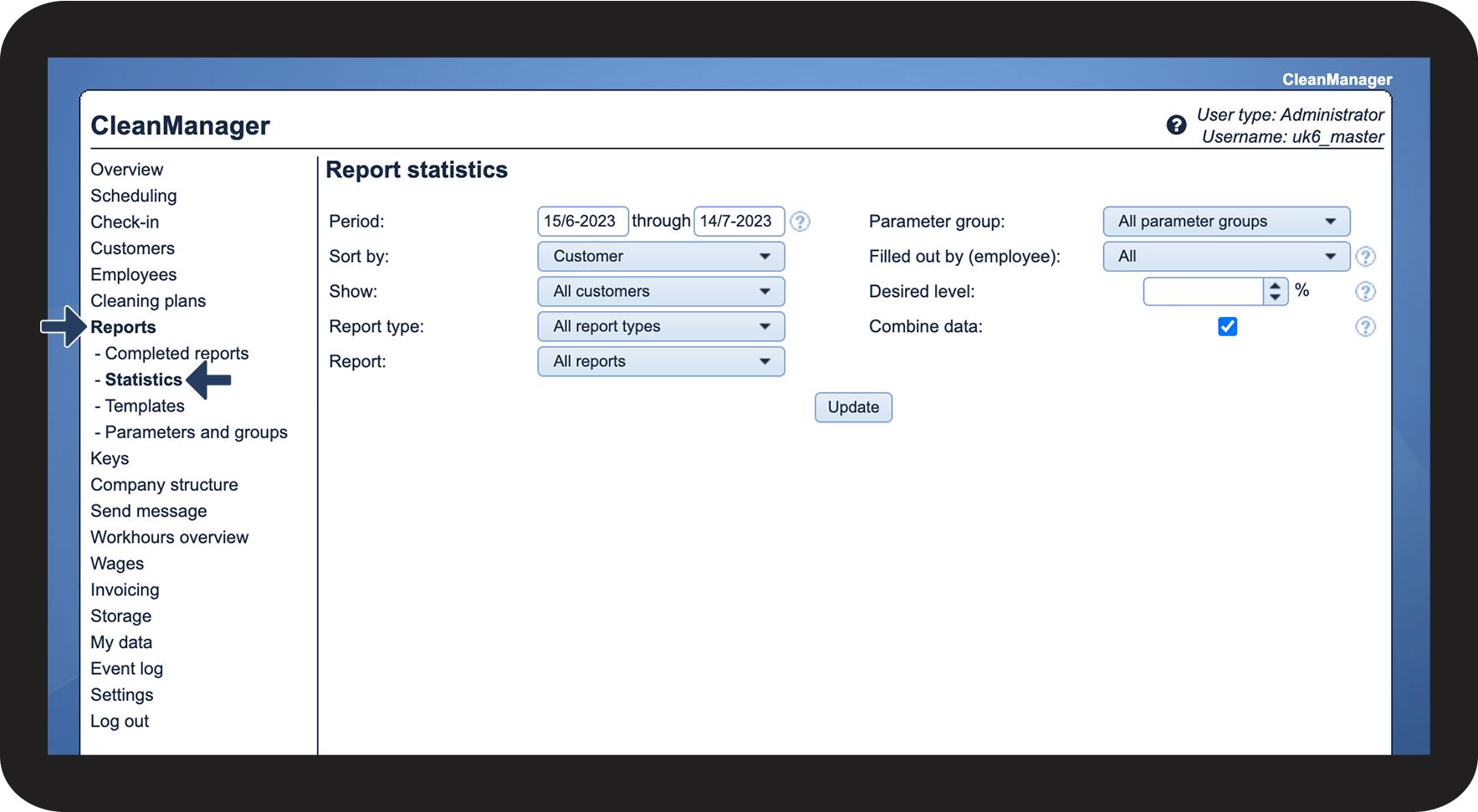
See a description of the different options in section 2: Description of your options


Description of your options
You can narrow or broaden your search by entering a start and end date.
The graph will only focus on this time period.
You can decide whether you want to look at all report types or a specific type. Depending on your choices, it may impact your options in Report.
Report
Your options for report templates in this part depend on your previous choices in Show and Report type.
Your choice here can also impact Filled out by (employee). If you select a specific report template as well as a specific employee who has not filled out this template, there will be no data to show.
You can use this if you wish to extract data on a specific parameter group.
Mark your desired level for the report score. You can enter a percentage value from 0 to 100. If you enter a number, your graph will display a red dotted line to mark your bottom line. You can also leave the function blank.