How do I export the work hours overview as the administrator/supervisor?
As the administrator, you can export the work hours overview by downloading the data as a CSV file. You also have the option to print out the overview or save it as a PDF file on your device.
As a supervisor, you can print out the overview or save it as a PDF file.
In this article, you will learn how to export the work hours overview:
- How can I find the work hours overview?
- How do I export the work hours overview?
- How do I print out the work hours overview or download it as a PDF file?
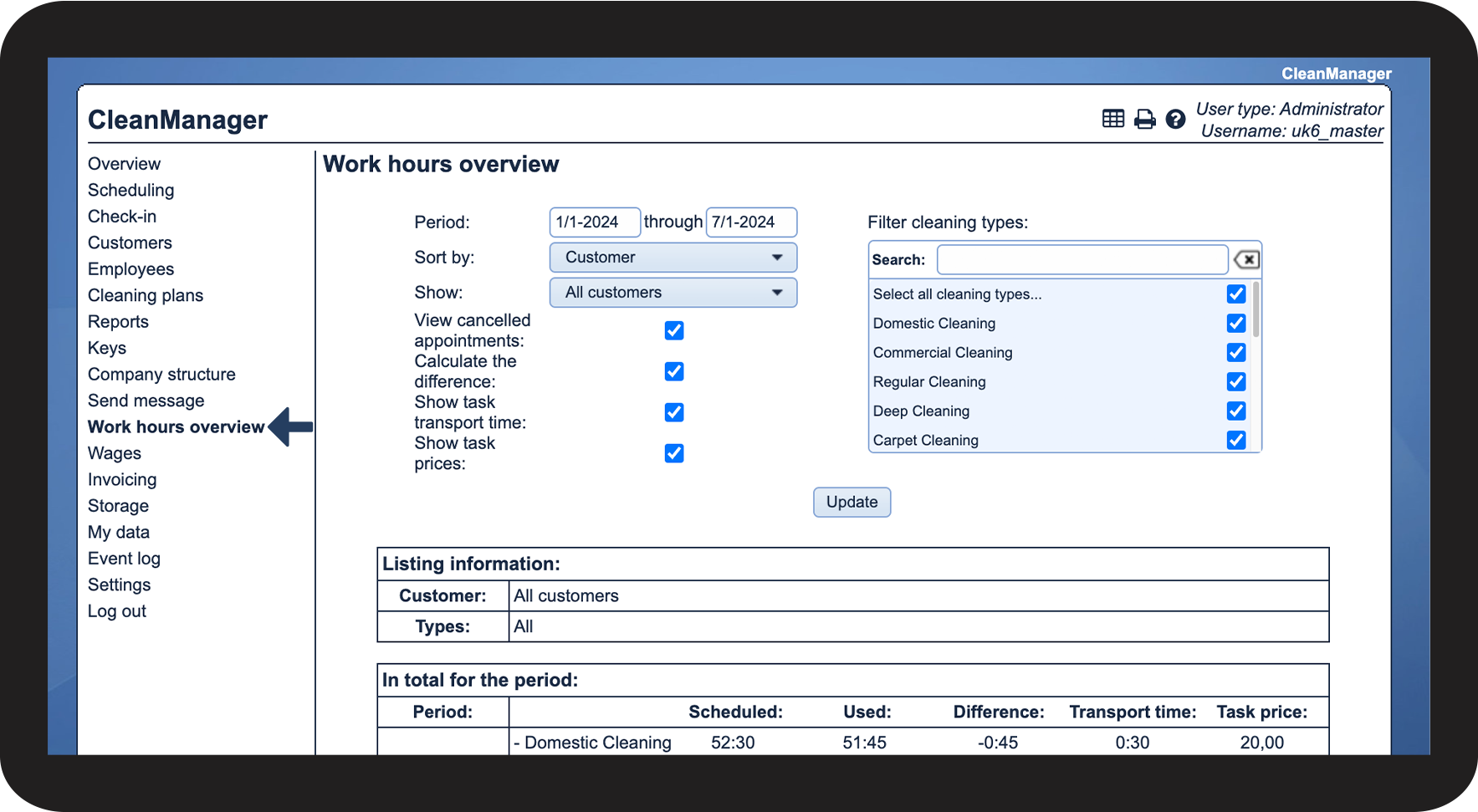
This is how you find the work hours overview

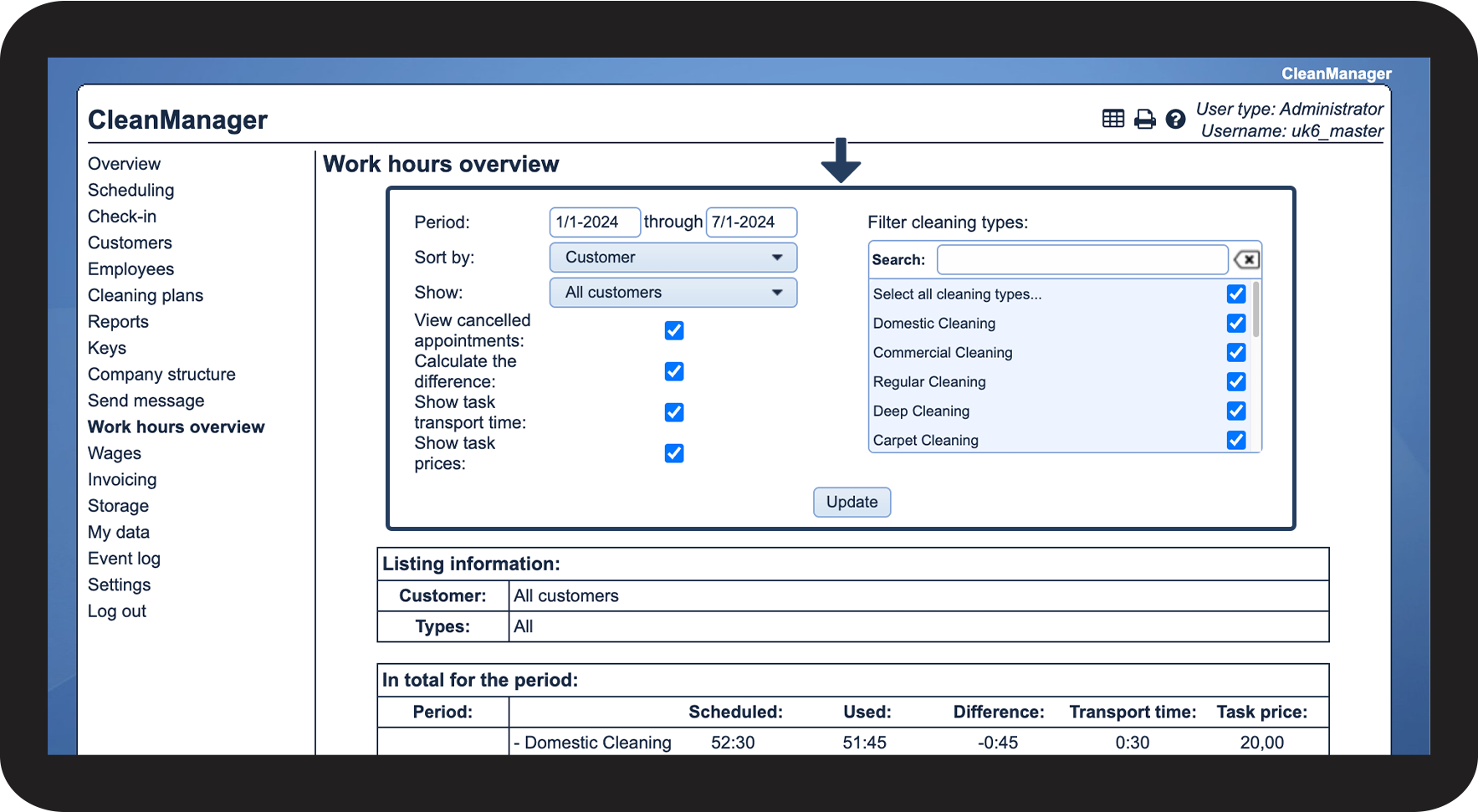
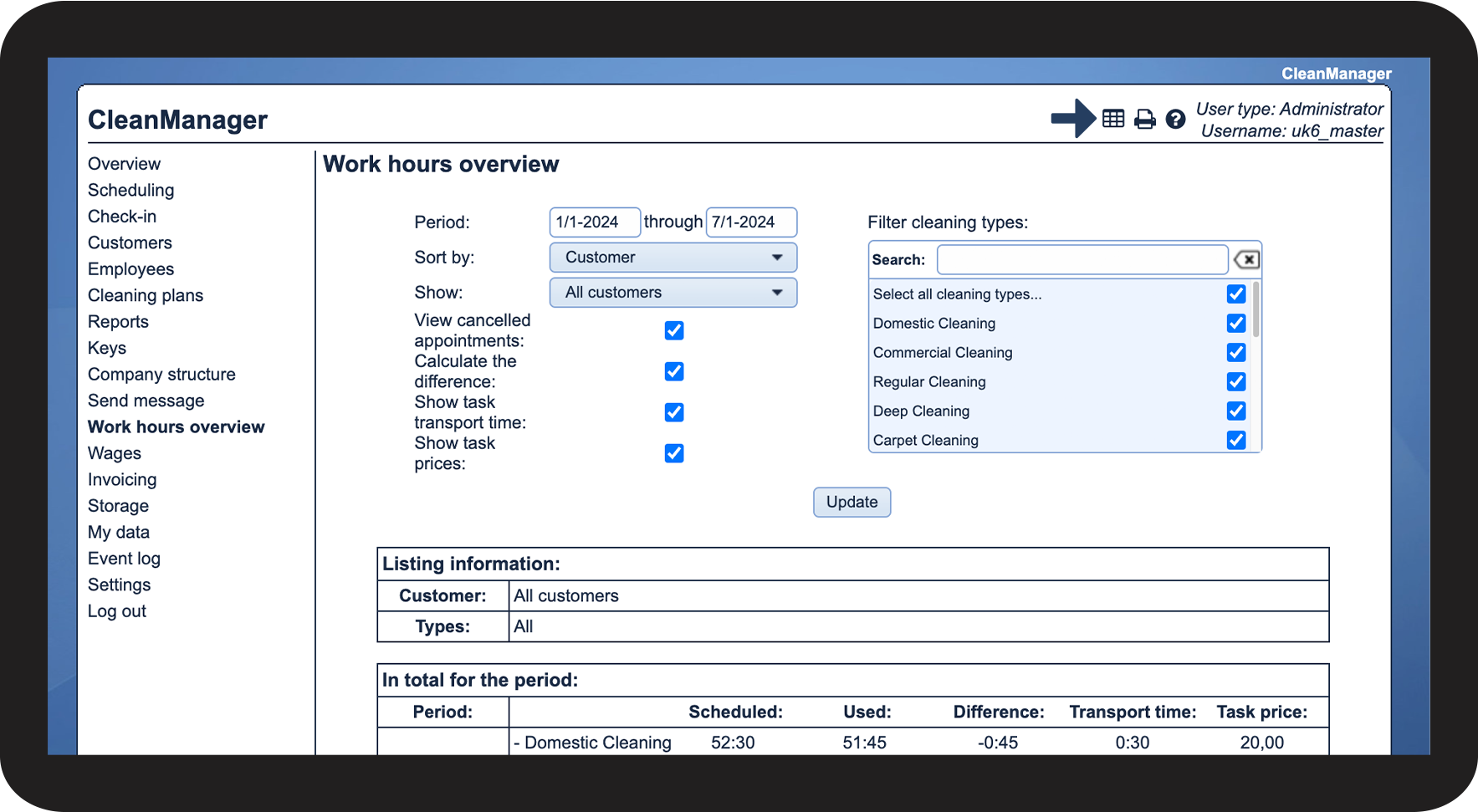
This is how you export the work hours overview as the administrator
NOTE:
If you are signed in as a supervisor, you will not have the option to export the work hours overview as a CSV file. However, you can still make a printout.



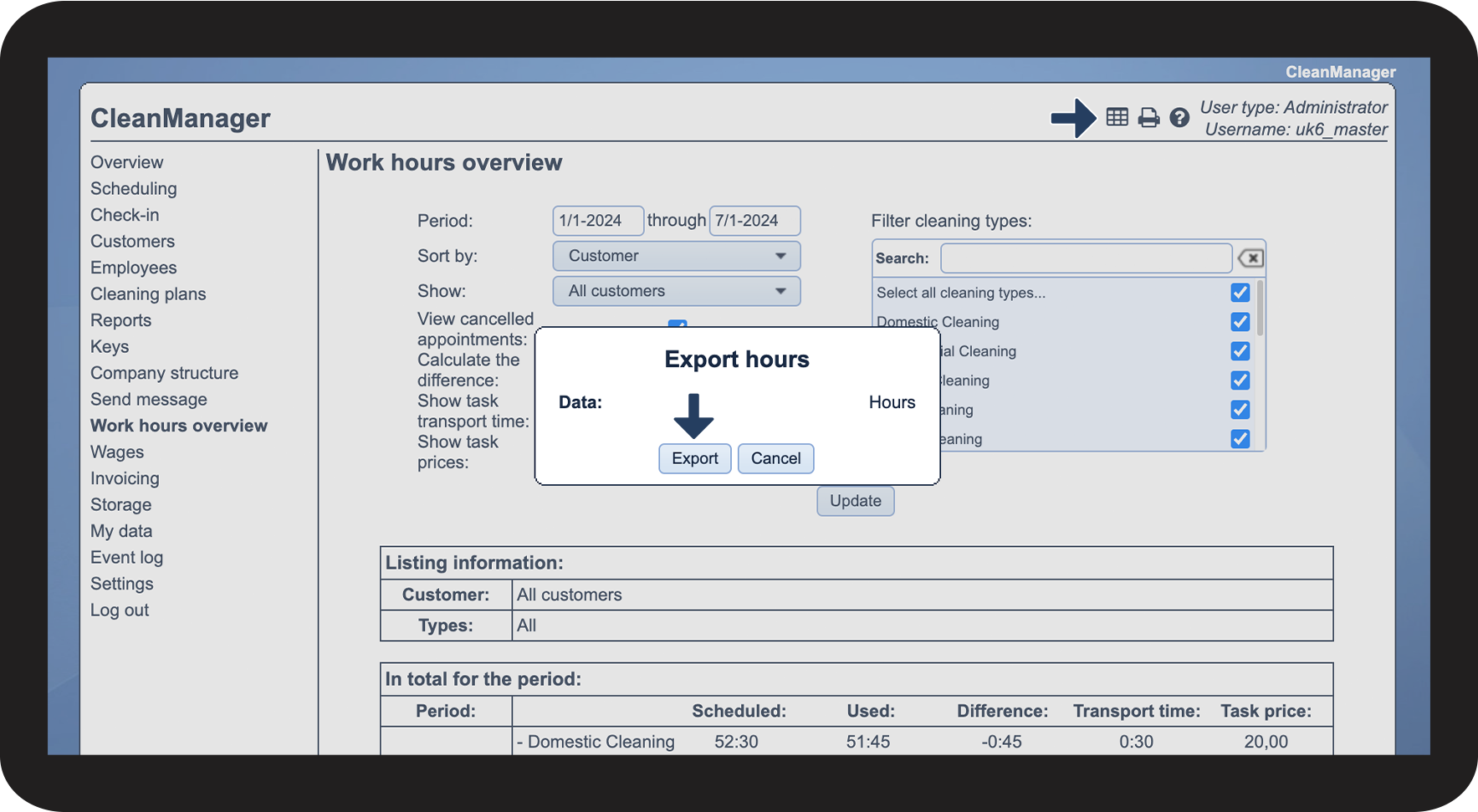

NOTE:
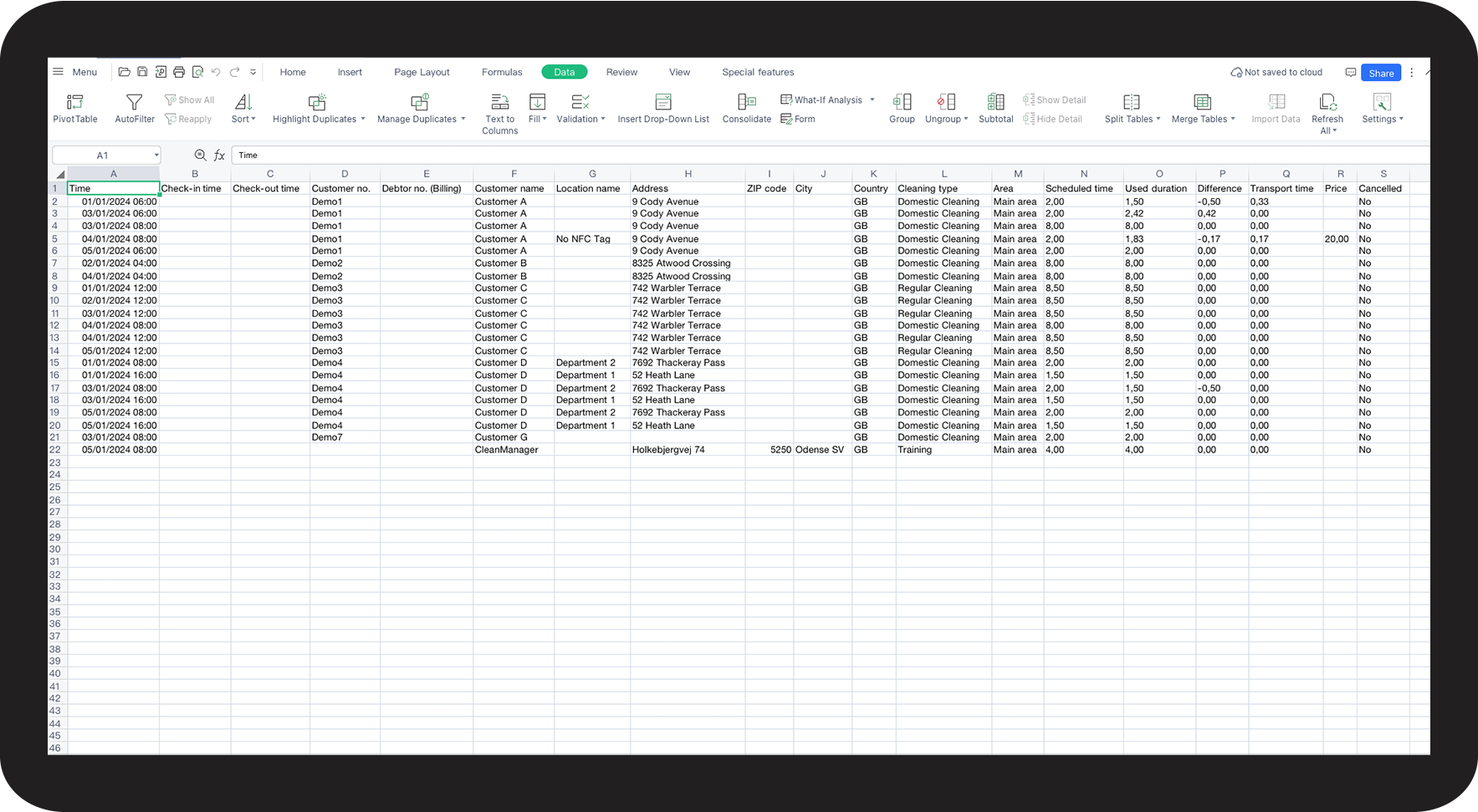
Open the CSV file from an empty sheet in Excel. In Excel, go to Data > Get data and select Text/CSV. Browse your computer and select the file. Before loading it, set the file to file origin: 65001: Unicode (UTF-8) and the delimiter to Semicolon.
For this example, the file has been imported into WPS.
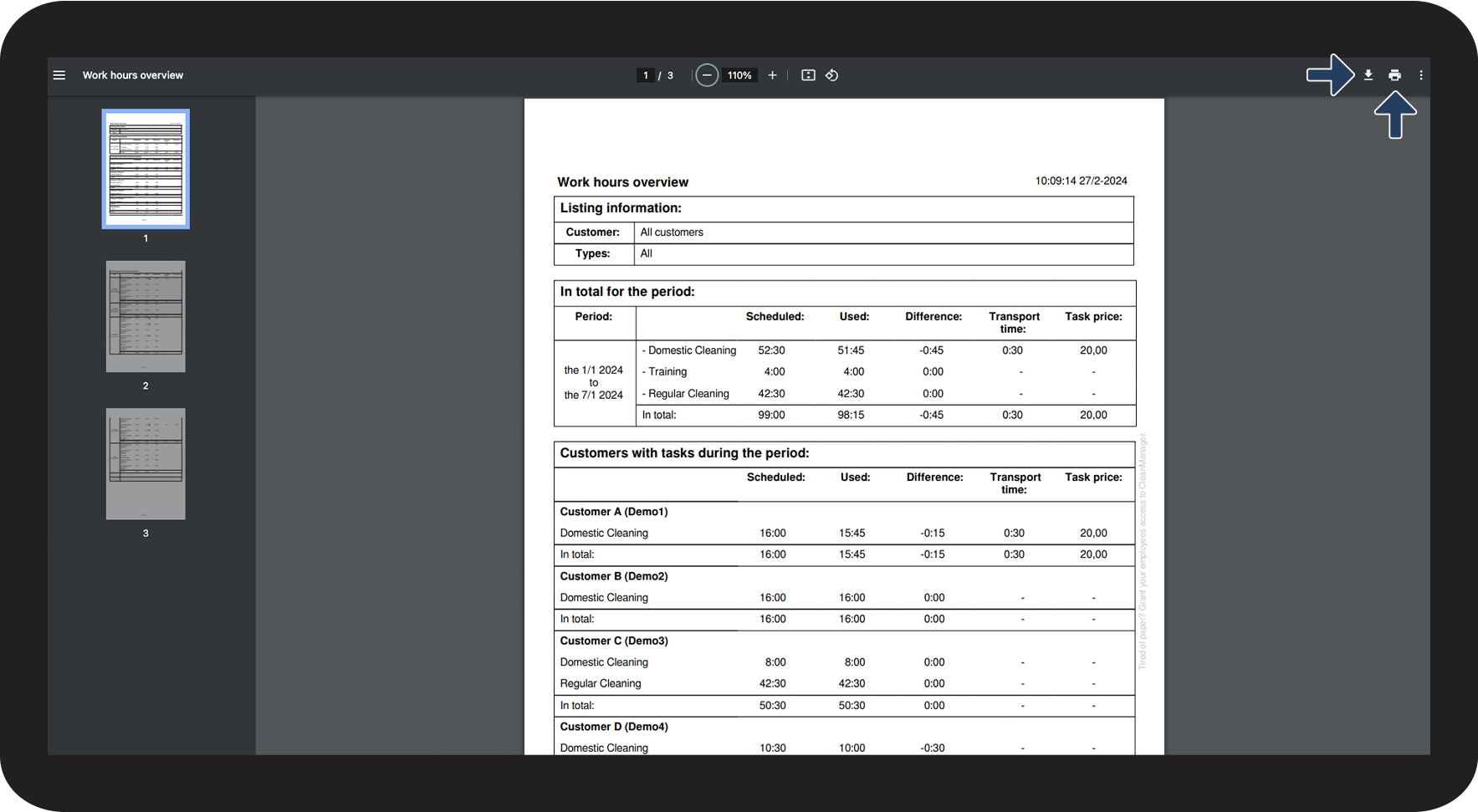
This is how you print and/or download the work hours overview as a PDF file as the administrator/supervisor

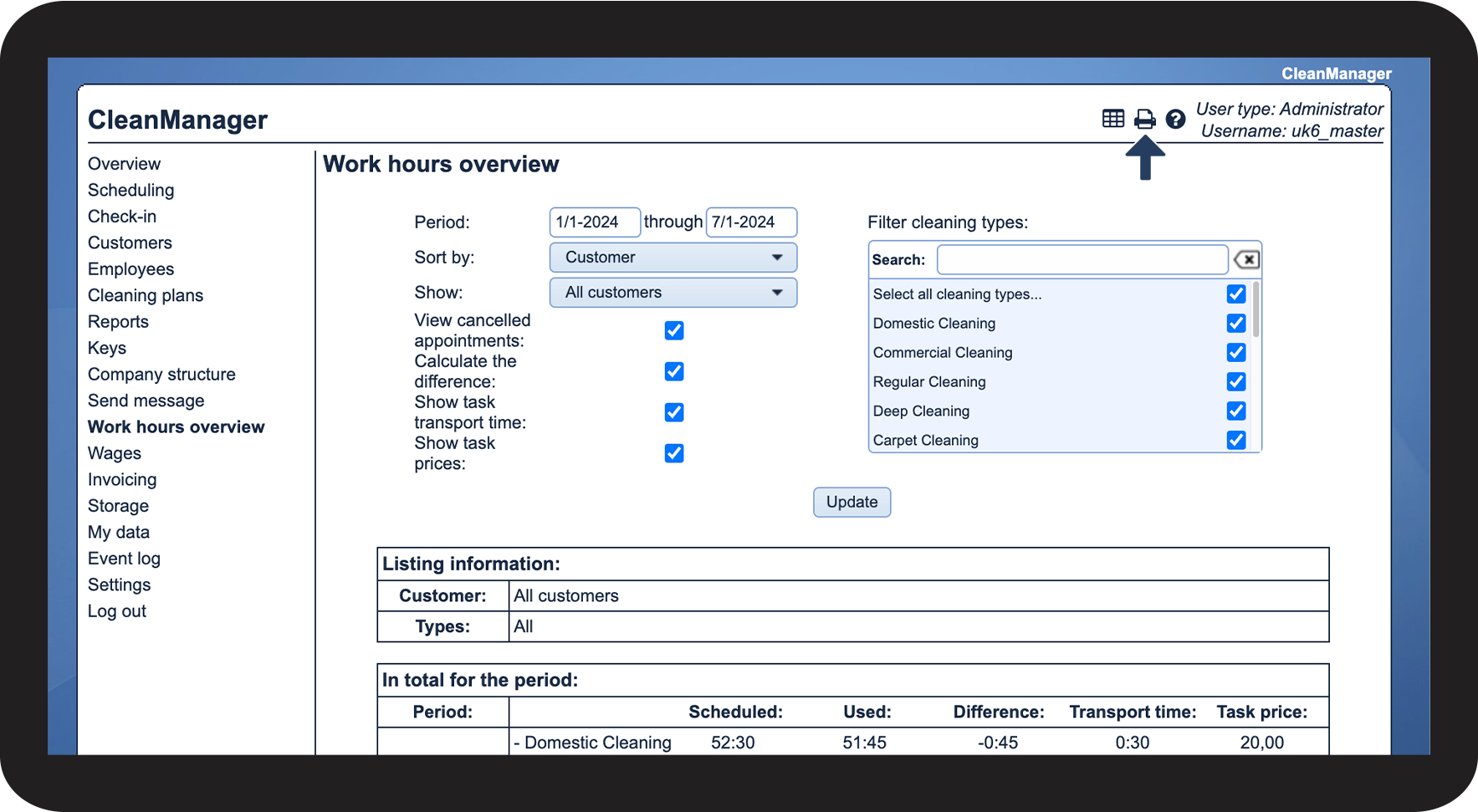
 to save the file as a PDF on your device
 to print out the file