
How can I see, which changes have been made in my customer account?
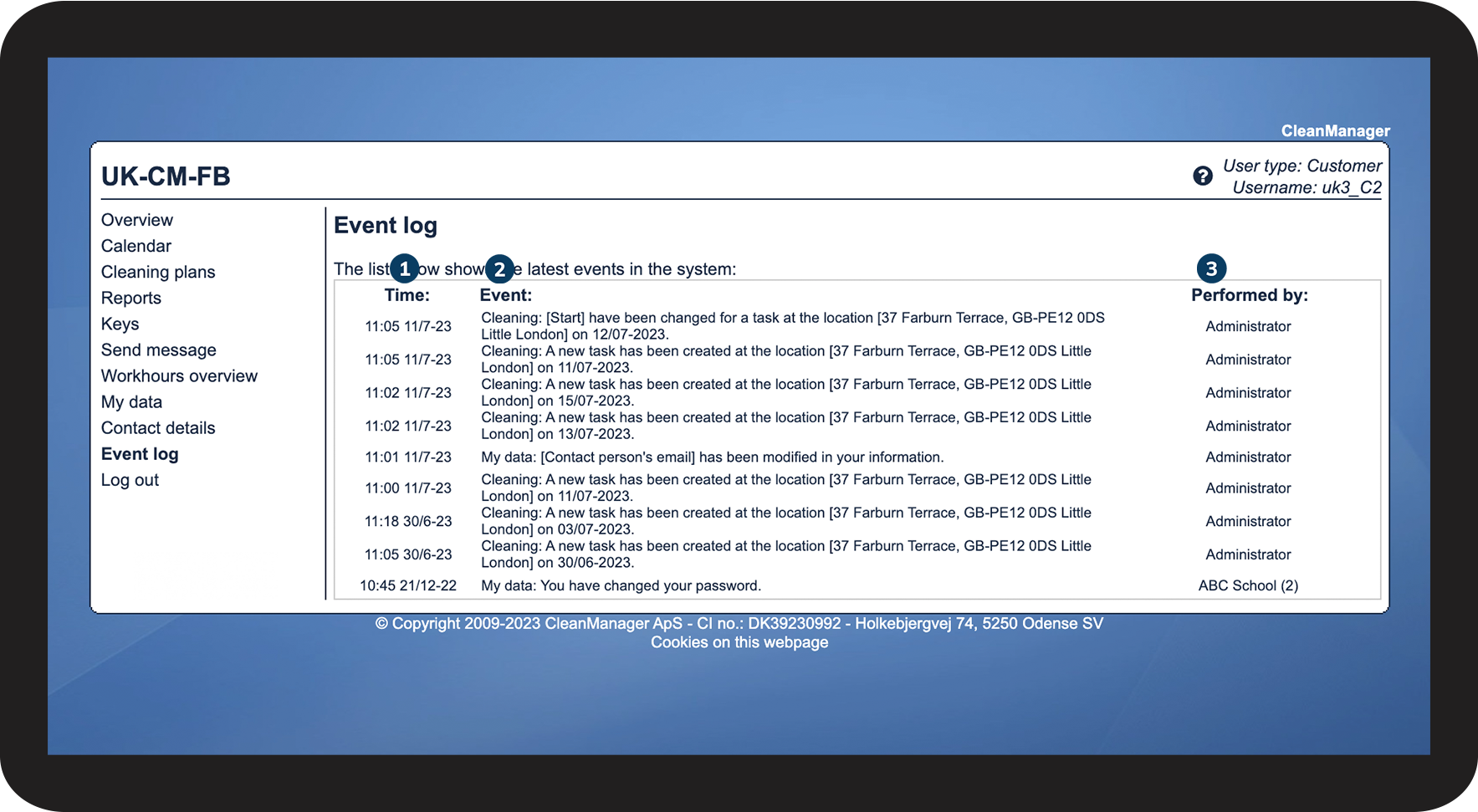
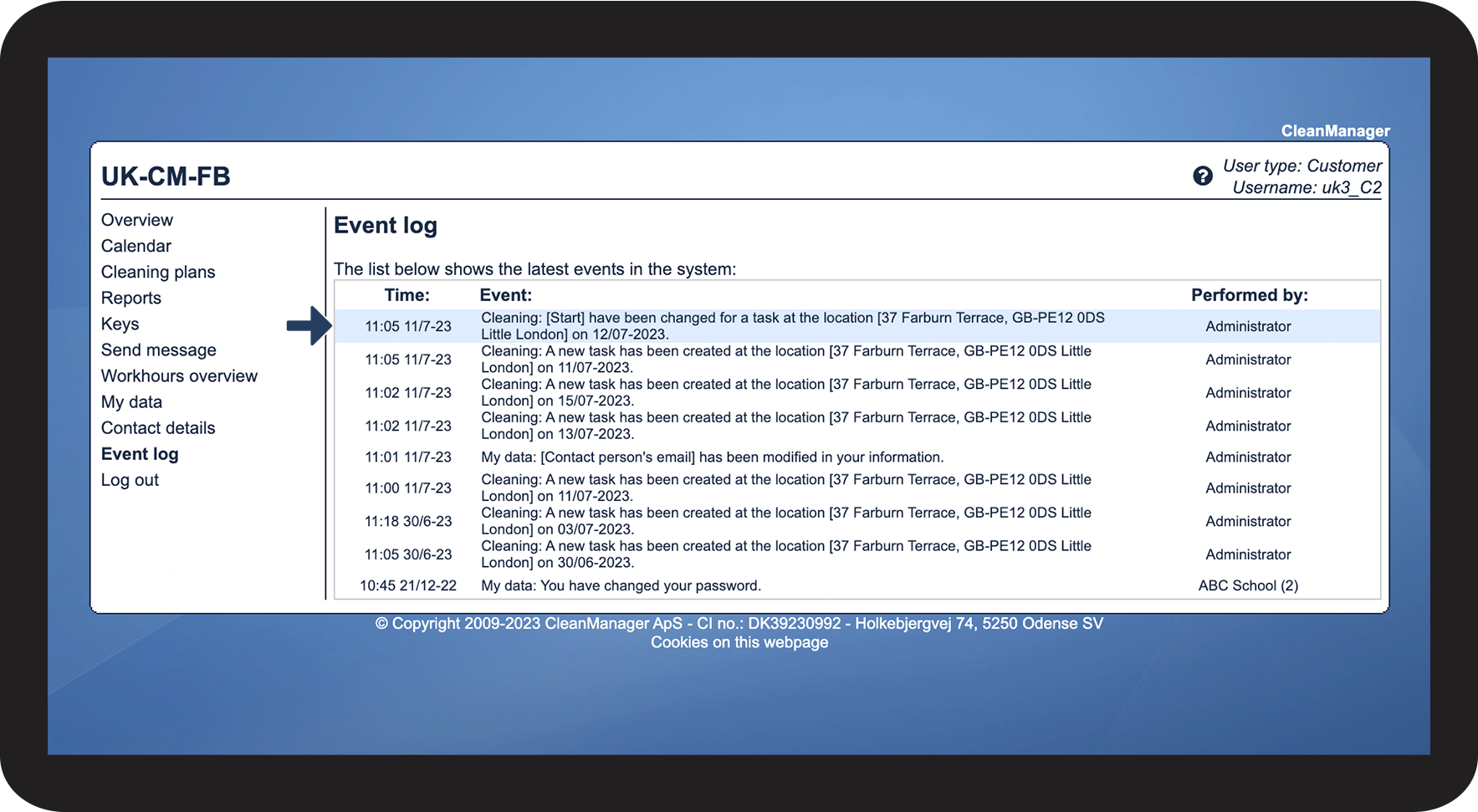
If you have access to CleanManager, then you have the option to see which changes have been made that could have an impact on the service agreements, set up by your cleaning company.
The event log can only display a limited amount of data. This means that if many changes have been made to your tasks and system, it can happen that some changes will no longer be shown if you go too far back in time.
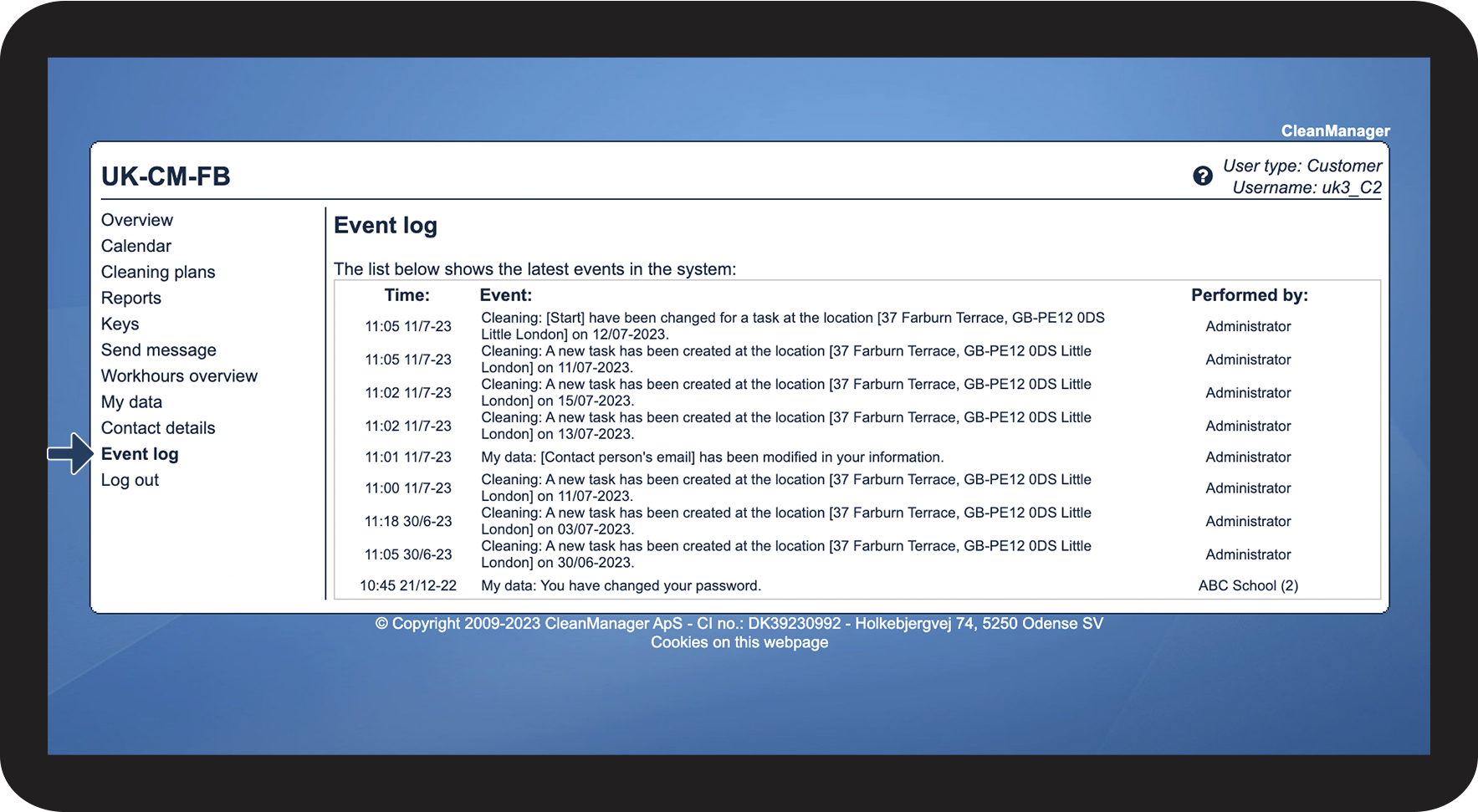
In this article, you will read about how you can access your event log:
This is how you access the event log





INFO:
A quick way to find the information you are looking for is to click on Ctrl + F (PC) or Command + F (Mac) to search in the browser.
By doing this, all results of your search will be shown in the event log.