How do I end a task without an NFC tag?
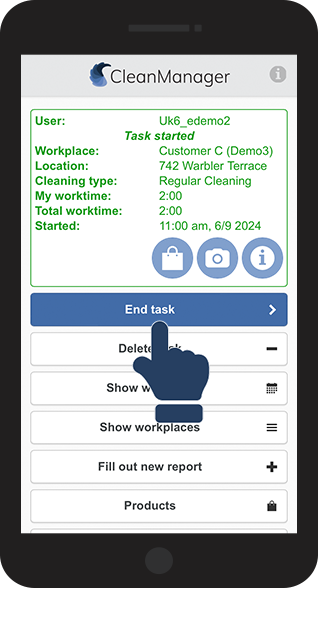
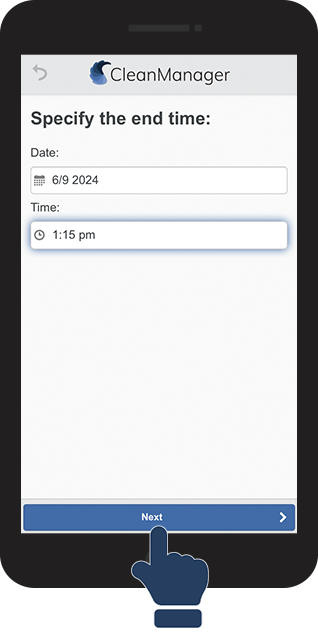
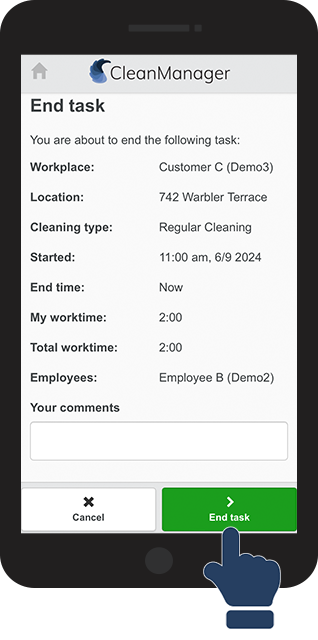
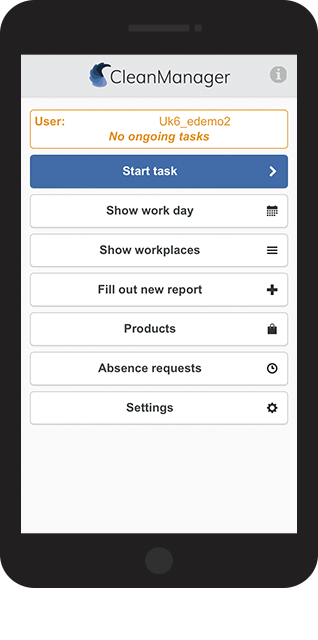
The following user guide will take you through the process of ending a task manually as an employee
In this article, you will learn how to end a task without using NFC tags:
This is how you end a task manually





The following user guide will take you through the process of ending a task manually as an employee
In this article, you will learn how to end a task without using NFC tags: