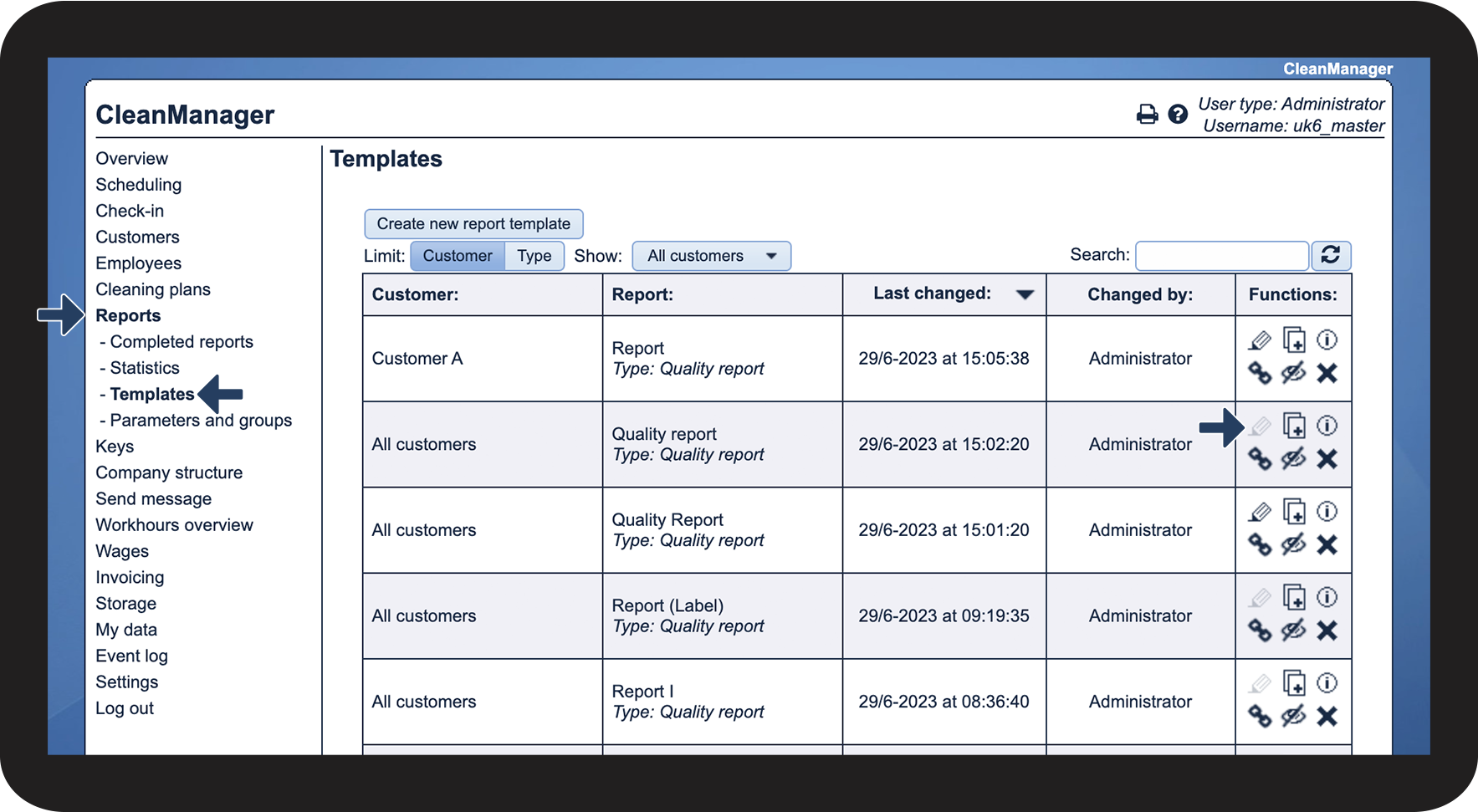
How can the Administrator or Supervisors edit report templates?
The user types administrator and supervisor both have access to edit a report template.
NOTE:
Once you start using a template to fill out reports, you can no longer edit the template. The template will be locked so the statistical data from the completed reports, using this template, cannot be altered.
Should you need to adjust the template, you can make a copy and edit the copy.
In this article, you will learn about how the Administrator and Supervisor can edit templates and how you can see if a template is locked:
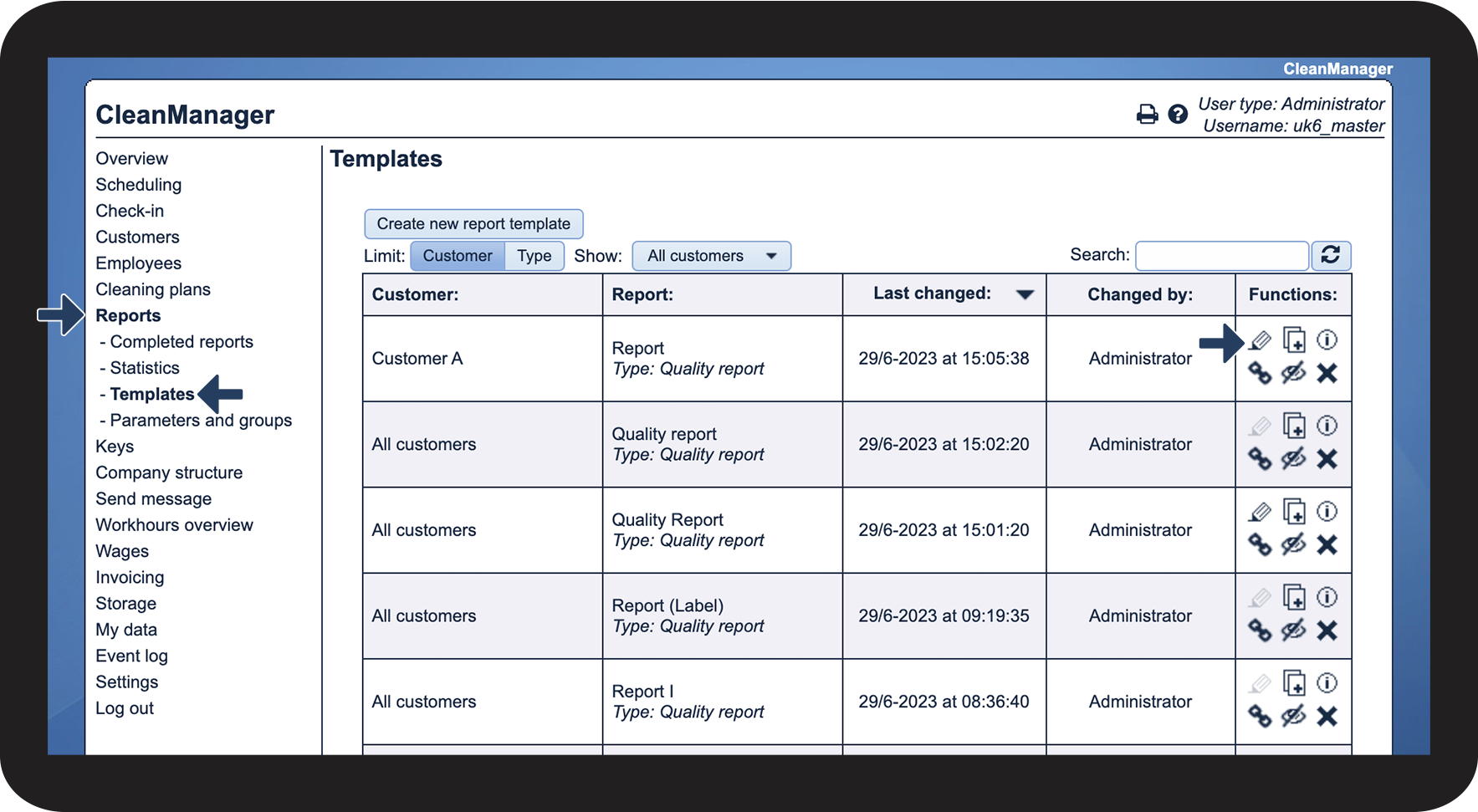
Edit your report template

 to start editing your report template

Check to see if your template is locked