How do I edit invoice intervals?
You have the following two options to edit your invoice intervals:
1) You can change their name.
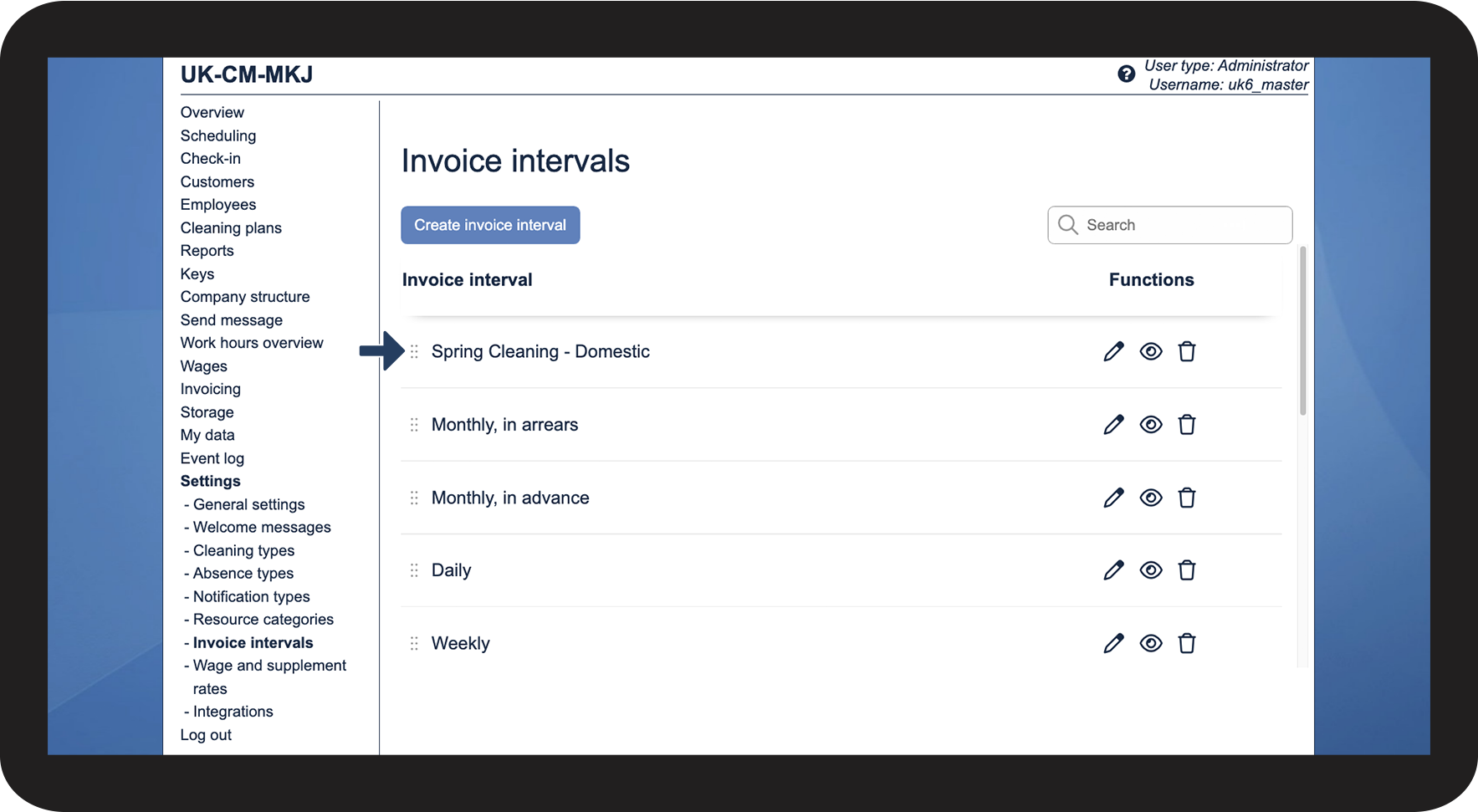
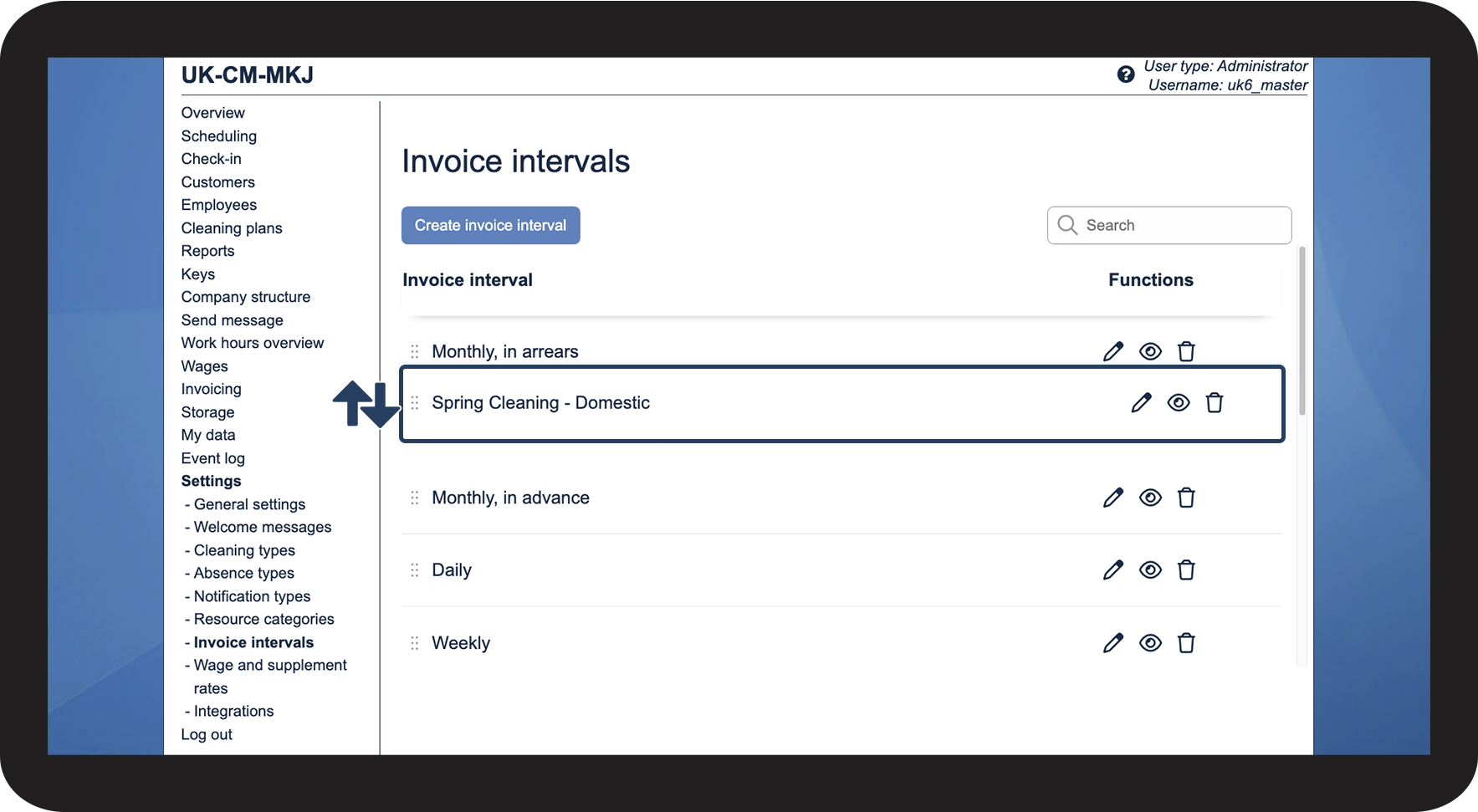
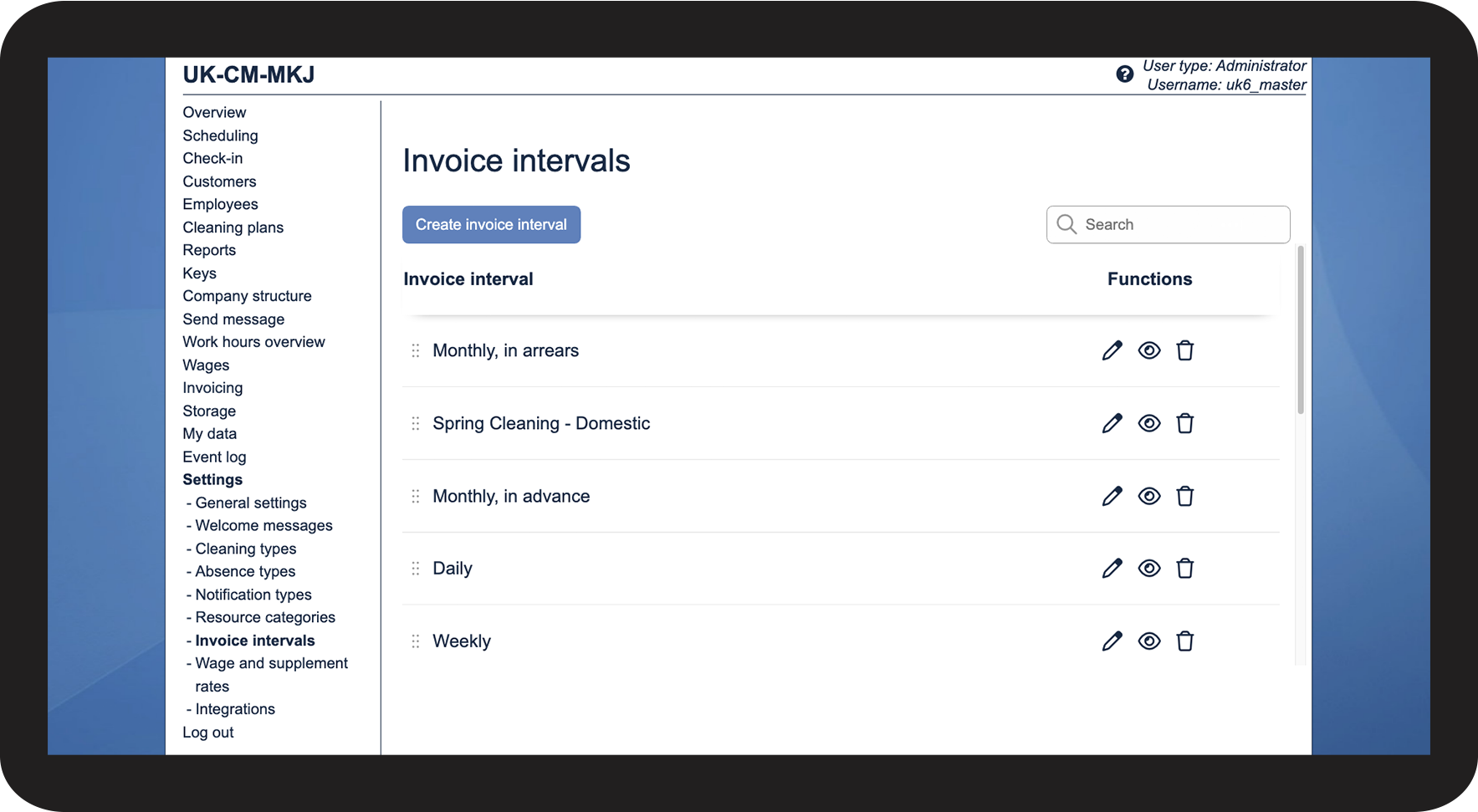
2) You can change the order of your invoice intervals.
In this article, you will learn how to edit the invoice intervals:
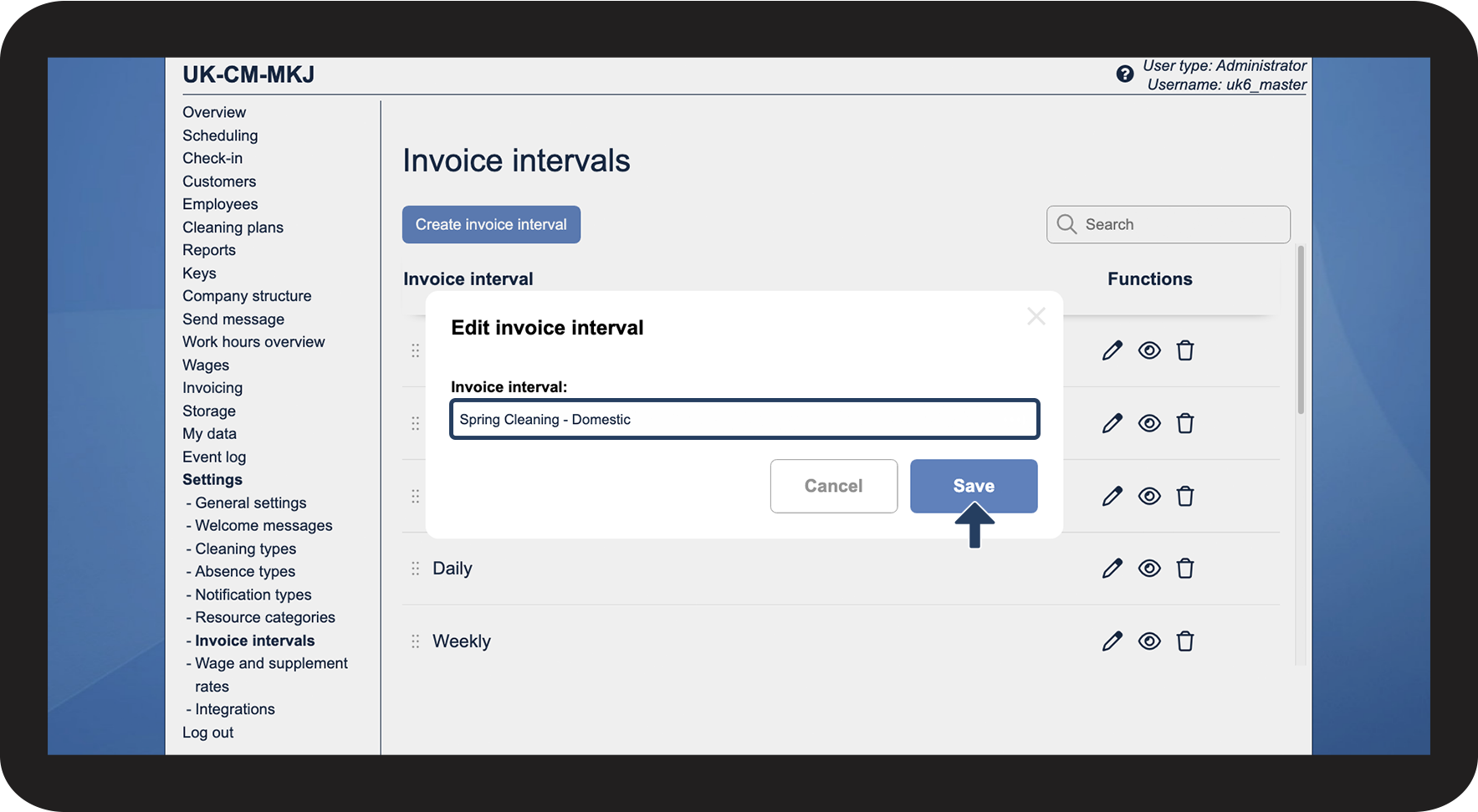
Edit the invoice interval

 next to the interval you wish to change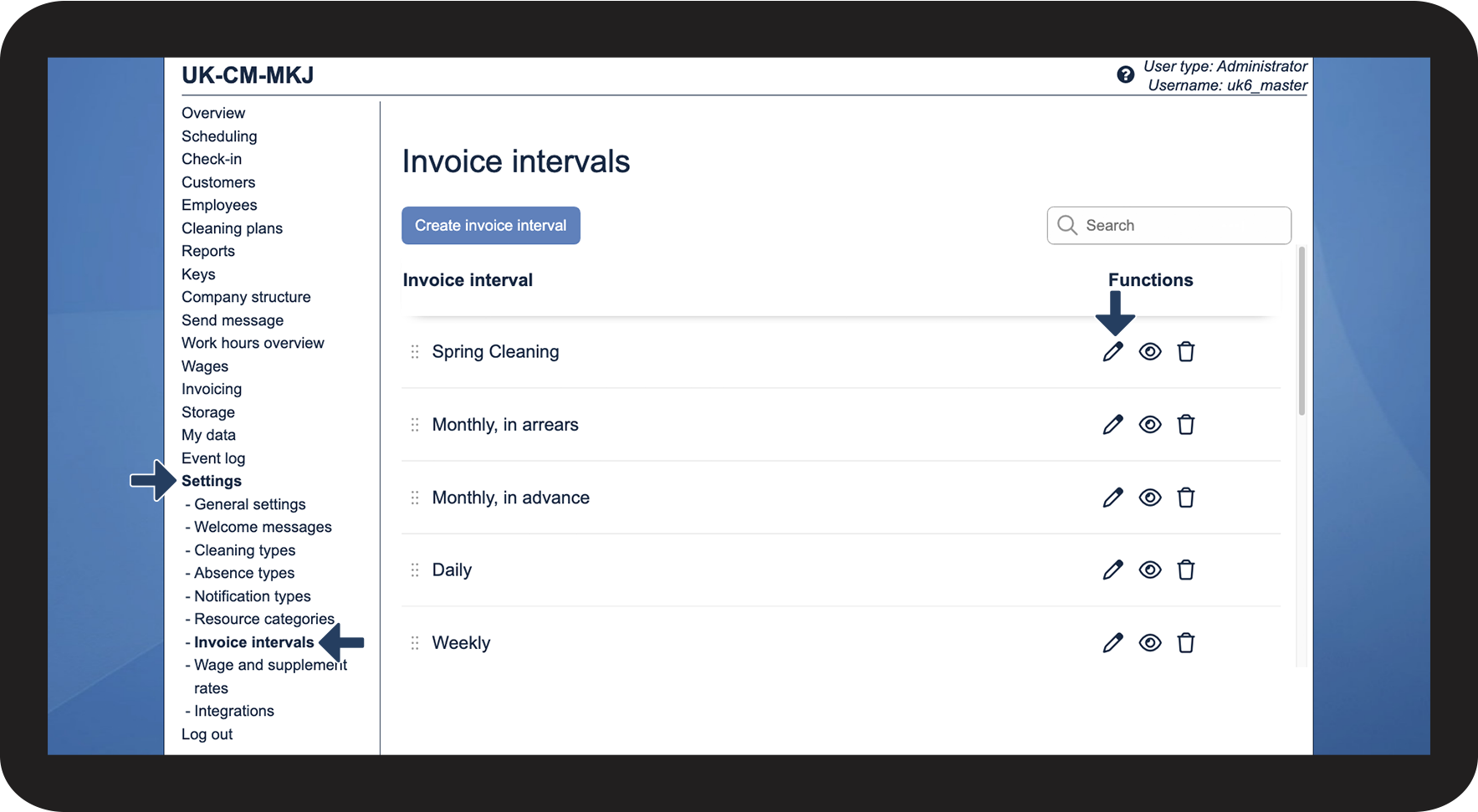

Editing the order of invoice intervals
The order of the invoice intervals also determines the order they are presented in for service agreements, and for filtering your search in the menu Invoicing.