How do I edit cleaning types?
You can always edit and adjust your cleaning types.
Do you want to change the name? Adjust your services so that they better match your company? Or do you want to add a supplement, to your employees executing the tasks?
Note:
Be aware that cleaning types can be in use. Editing them can cause employees´ salaries as well as the invoices for your customers to change.
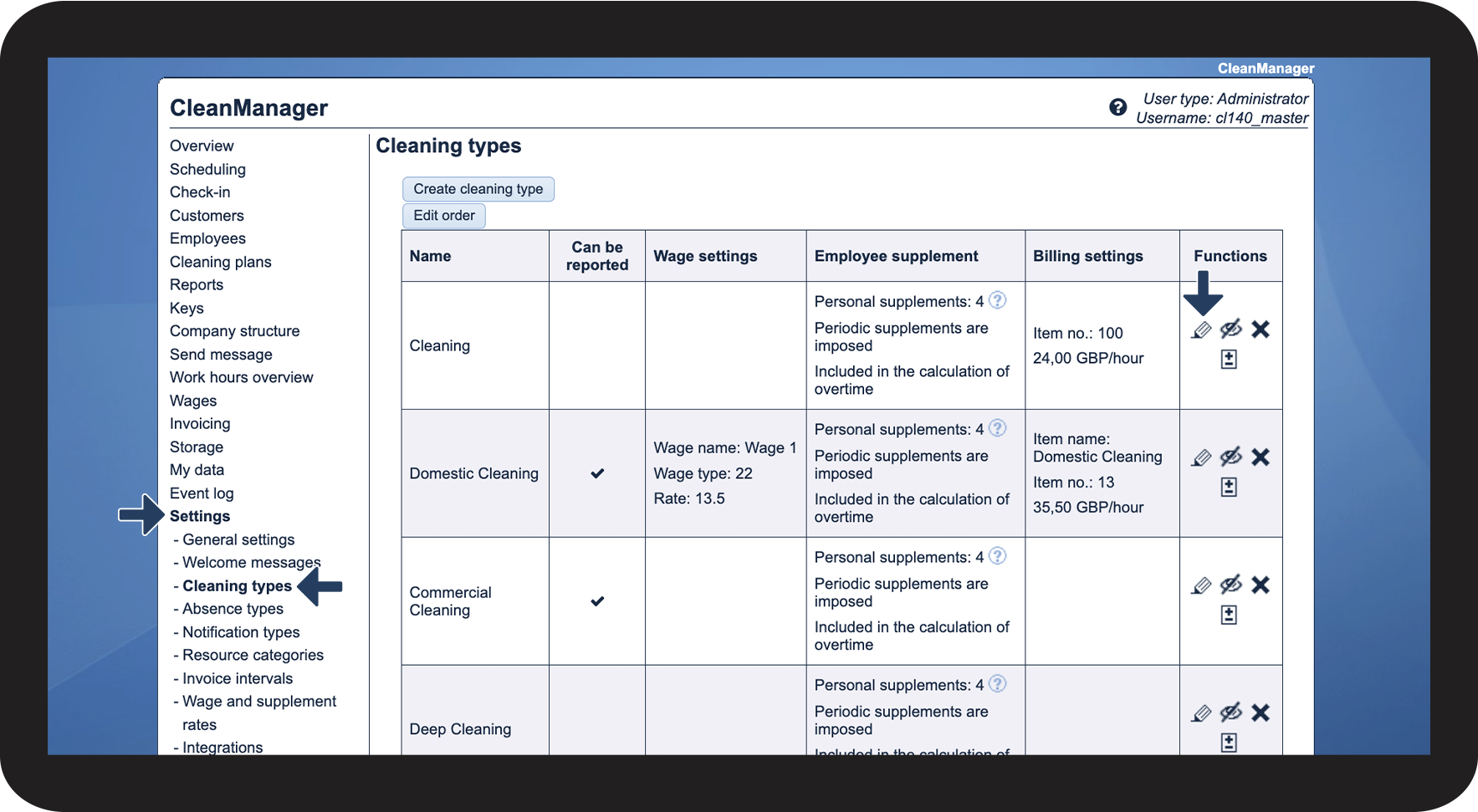
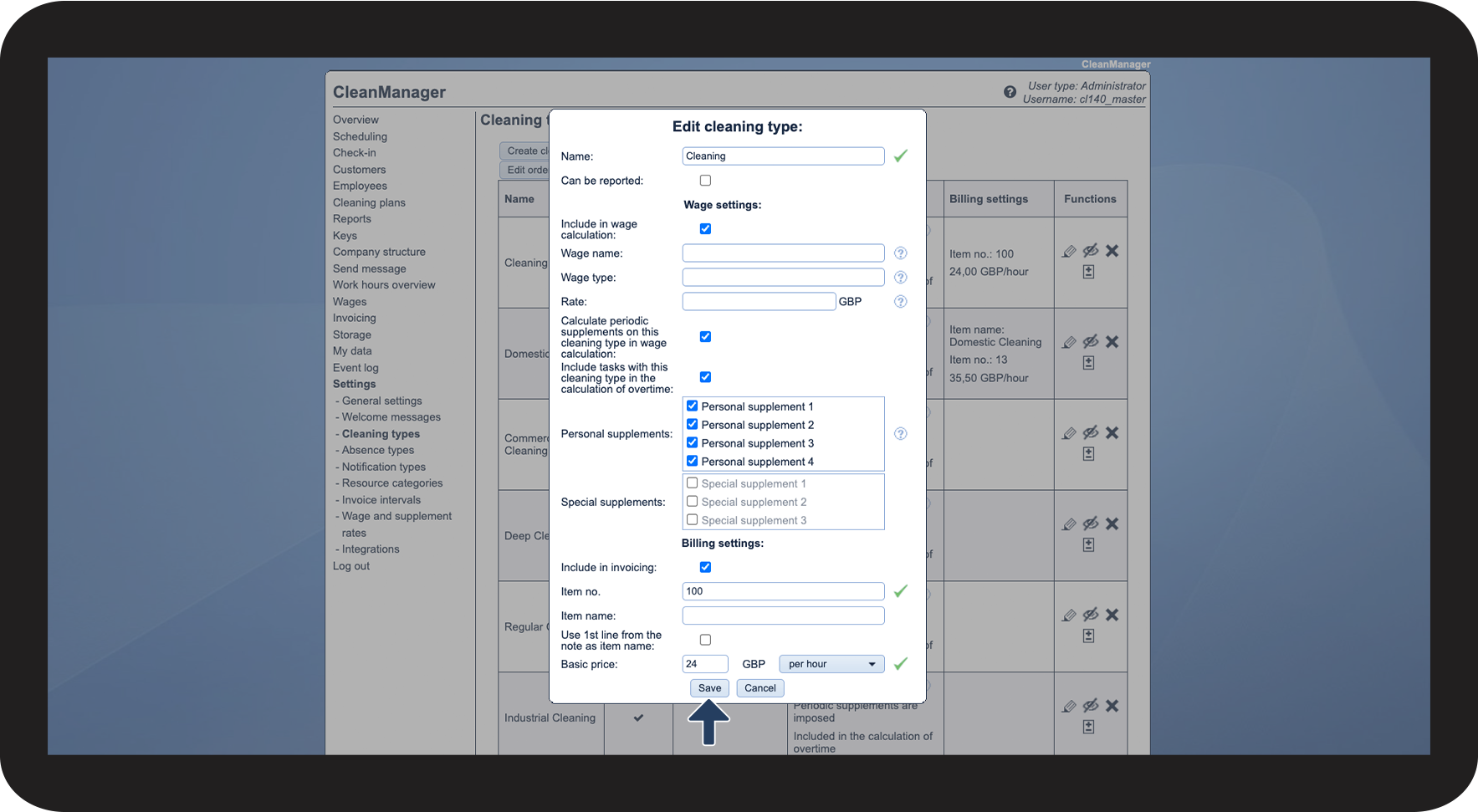
Read this article to find out how you can edit a cleaning type:
Editing cleaning types

 in the functions-column of a cleaning type